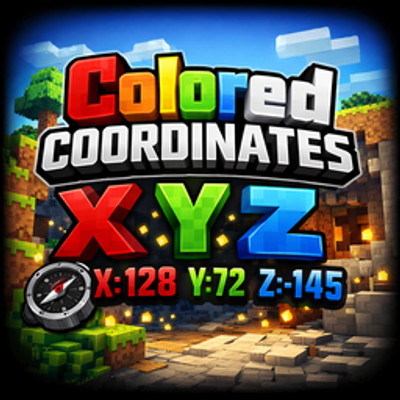
This Resource Pack adds colorful styling to the on-screen coordinates in Minecraft Bedrock.
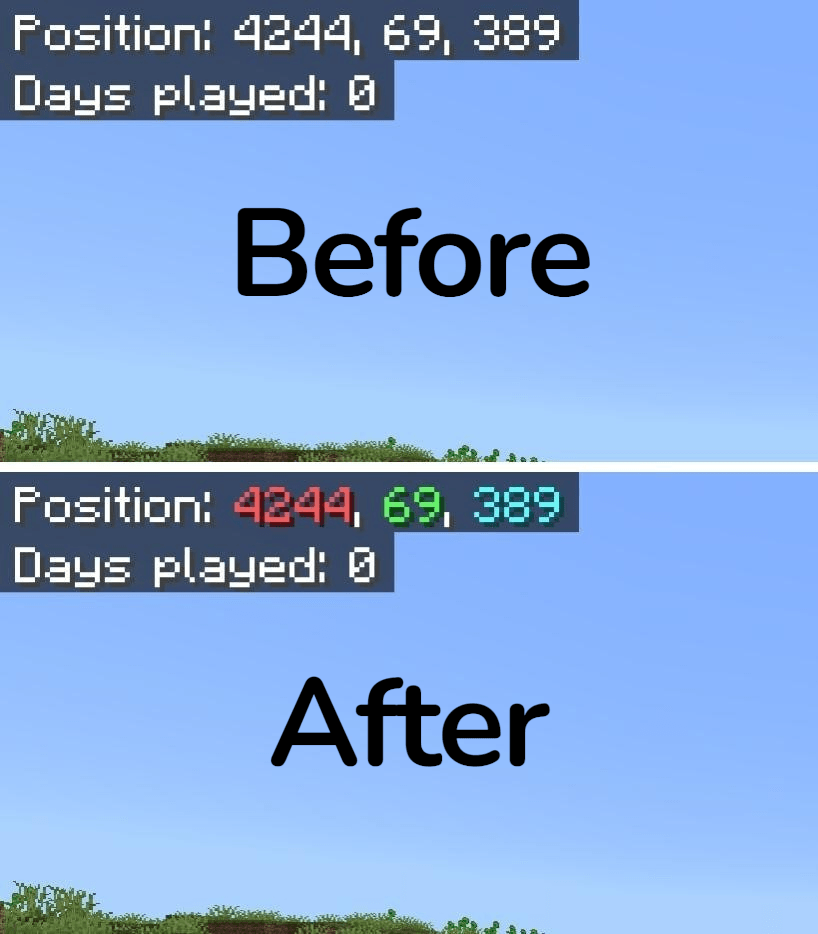
- X coordinate in red
- Y coordinate in green
- Z coordinate in blue
Notes:
- This is a Resource Pack only (no gameplay changes).
- Achievements are not disabled.
- No experimental features are required.
- Language support: English (US) and English (UK) only.
Known Issue:
The Z coordinate color does not match the default Z color used in the Structure Block.
There is currently no § color code that matches it accurately, so the closest available color is used.
Feedback & Voting:
You can support adding a matching § color for Z here
Quick facts
- Edition: Minecraft Bedrock
- File type: .mcpack
- Minecraft versions listed: 1.21, 26.0
- How to install: Download the .mcpack. → Open it — Minecraft imports it under Resource Packs. → Activate it in Global Resources, or for one world under Resource Packs → Available.
- Where to get it: Opens on CurseForge — not every file is mirrored on our own servers.
Install steps are the general flow for this file type — How to install Minecraft Bedrock texture packs walks through it step by step.
Verified by MCModsHub
- Pack type: .mcpack — a single pack
- Manifest requires Minecraft 1.16.0 or newer
- Complete pack — everything it depends on is inside the file
- Download size: 110 KB
- Download link checked 16 Sept 2026 — working
These come from our own check of the pack file, not from the source page.