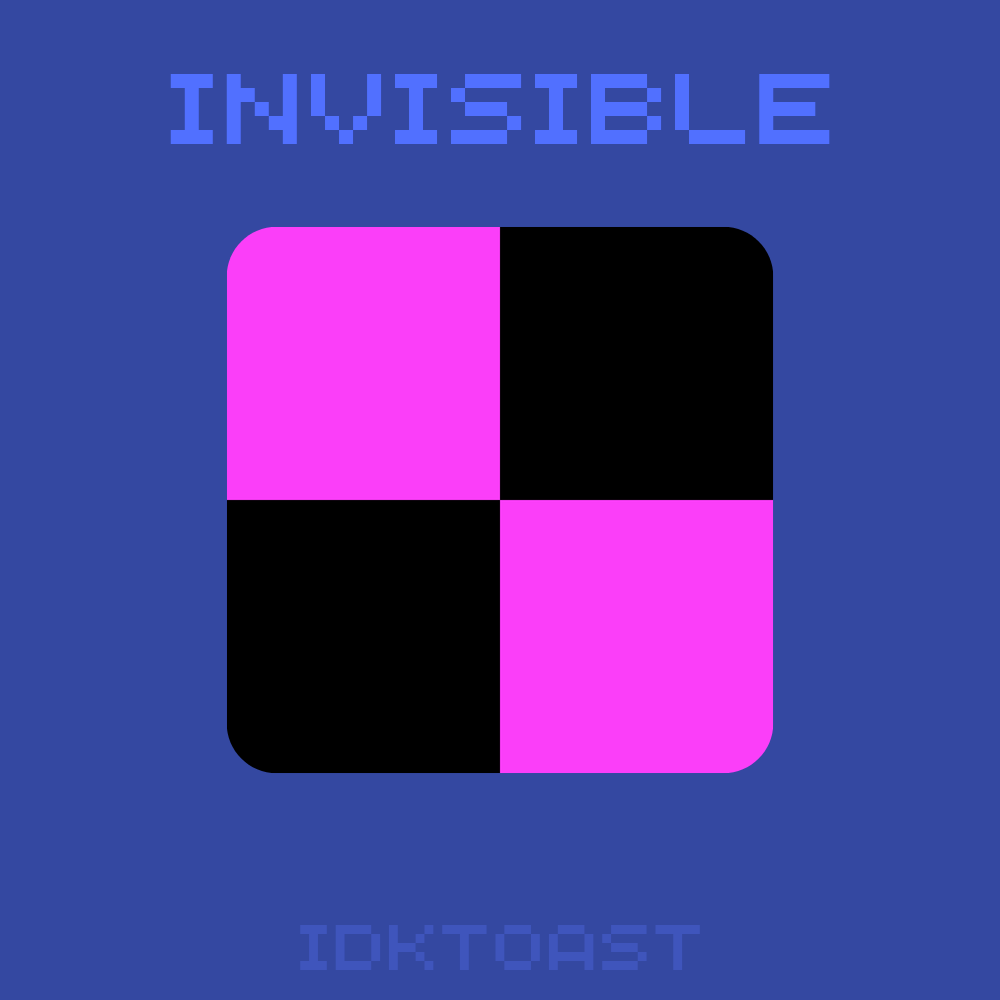
Texture packsBedrock
hidden 'missing_texture.png'
Bedrock texture pack listed for Minecraft 1.21. File opened and checked on 27 Sep 2026; installs from the MC Bedrock Mods app on Android.
⬇ Download on CurseForge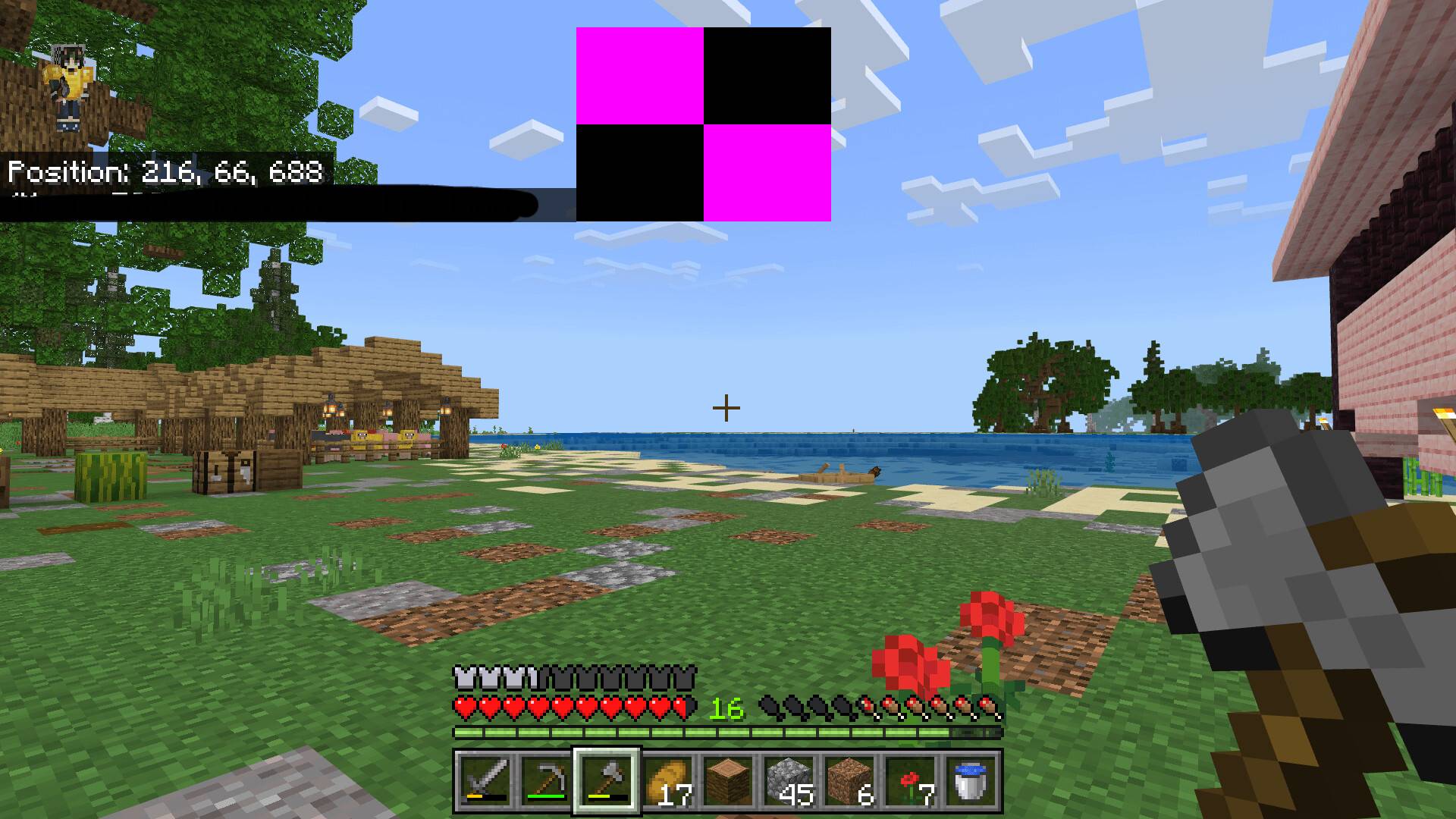
yknow that really annoying checkered square that stretches on your hud screen? if you've ever downloaded a pack that was last updated in 2023, you've probly seen it. its has really good textures, but it has that ugly square. i use an old pack (sagan 16x) and it has this. so i added my pack and the texture is gone! its still there, but invisible!
Quick facts
- Edition: Minecraft Bedrock
- File type: .mcpack
- Minecraft versions listed: 1.21.81, 1.21.93, 1.21.73
- How to install: Download the .mcpack. → Open it — Minecraft imports it under Resource Packs. → Activate it in Global Resources, or for one world under Resource Packs → Available.
- Where to get it: Opens on CurseForge — not every file is mirrored on our own servers.
Install steps are the general flow for this file type — How to install Minecraft Bedrock texture packs walks through it step by step.
File checked by MCModsHub
- Save it as hidden 'missing_texture.png'.mcaddon before opening — it downloads as .mcpack, but it is a .mcaddon pack
- Manifest requires Minecraft 1.21.100 or newer
- Complete pack — everything it depends on is inside the file
- Download size: 7 KB
- Download link checked 6 Oct 2026 — working
These come from our own check of the pack file, not from the source page.