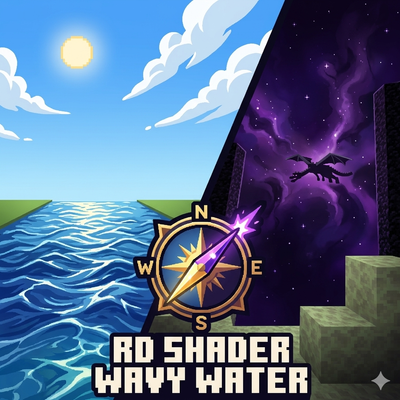
Mrmine_Tasty_Shader.mcpack
Bedrock texture pack listed for Minecraft 1.21. Download on the author's site.
An optimized Render Dragon shader featuring realistic wavy water animations, cinematic biome fogs, and high-contrast atmospheric lighting.
⬇ Download on CurseForge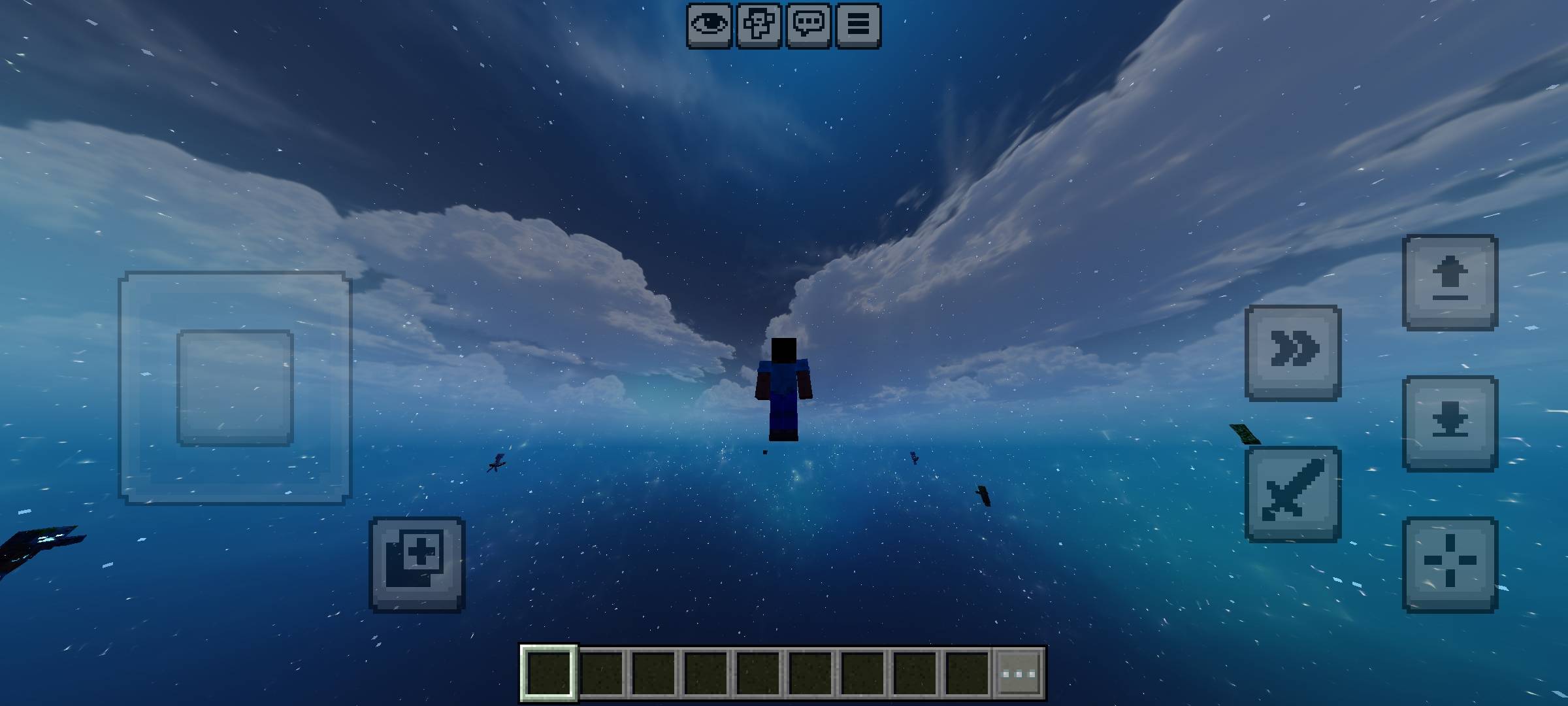
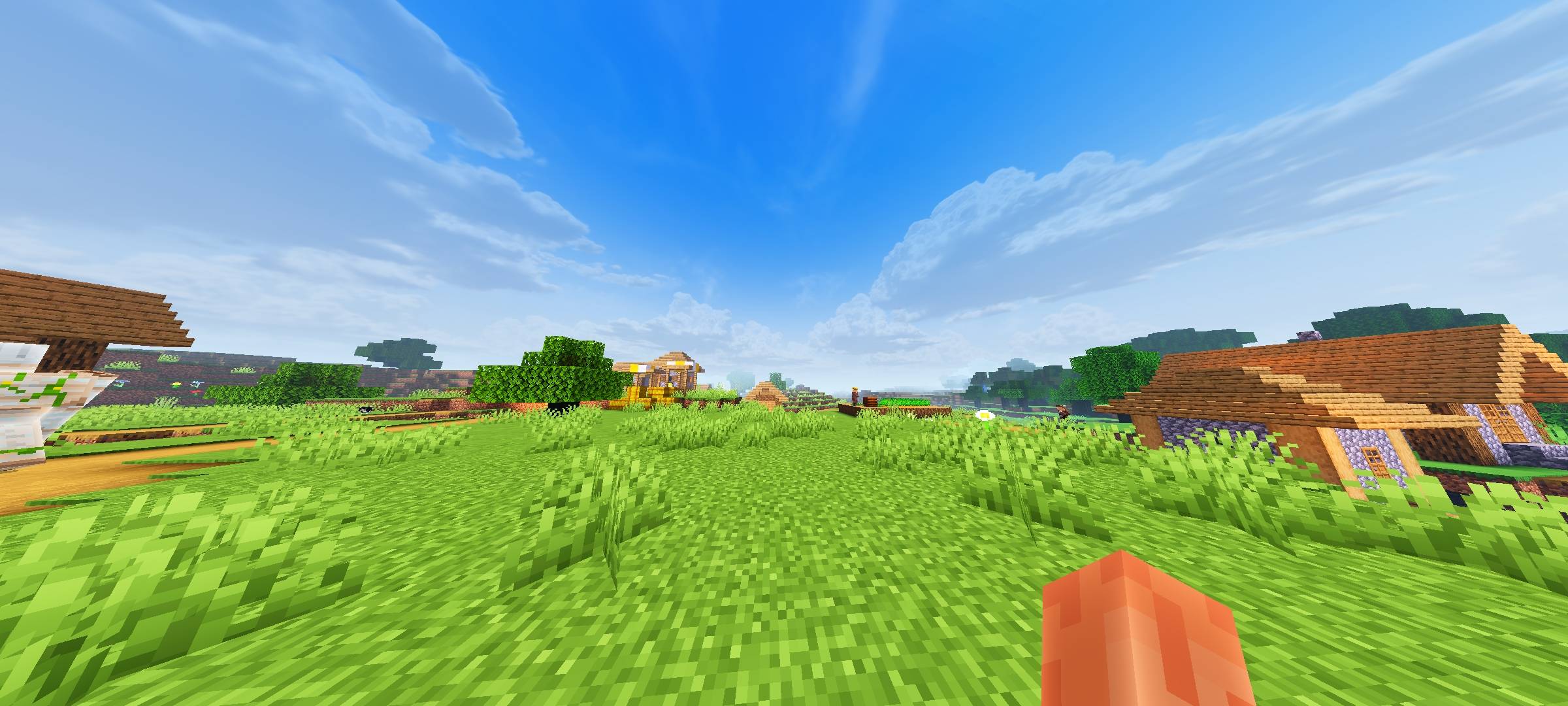
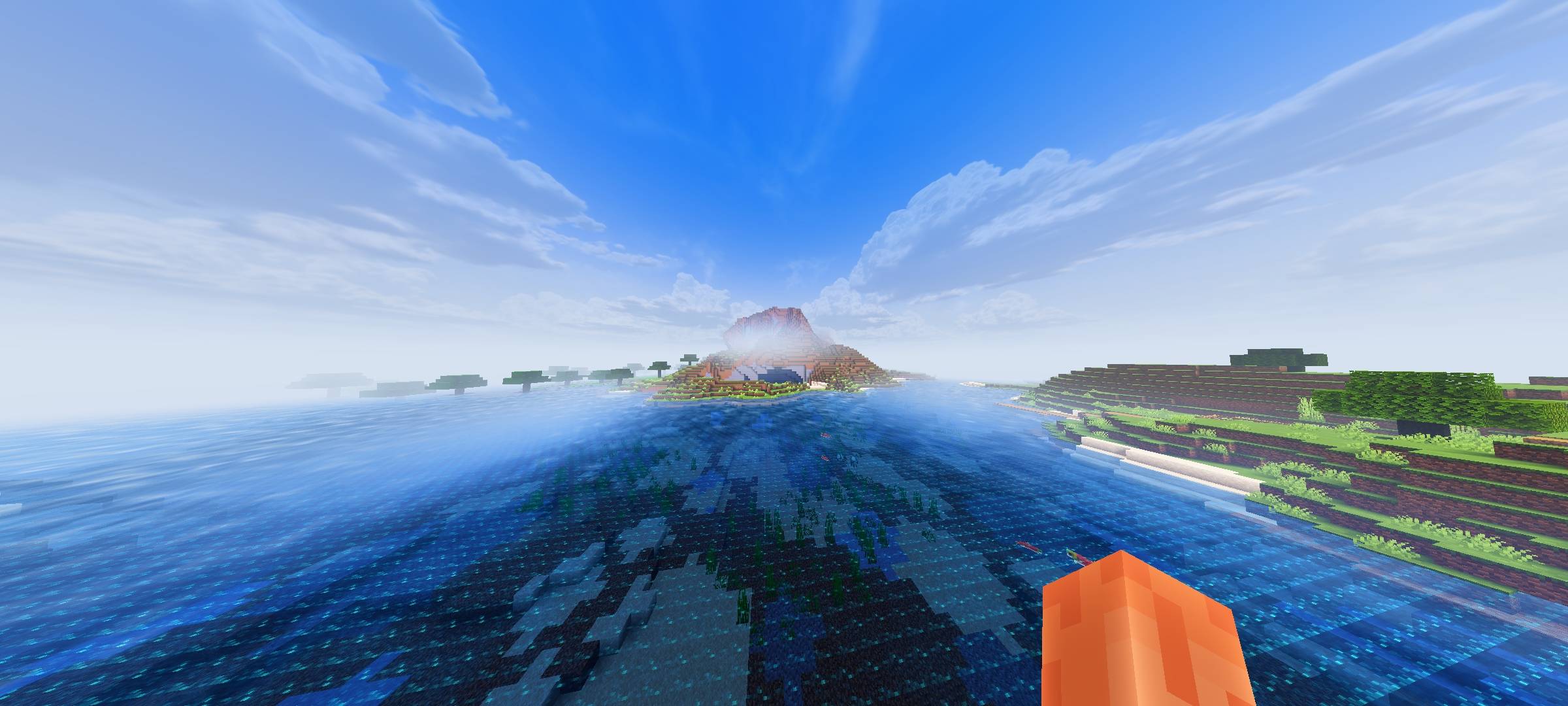
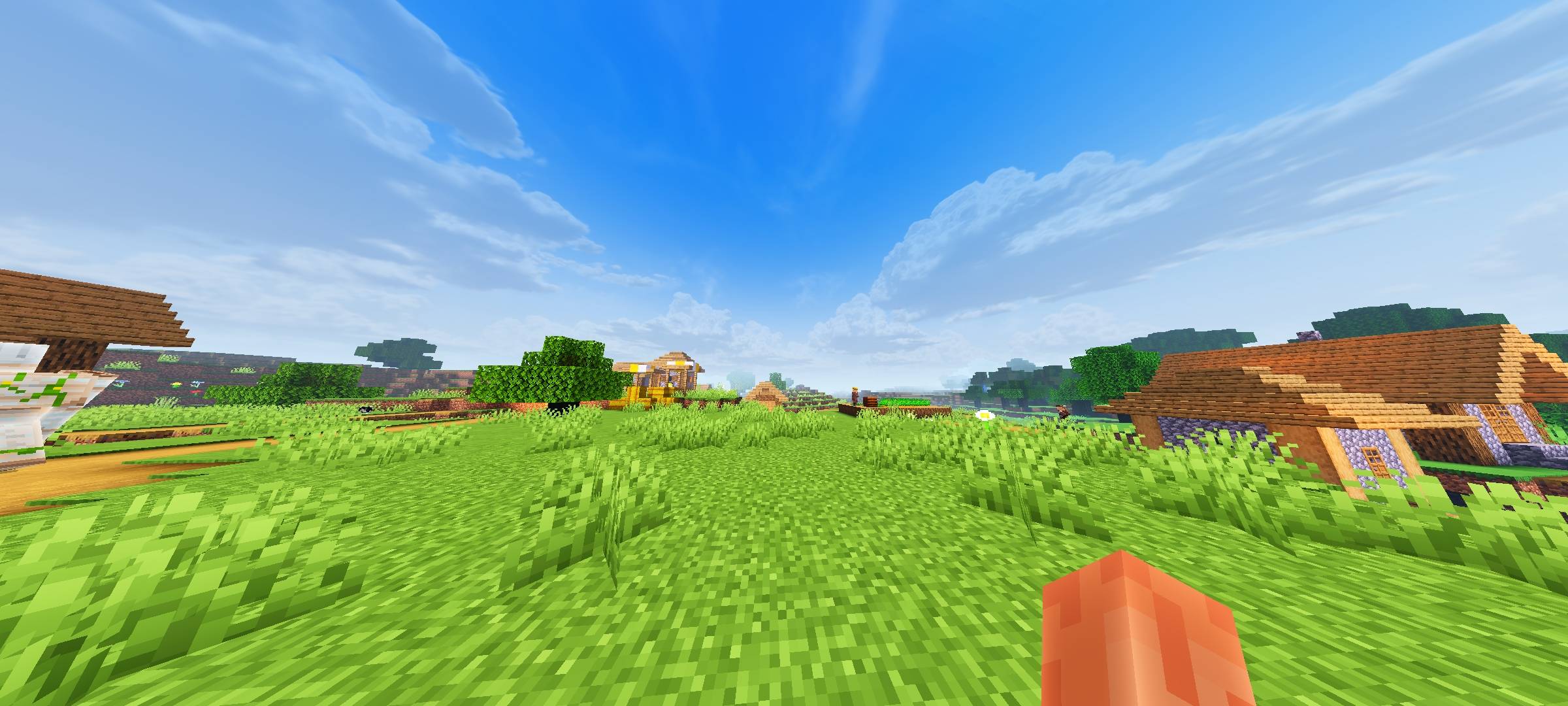
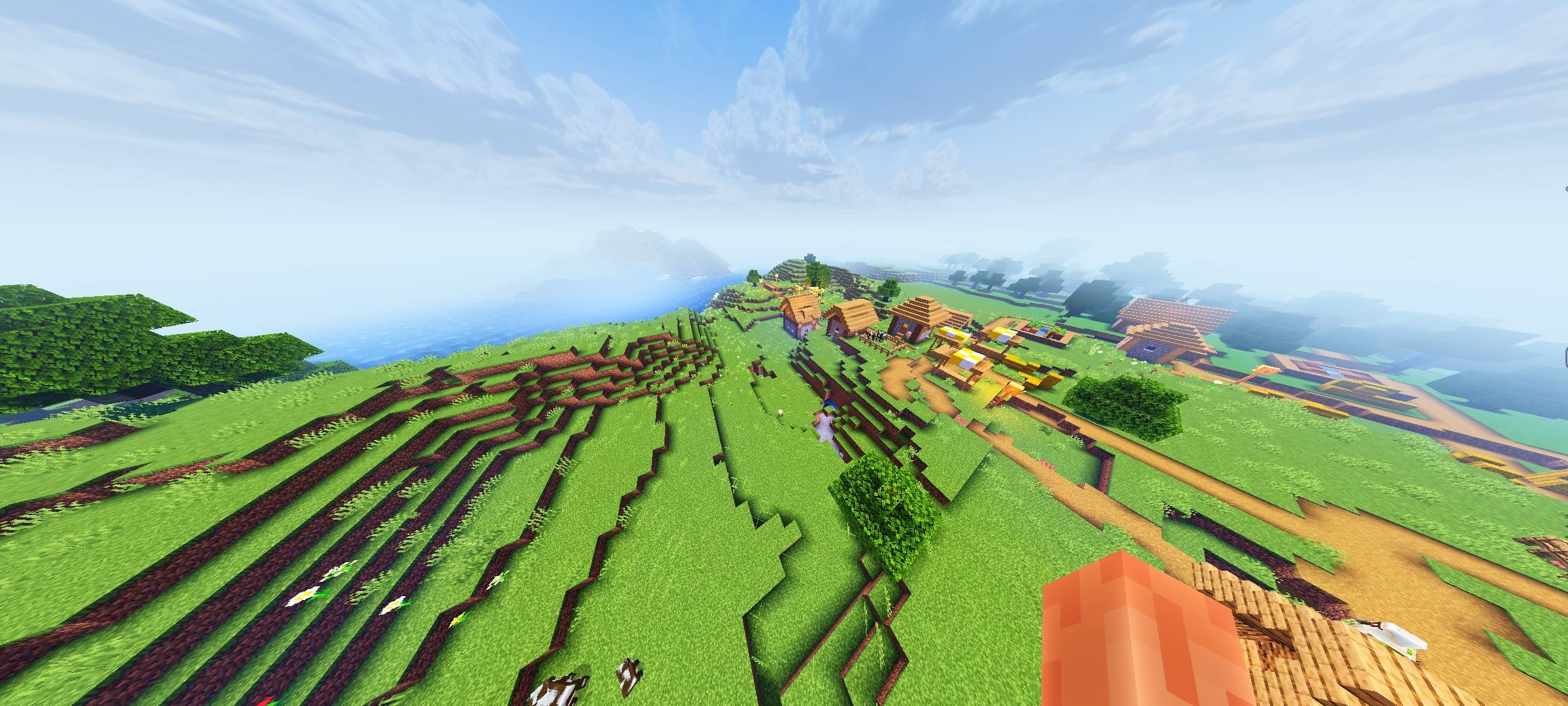
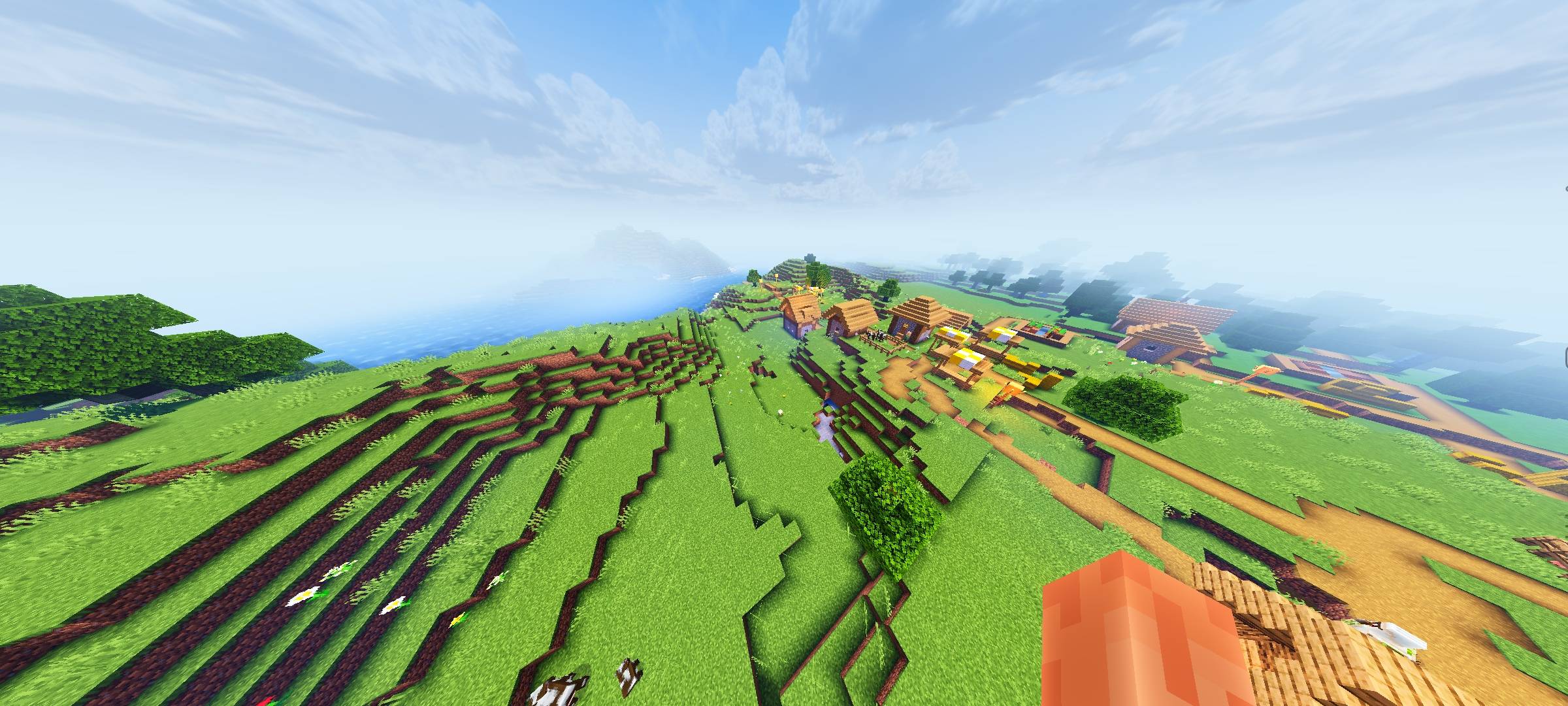
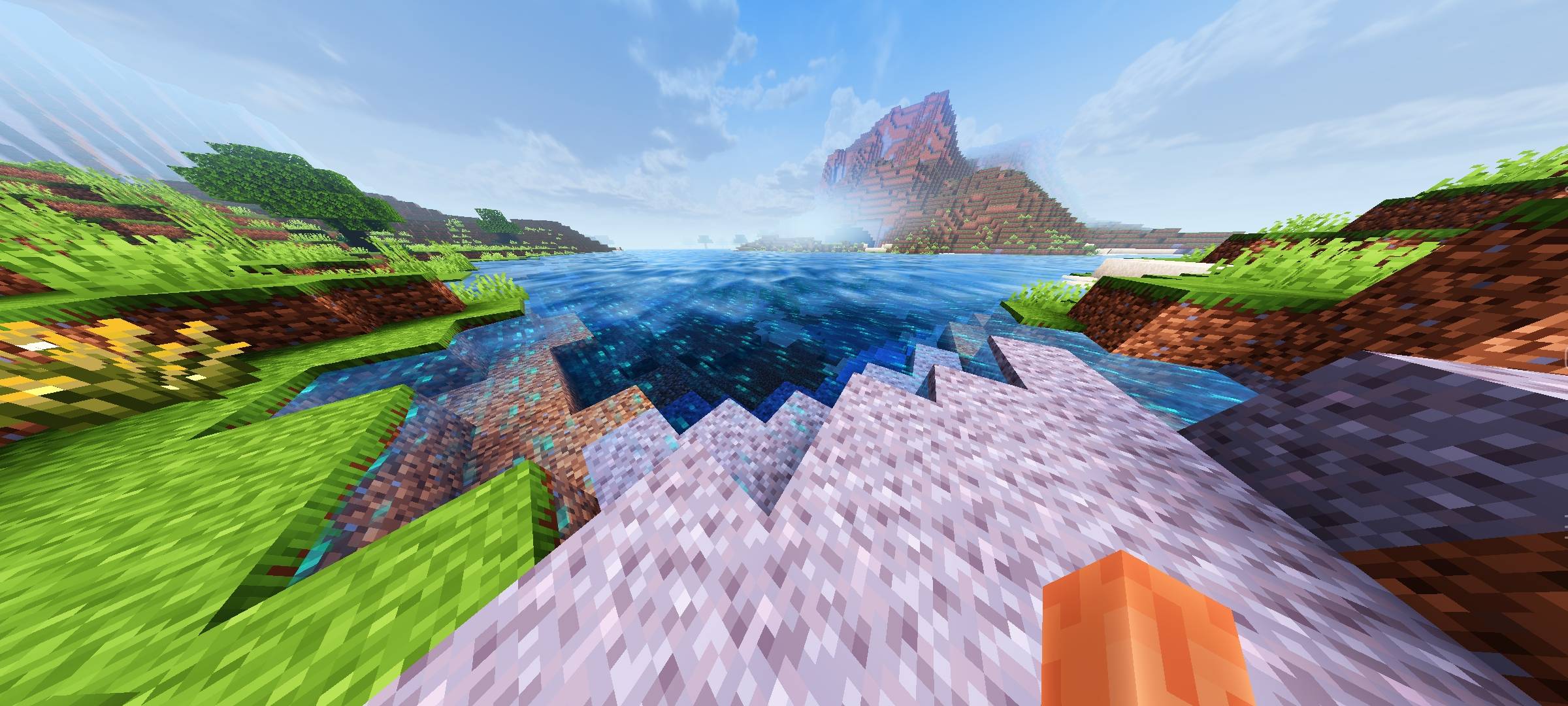
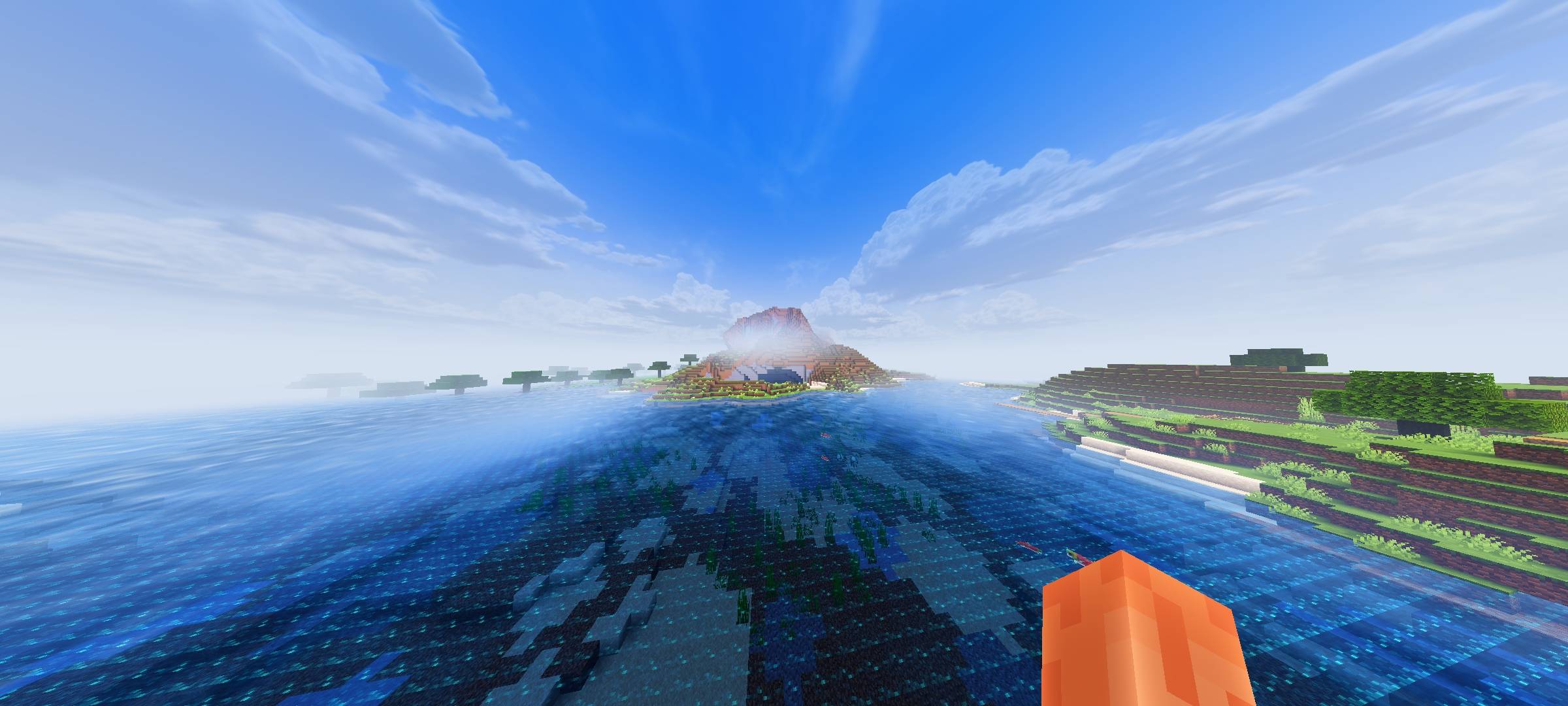
Welcome to the ultimate visual enhancement pack for Minecraft Bedrock (Render Dragon Engine)! This shader pack is meticulously optimized to deliver a high-contrast, premium aesthetic while maintaining butter-smooth performance and flawless chunk loading. 🔥✨
🎮 Key Features:
Realistic Wavy Water: Fully custom transparent pass injection giving smooth water animations, realistic refraction, and crystal-clear lighting. 🌊
Cinematic Atmospheric Fog: Balanced fog densities that enhance depth of field without making the horizon invisible. 💨
High-Contrast Lighting: Deep shadows, vibrant daytime colors, and beautiful cloud blending for a premium shader vibe. ☀️
Optimized Chunk Loading: Engineered structures ensuring rapid vertex processing and zero invisible block glitches. 💎
Universal Compatibility: Designed strictly around Render Dragon parameters to avoid crash-loops and daylight/white-out bugs. 🛠️
🛠️ MB Loader: Creator Tutorial 🚀
Hey Creators! If you want to use this pack as a base to load your custom assets, shaders, or heavy fogs without causing engine crashes, follow this official guide! 💎⚙️
📂 1. Core Folder Structure (Setting Up Directories) 🏠
MB Loader requires a highly specific file structure to read assets properly. Any casing mistakes (capital letters) will cause chunks to become completely invisible! ⚠️
Your_Pack/ ➔ fogs/ (All custom biome fog files go here) 💨
Your_Pack/ ➔ renderer/materials/renderchunk.material (The single combo material file) 📄
Your_Pack/ ➔ shaders/glsl/ ➔ renderchunk.vertex 🌊 and renderchunk.fragment 🔮 (Always keep file names completely lowercase!)
🔮 2. Material Binding & Combo Files 🧱
The most common cause of Render Dragon crashes is file collision from hosting multiple separate .material files in the directory 💥.
The Solution: Always merge all your custom shader configurations (such as EndSky, SunMoon, and RenderChunk) into one single renderchunk.material JSON file! 🤝
Avoid .bin Extensions: Make sure to delete any pre-compiled renderchunk.material.bin files inside the folder. The engine must only read our custom text-based JSON file. ❌
🧹 3. The Golden Rule: Resetting Storage Cache! 🚨
If you are actively editing shader code and experience the "Invisible World Glitch" where chunks refuse to render, the game engine's internal cache is locked. Follow these steps to force a refresh:
Deactivate the Pack: Go to Minecraft Settings ➡️ Global Resources and deactivate your resource pack 🛑.
Switch Storage Location: If your file storage is set to "Application", move it over to "External" in the storage settings so corrupt files don't get trapped in hidden game directories 📂.
Clear App Cache: Go to Android Settings ➡️ Apps ➡️ Minecraft ➡️ Storage ➡️ Tap "Clear Cache" (Do NOT clear data, only clear cache!) 🧼.
Fresh Boot: Close Minecraft from your phone's background processes entirely. Relaunch the game, activate your pack, and your blocks will render flawlessly! 🌟
📥 Installation & Setup:
Download the .mcpack file.
Import it into Minecraft Bedrock.
Go to Settings > Global Resources and activate the pack.
Important Cache Note: If you encounter any visual rendering bugs, please follow the creator cache-reset guide detailed above! 🛠️
🏷️ Search Tags:
Shaders, Render Dragon, Wavy Water, MB Loader, PBR Compatible, Bedrock Shaders, High Contrast, Realistic Water, Lag-Free Shaders
- Edition: Minecraft Bedrock
- File type: .mcpack
- Minecraft version listed: 1.21
- How to install: Download the .mcpack. → Open it — Minecraft imports it under Resource Packs. → Activate it in Global Resources, or for one world under Resource Packs → Available.
- Where to get it: Opens on CurseForge — not every file is mirrored on our own servers.
Install steps are the general flow for this file type — How to install Minecraft Bedrock texture packs walks through it step by step.
Mrmine_Tasty_Shader.mcpack is a free Minecraft Bedrock texture pack. Compatible with Minecraft 1.21. Downloaded 613 times (via CurseForge). Download it and open it directly in the game.