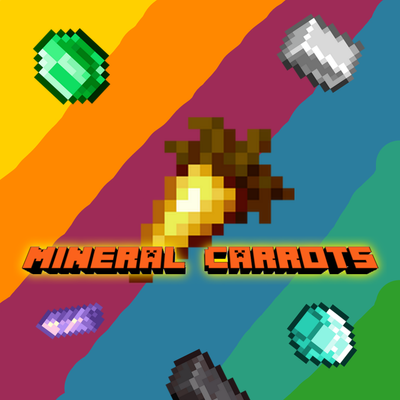
Mineral Carrots
Bedrock texture pack listed for Minecraft 1.21–26.x. File opened and checked on 1 Oct 2026; installs from the MC Bedrock Mods app on Android.
⬇ Download on CurseForge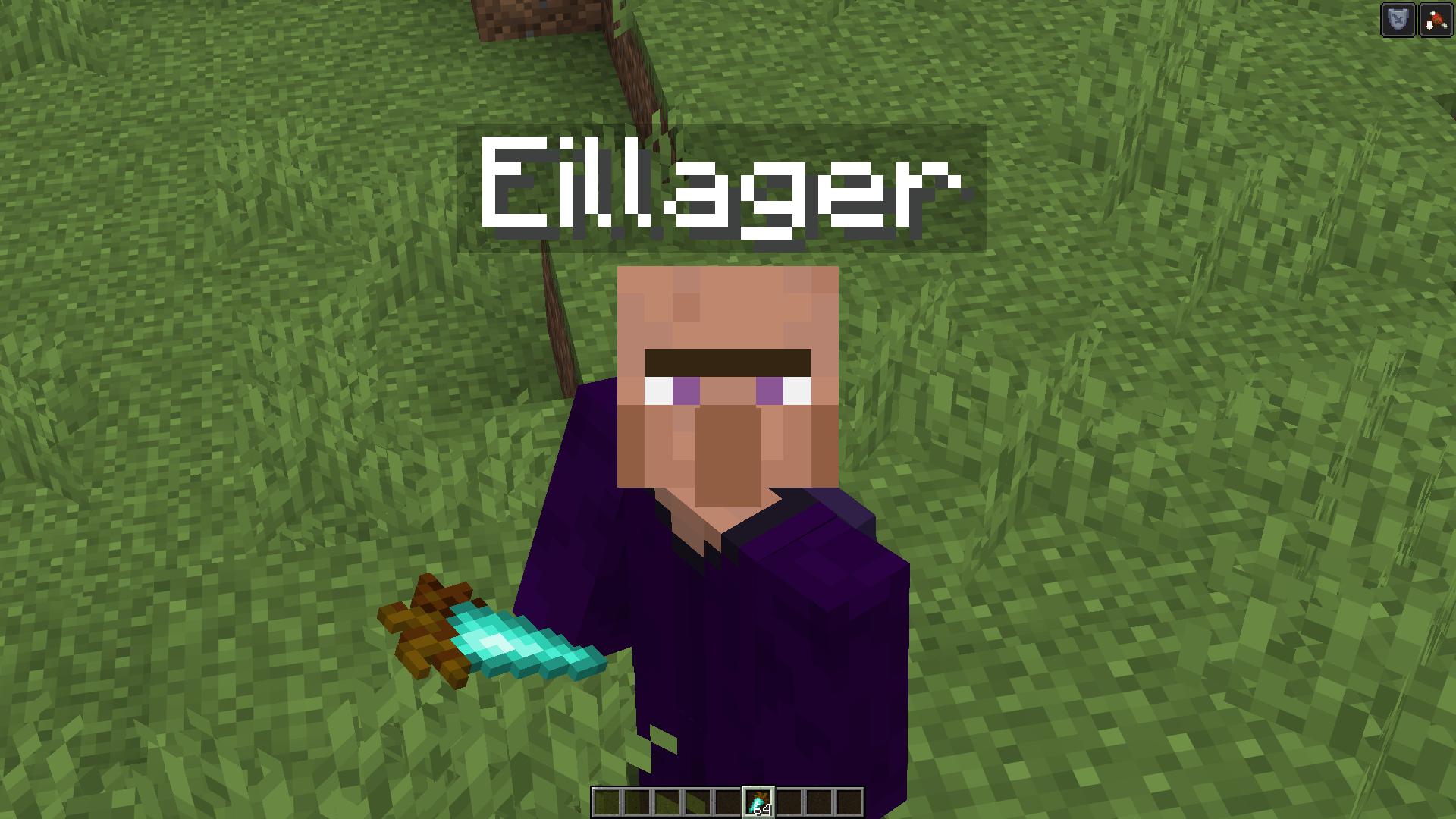
Aren't you just bored of the Golden carrot? Wished it was a different mineral? Well this texture pack is for you! This texture pack allows you to choose from all of Minecraft's Minerals to replace the Golden Carrot!
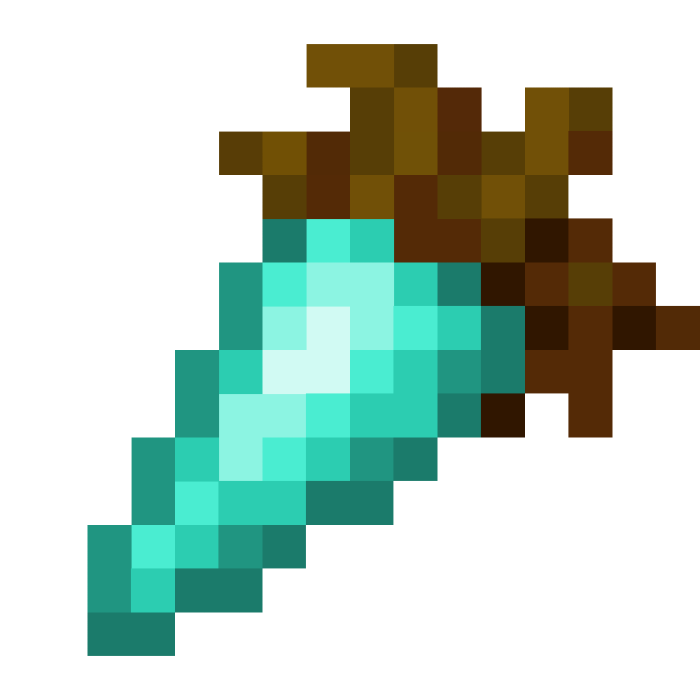
Here are all of the different minerals you can choose to replace the Golden Carrot, starting off with Diamond,
Netherite,
<figure class="image">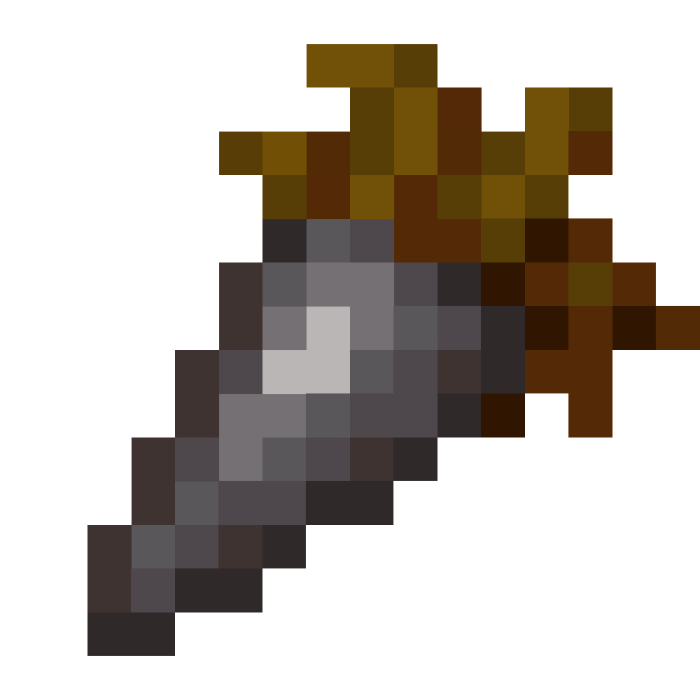 </figure>
Emerald,
<figure class="image">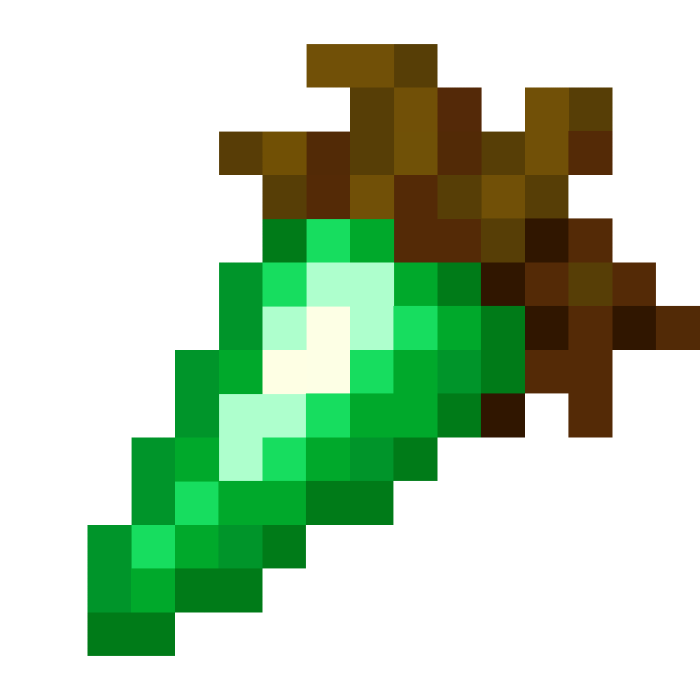 </figure>
Iron,
<figure class="image">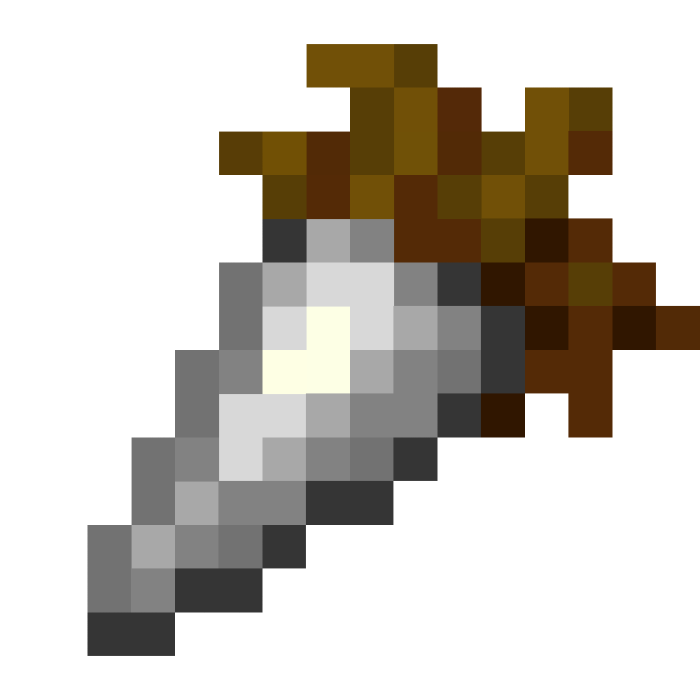 </figure>
Copper,
<figure class="image">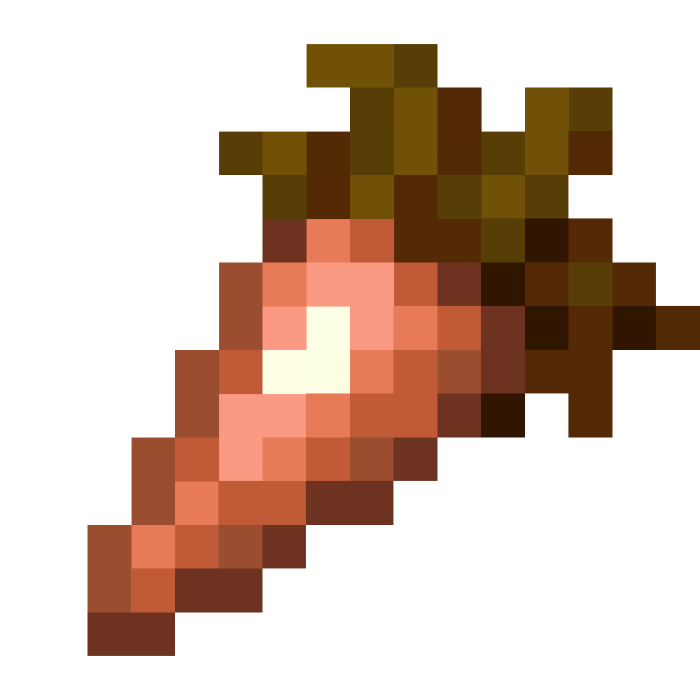 </figure>
Coal,
<figure class="image">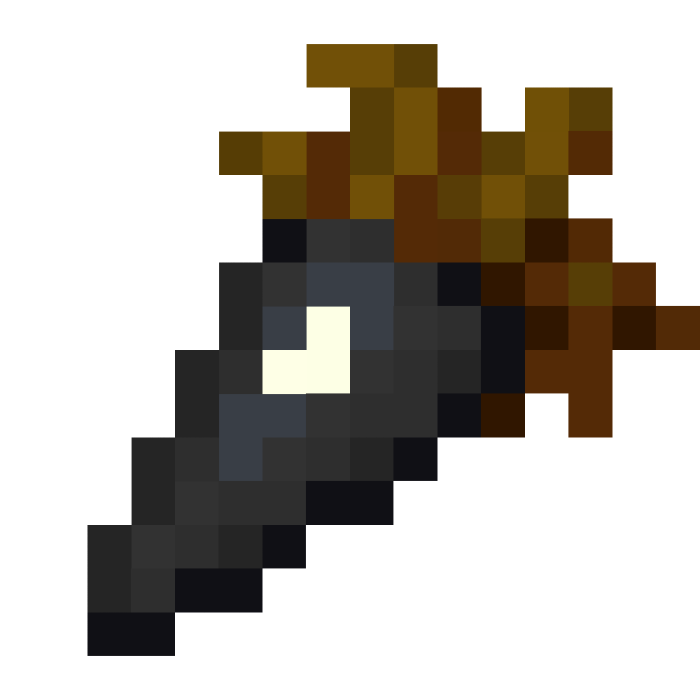 </figure>
Amethyst,
<figure class="image">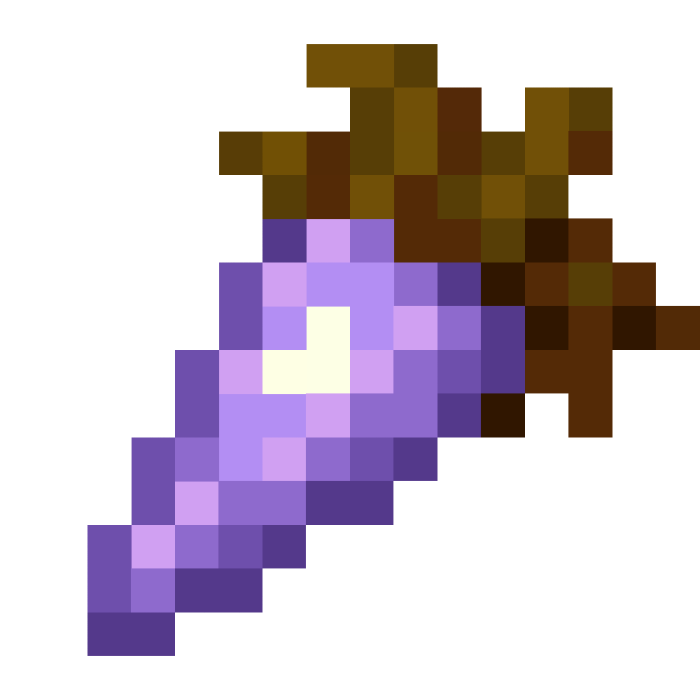 </figure>
Lapis Lázuli,
<figure class="image">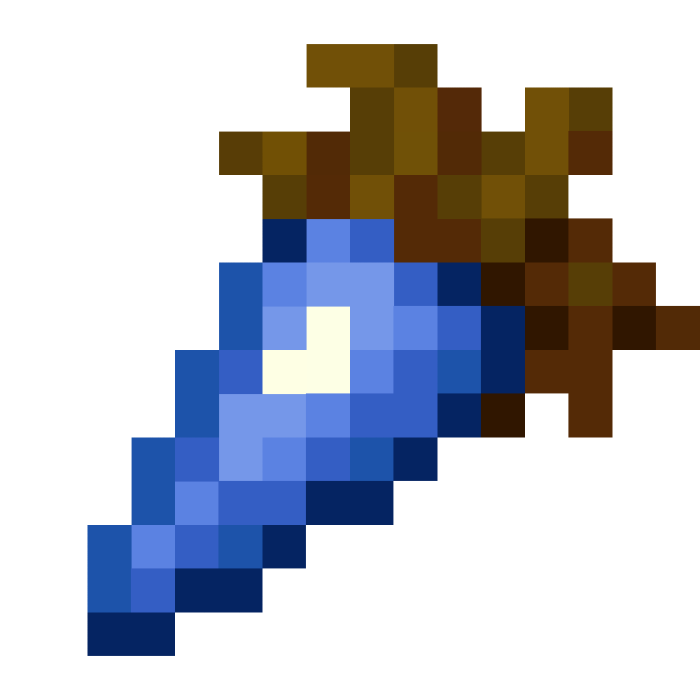 </figure>
Redstone,
<figure class="image">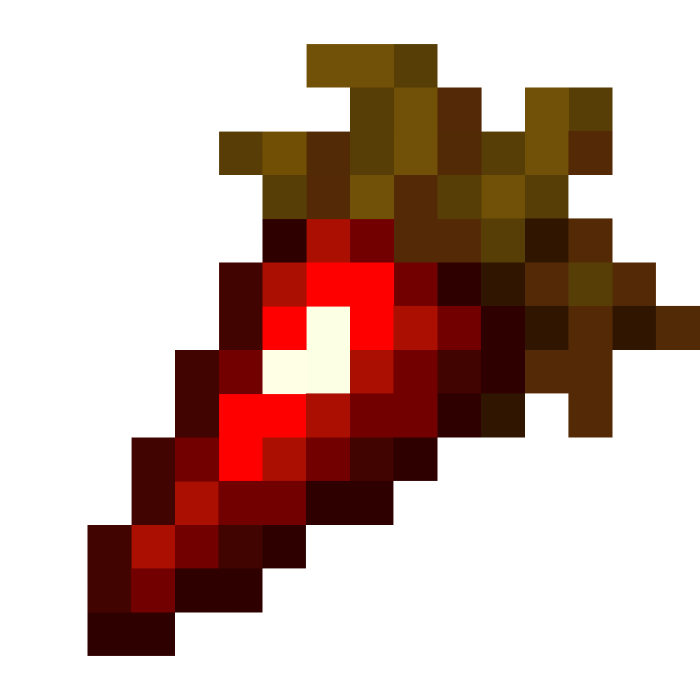 </figure>
Quartz,
<figure class="image">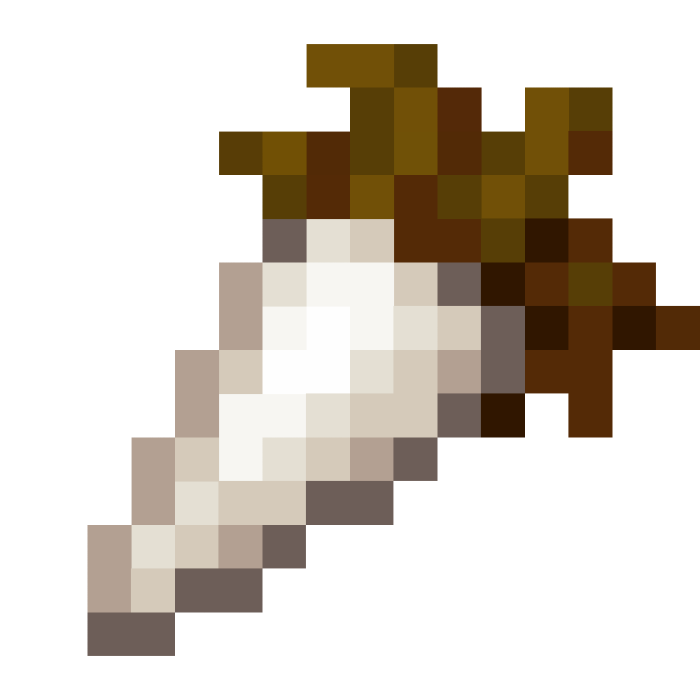 </figure>
and newly introduced, Resin!
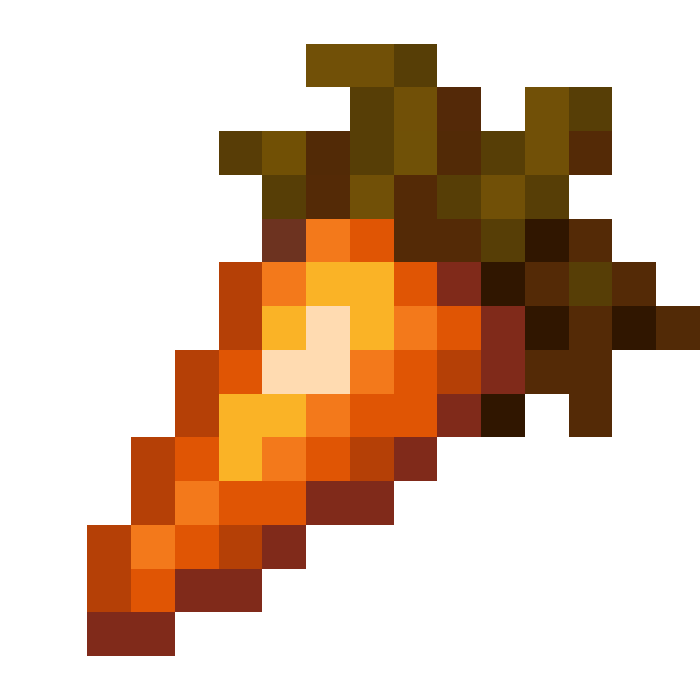
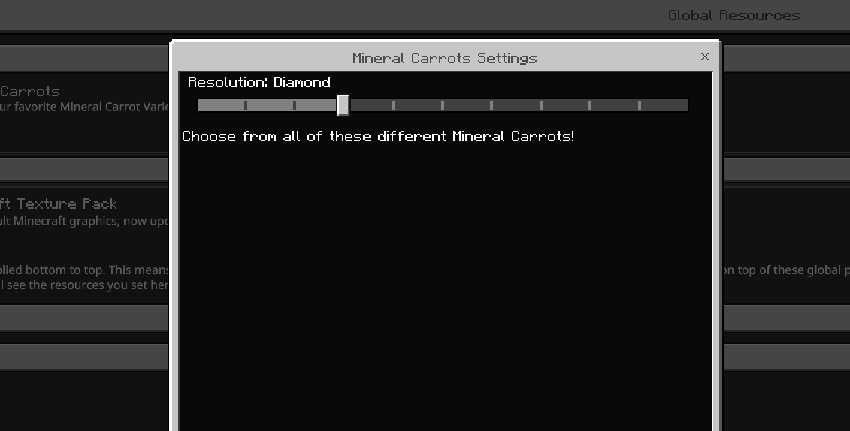
Choose which variant you want in the pack settings!
- Edition: Minecraft Bedrock
- File type: .mcpack
- Minecraft versions listed: 1.21.30, 1.21.50, 1.21.20
- How to install: Download the .mcpack. → Open it — Minecraft imports it under Resource Packs. → Activate it in Global Resources, or for one world under Resource Packs → Available.
- Where to get it: Opens on CurseForge — not every file is mirrored on our own servers.
Install steps are the general flow for this file type — How to install Minecraft Bedrock texture packs walks through it step by step.
- Pack type: .mcpack — a single pack
- Manifest requires Minecraft 1.26.13 or newer
- Complete pack — everything it depends on is inside the file
- Download size: 287 KB
- Download link checked 6 Oct 2026 — working
These come from our own check of the pack file, not from the source page.