Danger Block Visibility
Bedrock texture pack listed for Minecraft 1.20–26.x. File opened and checked on 19 Sep 2026; installs from the MC Bedrock Mods app on Android.
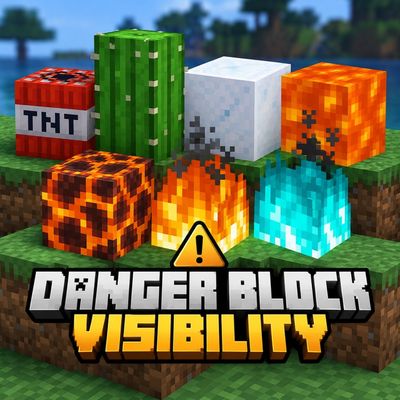
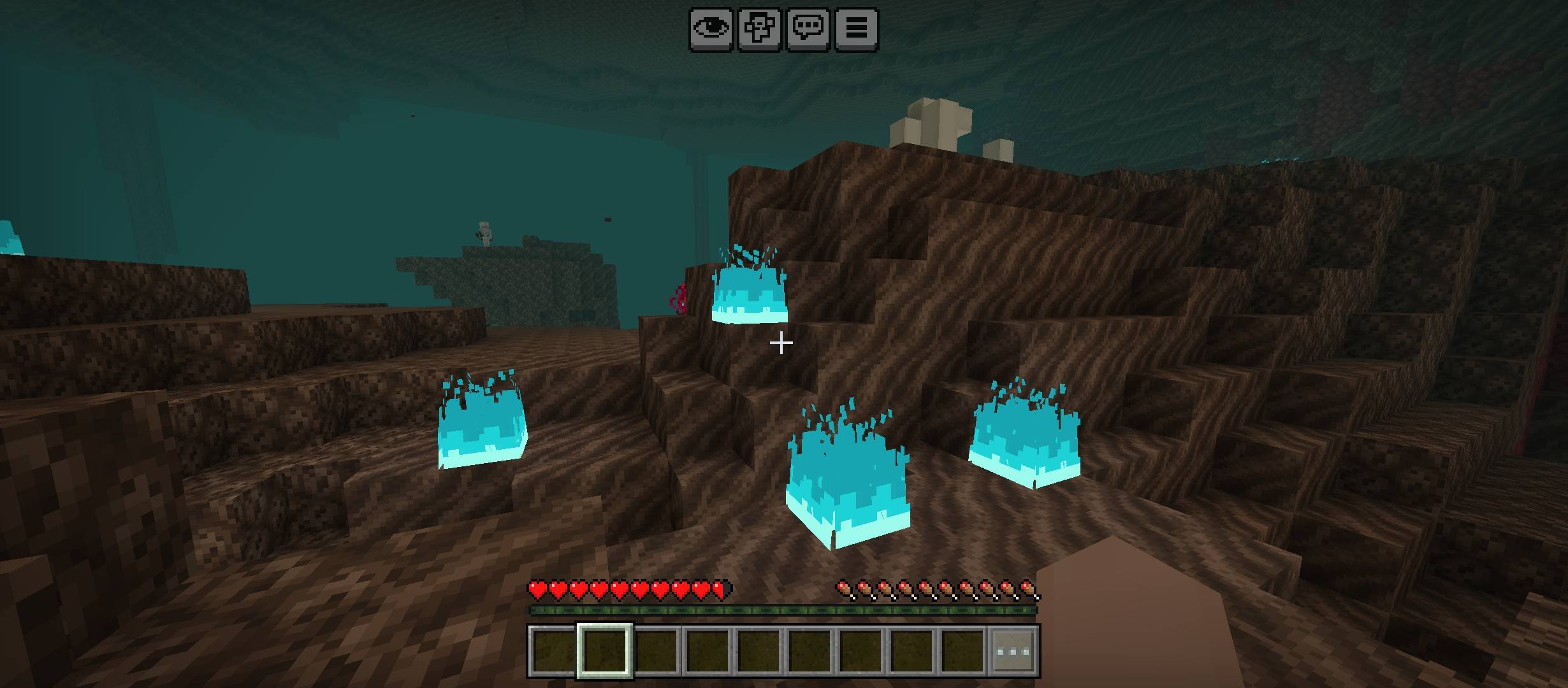
Danger Block Visibility improves the visibility of hazardous blocks like TNT, lava, magma, cactus, fire, soul fire and powder snow while keeping the…
⬇ Download on CurseForge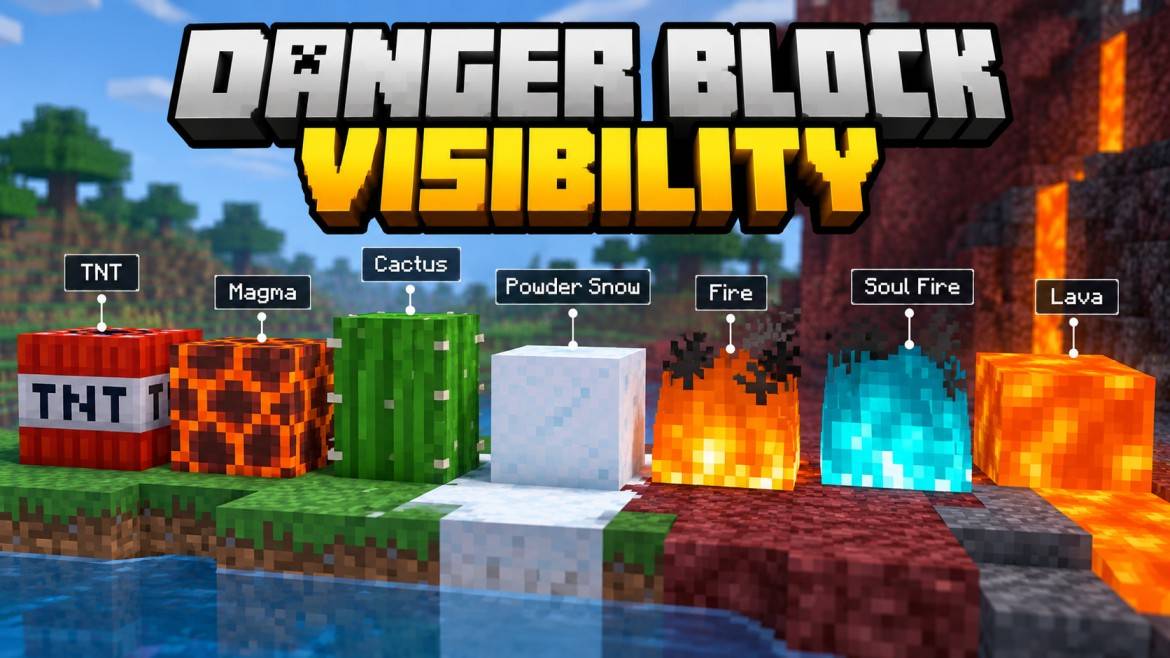
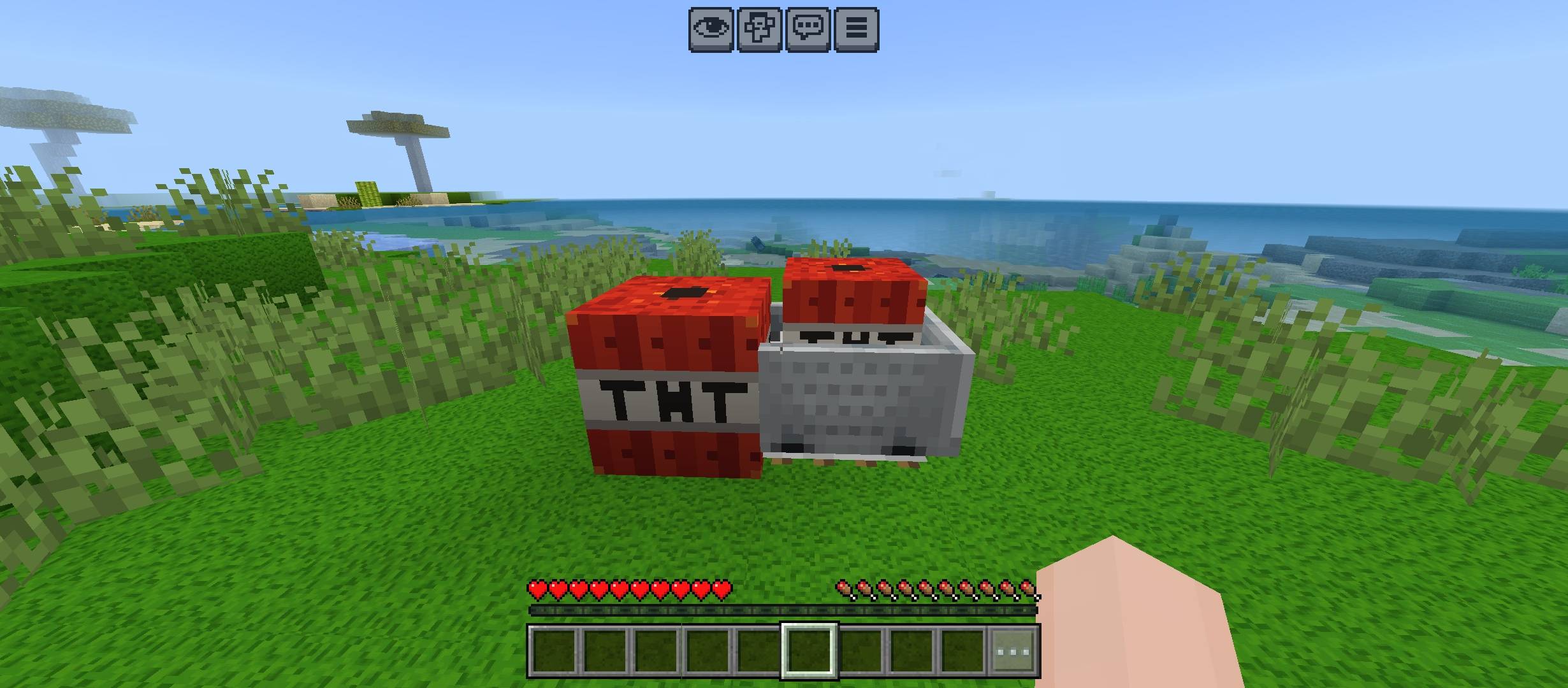
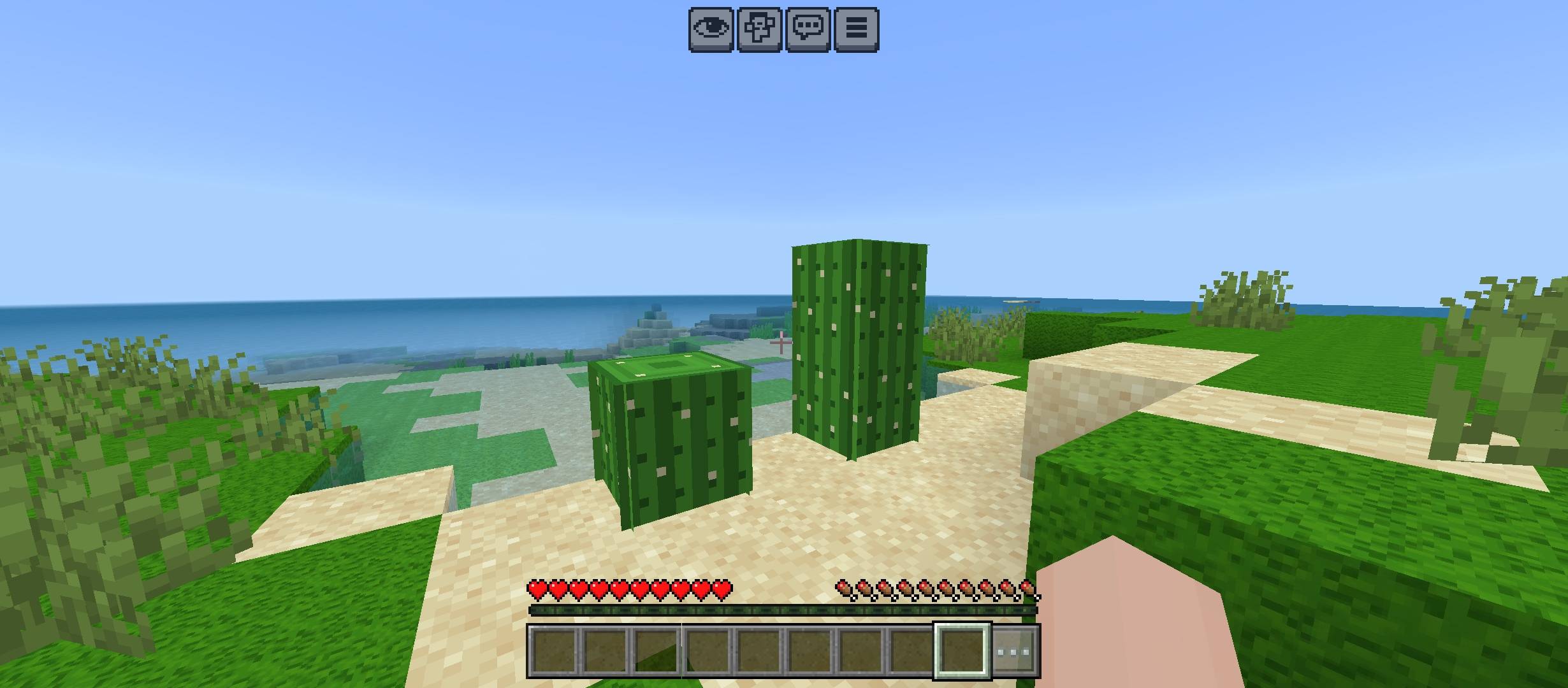
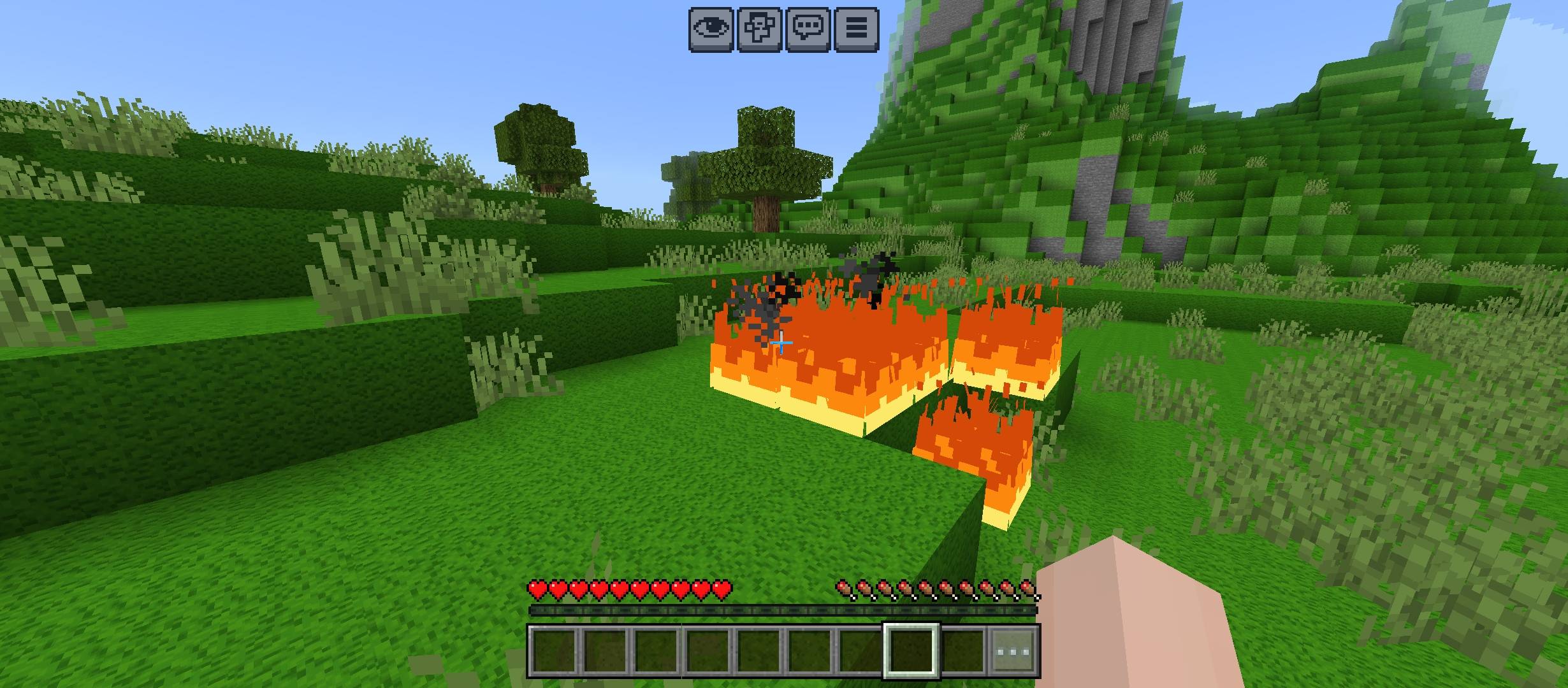
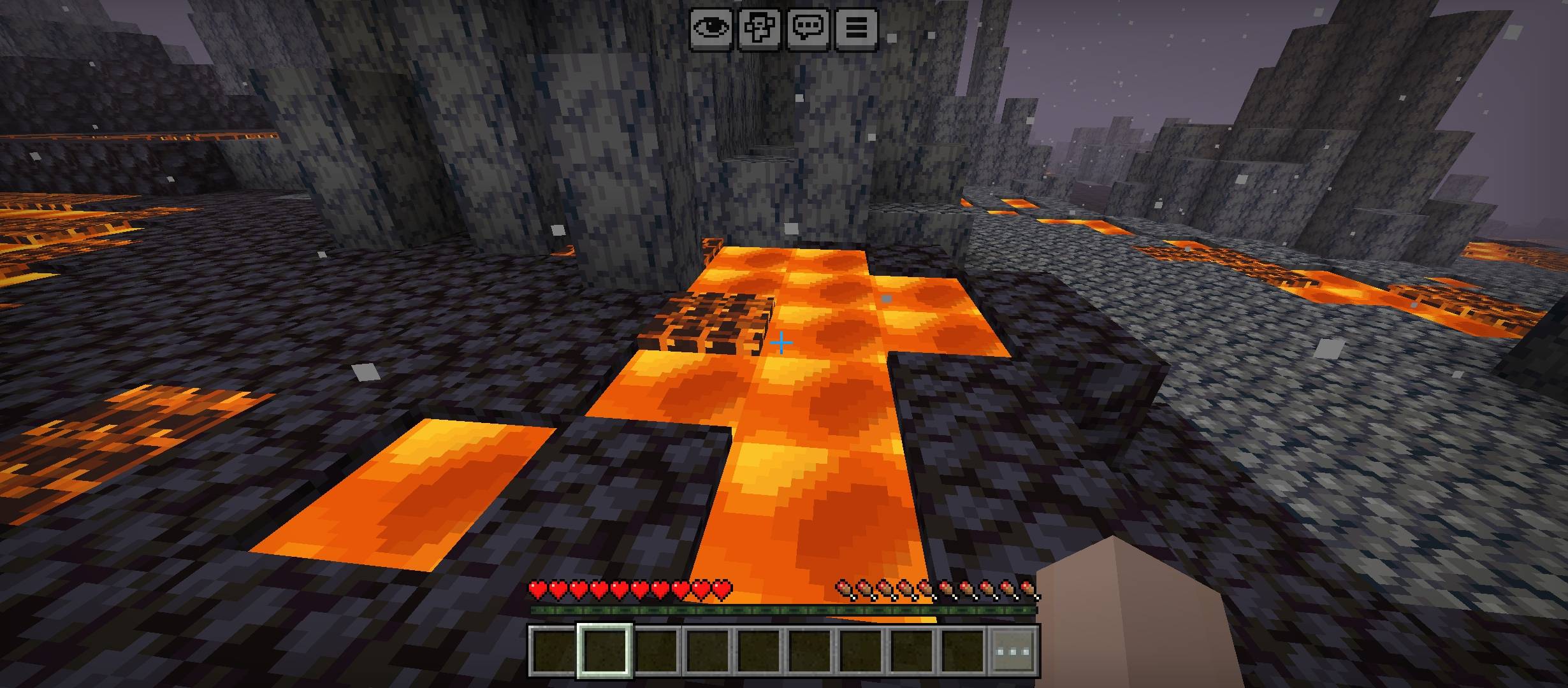
⚠️ Danger Block Visibility
Spot danger faster. Keep Minecraft vanilla.
⚡ Clear Hazards • 🎮 Vanilla Feel • 🪶 Lightweight • 🚫 No Scripts
🔥 What It Improves
💣 TNT • 🌋 Magma • ❄️ Powder Snow • 🌵 Cactus
🌊 Lava • 🔥 Fire • 🔷 Soul Fire
✨ Pack Highlights
👀 Faster hazard recognition • 🧱 Original block style preserved • 🎯 Cleaner visibility
🌿 Survival friendly • 📦 Resource Pack only • ⚙️ No gameplay changes
🛡️ Vanilla-Friendly Design
✅ No major redesigns • ✅ No unnecessary effects • ✅ Simple visual upgrades
✅ Easy to understand • ✅ Useful in normal gameplay • ✅ Clean Minecraft look
💡 Best For
⛏️ Survival • 🗺️ Exploration • 🔥 Nether Trips • 🎥 Gameplay Videos
👑 Credits
Created by Gavti
All rights and credits belong to Gavti.
- Edition: Minecraft Bedrock
- File type: .mcpack
- Minecraft versions listed: 26.20, 26.30, 26.40
- How to install: Download the .mcpack. → Open it — Minecraft imports it under Resource Packs. → Activate it in Global Resources, or for one world under Resource Packs → Available.
- Where to get it: Opens on CurseForge — not every file is mirrored on our own servers.
Install steps are the general flow for this file type — How to install Minecraft Bedrock texture packs walks through it step by step.
- Pack type: .mcpack — a single pack
- Manifest requires Minecraft 1.20.80 or newer
- Complete pack — everything it depends on is inside the file
- Download size: 379 KB
- Download link checked 5 Oct 2026 — working
These come from our own check of the pack file, not from the source page.