
Project Silent Breakpoint : Weather Cycle
Bedrock texture pack listed for Minecraft 1.21–26.x. File opened and checked on 18 Oct 2026; installs from the MC Bedrock Mods app on Android.
PSB: Weather Cycles is a tactical atmosphere expansion for the Silent Breakpoint universe. Features a 3-cycle subpack system (Normal, Dark Mist, and…
I don't know my version
PSB: Weather Cycles (Atmospheric Expansion) v1.0.1
PSB: Weather Cycles is an official atmospheric expansion for the Silent Breakpoint universe. This add-on is specifically designed to heighten the tactical immersion of your military operations by introducing a dynamic subpack system.
Whether you are conducting a high-stakes night raid or an arctic survival mission, PSB: Weather Cycles gives you the power to control the battlefield's visibility and environmental mood.
How to Make the Add-on Work
To ensure all visual effects and military mechanics function correctly, please follow the installation guide below.
1. Resource Pack Load Order
For the best experience without conflicts, arrange your resource packs in the following order (Top to Bottom):
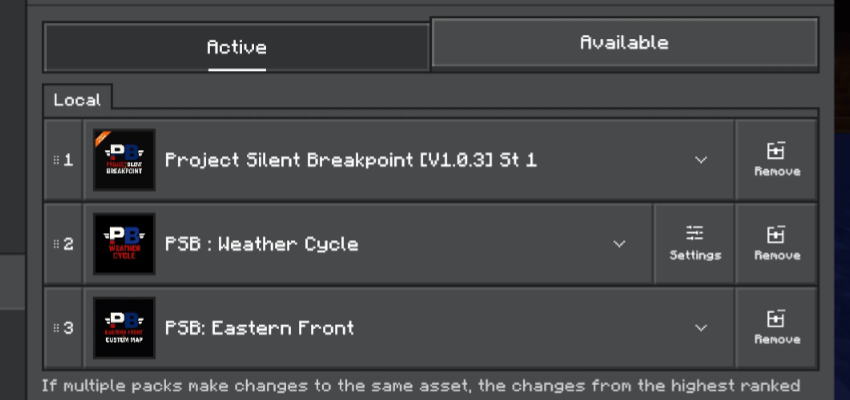
- Project Silent Breakpoint (Core)
- PSB: Weather Cycles (This Add-on)
- PSB: Eastern Front
2. Subpack Configuration
You can switch the environment cycle at any time through the pack settings:
- Go to Settings > Resource Packs.
- Select PSB: Weather Cycles.
- Click the Gear Icon (Settings).
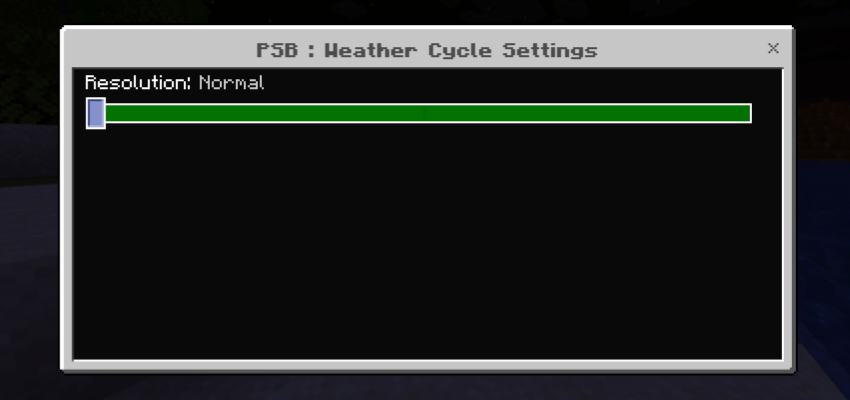
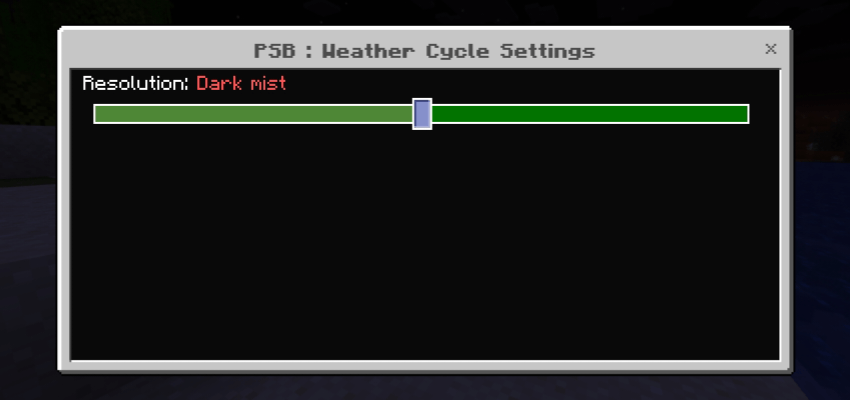
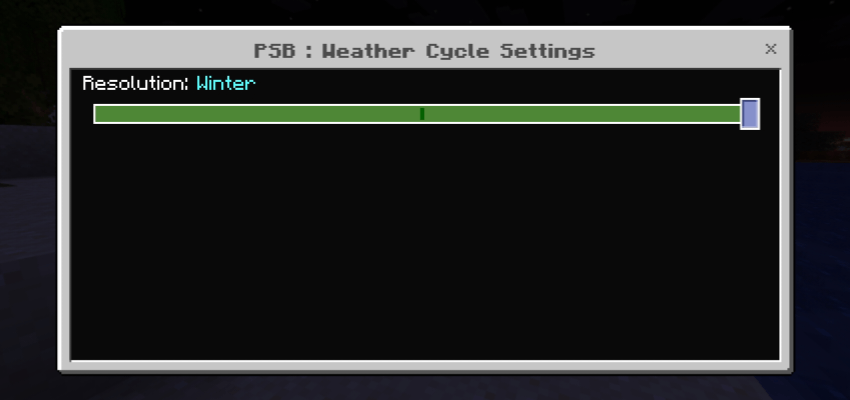
- Slide to your desired atmosphere: Normal, Mist, or Winter.
Subpack Preview
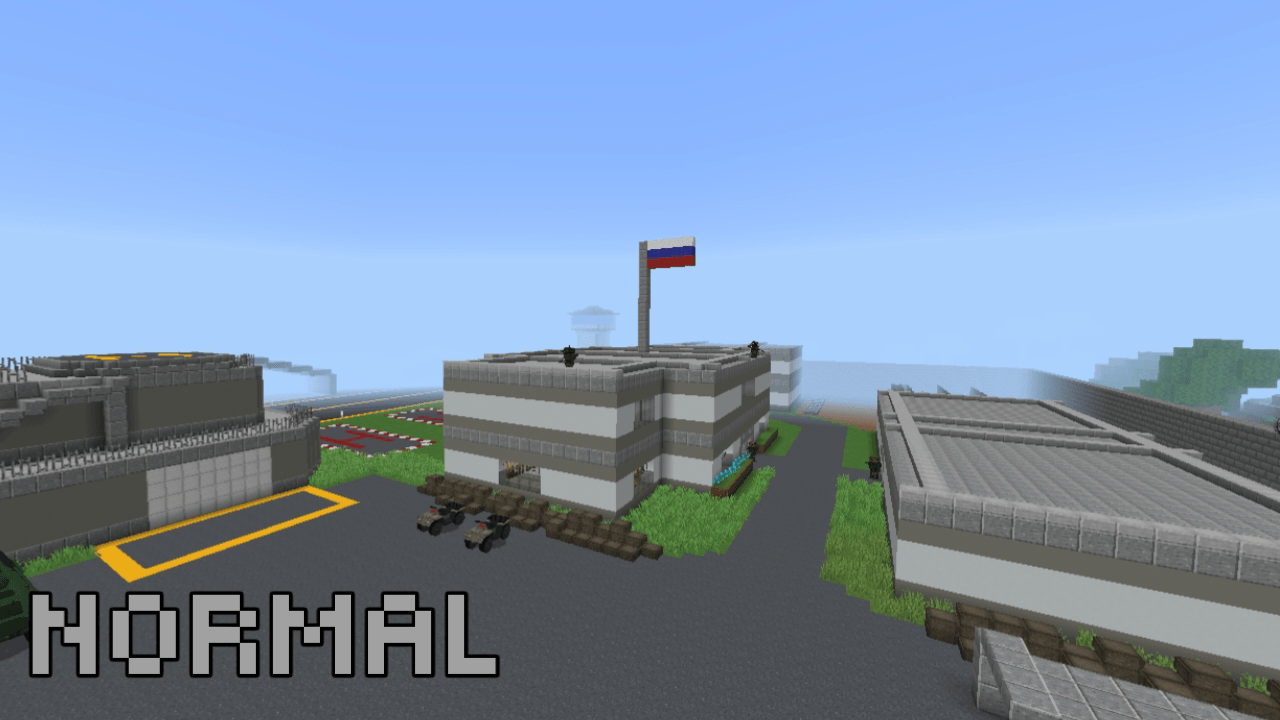
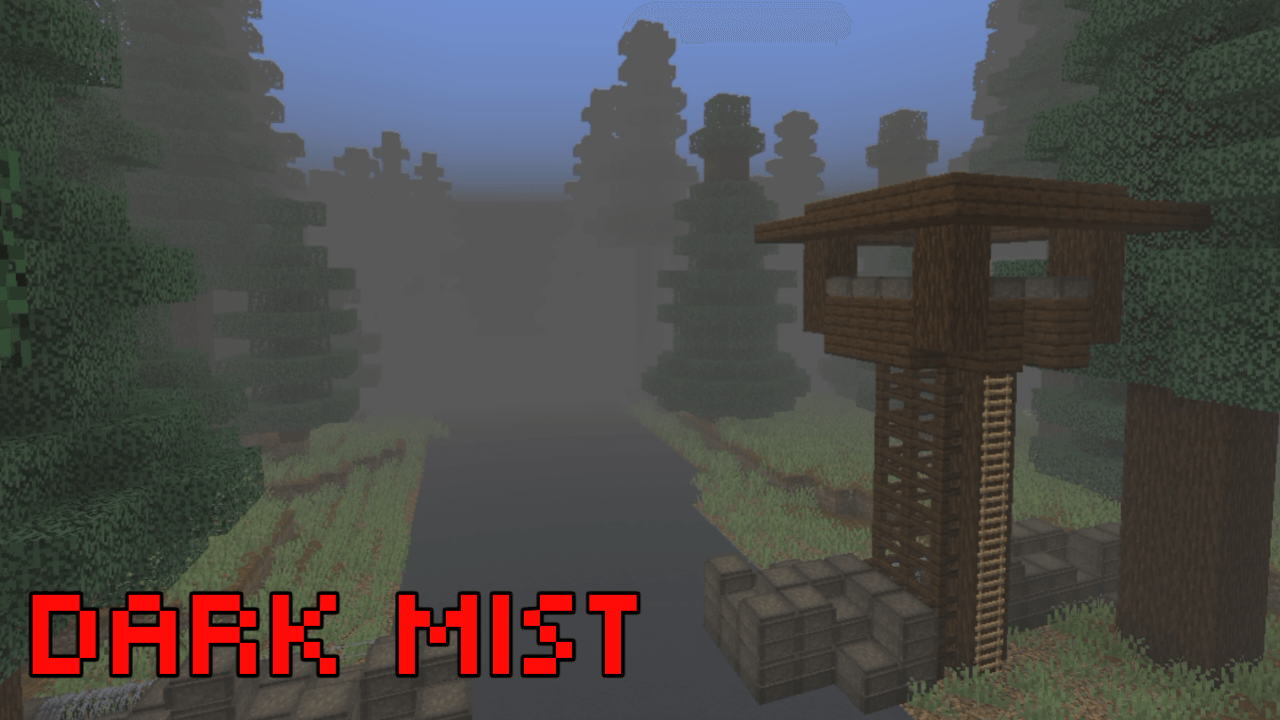
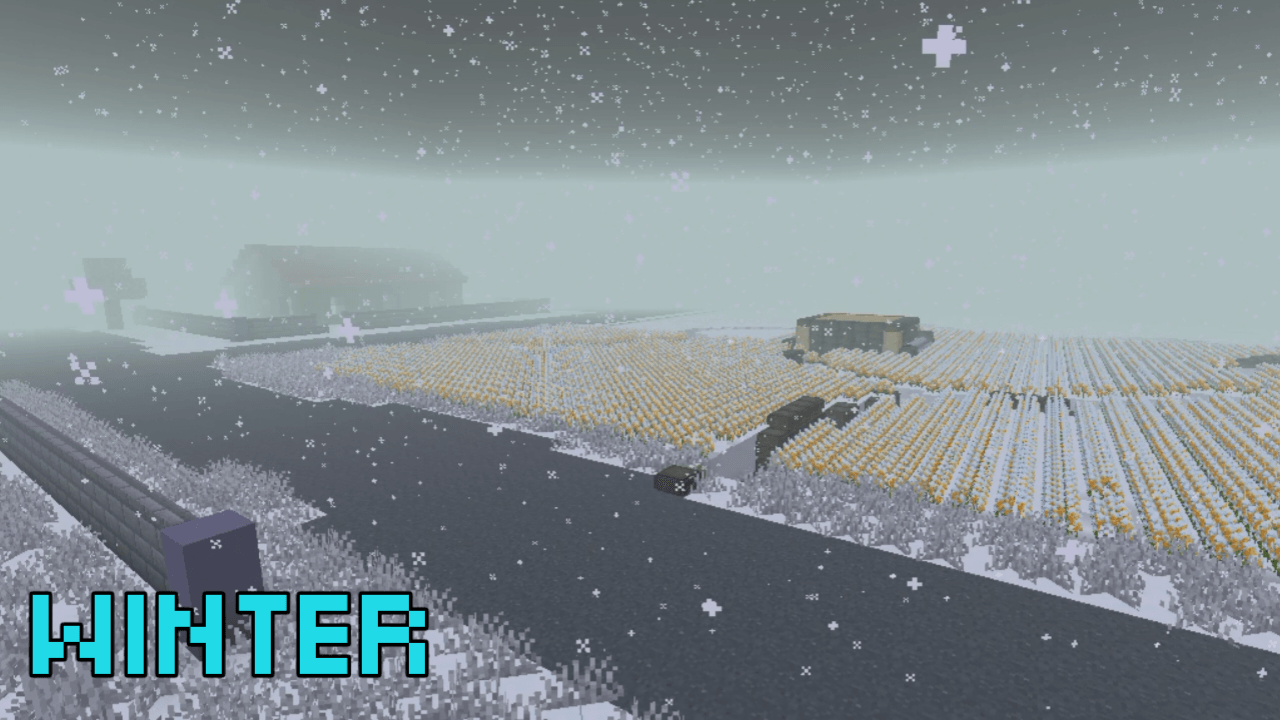
Choose your tactical advantage based on the mission profile. Below is the visualization for each setting:
- Normal Cycle: Standard lighting for maximum visibility and long-range engagement.
- The Mist (Dark Fog): Heavy atmospheric fog that limits sightlines—perfect for stealth and close-quarters combat.
- Winter Cycle: A frozen battlefield aesthetic designed for arctic warfare scenarios.
Technical Specifications
- Compatibility: Minecraft Bedrock Edition (Latest Version).
- Optimization: Designed to be lightweight and FPS-friendly for all devices.
- Project Universe: Part of the official Silent Breakpoint military simulation series.
Developed by [Warrior Pro Gamerz] Official Expansion for Project Silent Breakpoint
- Edition: Minecraft Bedrock
- File type: .mcpack
- Minecraft versions listed: 1.21.81, 1.21.93, 1.21.73
- How to install: Download the .mcpack. → Open it — Minecraft imports it under Resource Packs. → Activate it in Global Resources, or for one world under Resource Packs → Available.
- Where to get it: Opens on CurseForge — not every file is mirrored on our own servers.
Install steps are the general flow for this file type — How to install Minecraft Bedrock texture packs walks through it step by step.
- Pack type: .mcpack — a single pack
- Manifest requires Minecraft 1.21.30 or newer
- Complete pack — everything it depends on is inside the file
- Download size: 10.0 MB
- Download link checked 6 Oct 2026 — working
These come from our own check of the pack file, not from the source page.