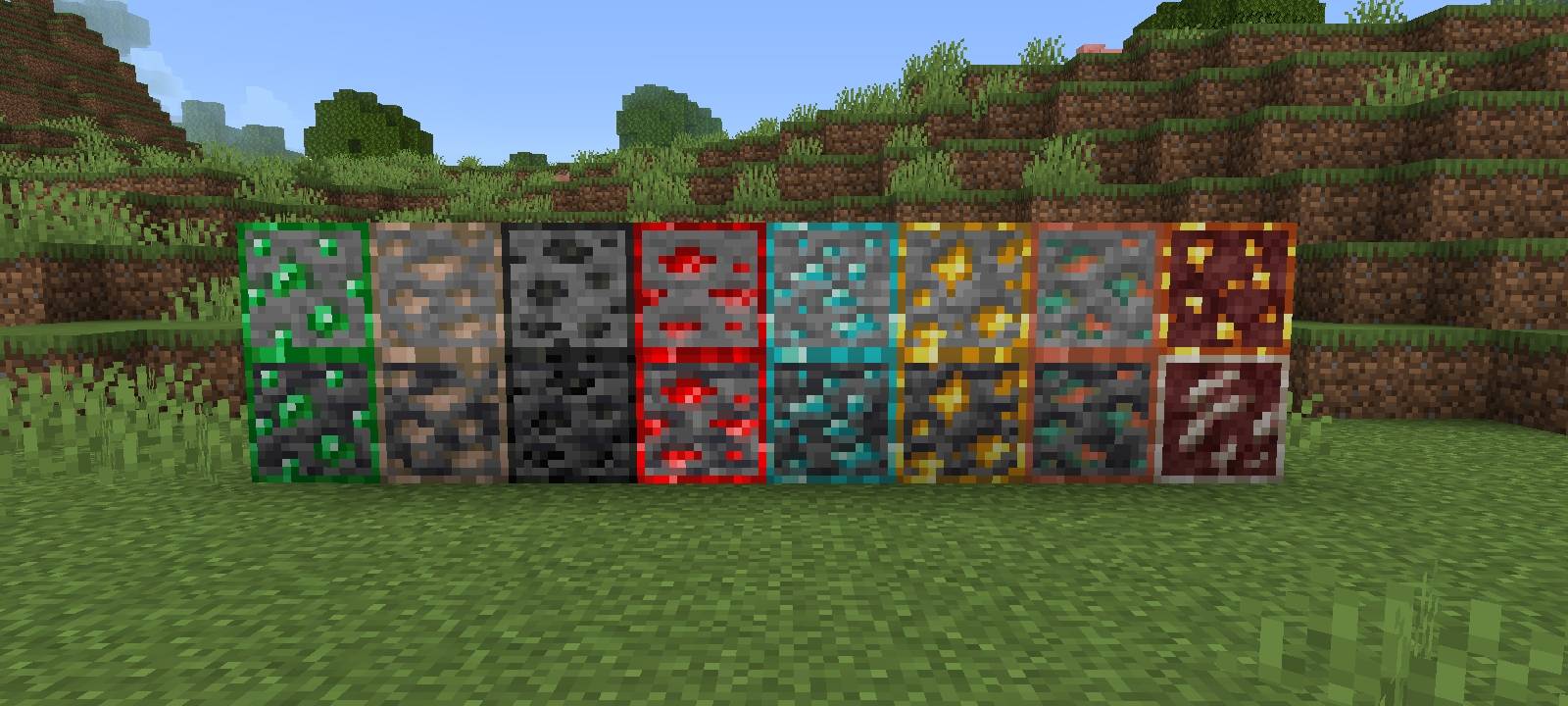
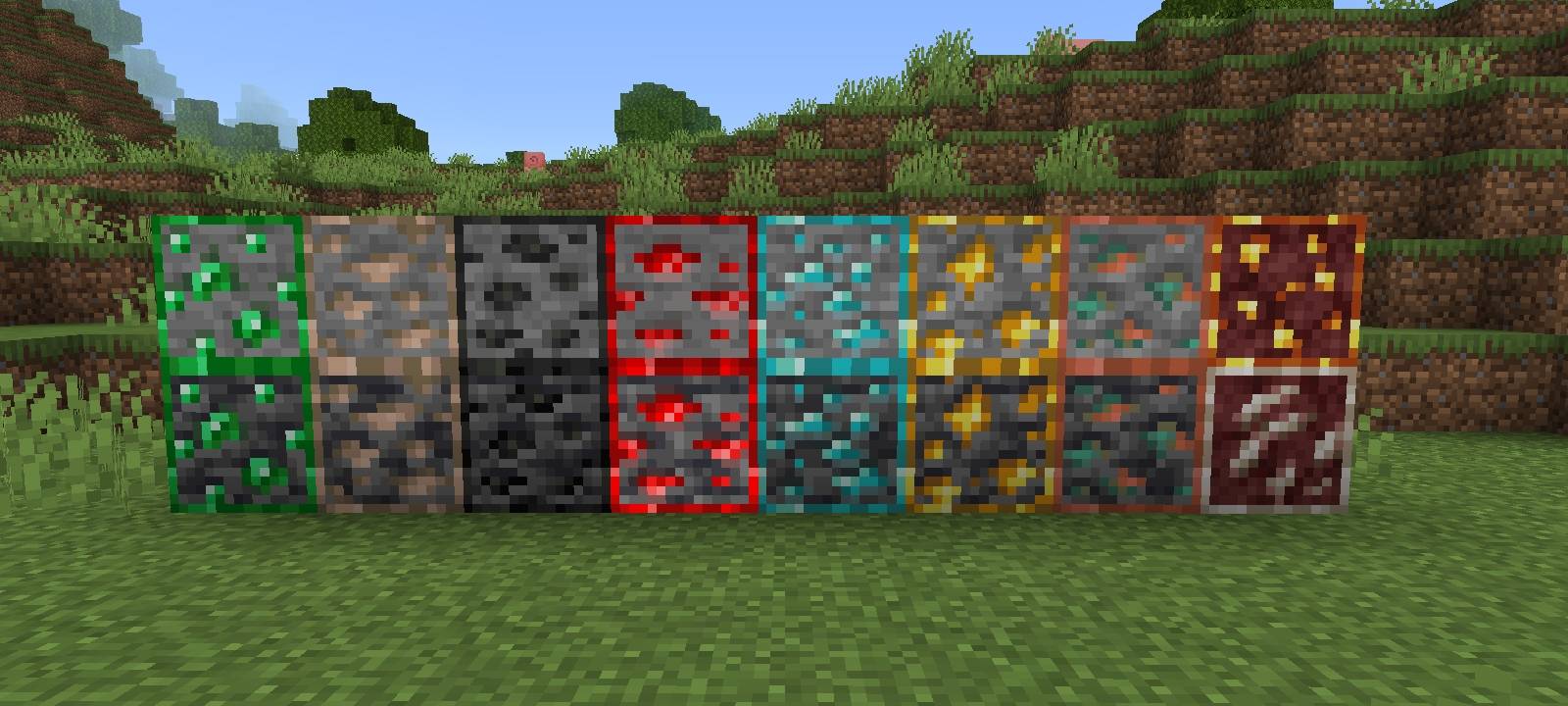
Outline Ores BE adds bright, colored outlines to all ore blocks in Minecraft Bedrock Edition, making them instantly recognizable at a glance — no more squinting in dark caves!
Each ore gets a distinct outline matching its color identity: emerald green, redstone red, diamond cyan, gold yellow, and more. Whether you're strip mining, caving, or exploring deep slate layers, ores stand out clearly without completely replacing the vanilla look.
Quick facts
- Edition: Minecraft Bedrock
- File type: .mcpack
- Minecraft versions listed: 26.0.02, 26.0, 26.3
- How to install: Download the .mcpack. → Open it — Minecraft imports it under Resource Packs. → Activate it in Global Resources, or for one world under Resource Packs → Available.
- Where to get it: Opens on CurseForge — not every file is mirrored on our own servers.
Install steps are the general flow for this file type — How to install Minecraft Bedrock texture packs walks through it step by step.
Verified by MCModsHub
- Save it as outline ores.mcaddon before opening — it downloads as .mcpack, but it is a .mcaddon pack
- Manifest requires Minecraft 1.21.0 or newer
- Complete pack — everything it depends on is inside the file
- Download size: 6.5 MB
- Download link checked 16 Sept 2026 — working
These come from our own check of the pack file, not from the source page.