
Fake hardcore heart by baku
Bedrock texture pack listed for Minecraft 26.x. File opened and checked on 1 Oct 2026; installs from the MC Bedrock Mods app on Android.
Fake Hardcore Hearts by Baku replaces normal Minecraft Bedrock hearts with hardcore-style textures. Supports full, half, poison, wither, freezing and…
⬇ Download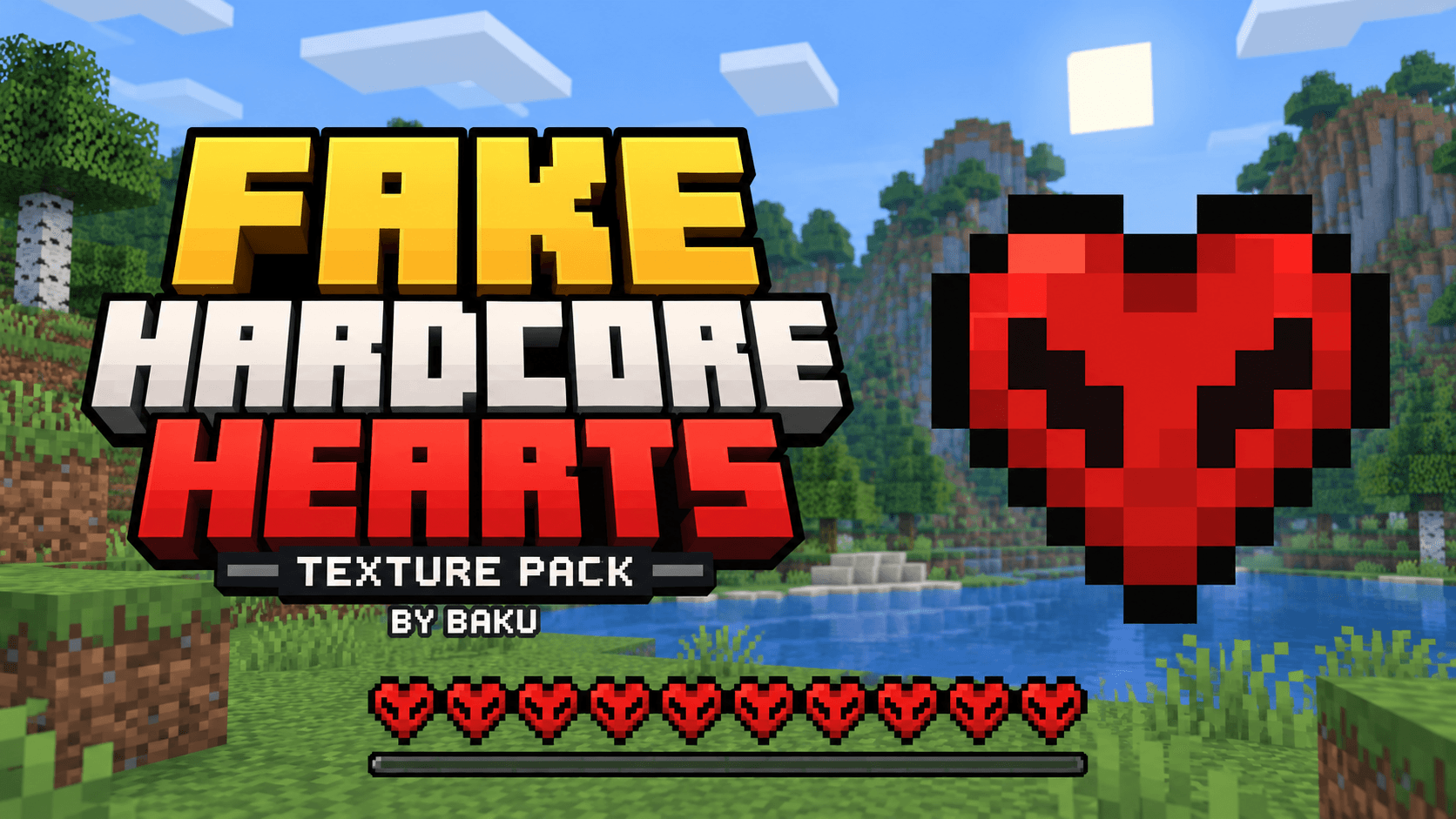
❤️ Fake Hardcore Hearts
Hardcore looks. Your usual survival experience.
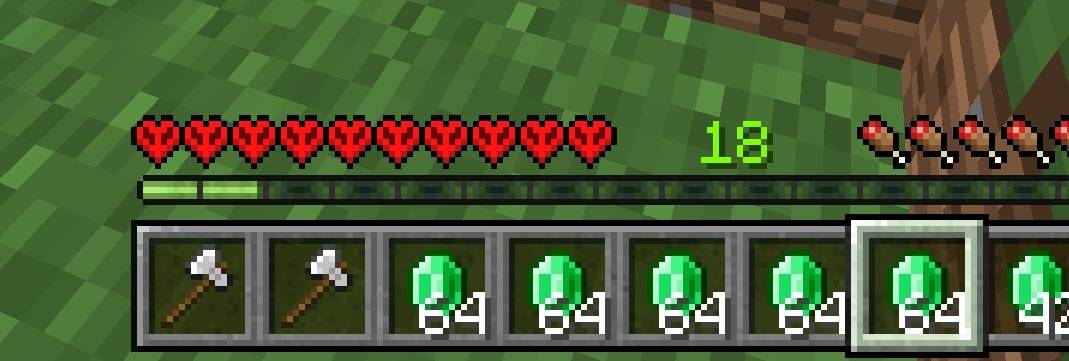
Give your Minecraft Bedrock health bar a bold new look with Fake Hardcore Hearts by Baku. This resource pack replaces normal heart textures with hardcore-style hearts while keeping your gameplay unchanged.
✨ Features
- Hardcore-Style Hearts: Enjoy the distinctive hardcore heart design in your regular survival worlds.
- Matching Health States: Includes full hearts, half hearts, and damage-flash textures.
- Status Effect Support: Matching textures for poison, wither, freezing, and absorption hearts.
- Lightweight Design: A texture-only pack with no scripts or behavior changes.
- Vanilla-Inspired Appearance: Crisp pixel textures that complement Minecraft’s existing HUD.
📥 Installation
- Download and open the .mcpack file with Minecraft.
- Wait for the resource pack import to finish.
- Open your world’s Resource Packs settings and activate the pack.
- Place it above other packs that change heart textures, then enter your world.
📌 Important Information
This is a visual resource pack only. It does not enable Hardcore mode, increase difficulty, change your maximum health, or prevent respawning. Other HUD or heart texture packs may override its appearance.
👑 Credits
Pack creation and presentation: Baku.
Please credit Baku when showcasing or sharing this pack. Do not claim it as your own creation.
<small>Minecraft and its original assets belong to Mojang Studios. This pack is not an official Minecraft product and is not approved by or associated with Mojang or Microsoft.</small>
- Edition: Minecraft Bedrock
- File type: .mcpack
- Minecraft versions listed: 26.0.02, 26.0, 26.3
- How to install: Download the .mcpack. → Open it — Minecraft imports it under Resource Packs. → Activate it in Global Resources, or for one world under Resource Packs → Available.
- Where to get it: In MCModsHub, or directly above on this page.
Install steps are the general flow for this file type — How to install Minecraft Bedrock texture packs walks through it step by step.
- Pack type: .mcpack — a single pack
- Complete pack — everything it depends on is inside the file
- Download size: 6 KB
- Download link checked 16 Sept 2026 — working
These come from our own check of the pack file, not from the source page.