
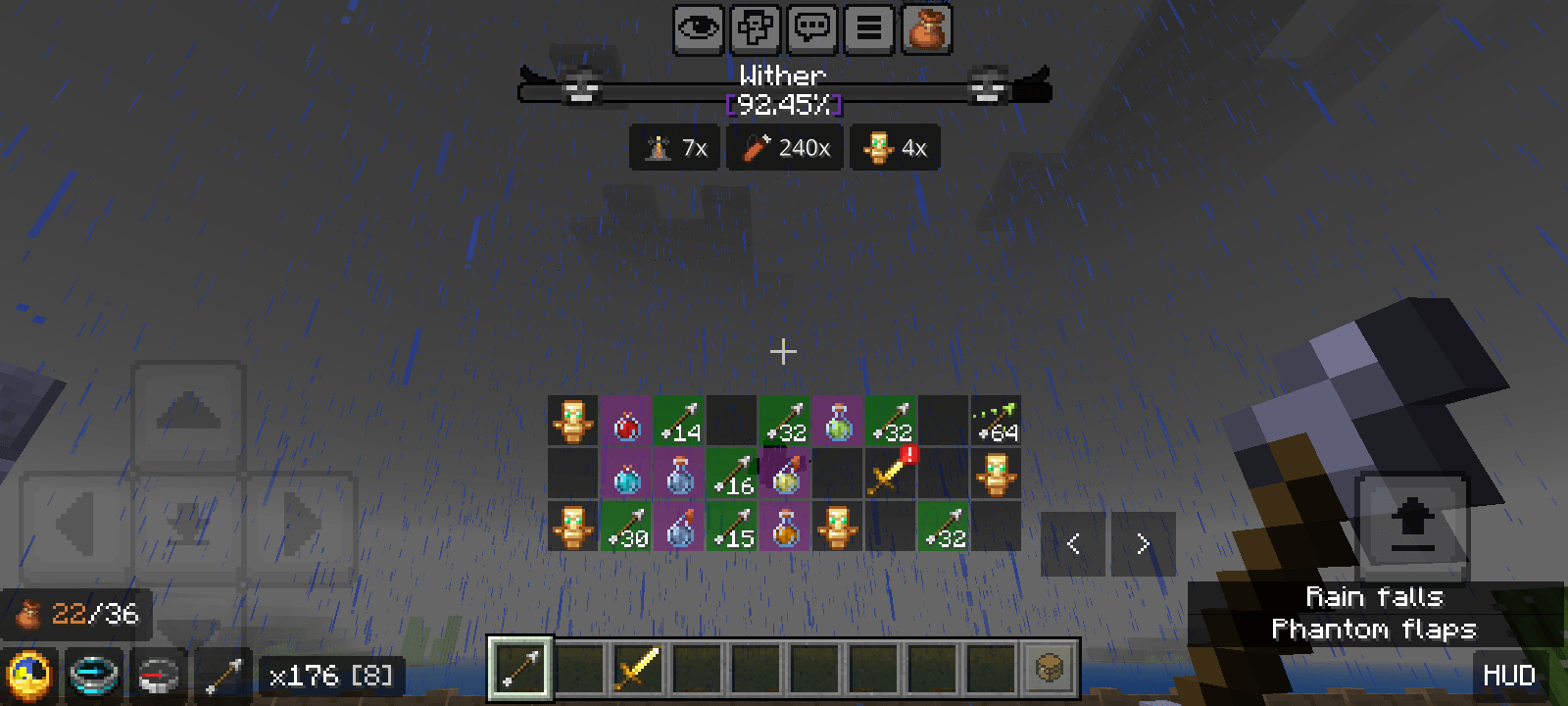
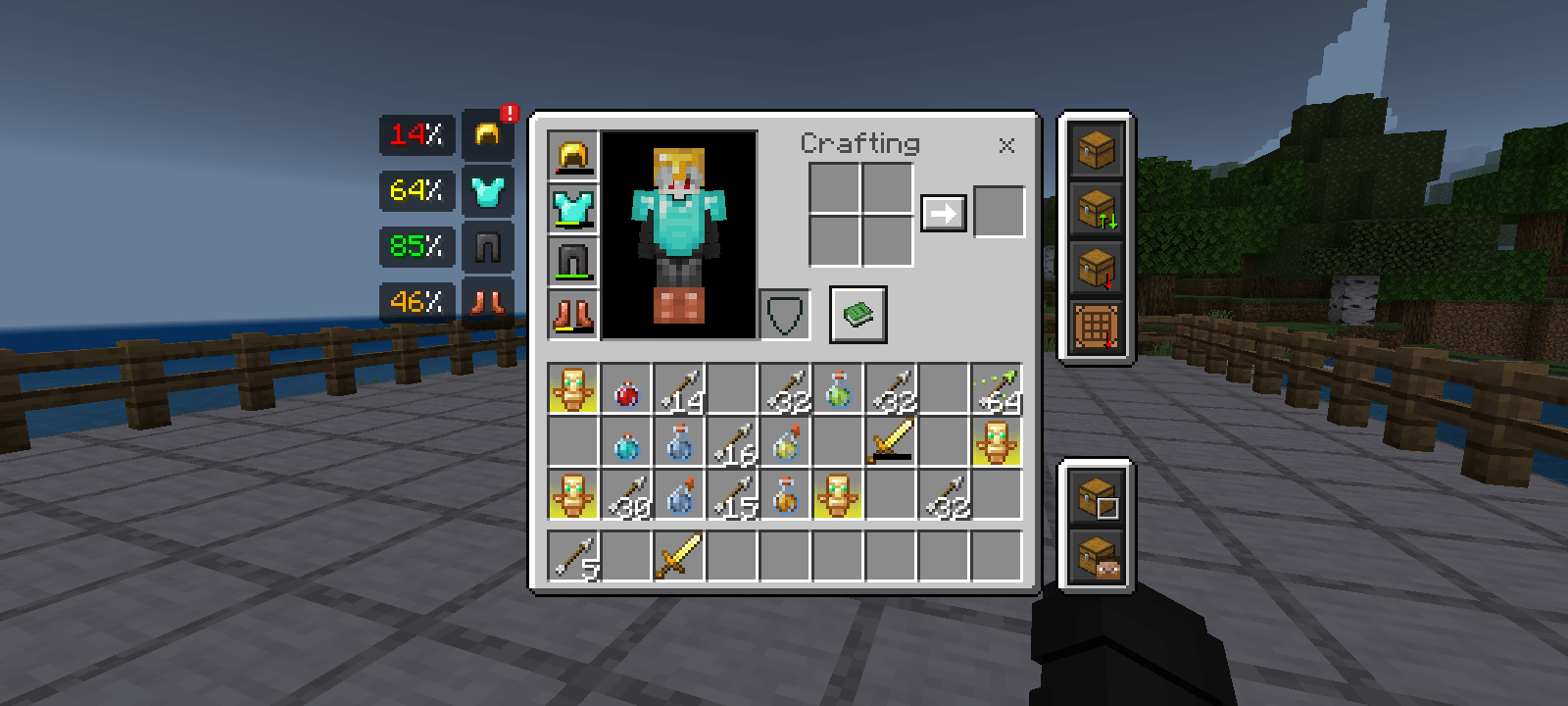
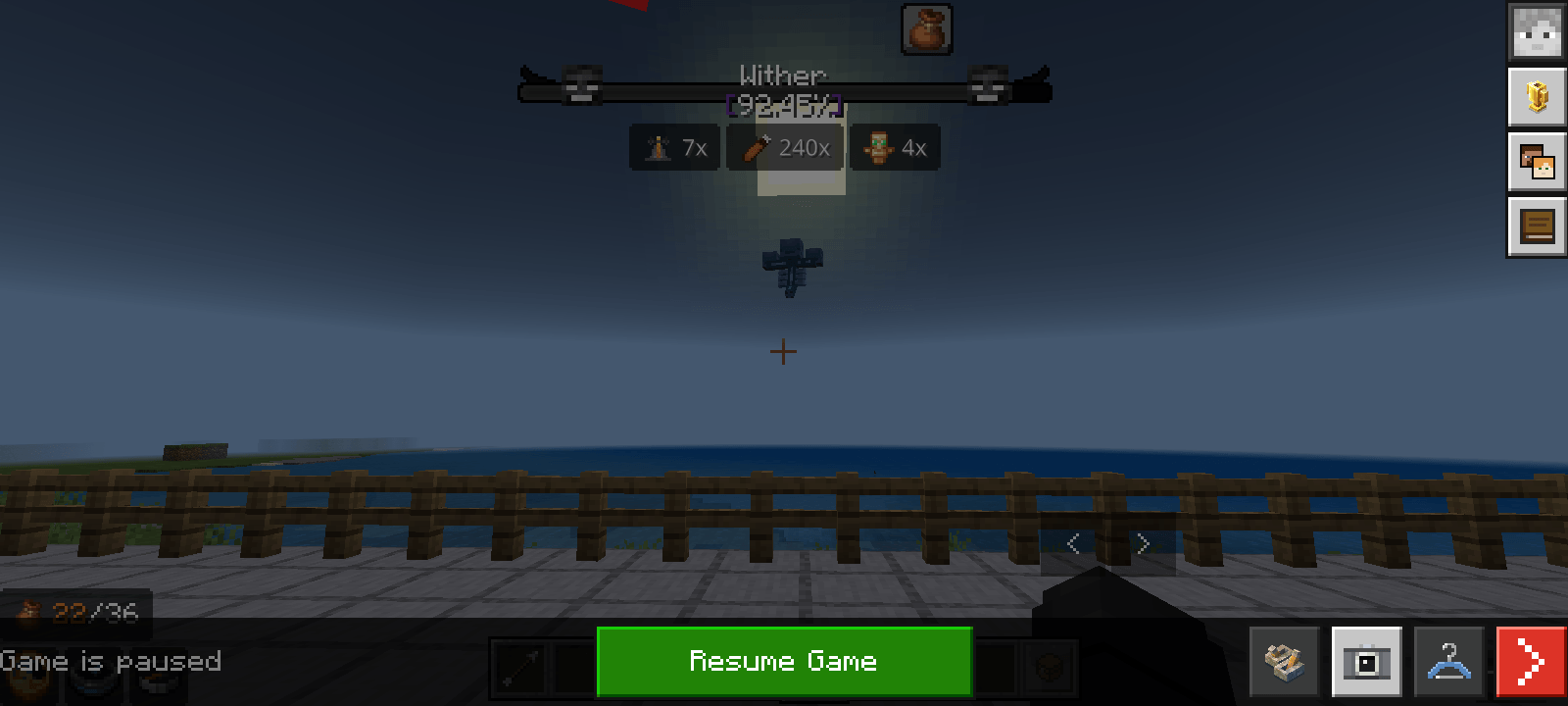
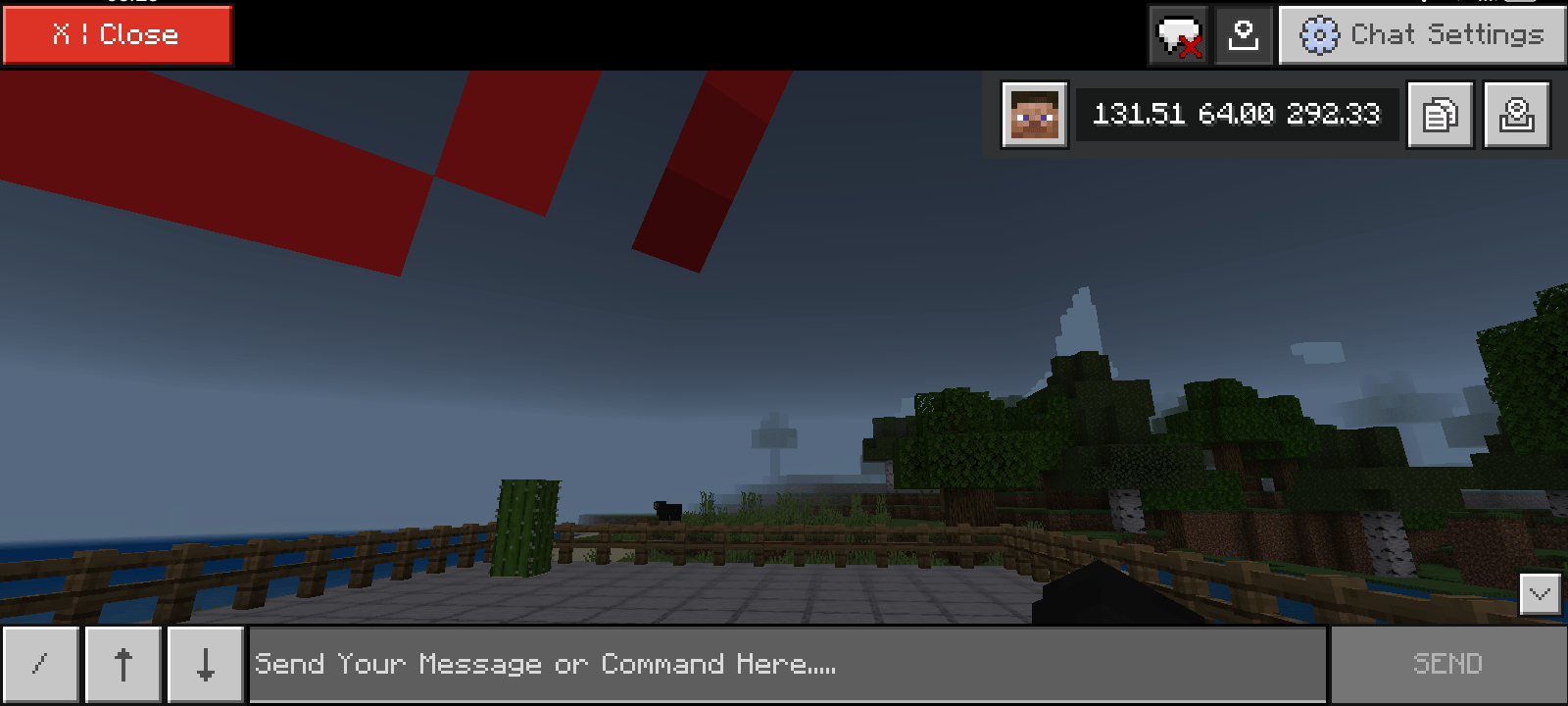
Texture Pack that modifies the game screen to be more interesting with the features provided.
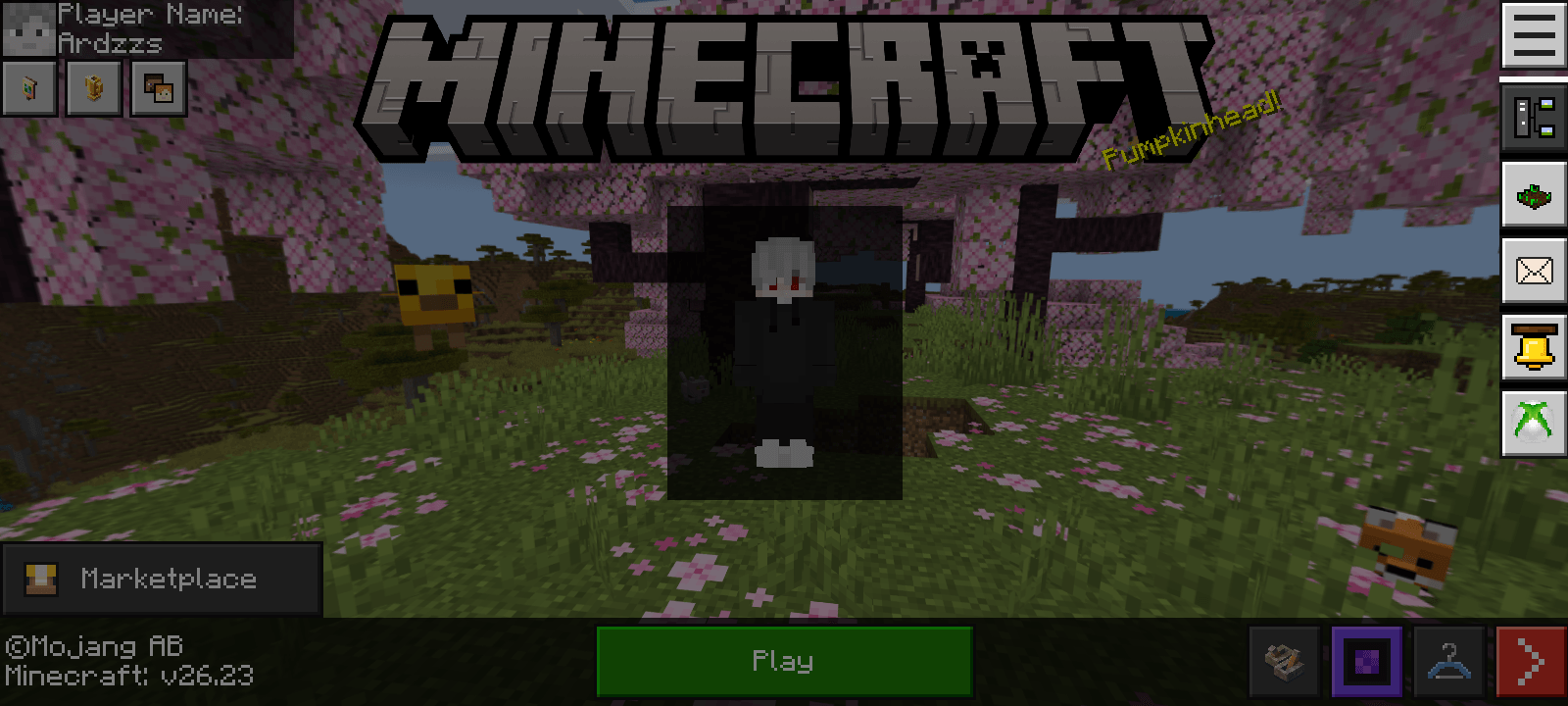
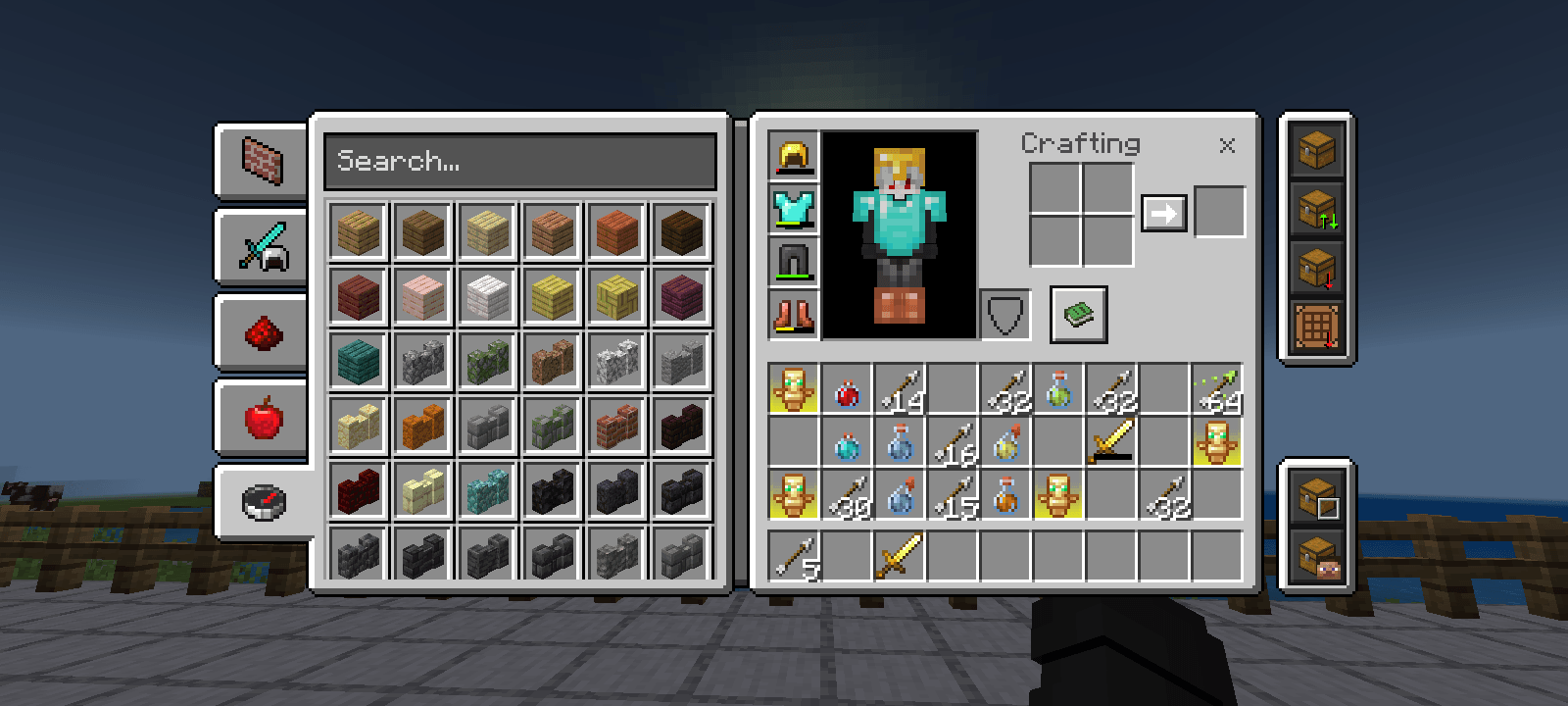
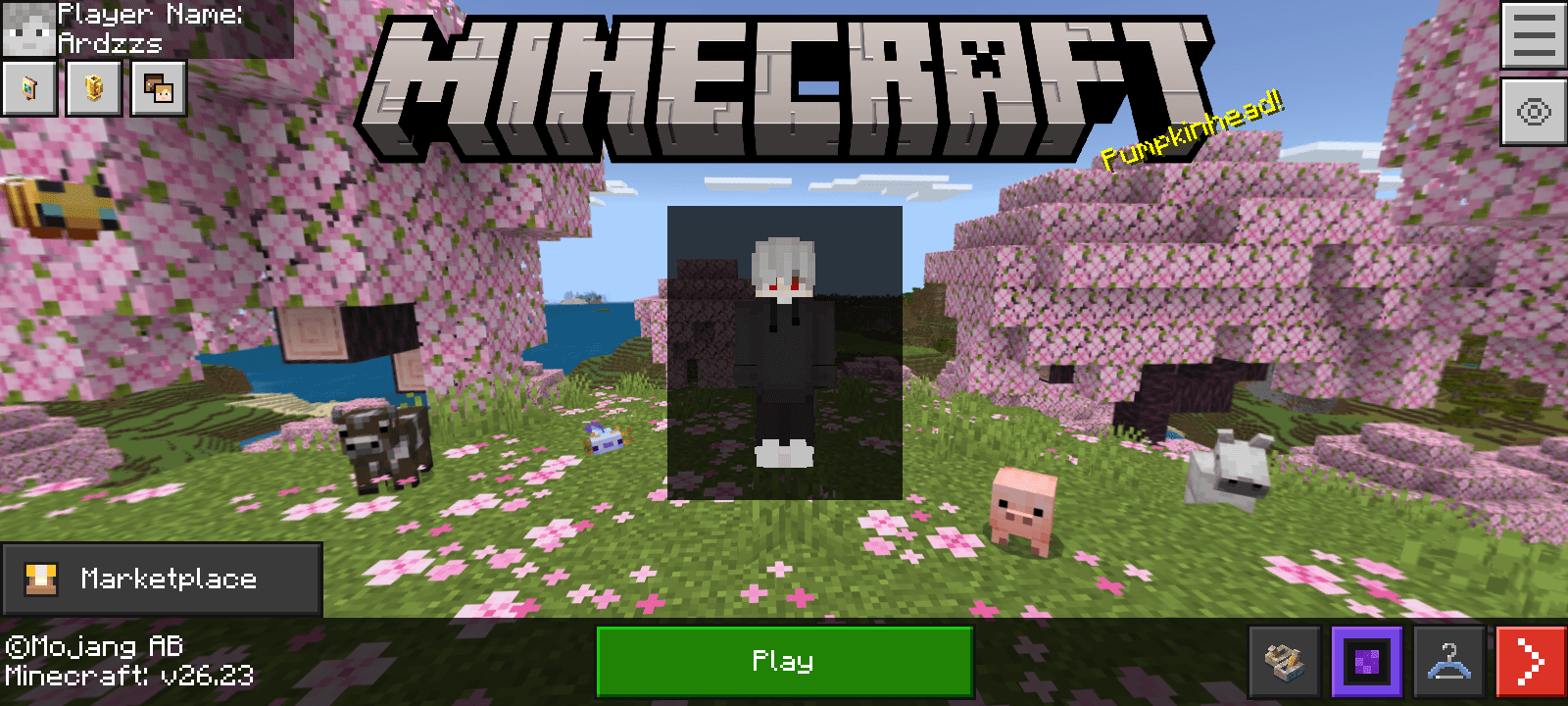
Such as Start Screen, Inventory Screen & Container, HUD screen, and Pause screen
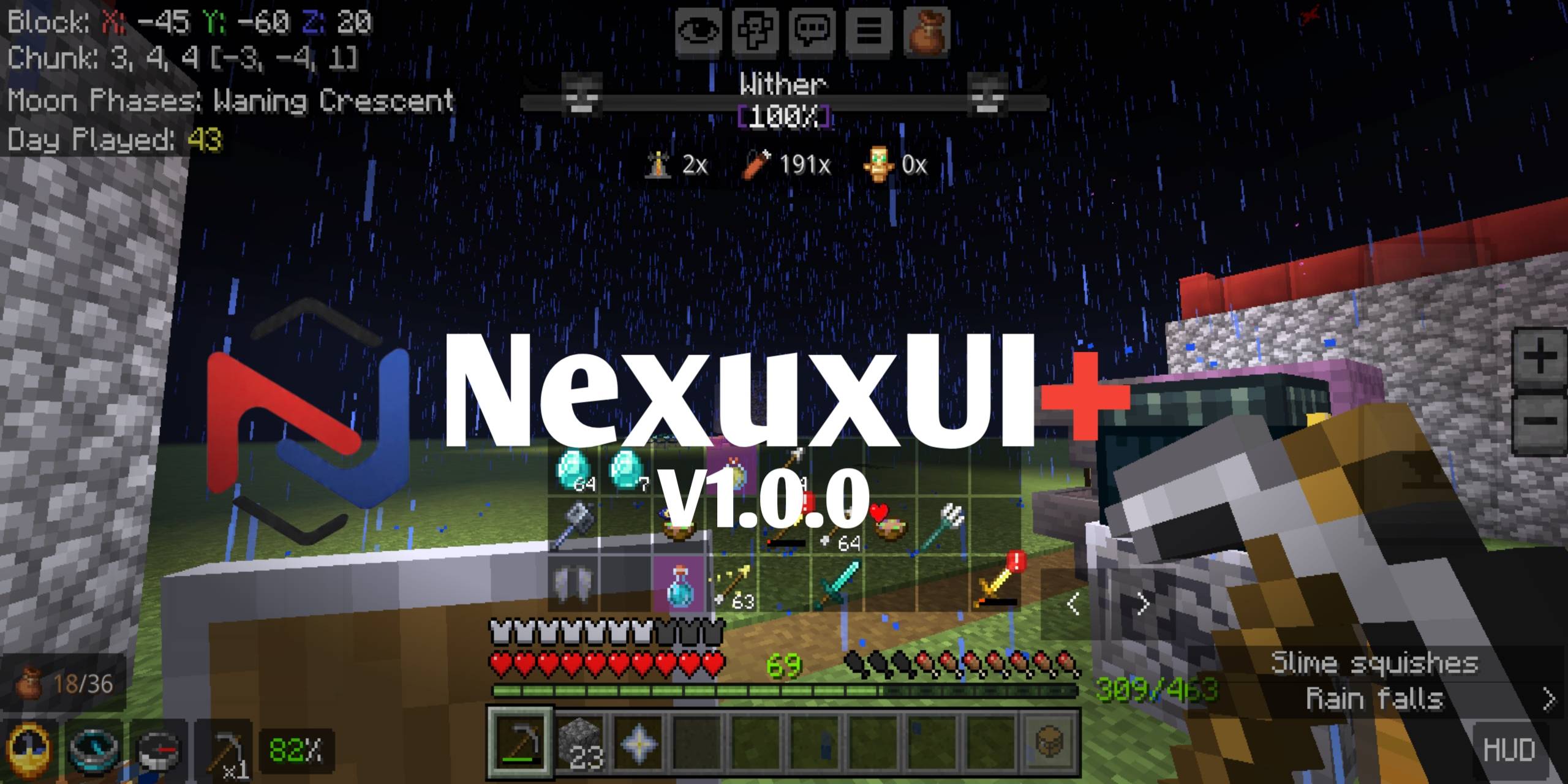
This HUD screen package provides many interesting features such as
Mainhand Info: Provides information about the items you are holding, such as durability and total stacks in your inventory.
Inventory HUD: Shows items in your inventory accurately with additional item highlights, shiny potions, suspicious stew effect icons, and low durability pings.
Player Information: Added chunk coordinate info and border names, added moon phase info
Better Bossbar: Changes the appearance of the Bossbar to be more attractive and increases the boss health percentage.
- Edition: Minecraft Bedrock
- File type: .mcpack
- Minecraft versions listed: 26.0.02, 26.0, 26.3
- How to install: Download the .mcpack. → Open it — Minecraft imports it under Resource Packs. → Activate it in Global Resources, or for one world under Resource Packs → Available.
- Where to get it: Opens on CurseForge — not every file is mirrored on our own servers.
Install steps are the general flow for this file type — How to install Minecraft Bedrock texture packs walks through it step by step.
- Save it as NexusUI+.mcaddon before opening — it downloads as .mcpack, but it is a .mcaddon pack
- Manifest requires Minecraft 1.18.0 or newer
- Complete pack — everything it depends on is inside the file
- Download size: 338 KB
- Download link checked 16 Sept 2026 — working
These come from our own check of the pack file, not from the source page.