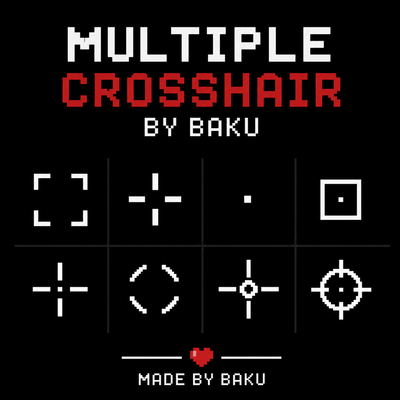
Multiple Crosshair
Bedrock texture pack listed for Minecraft 1.20–26.x. File opened and checked on 27 Sep 2026; installs from the MC Bedrock Mods app on Android.
Multiple Crosshair by Baku adds stylish custom crosshairs for Minecraft Bedrock with clean PvP-focused designs, better aiming feel, and smooth gameplay…
⬇ Download on CurseForge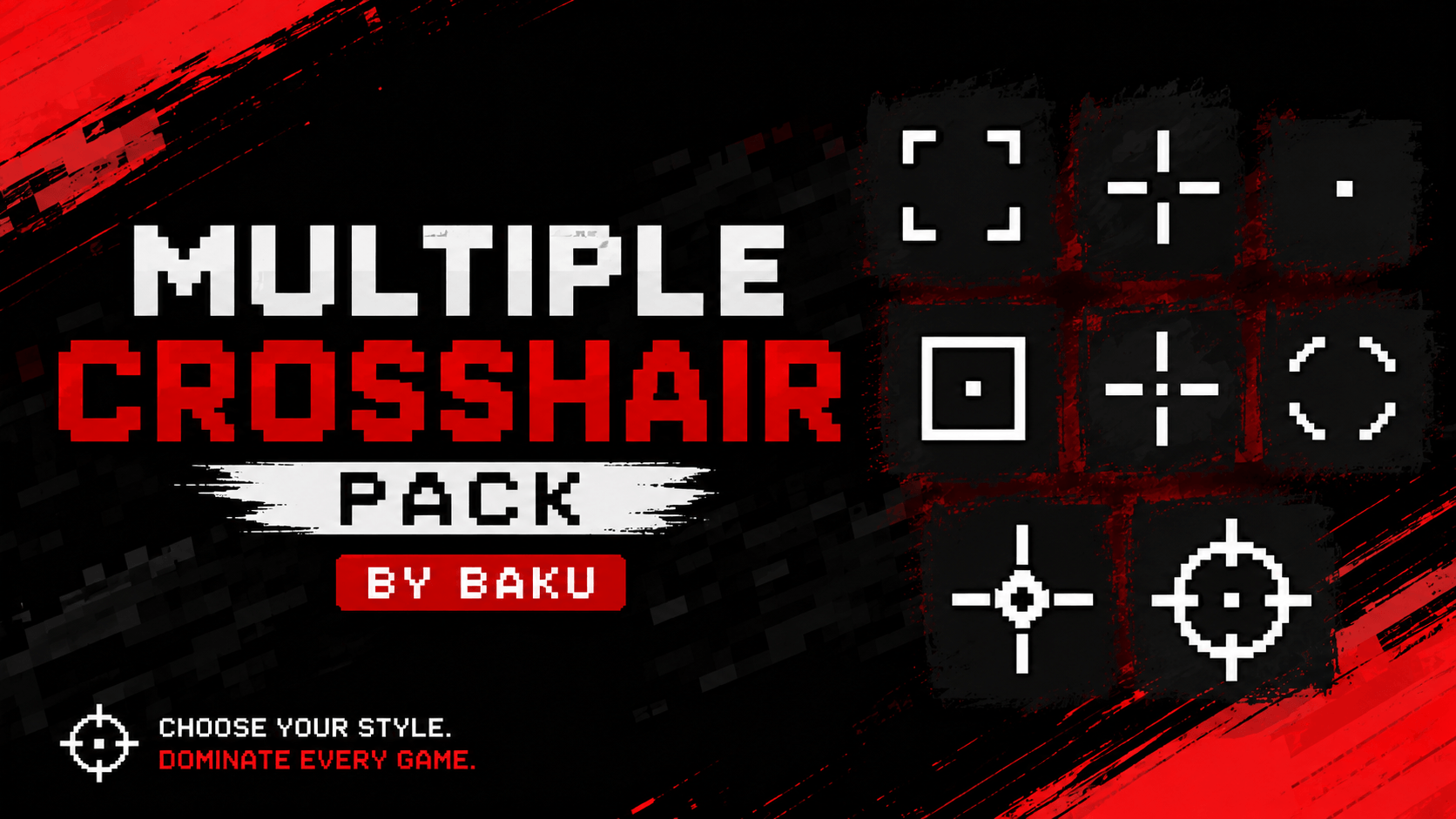
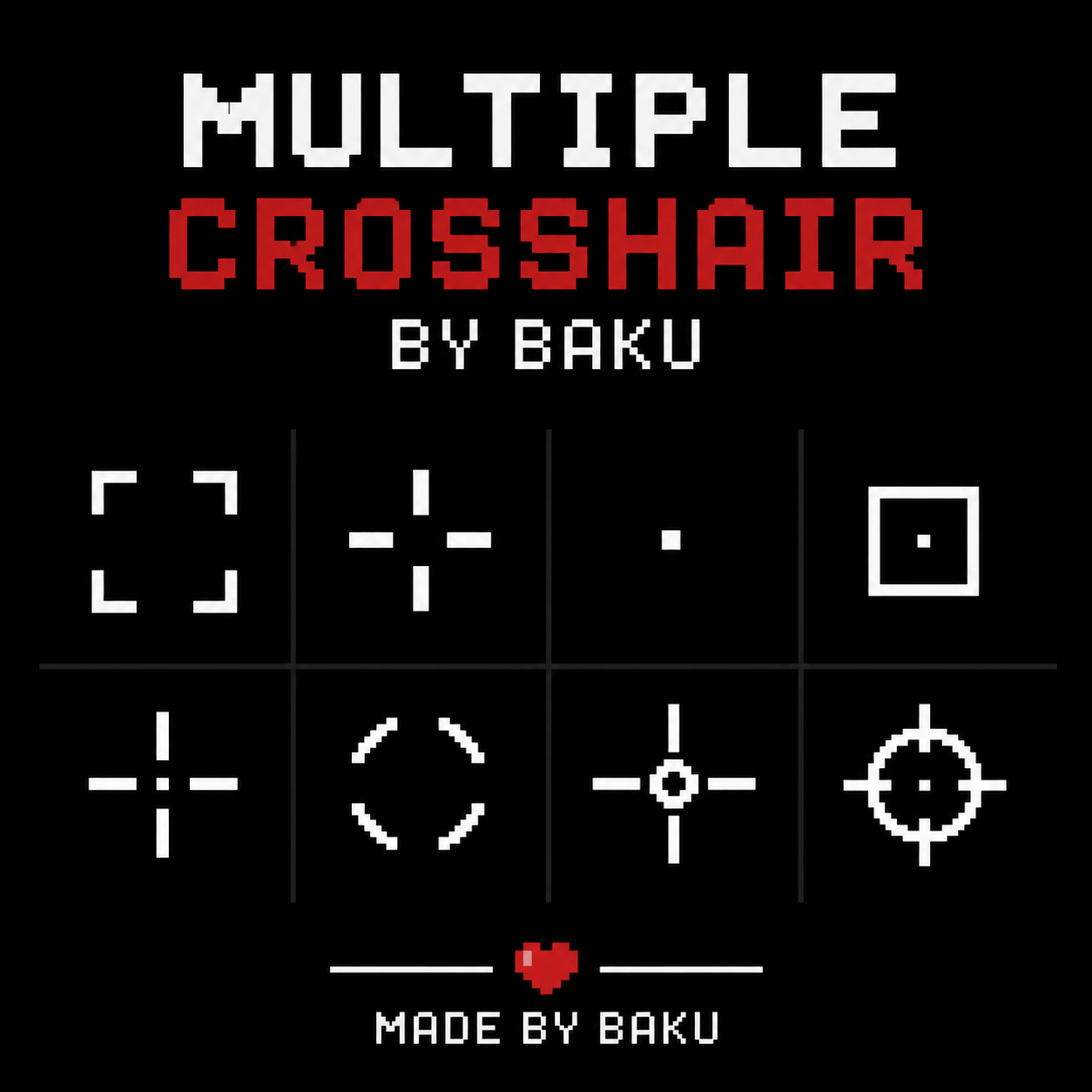
🎯 Multiple Crosshair Pack – Stylish PvP Crosshairs
Welcome to the Multiple Crosshair Pack, designed for players who want better aim visibility and a stylish PvP experience ⚔️. This pack includes multiple unique crosshair designs for different gameplay styles and preferences.
Whether you're playing PvP, Survival, or Competitive Modes, these crosshairs improve focus and give your gameplay a clean and modern look 🔥.
🎯 Crosshair Styles
- ⬜ Square Crosshair – Minimal and precise aiming style.
- ➕ Classic Cross – Balanced and clean PvP crosshair.
- ⚪ Dot Crosshair – Simple centered aiming point.
- 🎯 Scope Style – Tactical look with focused visibility.
- ⭕ Circular Crosshair – Smooth modern combat style.
- ✨ Advanced PvP Crosshair – Stylish and competitive design.
⚡ Gameplay Benefits
- 🎯 Better Aim Focus – Easier targeting during combat.
- ⚔️ PvP Friendly – Designed for smooth fighting experience.
- 🧼 Clean Visual Style – Minimal and aesthetic crosshairs.
- 🚀 Smooth Gameplay Feel – Lightweight and responsive textures.
🌍 Pack Highlights
- 🎯 Multiple Crosshair Options
- ⚔️ PvP Optimized Design
- ✨ Clean & Modern Look
- 📱 MCPE/Bedrock Friendly
⚙️ Pack Info
- 🎮 Type: PvP Utility Pack
- 📦 Features: Multiple Custom Crosshairs
- 📱 Platform: MCPE / Bedrock
- ⚡ Lightweight & Smooth
⭐ Why Use This Pack?
If you want a clean and stylish PvP experience with multiple crosshair choices and better aiming visibility, this pack is perfect for you 💯.
👤 Credits
Pack Creator: BAKU
💬 Support & Feedback
⭐ Please rate this pack and leave a review if you enjoyed it — it really helps!
💭 Have any questions or suggestions?
Join my Discord and ask here 👉 Click to Join Discord
- Edition: Minecraft Bedrock
- File type: .mcpack
- Minecraft versions listed: 26.12, 26.20, 26.13
- How to install: Download the .mcpack. → Open it — Minecraft imports it under Resource Packs. → Activate it in Global Resources, or for one world under Resource Packs → Available.
- Where to get it: Opens on CurseForge — not every file is mirrored on our own servers.
Install steps are the general flow for this file type — How to install Minecraft Bedrock texture packs walks through it step by step.
- Pack type: .mcpack — a single pack
- Manifest requires Minecraft 1.20.0 or newer
- Complete pack — everything it depends on is inside the file
- Download size: 16 KB
- Download link checked 26 Oct 2026 — working
These come from our own check of the pack file, not from the source page.