HomeBedrockTexture packsLapis Lazuli UI Pack
Lapis Lazuli UI Pack
Texture packsBedrock

Lapis Lazuli UI Pack

by Venousalex123 · on CurseForge

Resource pack that adds a more attractive and saturated style to the user interface, with additional features.

⬇ Download on CurseForge
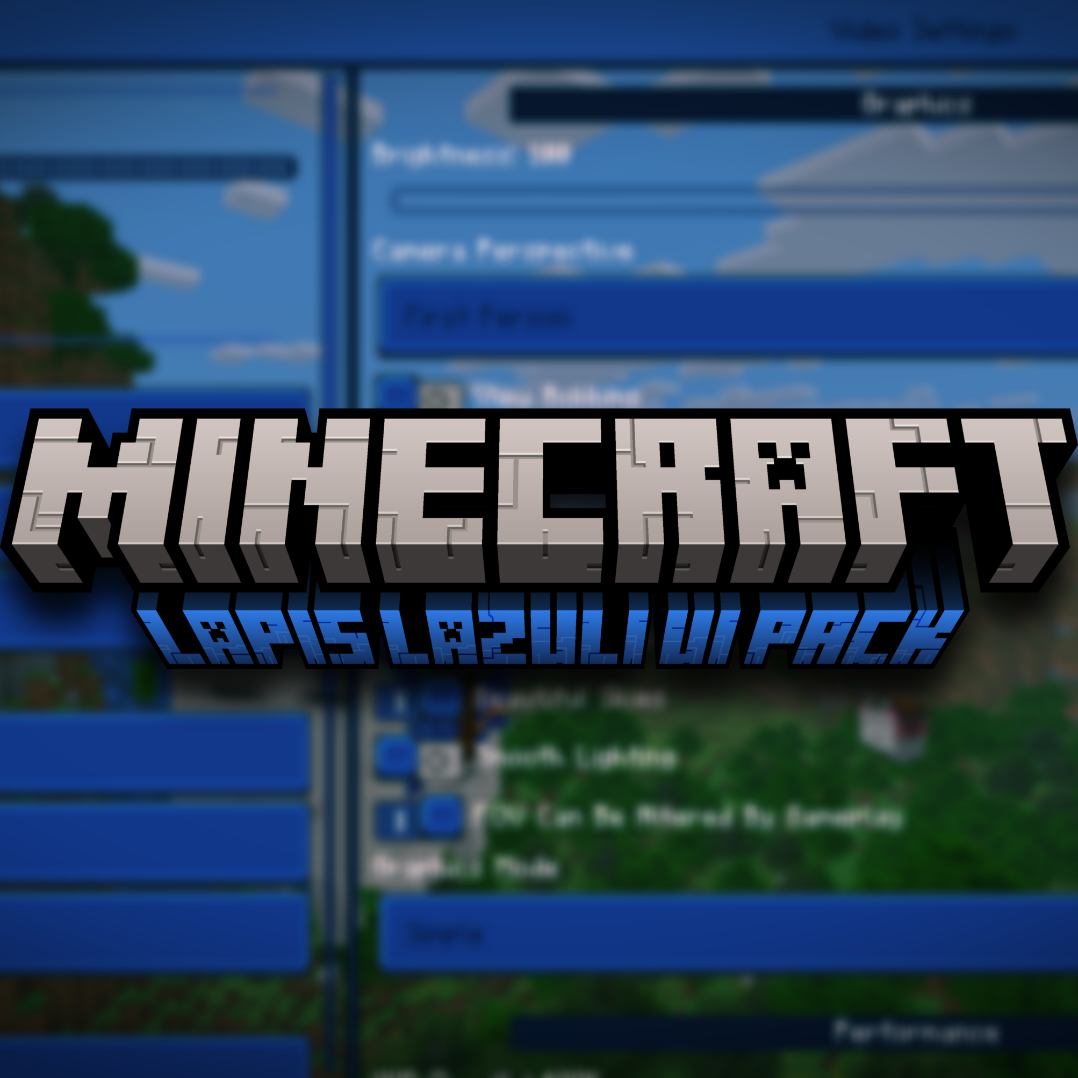
Lapis Lazuli UI Pack — screenshot 1

The functionality of this resource package is to guarantee comfort, efficiency, softness and a different perspective than the conventional interface, redesigning it to a more striking and vivid color, keeping vanilla in mind.

Continues 2 game modes. In Default mode (mode 1) find modifications in the social user interface, such as:

Note: To ensure that all details have been loaded, you need to restart the game after activating it.

Interface saturation may vary on the screen of some devices.


Position (in English language (United States))

Hotbar


Optimization mode and additional functions (mode 2) give you a hand when living a new adventure, following blocks, objects and modified interface to improve the player experience, changes such as:

Translucent chat screen

Visible trades

Animated ores

Spyglass scope removed

Decreased pumpkin blur

Faded frozen effect

Hidden enchantments

More visibility when entering water and lava

Reduced boss bar

Custom fog


AGREEMENT


Join my Discord serverdiscord.gg/G6BAGcfp6m

Quick facts

Install steps are the general flow for this file type — How to install Minecraft Bedrock texture packs walks through it step by step.

Verified by MCModsHub

These come from our own check of the pack file, not from the source page.

Explore more