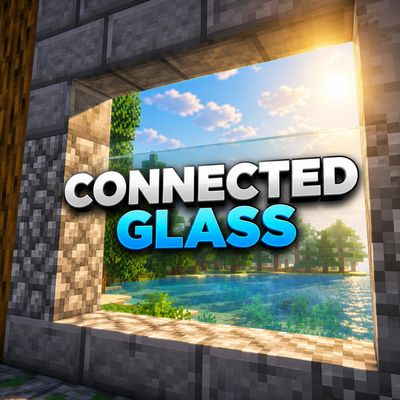
CONNECTED GLASS BY BAKU
Bedrock texture pack listed for Minecraft 1.21–26.x. File opened and checked on 29 Sep 2026; installs from the MC Bedrock Mods app on Android.
CONNECTED GLASS By Baku removes distracting glass borders to create a clean, seamless, and modern look. Perfect for houses, skyscrapers, and aesthetic…
⬇ Download on CurseForge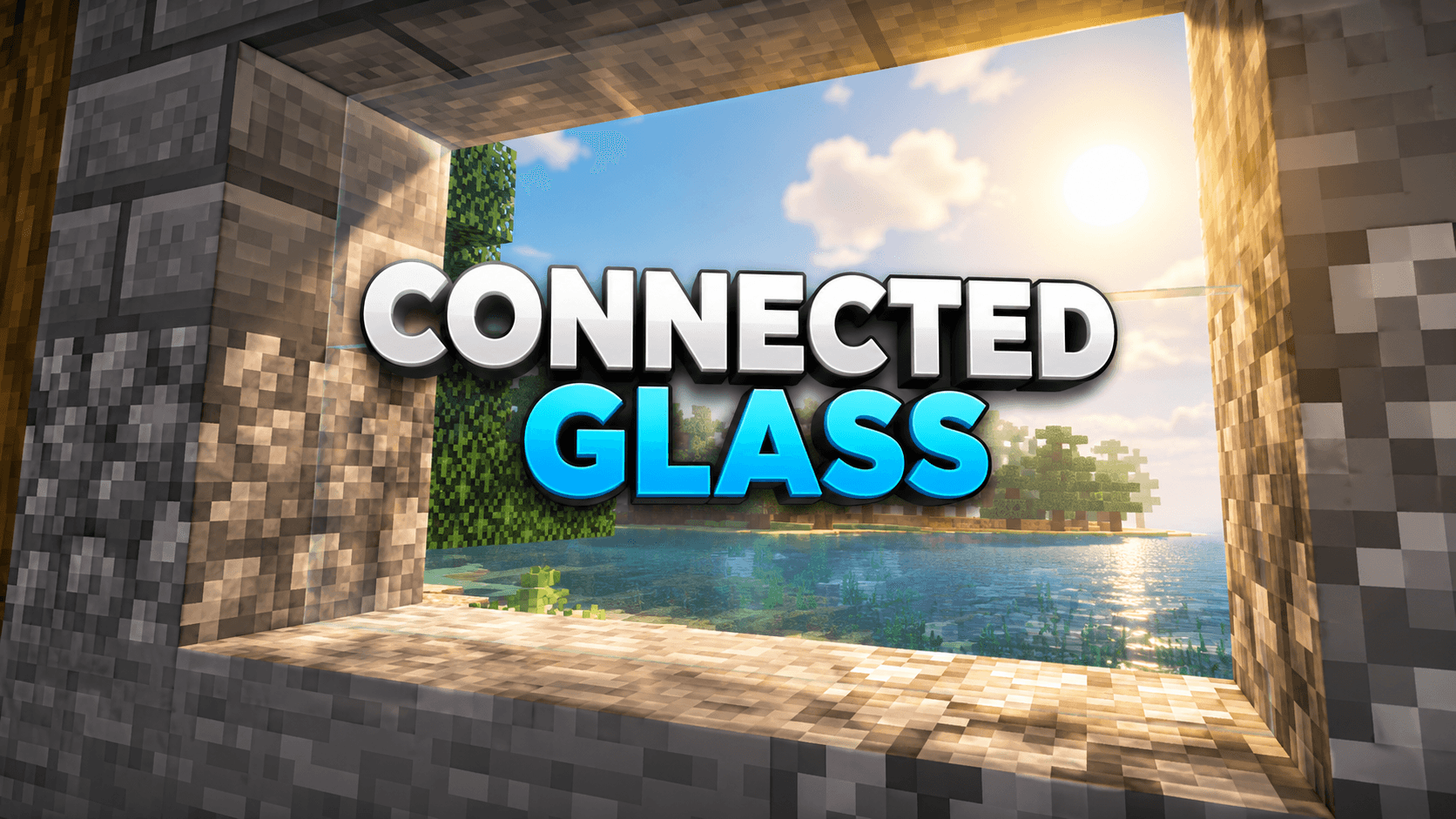
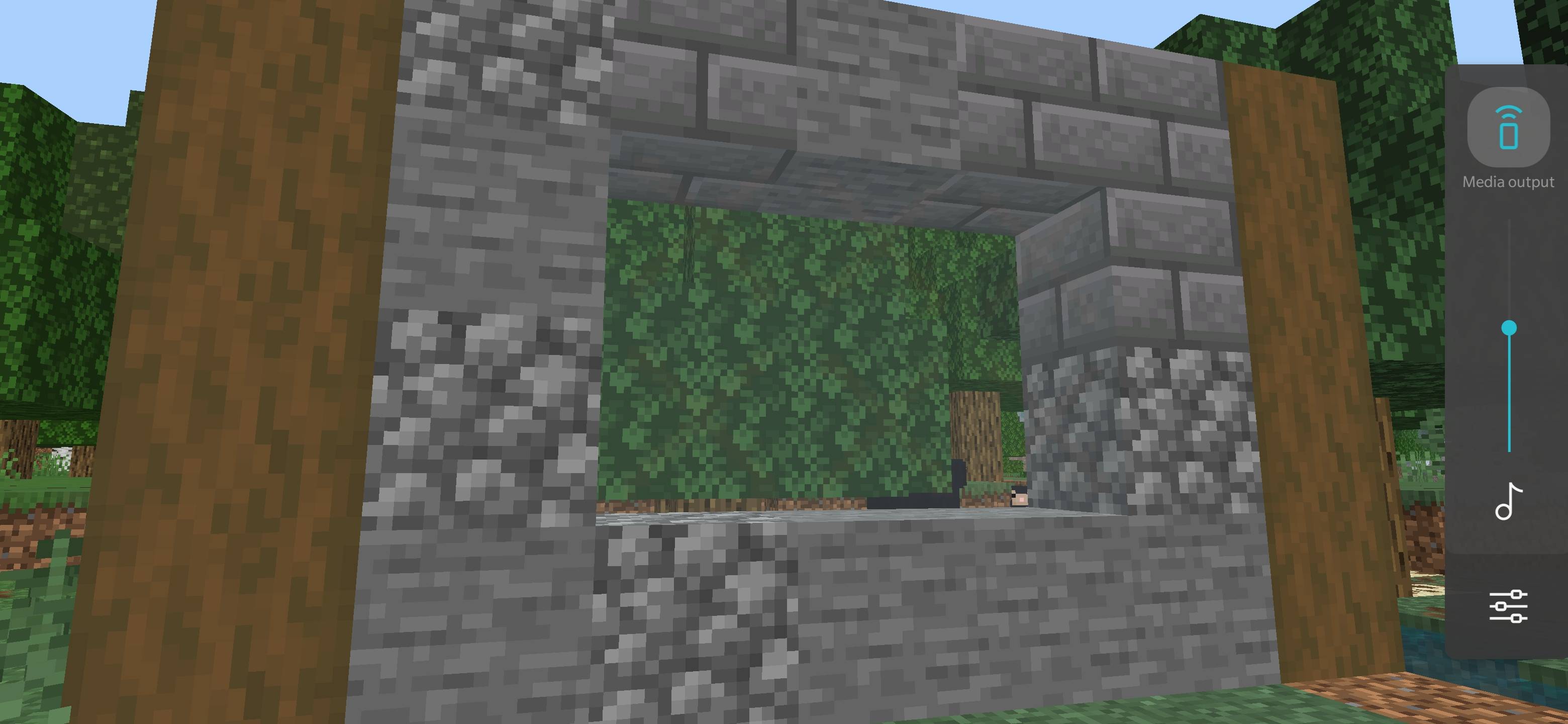
VISIBLE CONNECTED GLASS
By Baku | Minecraft Bedrock Resource Pack
Give your windows and glass builds a cleaner look with smooth textures, balanced colours and transparent pane edges.
Features
- Clear glass, all 16 stained colours and tinted glass.
- Transparent pane edges remove the opaque strips behind join lines.
- Smooth surfaces with repeated X-patterns removed.
- Balanced transparency and polished colours.
- Resource pack only; no scripts or behaviour pack required.
Installation
Import the .mcpack → Activate under Resource Packs → Place above other glass packs → Reopen your world.
Note: Exposed pane top and end edges are also transparent. Automatic outer borders are not included.
Credits: Pack design, texture customization and updates by Baku.
- Edition: Minecraft Bedrock
- File type: .mcpack
- Minecraft versions listed: 26.20, 26.30, 26.40
- How to install: Download the .mcpack. → Open it — Minecraft imports it under Resource Packs. → Activate it in Global Resources, or for one world under Resource Packs → Available.
- Where to get it: Opens on CurseForge — not every file is mirrored on our own servers.
Install steps are the general flow for this file type — How to install Minecraft Bedrock texture packs walks through it step by step.
- Pack type: .mcpack — a single pack
- Manifest requires Minecraft 1.21.0 or newer
- Complete pack — everything it depends on is inside the file
- Download size: 188 KB
- Download link checked 6 Oct 2026 — working
These come from our own check of the pack file, not from the source page.