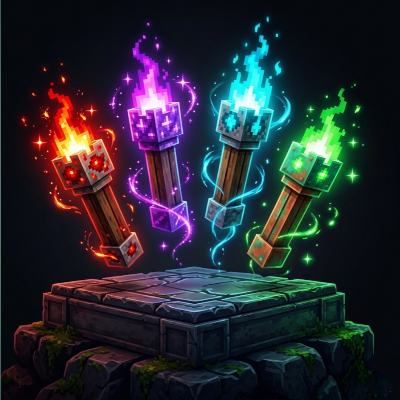
Glow FPS+
Bedrock texture pack listed for Minecraft 26.x. File opened and checked on 27 Sep 2026; installs from the MC Bedrock Mods app on Android.
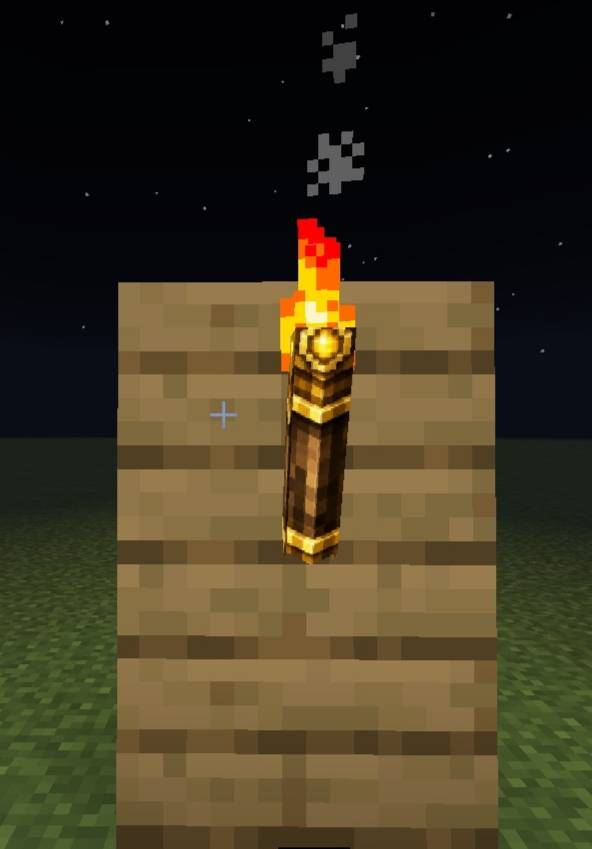
Glow FPS+ upgrades Minecraft's glowing torches with brand-new custom designs and vibrant glow effects. Featuring redesigned Redstone Torch, Copper Torch…
⬇ Download on CurseForge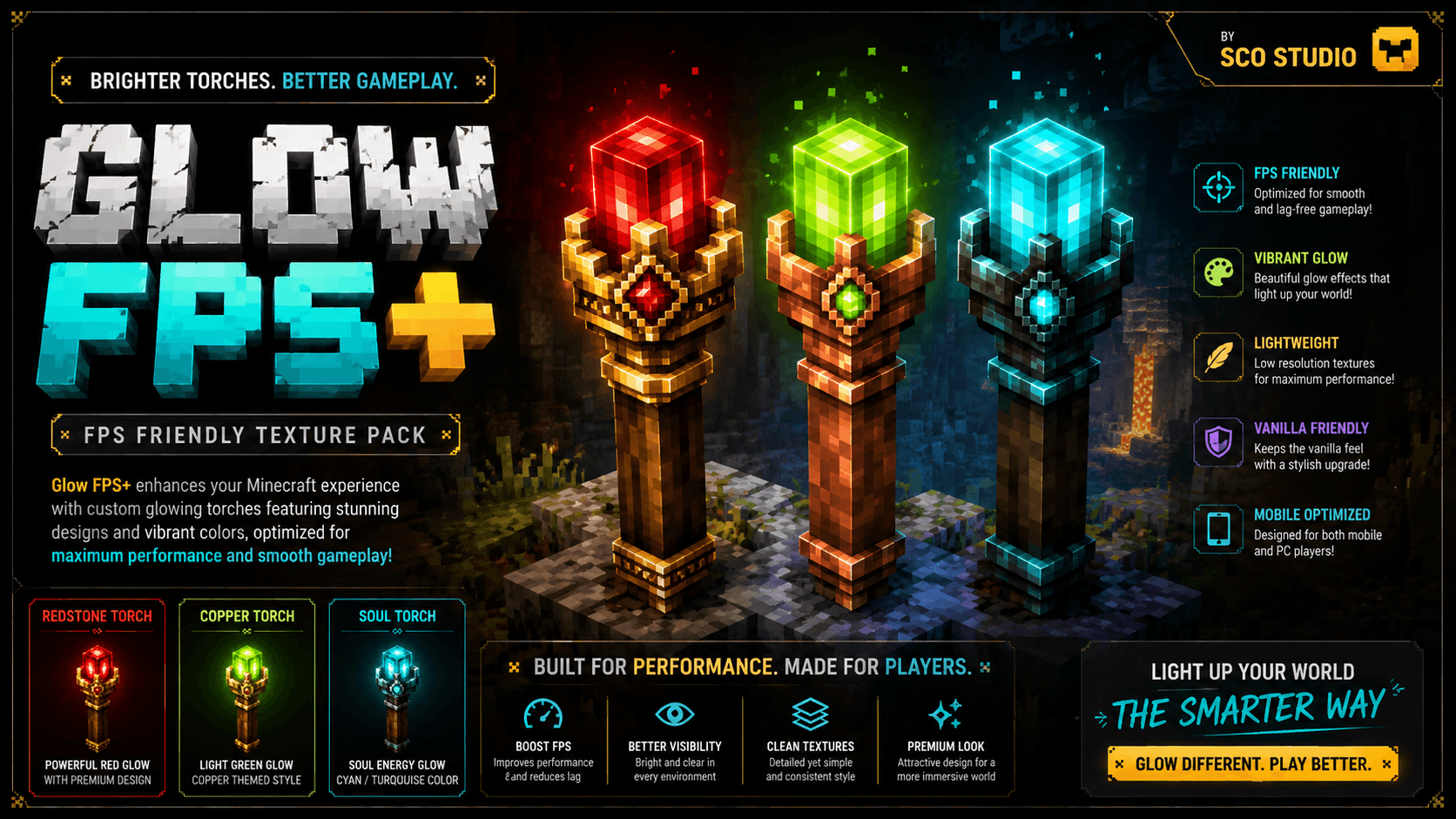
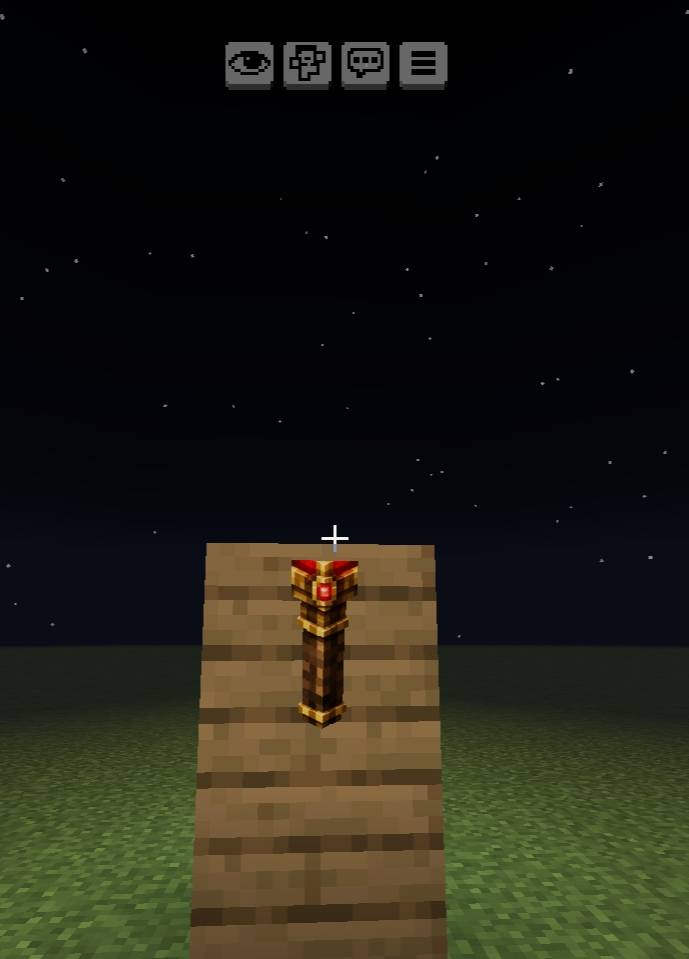
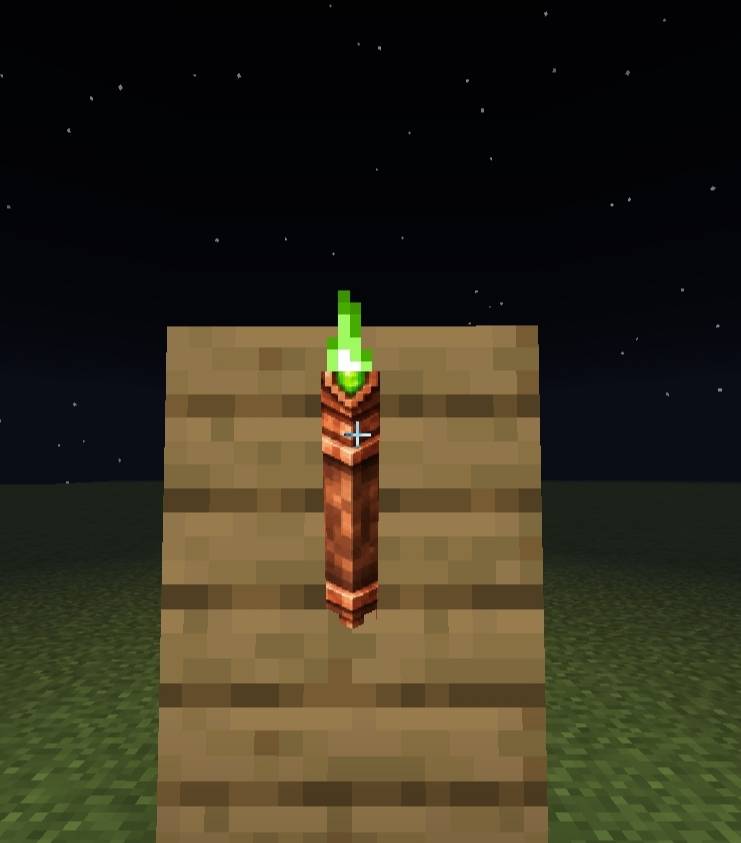
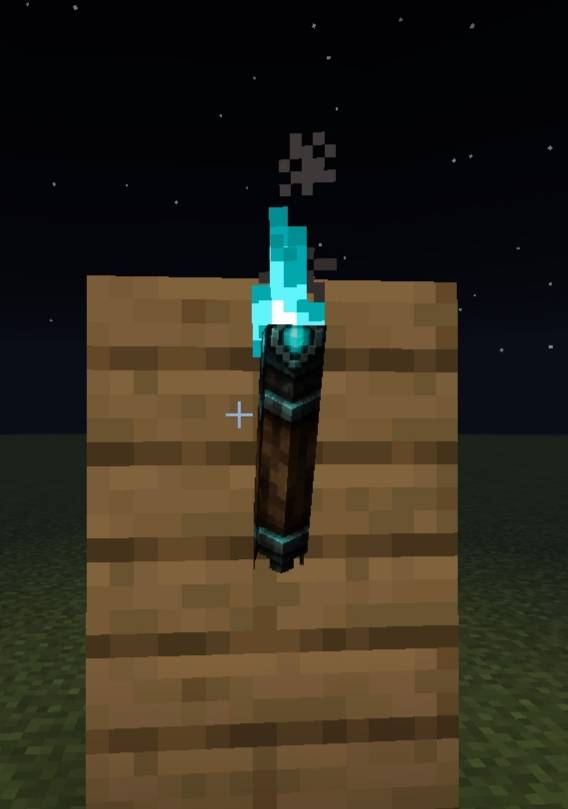
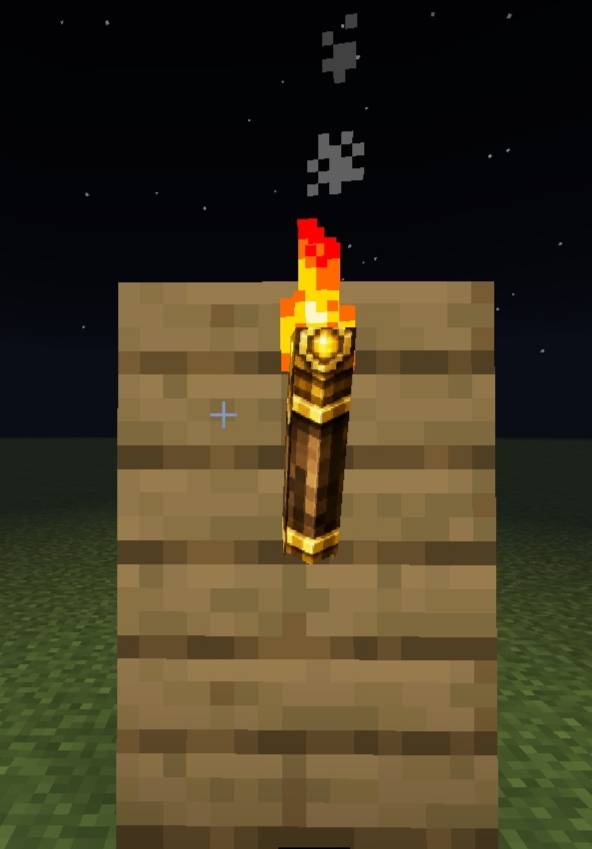
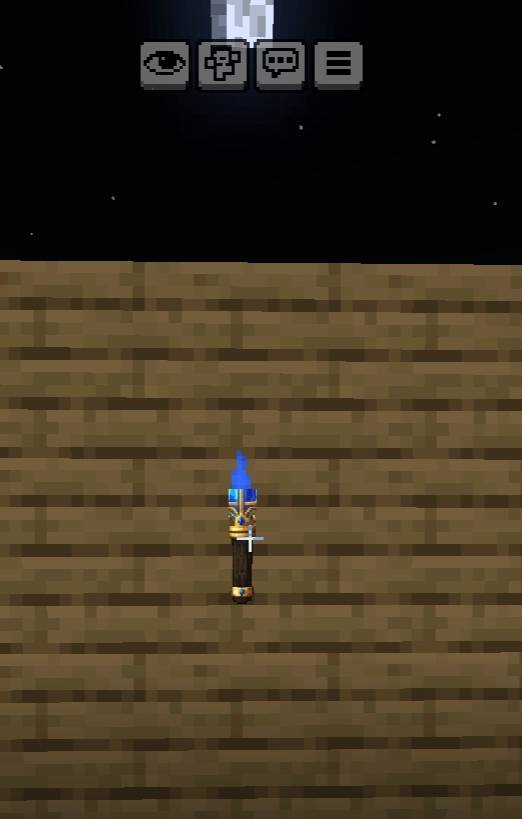
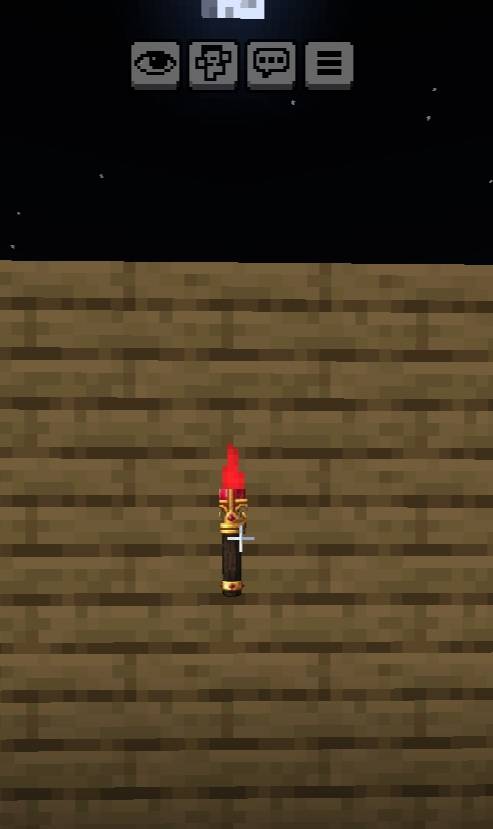
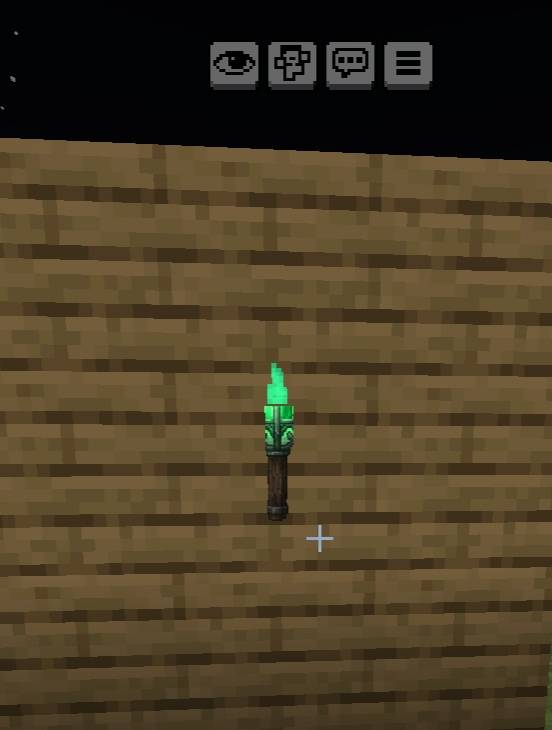
✨ Glow FPS+ is a stylish and performance-friendly texture pack that completely redesigns Minecraft's glowing torches with unique custom visuals and vibrant lighting effects. Every torch has been carefully crafted to look cleaner, brighter, and more attractive while maintaining excellent performance for smooth gameplay on all devices.
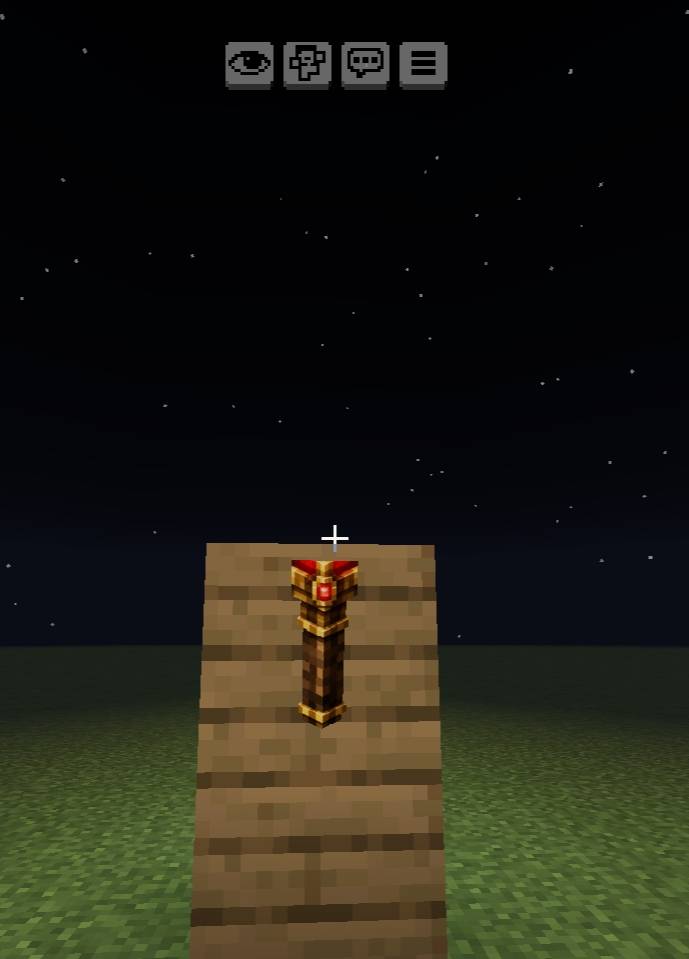
Experience a fresh new look with: 🔴 Redstone Torch – Enhanced with a powerful glowing red crystal design.
Add version 1.0.1 new update _ Red green and blue torch
💚 Copper Torch – Features a vibrant light-green energy core with a unique copper-themed appearance. 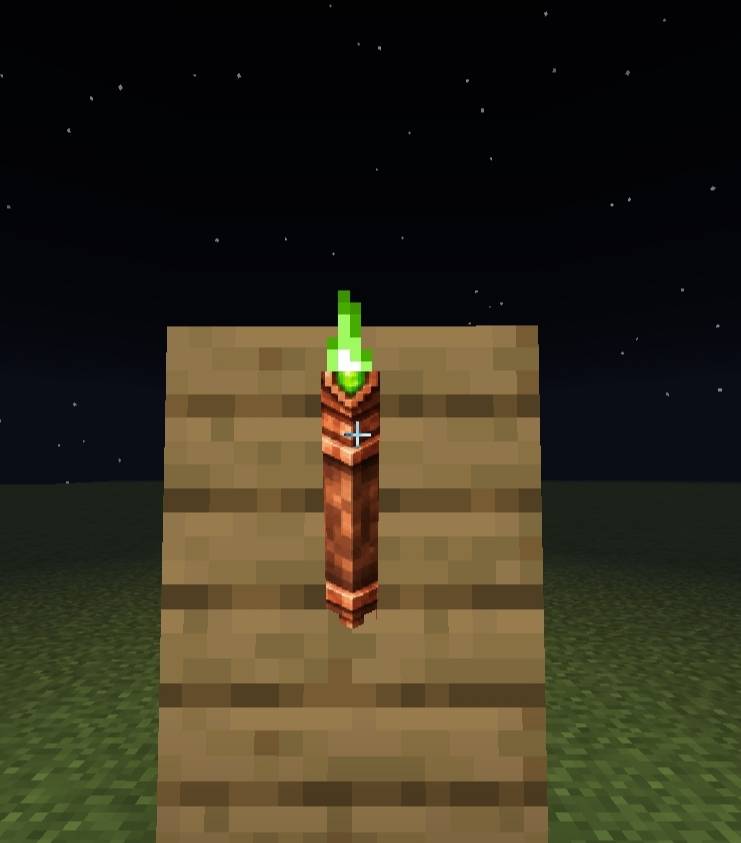
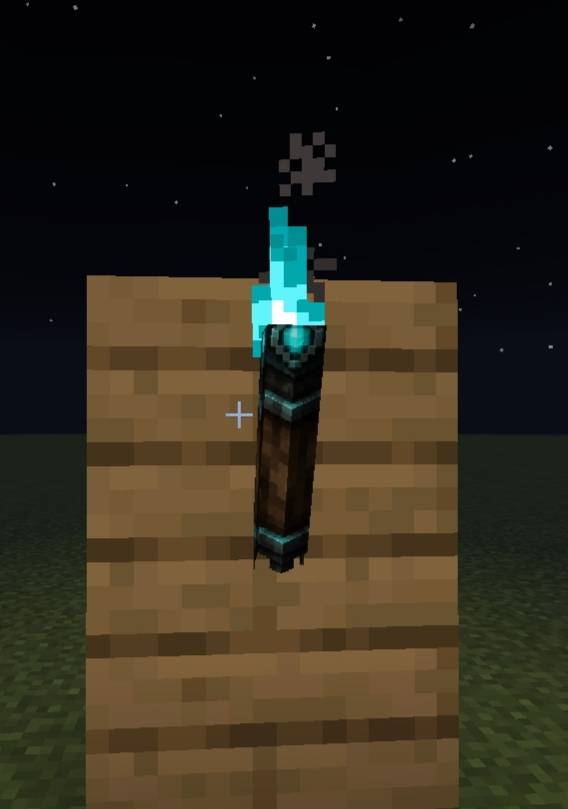
💙 Soul Torch – Redesigned with a beautiful cyan/turquoise glow inspired by soul energy.
⚡ FPS Friendly – Lightweight textures optimized for better performance.
🎮 Gaming Style Visuals – Bright colors, strong contrast, and eye-catching designs. ✨ Enhanced Glow Effects – Makes glowing torches stand out in any environment.
📱 Mobile Optimized – Smooth experience on both low-end and high-end devices.
🛠️ Vanilla-Friendly – Keeps the original Minecraft feel while adding a modern glow-themed upgrade.
Whether you're exploring caves, building bases, or creating adventure maps, Glow FPS+ brings a brighter and more immersive torch experience to your Minecraft world.
✨ Designed by Sco Studio ✨
- Edition: Minecraft Bedrock
- File type: .mcpack
- Minecraft versions listed: 26.0.02, 26.0, 26.3
- How to install: Download the .mcpack. → Open it — Minecraft imports it under Resource Packs. → Activate it in Global Resources, or for one world under Resource Packs → Available.
- Where to get it: Opens on CurseForge — not every file is mirrored on our own servers.
Install steps are the general flow for this file type — How to install Minecraft Bedrock texture packs walks through it step by step.
- Pack type: .mcpack — a single pack
- Manifest requires Minecraft 1.26.0 or newer
- Complete pack — everything it depends on is inside the file
- Download size: 251 KB
- Download link checked 6 Oct 2026 — working
These come from our own check of the pack file, not from the source page.