FogBreaker Bundle
Bedrock texture pack listed for Minecraft 1.21–26.x. File opened and checked on 2 Oct 2026; installs from the MC Bedrock Mods app on Android.
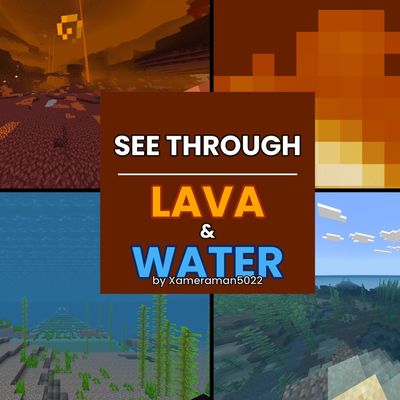
Pure JSON pack with 3 modes via in-game slider. Lava X-Ray activates with Fire Resistance potion — see everything under lava clearly. Balanced transparent…
⬇ Download on CurseForge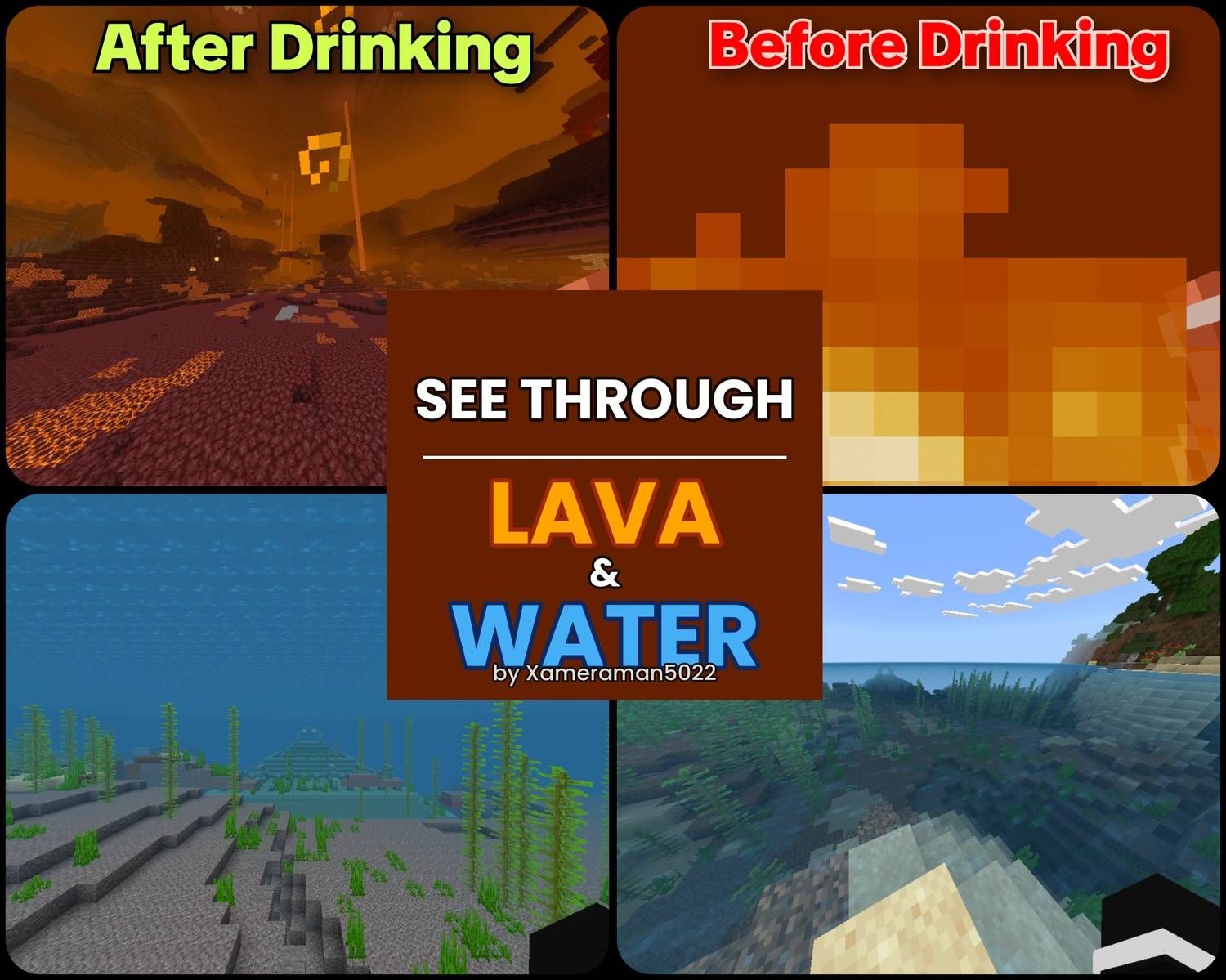
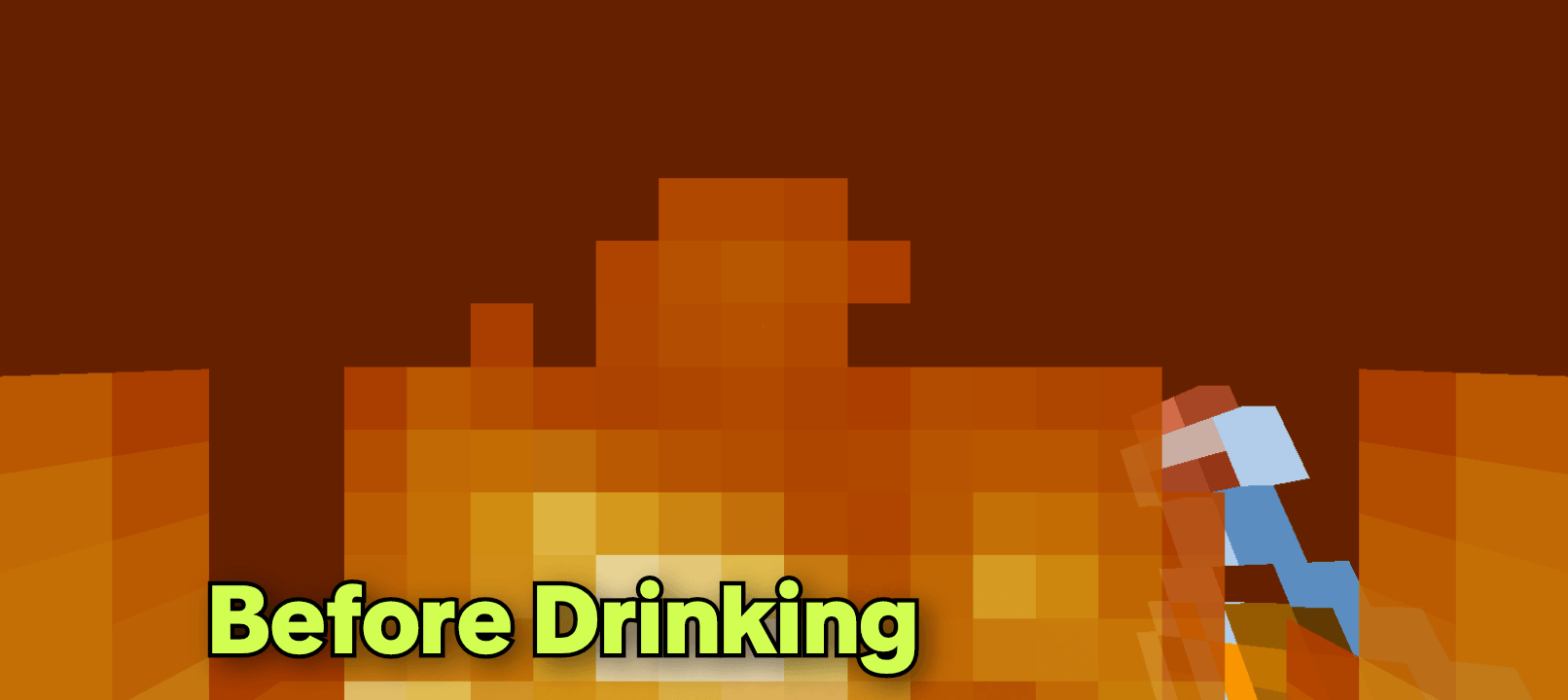
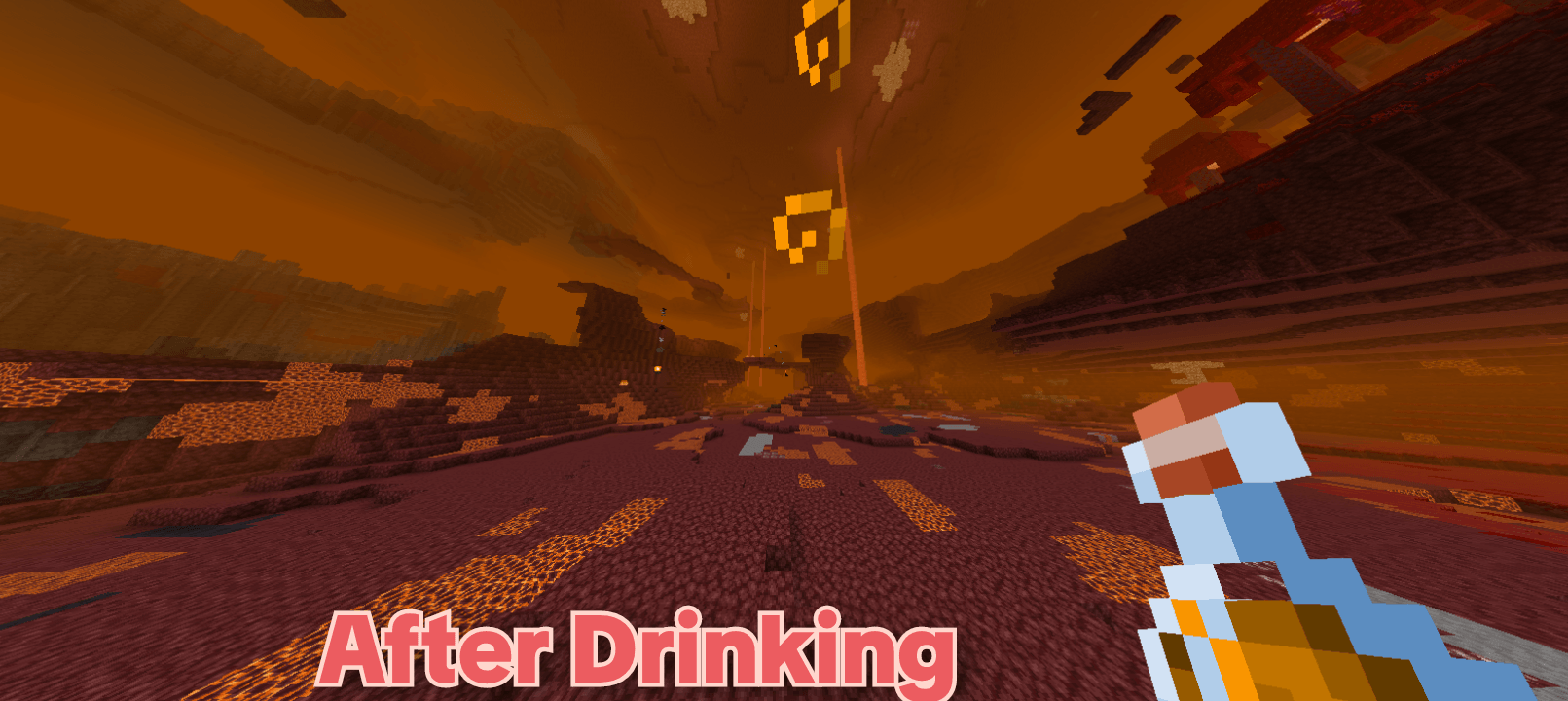
━━━━━━━━━━━━━━━━━━━━━━━━━━━━━━━━━━━━━
FogBreaker Bundle
by Xameraman5022 | MIA Server
━━━━━━━━━━━━━━━━━━━━━━━━━━━━━━━━━━━━━
Stop swimming blind. Stop dying in
lava you can't see through.
FogBreaker gives you vision where
Minecraft takes it away — with zero
mods, zero behavior packs, and zero
PNG files. Pure JSON only.
──────────────────────────────────────
🎚️ 3 MODES — Pick via Settings Slider
──────────────────────────────────────
Tap the ⚙ gear icon next to the pack
in Global Resources. A slider appears
with 3 options:
[ 1 ] WATER ONLY
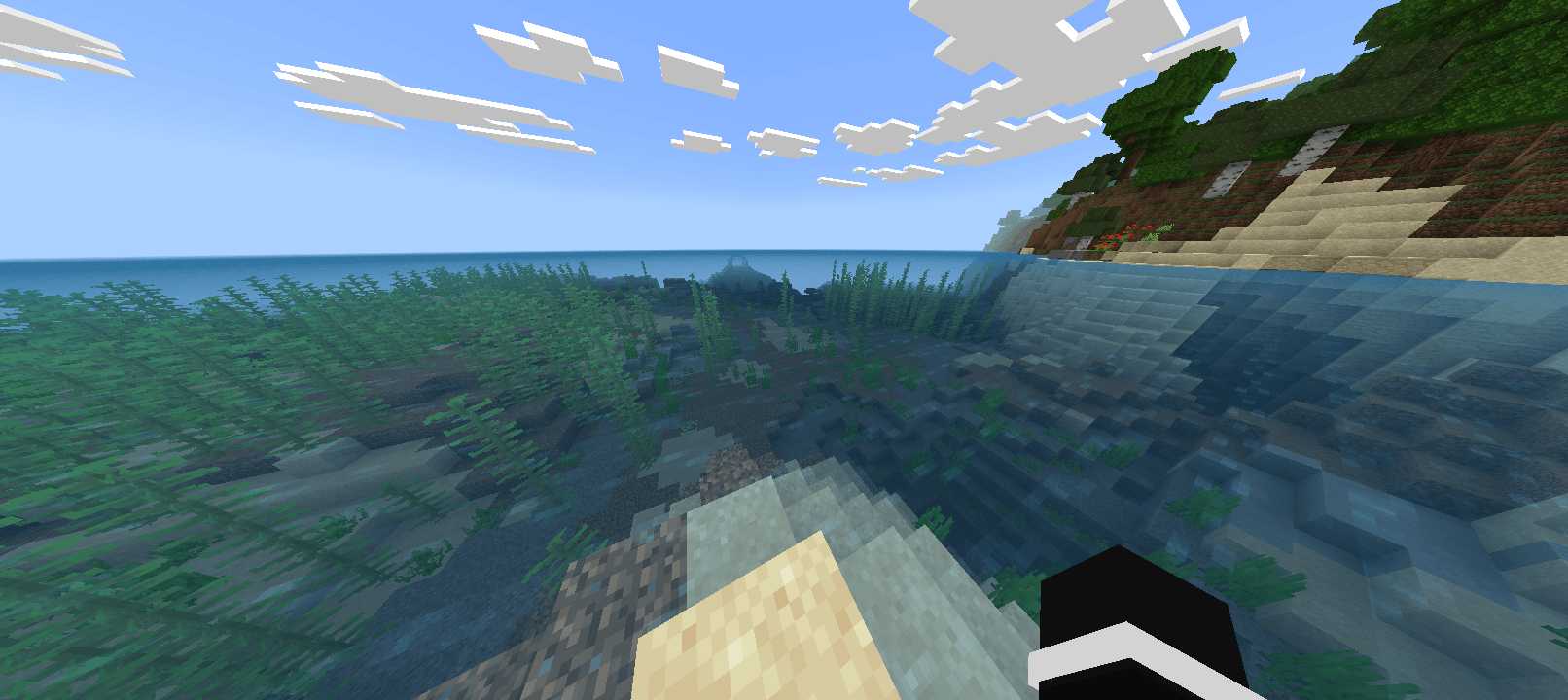
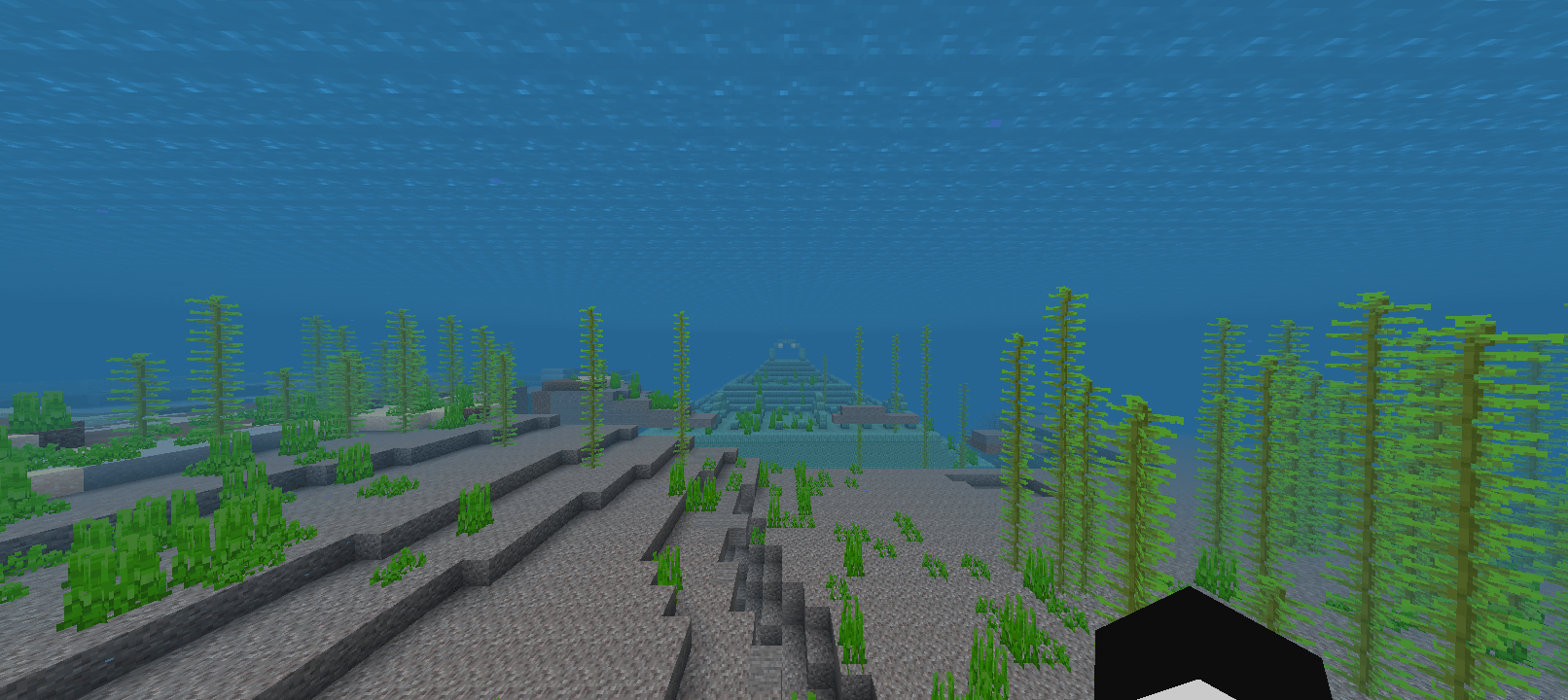
• Ocean surface becomes transparent
• See clearly underwater up to
75 blocks
• Works across all ocean biomes
[ 2 ] LAVA X-RAY
• Without potion: near-vanilla fog,
barely any change — keeps
survival fair and balanced
• With Fire Resistance potion:
full clear vision through lava —
see every ravine, cave, and
ore pocket beneath the surface
• Works in Overworld & Nether
• ⚠️ Does NOT work in Creative mode
[ 3 ] WATER + LAVA (Both)
• Everything from Mode 1 & 2
active at the same time
──────────────────────────────────────
✅ FEATURES
──────────────────────────────────────
✔ Pure JSON — no textures replaced
✔ Subpacks slider built in
✔ Works on latest MCBE / MCPE
✔ Survival balanced by design
✔ Compatible with other resource packs
✔ Extremely lightweight
──────────────────────────────────────
📦 HOW TO INSTALL
──────────────────────────────────────
1. Download the .mcpack file
2. Tap it — Minecraft imports it
automatically
3. Go to Settings → Global Resources
4. Activate the pack
5. Tap the ⚙ gear icon next to it
6. Slide to your preferred mode
7. Done!
──────────────────────────────────────
⚠️ NOTES
──────────────────────────────────────
• Lava X-Ray REQUIRES a Fire
Resistance potion to activate.
Without it, fog stays near
vanilla — no free x-ray.
• Does NOT function in Creative.
• Survival-balanced by design.
• Remove older versions before
updating to avoid conflicts.
──────────────────────────────────────
🌐 COMMUNITY
──────────────────────────────────────
This pack is part of the NOVA
community. Join our Discord for
more packs, add-ons, and updates!
━━━━━━━━━━━━━━━━━━━━━━━━━━━━━━━━━━━━━
If this helped you, leave a ⭐
and share it with your friends!
━━━━━━━━━━━━━━━━━━━━━━━━━━━━━━━━━━━━━
- Edition: Minecraft Bedrock
- File type: .mcpack
- Minecraft versions listed: 1.21.50, 1.21.81, 1.21.93
- How to install: Download the .mcpack. → Open it — Minecraft imports it under Resource Packs. → Activate it in Global Resources, or for one world under Resource Packs → Available.
- Where to get it: Opens on CurseForge — not every file is mirrored on our own servers.
Install steps are the general flow for this file type — How to install Minecraft Bedrock texture packs walks through it step by step.
- Pack type: .mcpack — a single pack
- Manifest requires Minecraft 1.21.40 or newer
- Complete pack — everything it depends on is inside the file
- Download size: 5.4 MB
- Download link checked 6 Oct 2026 — working
These come from our own check of the pack file, not from the source page.