Fancy Visuals
Bedrock texture pack listed for Minecraft 1.21–26.x. File opened and checked on 20 Sep 2026; installs from the MC Bedrock Mods app on Android.
Fancy Visuals brings dreamy pink sunsets, glowing ocean reflections, falling cherry blossom petals, and rich detailed textures to Minecraft. Cinematic…
⬇ Download on CurseForgeThe author built this one for Minecraft 26.50. On other versions it may install and then do nothing.
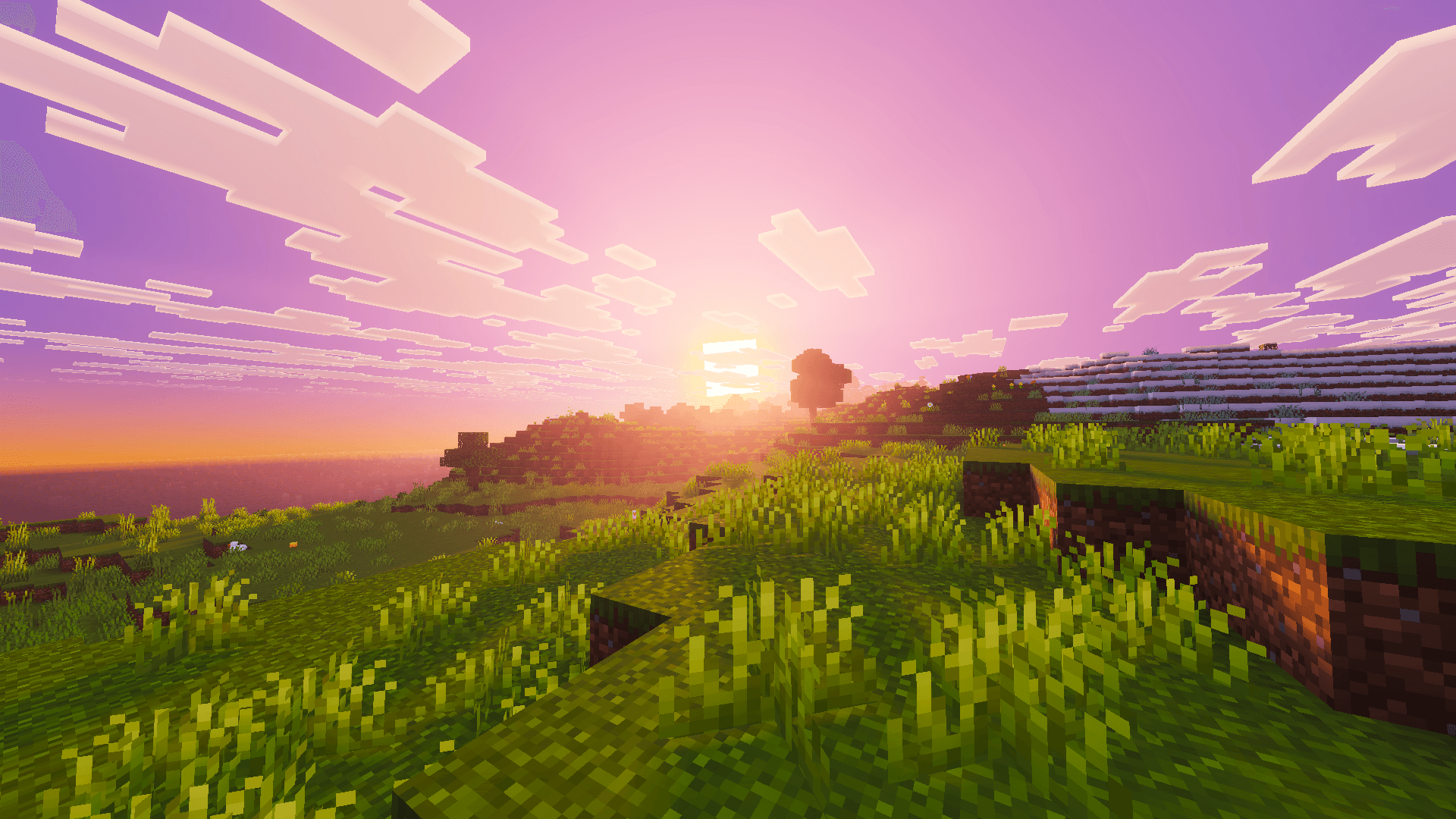
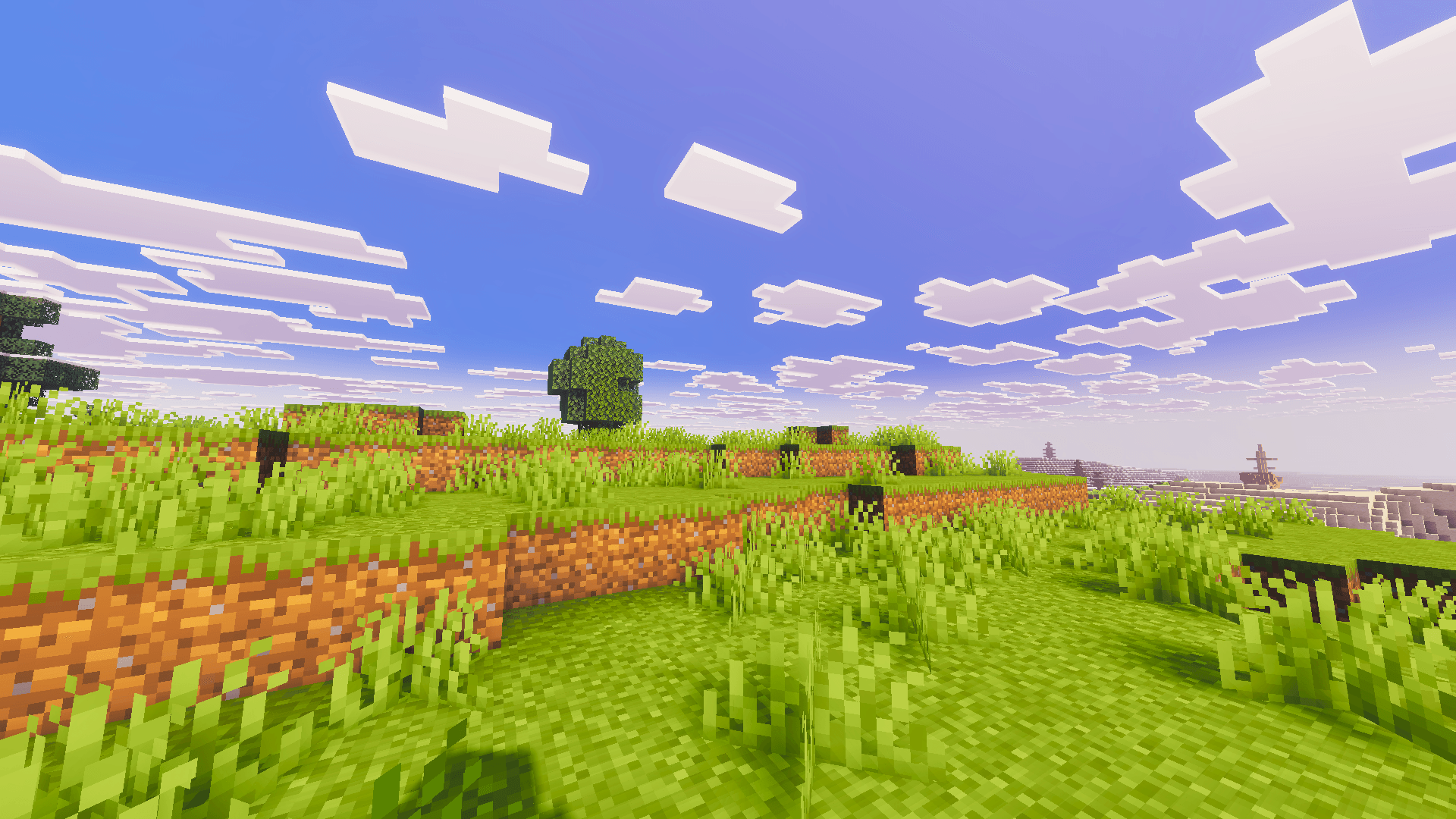
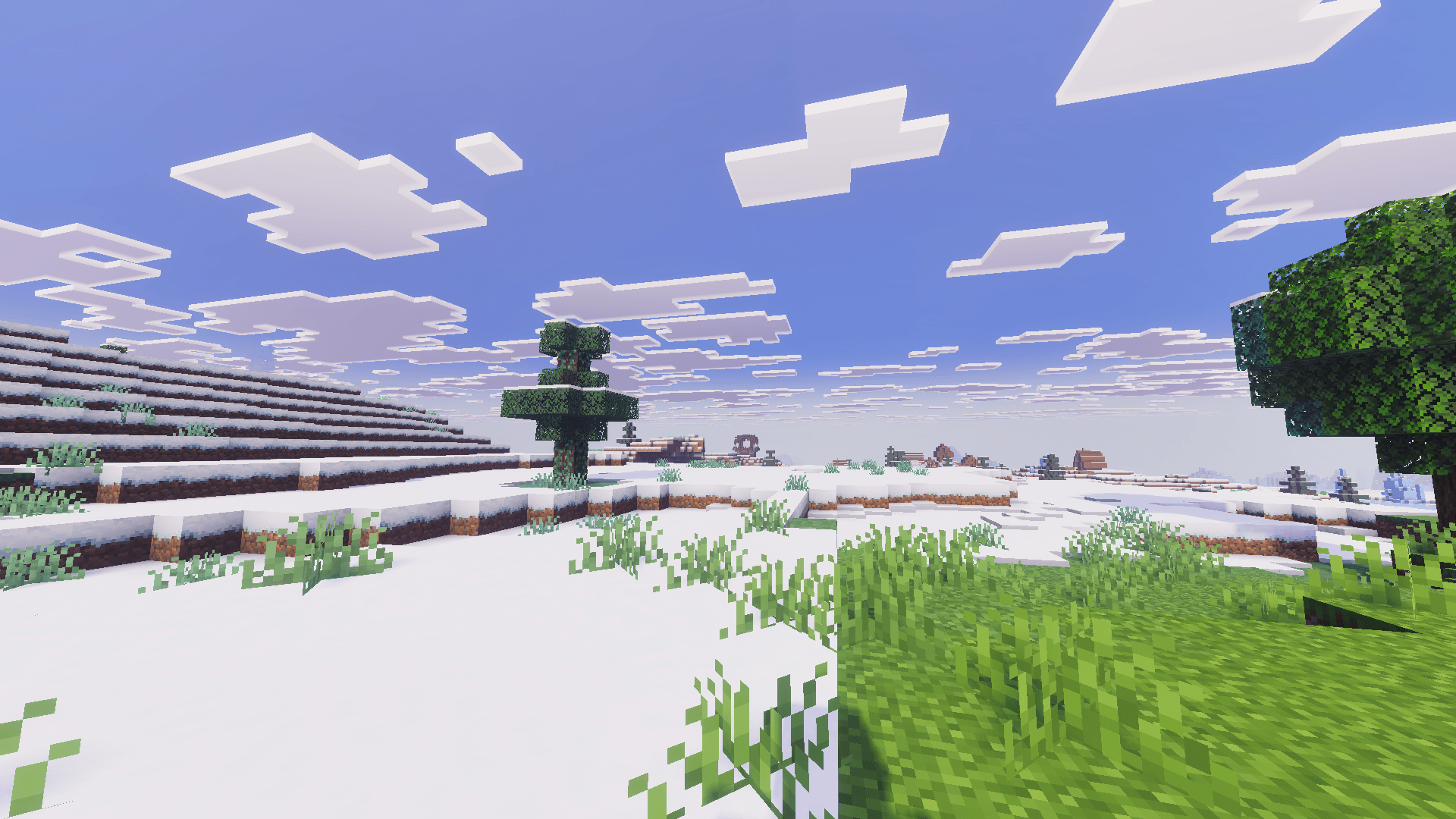
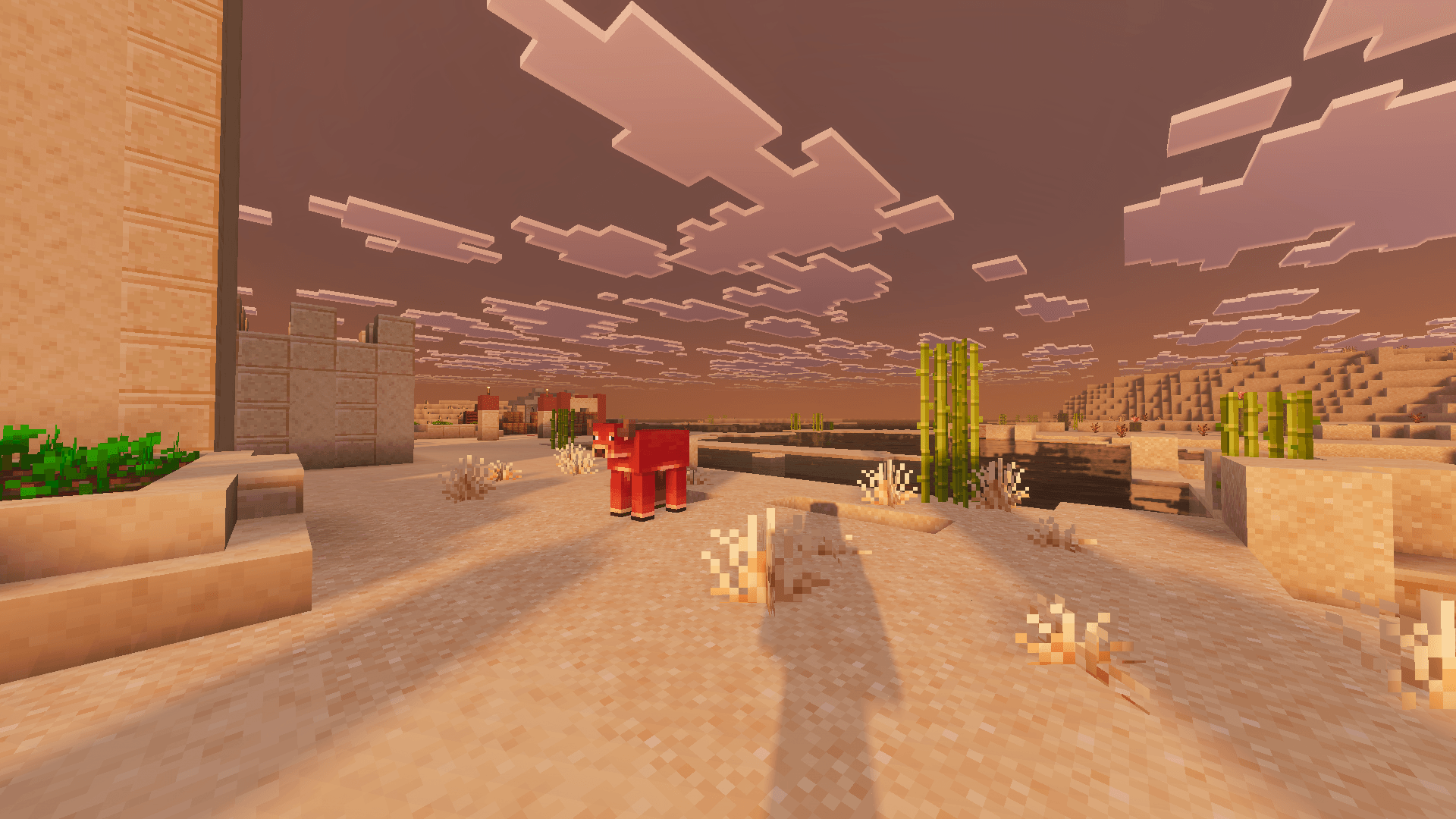
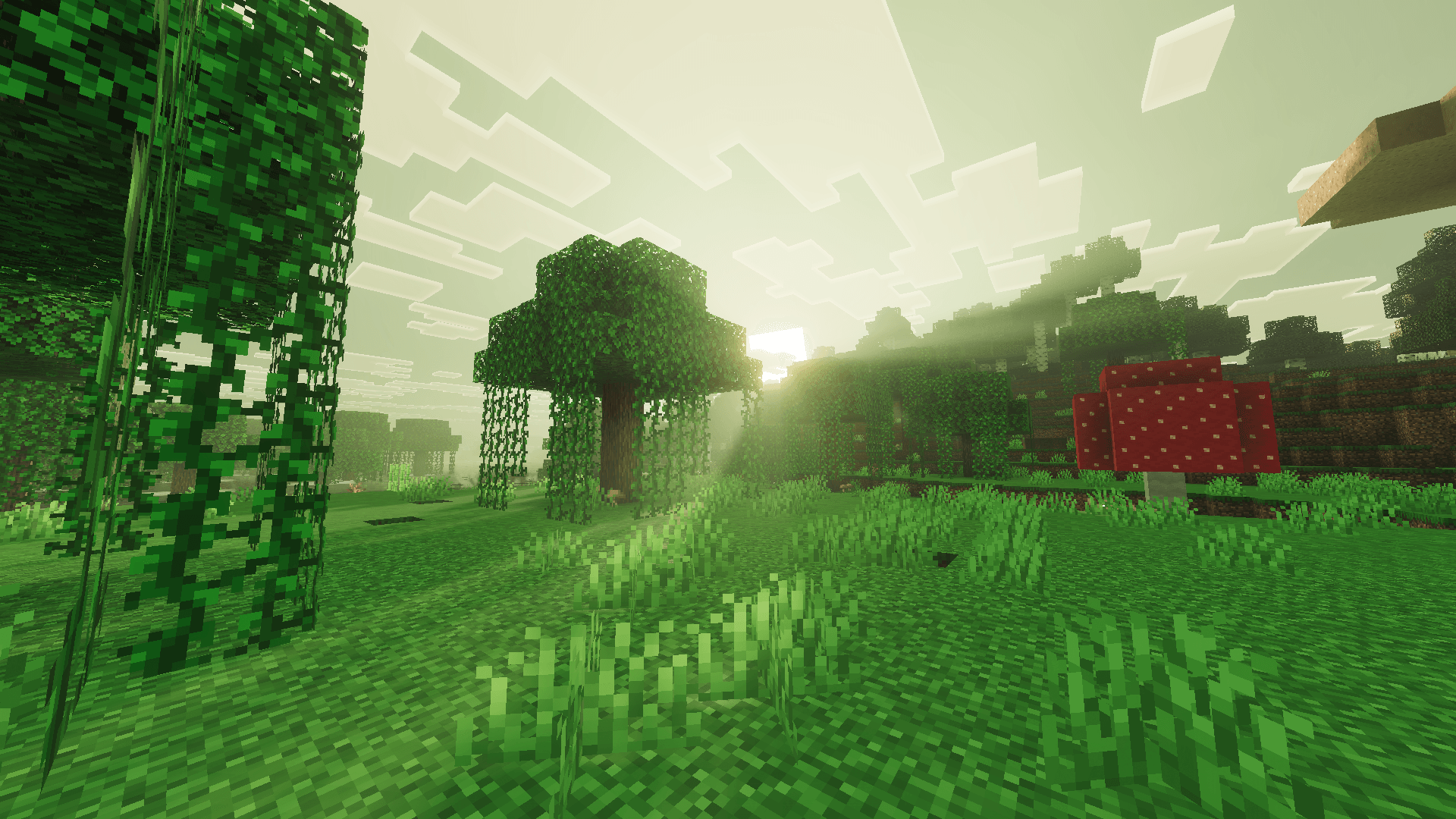
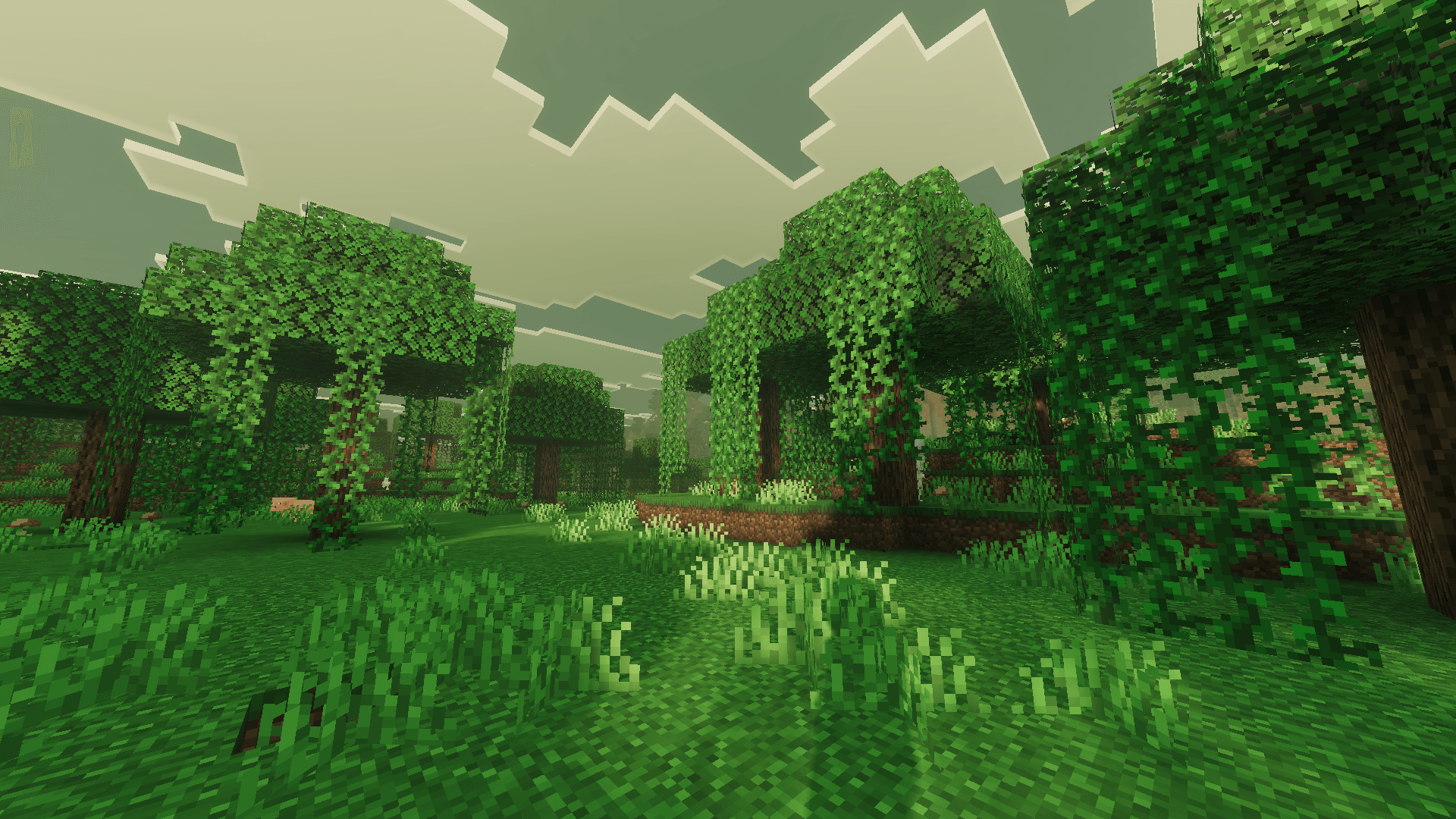
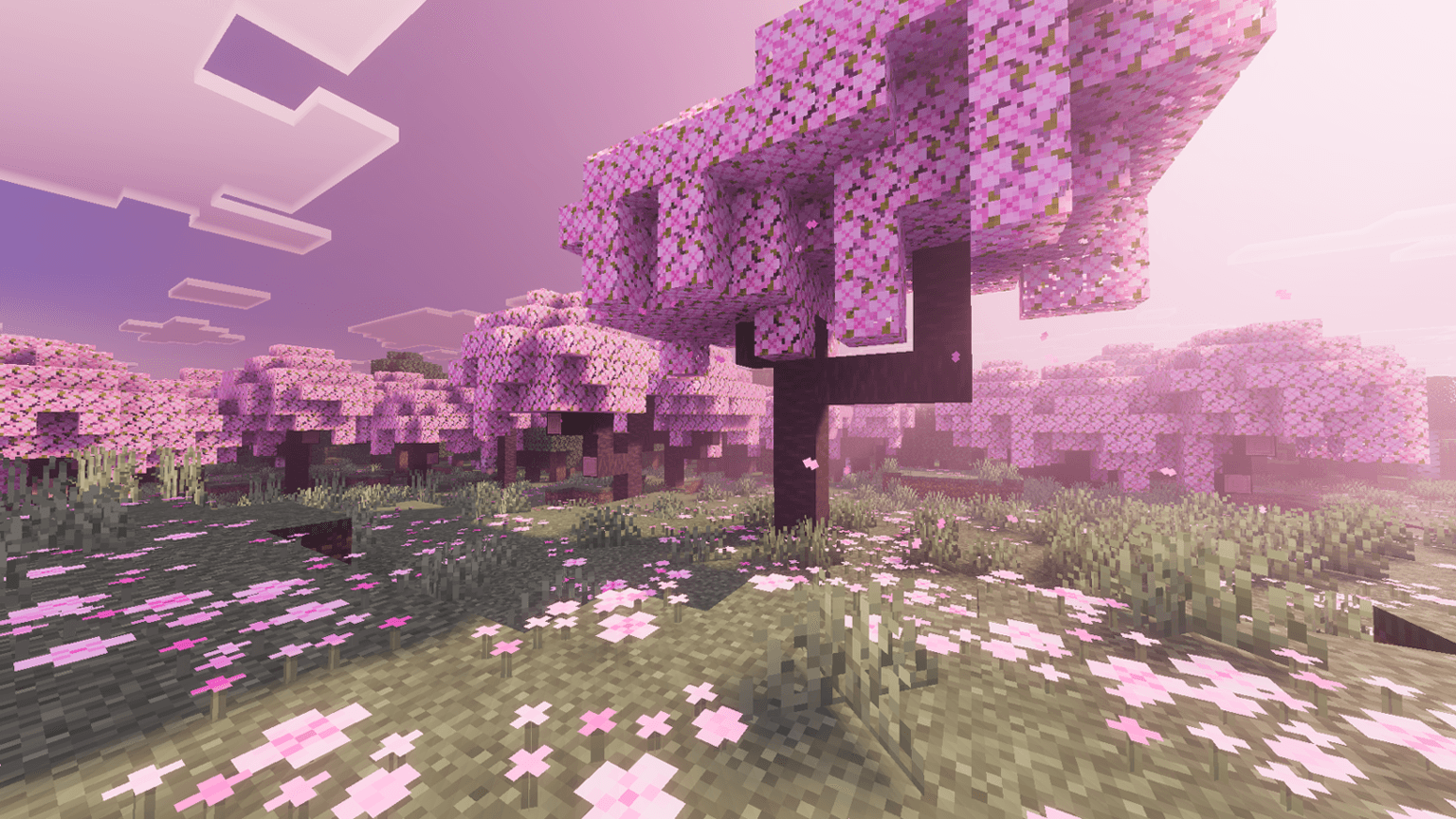
Fancy Visuals is my sunset pack. Purple and pink skies at dusk, an ocean that catches all of it, and cherry petals drifting past while it happens.
What this changes
Sunsets
This is the reason the pack exists. Dusk pulls purple and pink across the entire sky, not just a band near the sun, so the color is over your head as well as in front of you.
Ocean at dusk
The water surface picks up the sunset and glows with it. Standing on a beach facing west is the single best shot in this pack.
Cherry petals
Petals drift through the air on the wind, with a soft pink haze sitting between the trees.
Color grading
Warm tones across every biome so nothing goes cold or grey, even at midday. It keeps the whole world sitting in the same mood as the sunsets.
Day to night
Ambient light shifts gradually instead of snapping over. Evening actually takes its time.
Bark and leaves
Birch and oak bark and leaves get real depth up close, so trees hold up when you stand right next to them instead of going flat.
PBR
Blocks react to light with real depth, which is where the detail on bark and leaves comes from.
PBR is also the heaviest part of any Vibrant Visuals pack, so it is not forced on you. It ships as a subpack, which means you can switch it on or off yourself. When you activate Fancy Visuals in Global Resources, pick the version you want. Turn PBR off if your device runs hot or drops frames.
Requirements
THIS PACK IS FOR VIBRANT VISUALS ONLY
IT DOES NOT WORK WITH MB LOADER
Vibrant Visuals must be ON. This pack is built for Bedrock's Vibrant Visuals renderer. The pack will not do anything if it is off.
Where to turn it on: Settings > Video > Graphics > Vibrant Visuals
If that toggle is not there, your device or version does not support Vibrant Visuals yet.
About my other packs
I have several other shader packs on my page, and they are not recolors of this one. Each is built with its own style. The atmospherics, lighting, color grading, water and PBR are set up separately in every pack, so no two of them behave the same way in game.
If you want to explore the rest, everything I have made is here:
Installation
- Download the .mcpack file
- Open it. Minecraft imports it on its own.
- In your world go to Settings > Global Resources and activate Fancy Visuals
- Pick the subpack you want. PBR on for the full look, PBR off for better performance.
- Turn on Settings > Video > Vibrant Visuals
- If the lighting still looks the same, leave the world and load it again once
Permissions
YOU ARE ALLOWED TO
- Make a review or showcase video. YouTube, TikTok, Instagram, any platform. All I ask is that you link this CurseForge page in the description.
- Use the pack in your own gameplay videos and streams. No permission needed, go ahead.
- Modify the pack for your own personal use. Tweak whatever you want on your own device. The modified version has to stay with you though. It cannot be uploaded or shared publicly anywhere.
- Share this page with friends or in servers.
YOU ARE NOT ALLOWED TO
- Upload a modified version. Editing my pack and releasing it under your own name, or claiming it as your own work, is not allowed.
- Use assets from this pack in your own pack. If you want to use something from it, contact me on Discord first and ask.
- Put the download behind your own link. If you make a review video, link my official project page and nothing else. No monetized links, no link shorteners, no ad links, and no direct download that you host yourself.
- Reupload the pack anywhere else.
FAQ
The pack is not working. Nothing changed after I installed it.
I get this comment a lot, and almost every single time the reason is the same. Vibrant Visuals is turned off.
This pack only works when Vibrant Visuals is ON. That is written clearly at the top of this page. With it off, the pack loads fine but nothing on your screen changes, because there is no renderer for it to work with. The pack is not broken.
Go to Settings > Video > Graphics > Vibrant Visuals and switch it on. If you cannot find that option at all, your device or Minecraft version does not support it yet.
Please check this before commenting that the pack does not work.
How is this different from Cherry Visuals?
Cherry puts pink on the entire world all day long. Fancy keeps the world warm but saves the strong color for the sunsets. If you want pink everywhere, take Cherry.
My device heats up a lot while using this pack.
That is PBR. It is the heaviest thing in the pack and it is on by default.
Go to Global Resources, select Fancy Visuals, and switch to the subpack with PBR off. You lose some of the close up detail on bark and leaves, but you keep the sunsets, the water and the grading.
If it still runs hot after that, lower your Vibrant Visuals settings in the video menu and drop your render distance a few chunks.
Can I make a YouTube video or a review on this pack?
Yes, of course. Any platform is fine. Just link this official project page in your description.
Can I put my own download link in the video?
No. Please link my official page only. No shortened links, no monetized links, and no download you host yourself.
Can I modify the pack?
Yes, but for personal use only. Change whatever you like on your own device. You just cannot upload or publicly share the modified version.
Can I use assets from this pack in my own pack?
No, not without asking. Contact me on Discord first and we can talk about it.
Can I port this pack?
No. I do not allow third party ports, sorry.
Suggestions or problems?
Contact me on Discord: _miku_99_
You can also just drop a comment below. If it is a bug, please include your device and Minecraft version. Screenshots help a lot and I can usually get it fixed in the next update.
- Edition: Minecraft Bedrock
- File type: .mcpack
- Minecraft version listed: 26.50
- How to install: Download the .mcpack. → Open it — Minecraft imports it under Resource Packs. → Activate it in Global Resources, or for one world under Resource Packs → Available.
- Where to get it: Opens on CurseForge — not every file is mirrored on our own servers.
Install steps are the general flow for this file type — How to install Minecraft Bedrock texture packs walks through it step by step.
- Save it as Fancy_Visuals.mcaddon before opening — it downloads as .mcpack, but it is a .mcaddon pack
- Manifest requires Minecraft 1.21.90 or newer
- Complete pack — everything it depends on is inside the file
- Download size: 2.8 MB
- Download link checked 5 Oct 2026 — working
These come from our own check of the pack file, not from the source page.


