READ BEFORE DOWNLOADING
IMPORTANT NOTE

I absolutely recommended you to use java tooltips by DimzProject
Since if you didn't use it, it may block your screen when switching to enchanted item
-----------------------------------
-subpack
There 4 subpack in the setting
1. Default (v1)
2. Slightly transparent tooltips (v1)
3. Default (v2)
4. Slightly transparent tooltips (v2)
-differences
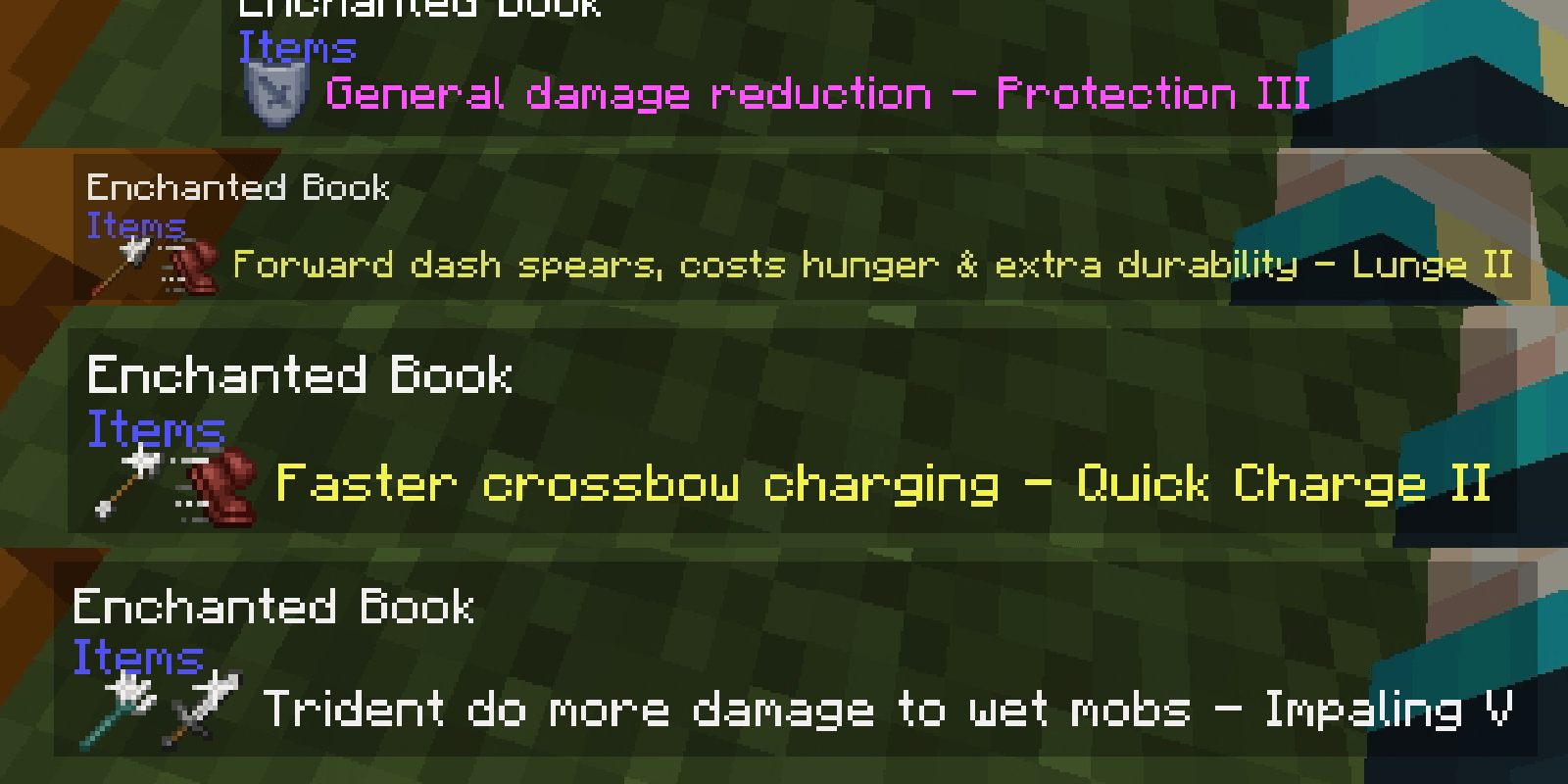
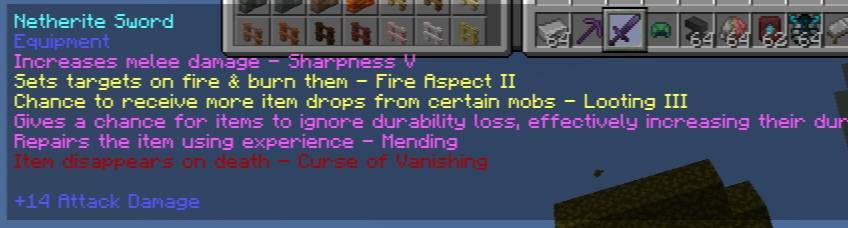
I recommend you to use v2 instead of v1, just look at the images
V1
V2
V1
-absolutely long
-only work in small gui/ui screen
-just poop and cluttered
V2
-has icon
-shorter
-also fit to big/ui screen
-more modern
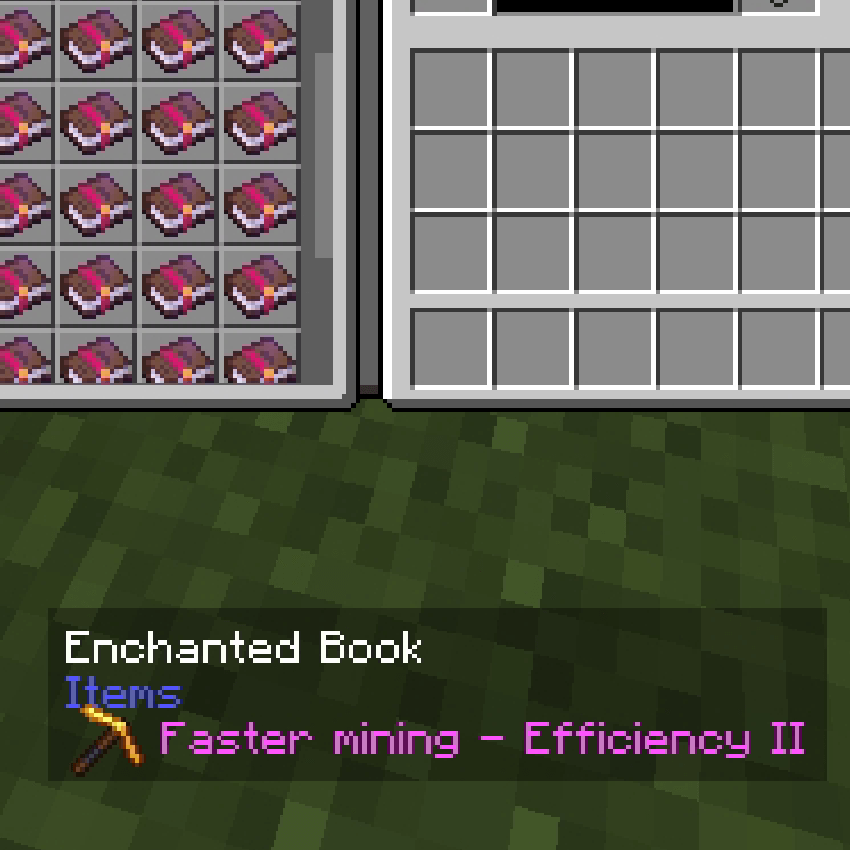
-slightly transparent subpack
Make tooltips in game and also in inventory
Slightly transparent
-compatibility
Didn't work on resources pack that change glyph_e2
(Gonna change this to compatible in the future)
BONUS INFO (NOT IMPORTANT)
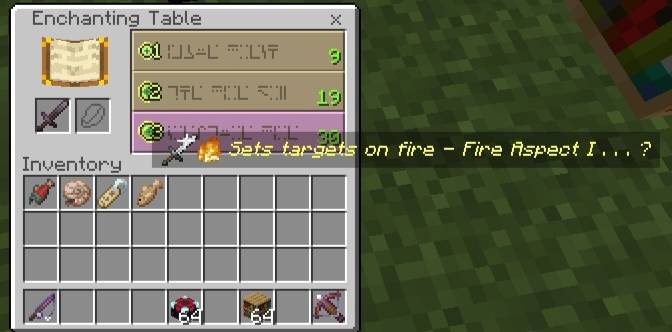
Also work on enchantment table
That the whole description
- Edition: Minecraft Bedrock
- File type: .mcpack
- Minecraft versions listed: 26.0.02, 26.0, 26.3
- How to install: Download the .mcpack. → Open it — Minecraft imports it under Resource Packs. → Activate it in Global Resources, or for one world under Resource Packs → Available.
- Where to get it: Opens on CurseForge — not every file is mirrored on our own servers.
Install steps are the general flow for this file type — How to install Minecraft Bedrock texture packs walks through it step by step.
- Pack type: .mcpack — a single pack
- Manifest requires Minecraft 1.20.0 or newer
- Complete pack — everything it depends on is inside the file
- Download size: 34 KB
- Download link checked 16 Sept 2026 — working
These come from our own check of the pack file, not from the source page.