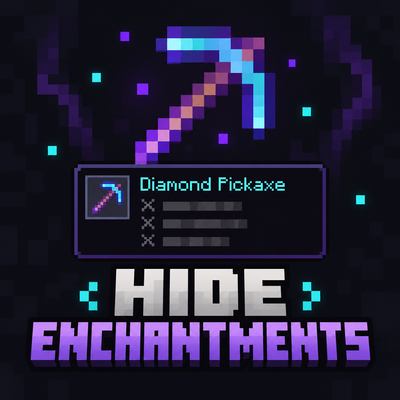
Enchantment hider
Bedrock texture pack listed for Minecraft 1.0–26.x. File opened and checked on 25 Oct 2026; installs from the MC Bedrock Mods app on Android.
Hide long enchantment names and keep your screen clean with the Enchant Hider Pack for MCPE! Perfect for PvP, survival, and smooth gameplay with a simple…
⬇ Download on CurseForge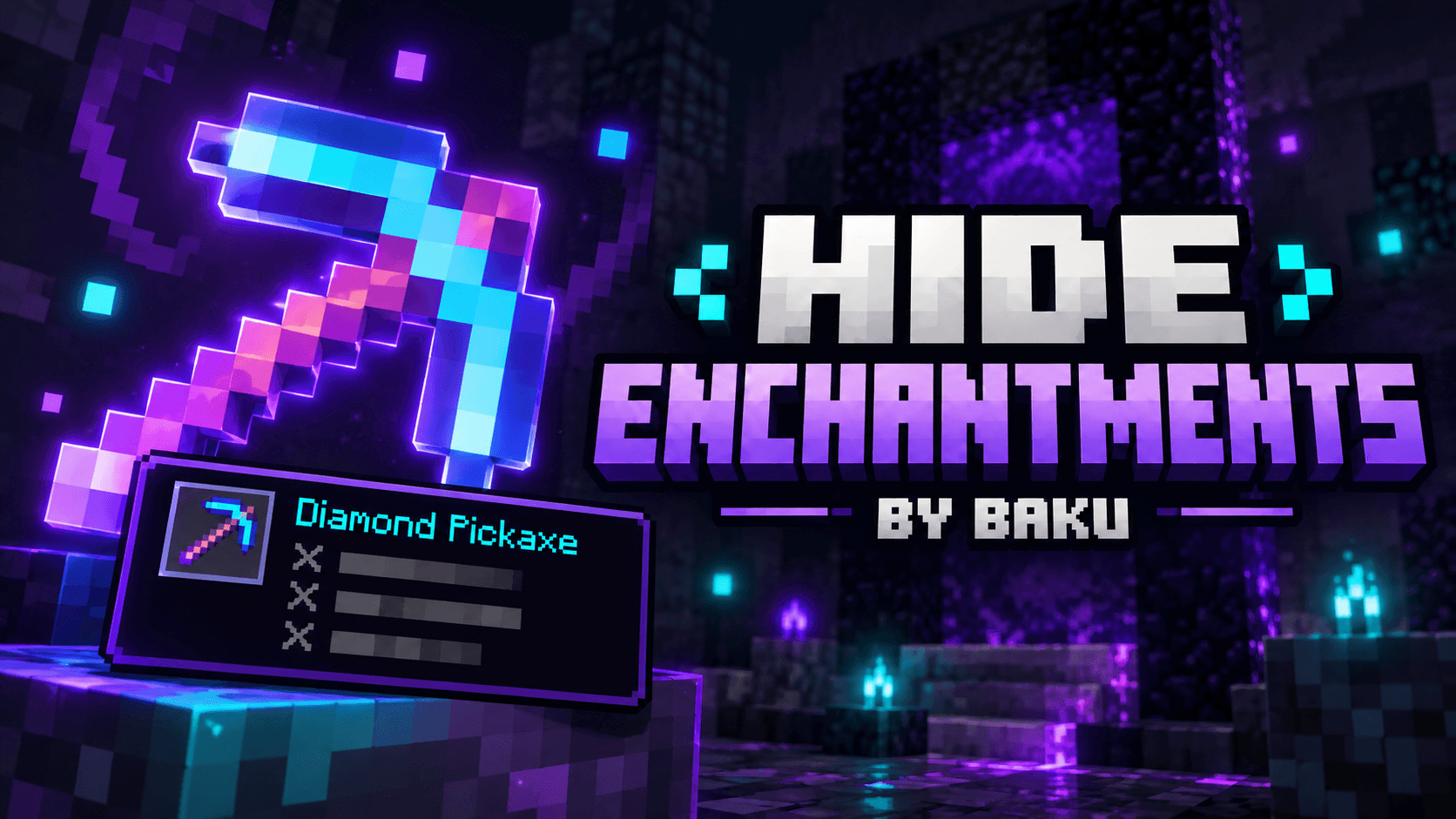
✨ Hide Enchantments By BAKU
Hide Enchantments is a lightweight Minecraft Bedrock Resource Pack designed to keep your gameplay screen clean while still allowing you to check all enchantment details whenever you need them.
⚔️ How It Works
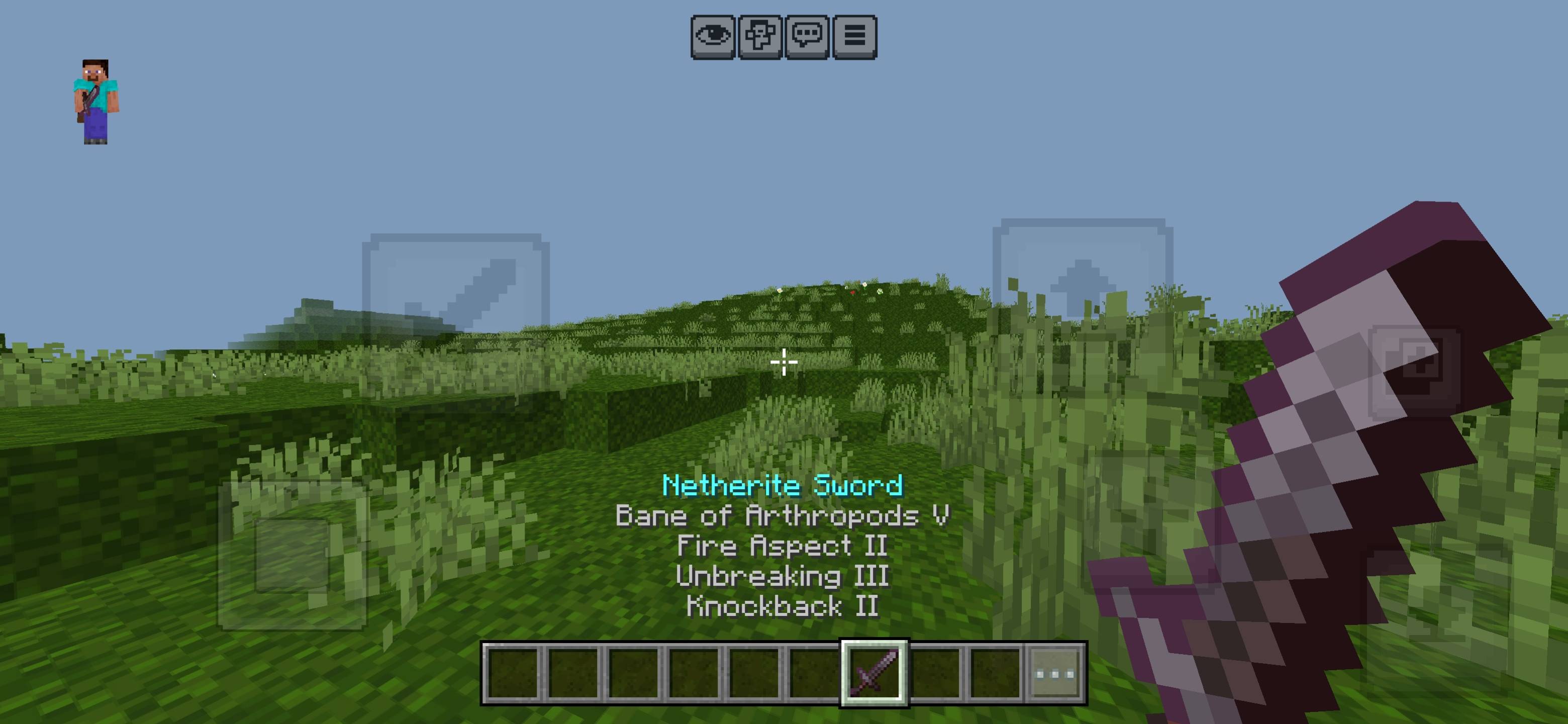
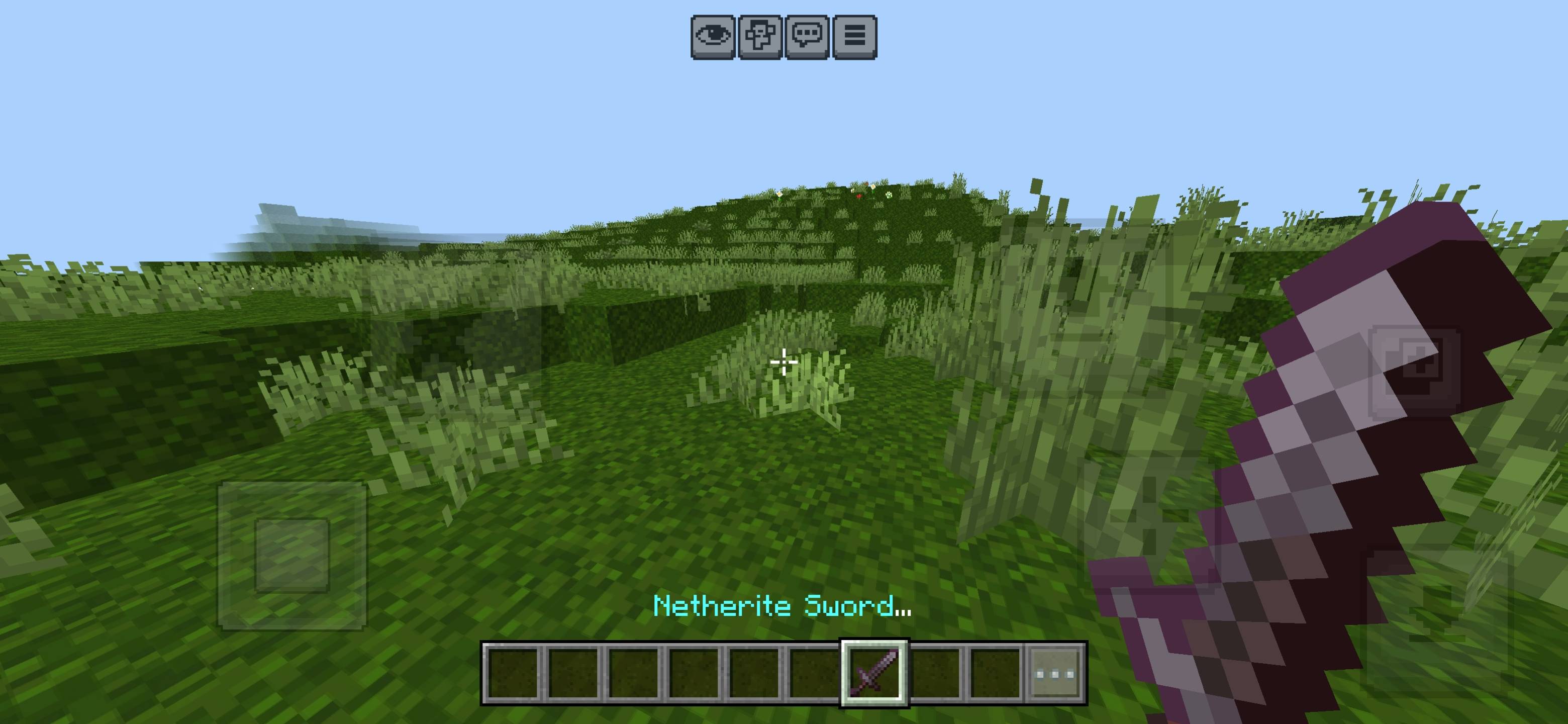
When you select an enchanted item during normal gameplay, the item or tool name remains visible, while enchantment text such as Sharpness, Mending, Unbreaking, Protection and other enchantments stays hidden from the gameplay HUD.
Open your inventory and inspect the item normally to see the complete enchantment list again.
⭐ Features
- ✅ Keeps item and tool names visible
- ✅ Hides enchantment text during gameplay
- ✅ Enchantments remain visible inside the inventory
- ✅ Enchantments continue working normally
- ✅ Clean and distraction-free HUD
- ✅ Lightweight Resource Pack
- ✅ No scripts required
- ✅ No Behavior Pack required
📌 Example
Gameplay:
Diamond Sword ✔
Sharpness V ✖
Mending I ✖
Unbreaking III ✖
Inventory:
Diamond Sword ✔
Sharpness V ✔
Mending I ✔
Unbreaking III ✔
🎮 Perfect For
This pack is perfect for players who use heavily enchanted tools, weapons or armor and want a cleaner gameplay screen without permanently removing important enchantment information.
👑 Credits & Rights
Creator: BAKU
All Credits: BAKU
All Rights Reserved: BAKU
Redistribution, re-uploading or claiming this pack as your own without permission is not allowed.
- Edition: Minecraft Bedrock
- File type: .mcpack
- Minecraft versions listed: 26.20, 26.30, 26.40
- How to install: Download the .mcpack. → Open it — Minecraft imports it under Resource Packs. → Activate it in Global Resources, or for one world under Resource Packs → Available.
- Where to get it: Opens on CurseForge — not every file is mirrored on our own servers.
Install steps are the general flow for this file type — How to install Minecraft Bedrock texture packs walks through it step by step.
- Pack type: .mcpack — a single pack
- Manifest requires Minecraft 1.0.0 or newer
- Complete pack — everything it depends on is inside the file
- Download size: 76 KB
- Download link checked 5 Oct 2026 — working
These come from our own check of the pack file, not from the source page.