
Dark-Chemistry-Ui
Bedrock texture pack listed for Minecraft 1.21–26.x. File opened and checked on 26 Sep 2026; installs from the MC Bedrock Mods app on Android.
⬇ Download on CurseForge
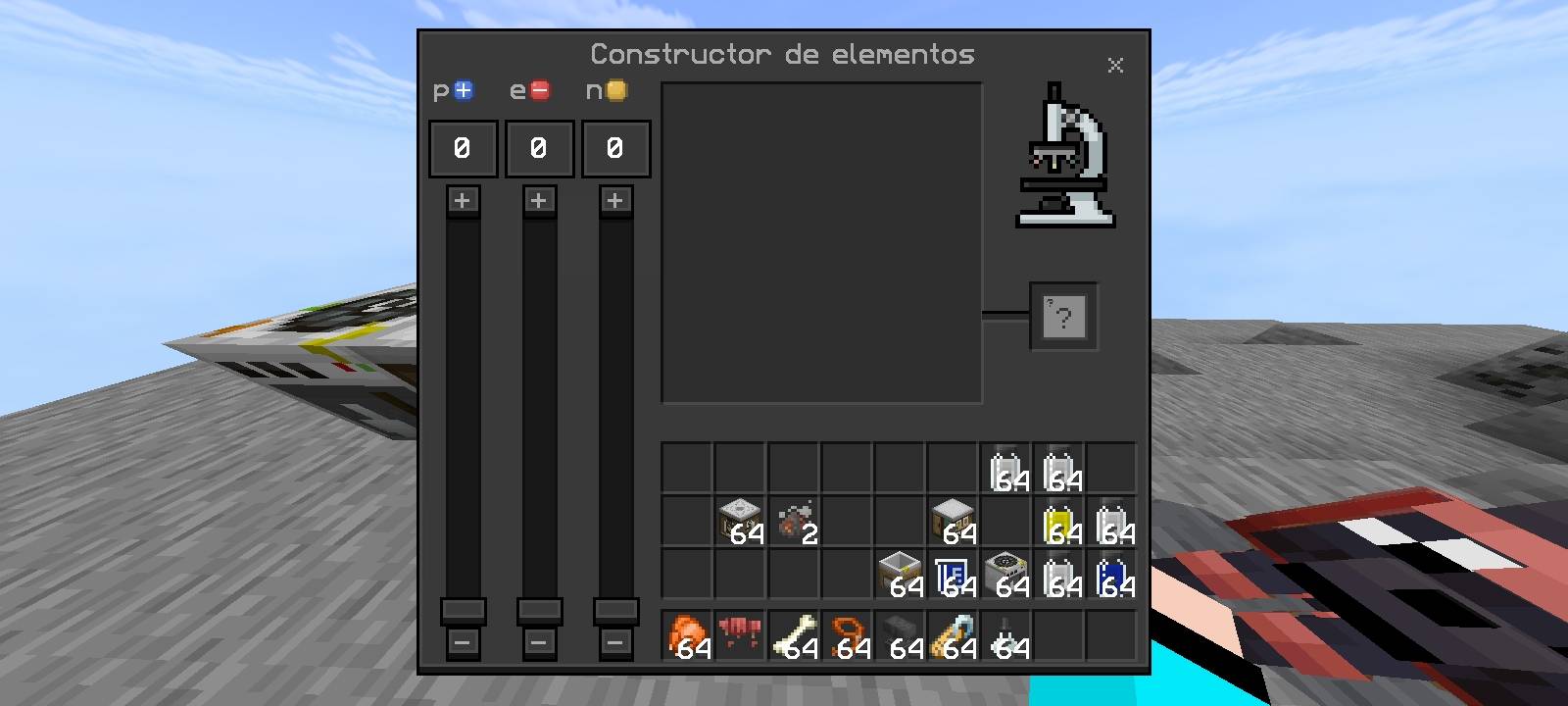
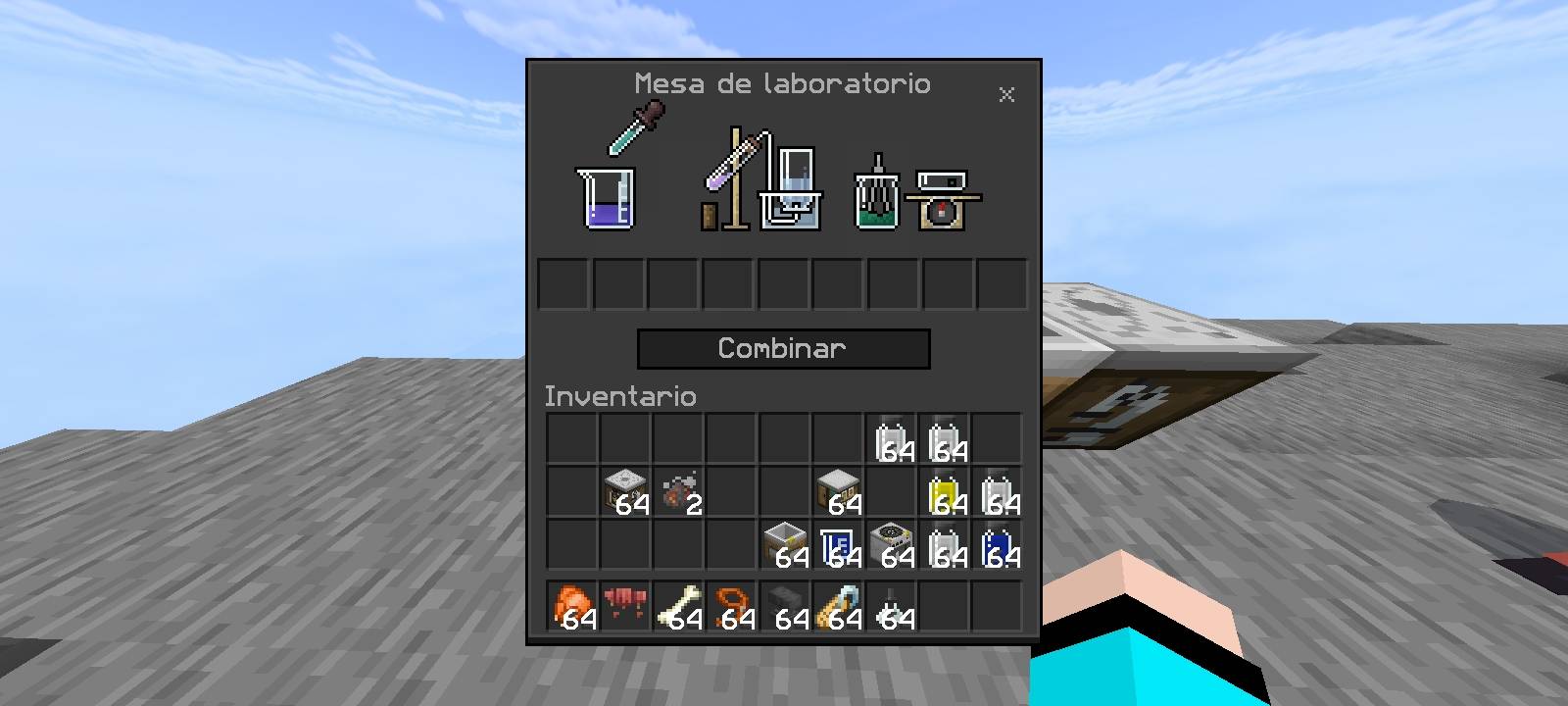
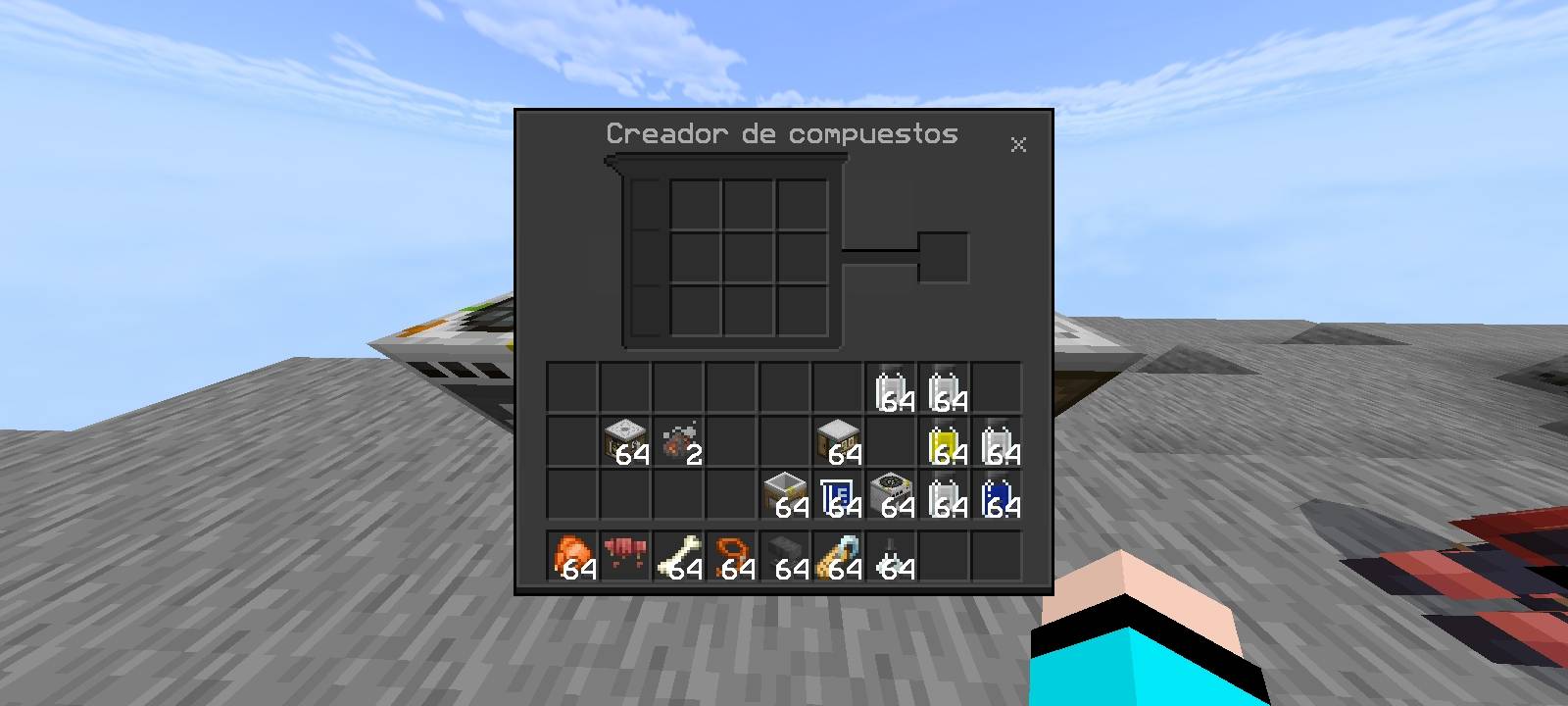
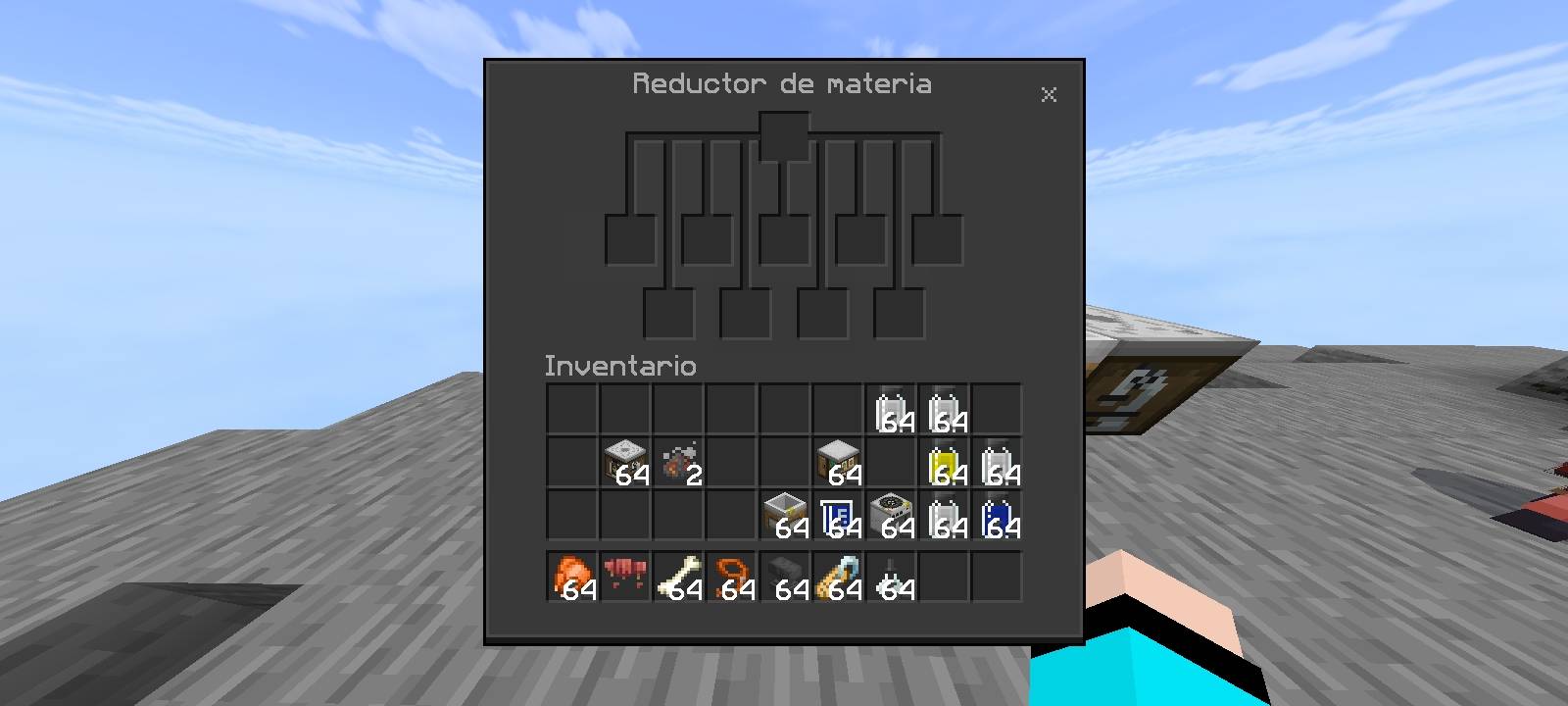
🌑✨ Dark Chemistry UI ✨🌑
Transform your Minecraft Education Edition experience with a fully dark interface 🖤📚, specially designed for chemistry ⚗️🧪. Enjoy a clean, modern look with improved visibility 👀 and reduced eye strain 😎, perfect for long sessions and experiments in style 🧬🔥.
-----------------------------------(+)--------------------------------
💀🔥 A truly exterminator-style interface, eliminating bright distractions and replacing them with a sleek, powerful dark aesthetic. Every menu feels sharper, cleaner, and more immersive, giving you full control in a professional and futuristic environment ⚡🧪.
👨💻 Created by: ALEX34MC_YT
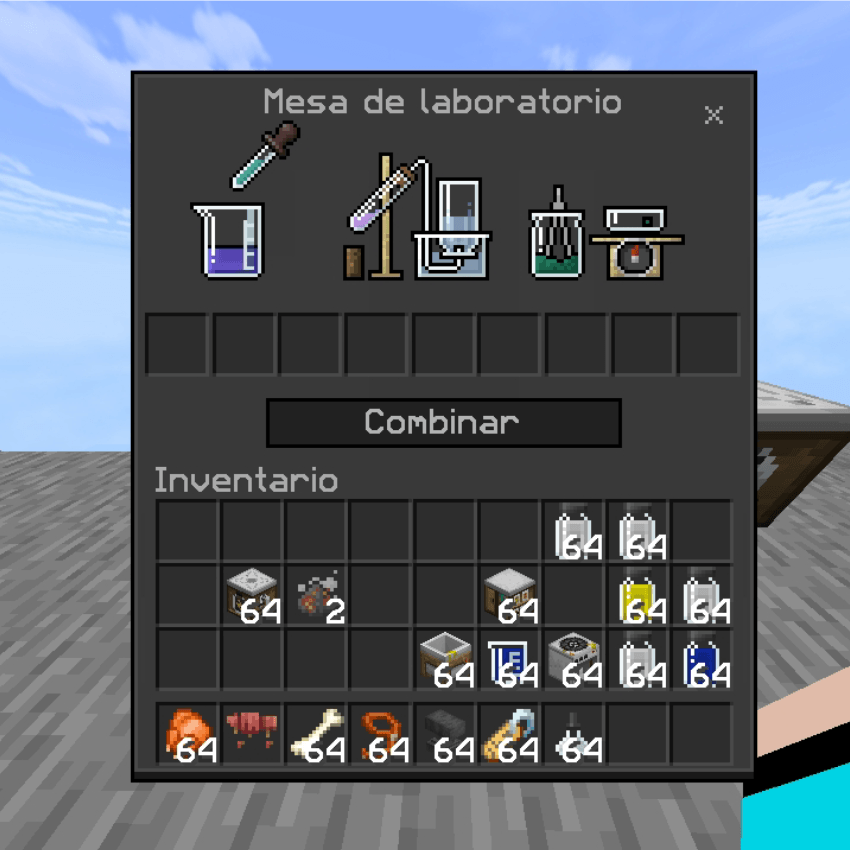
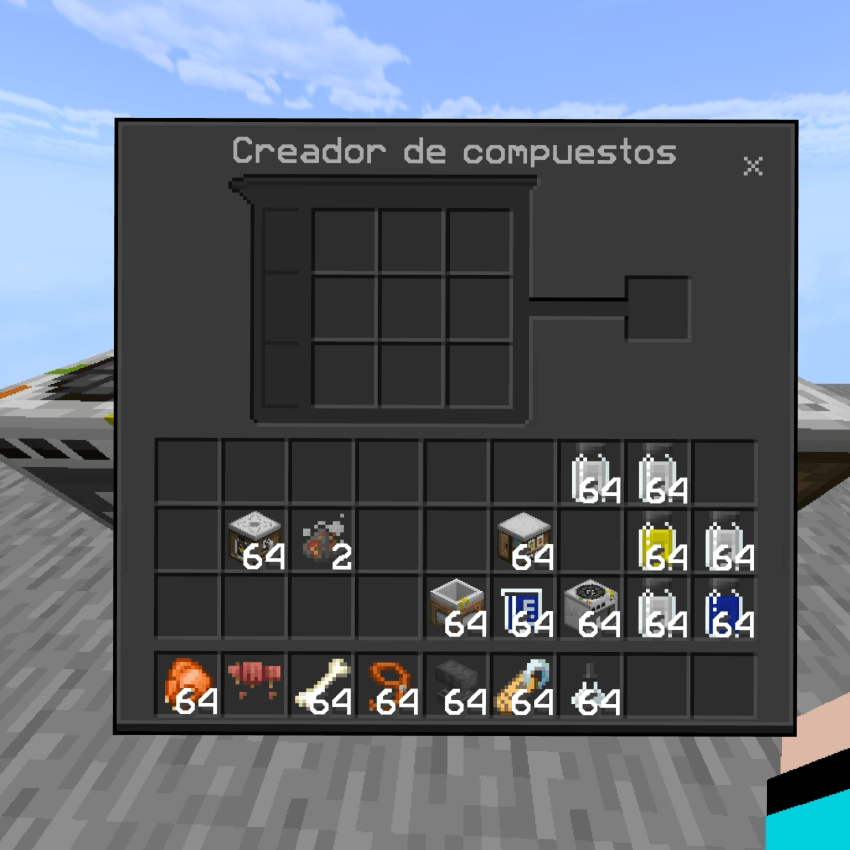
- Edition: Minecraft Bedrock
- File type: .mcpack
- Minecraft versions listed: 26.0.02, 26.0, 26.3
- How to install: Download the .mcpack. → Open it — Minecraft imports it under Resource Packs. → Activate it in Global Resources, or for one world under Resource Packs → Available.
- Where to get it: Opens on CurseForge — not every file is mirrored on our own servers.
Install steps are the general flow for this file type — How to install Minecraft Bedrock texture packs walks through it step by step.
- Save it as Dark-Chemistry-Ui.mcaddon before opening — it downloads as .mcpack, but it is a .mcaddon pack
- Manifest requires Minecraft 1.21.0 or newer
- Complete pack — everything it depends on is inside the file
- Download size: 9 KB
- Download link checked 6 Oct 2026 — working
These come from our own check of the pack file, not from the source page.