Custom Damage Overlay Color
Bedrock texture pack listed for Minecraft 1.21–26.x. File opened and checked on 18 Oct 2026; installs from the MC Bedrock Mods app on Android.
⬇ Download on CurseForge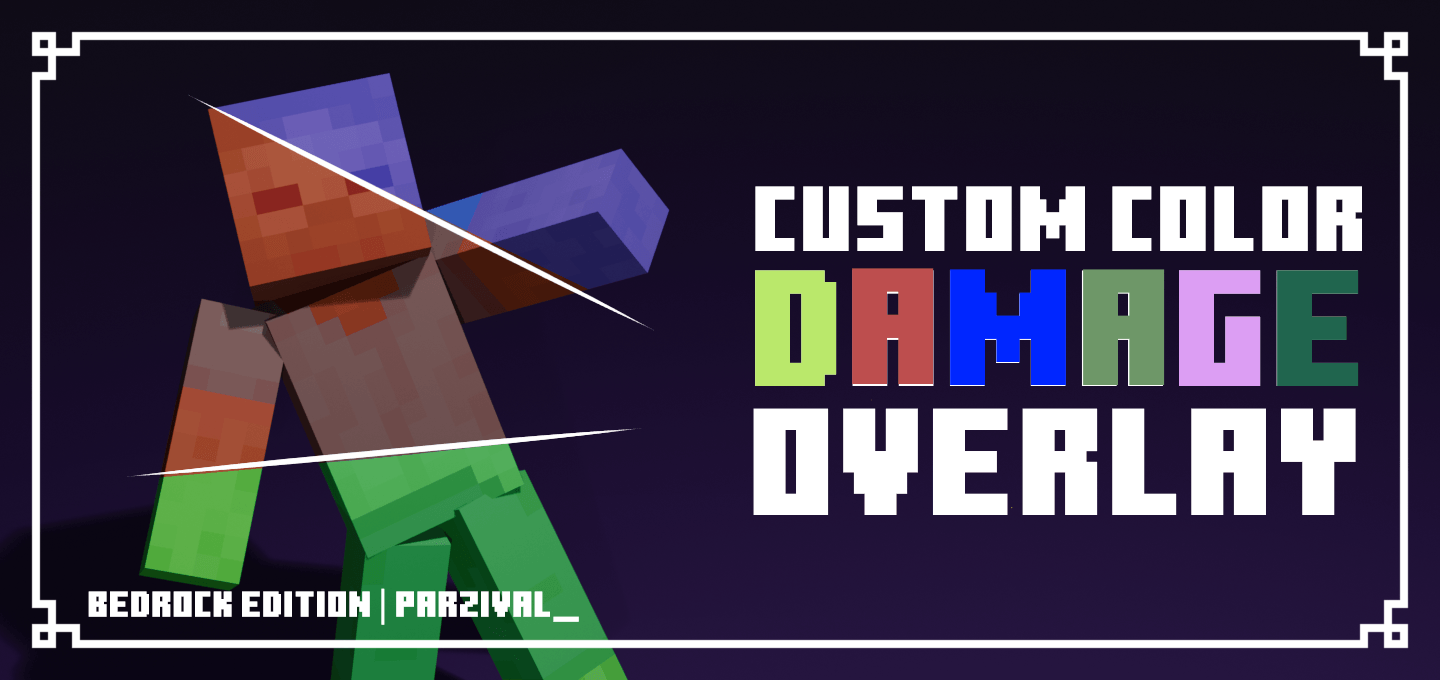
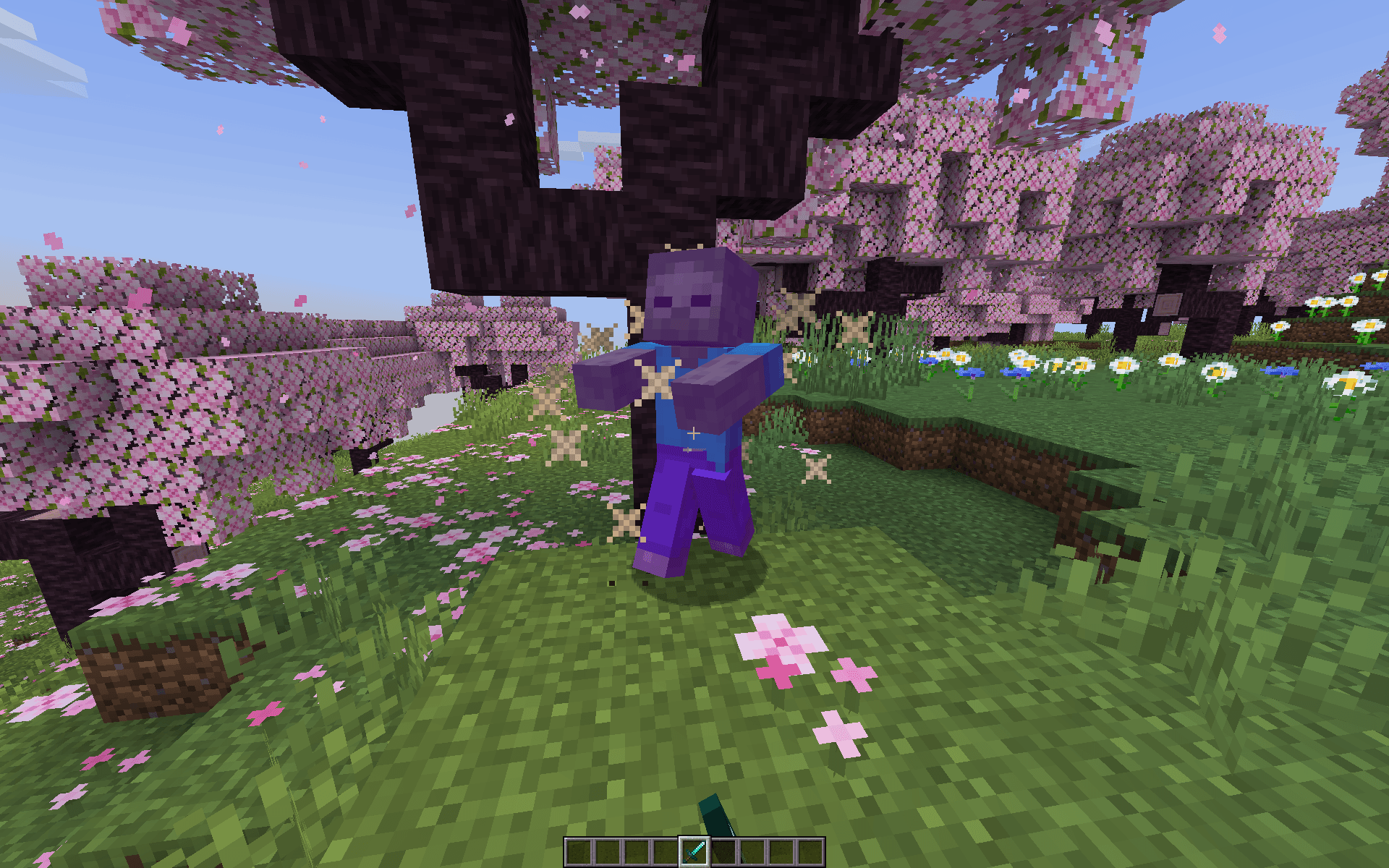
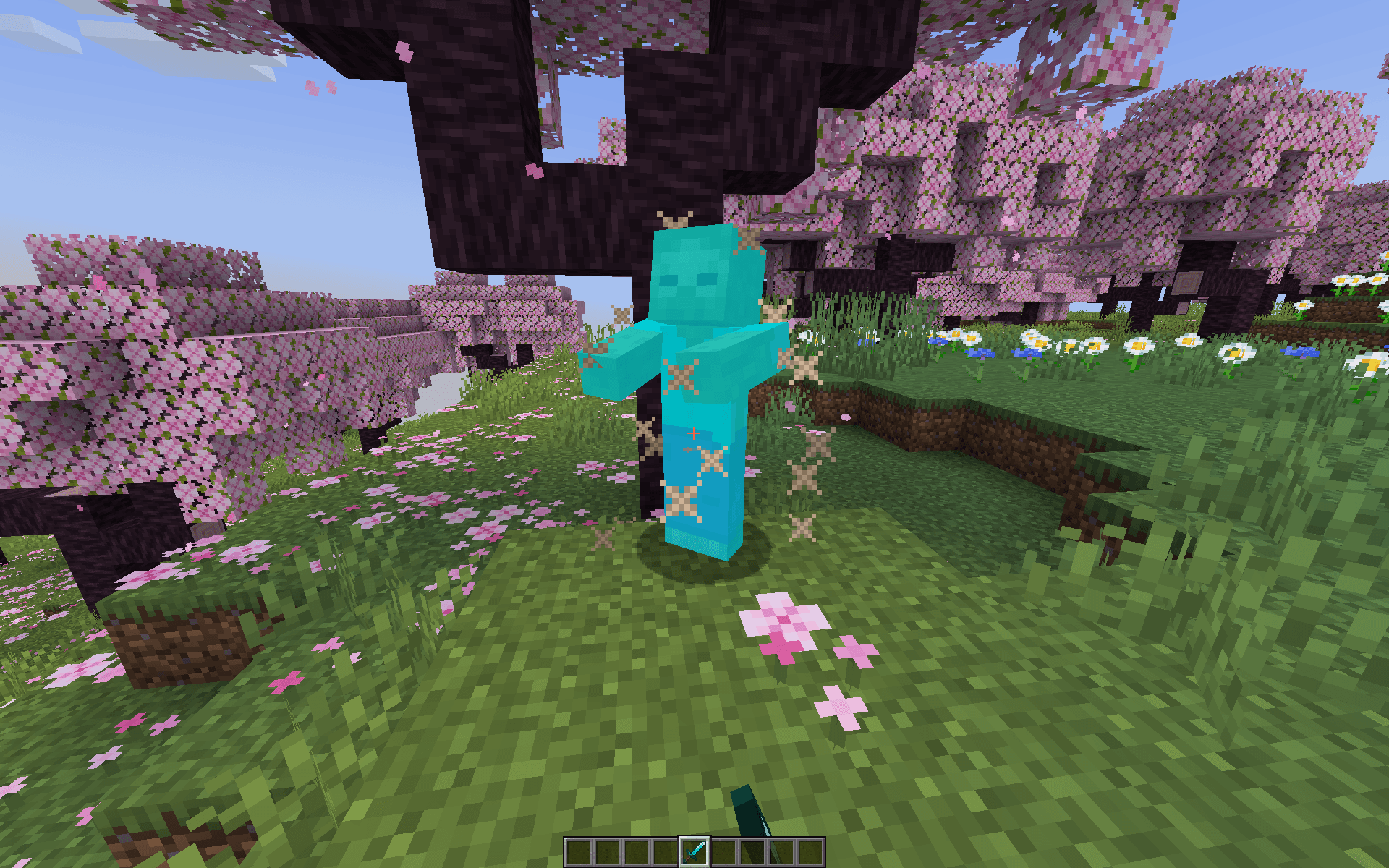
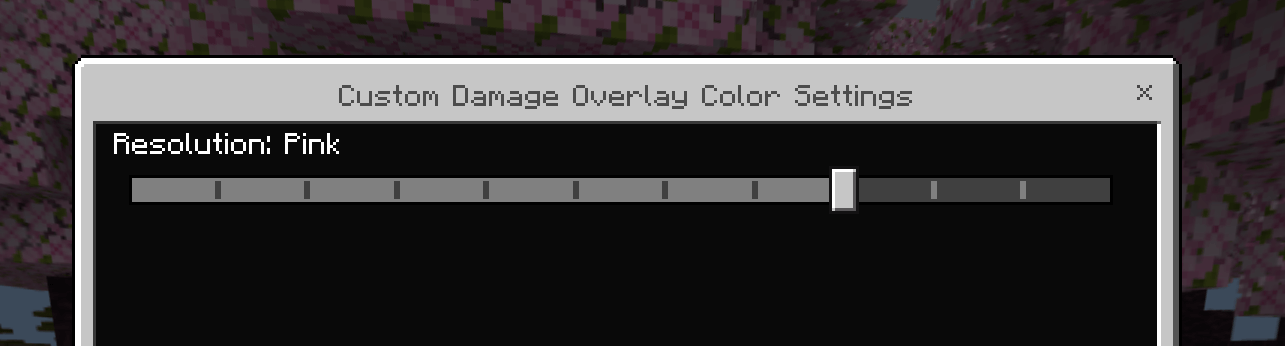
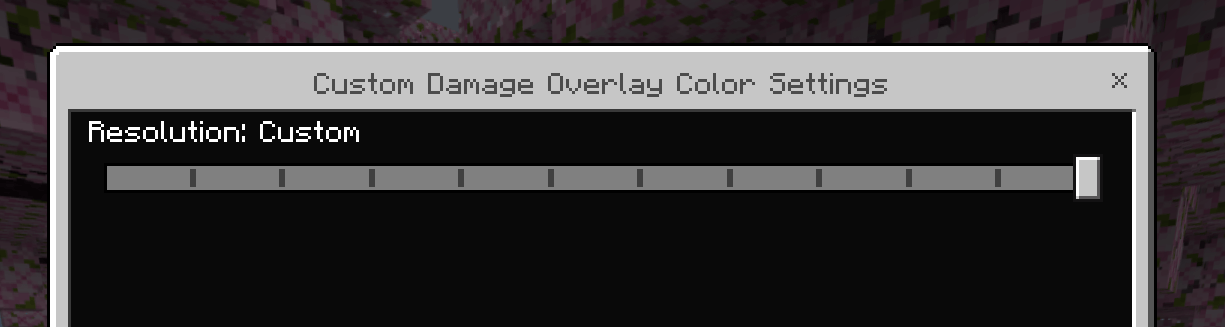
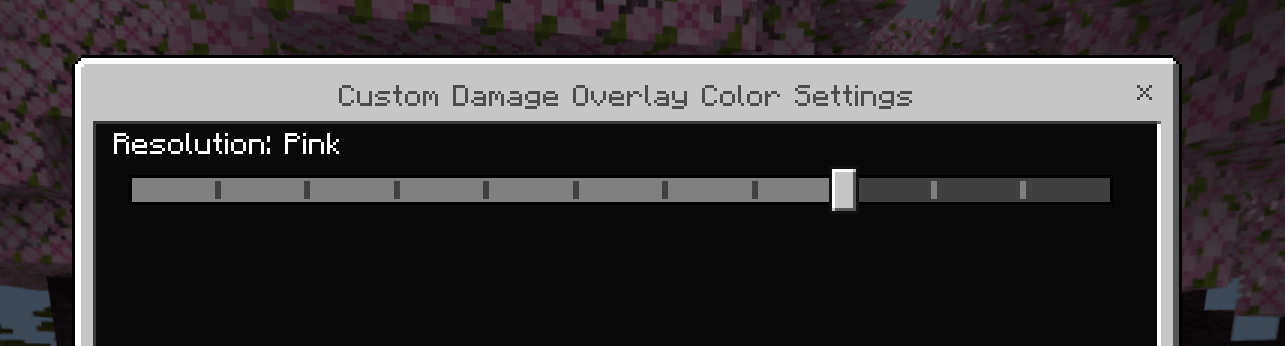
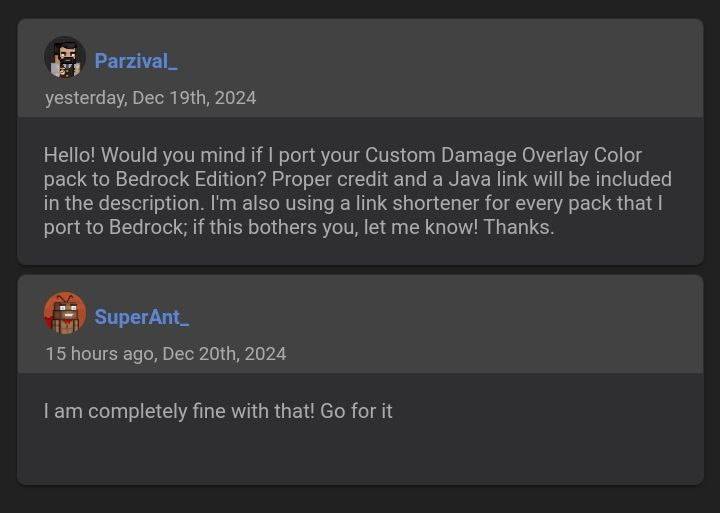
This resource pack allows to change overlay color of all entities when they take damage. By default this resource pack changes it to red, as an example. There are also preset colors at settings for those who don't want to customize. Java Edition pack by SuperAnt_, Bedrock Edition by Parzival_
Custom Damage Color Instructions (PC Only)
This provides information on how to set up custom damage colors. Unfortunately, custom colors setup currently only work on PC. If you don’t have a PC, you can DM me on Discord and I’ll try to help. For PC users, make sure you have Python installed before starting: https://www.python.org/downloads/
- Go to "C:\Users\YourUsername\AppData\Roaming\Minecraft Bedrock\Users\Shared\games\com.mojang\resource_packs\CustomDamage\subpacks\custom"
- Find "change_color.py" then run
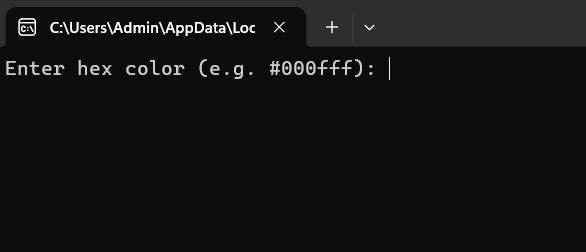
- Get hex color codes at: https://rgbcolorpicker.com/0-1
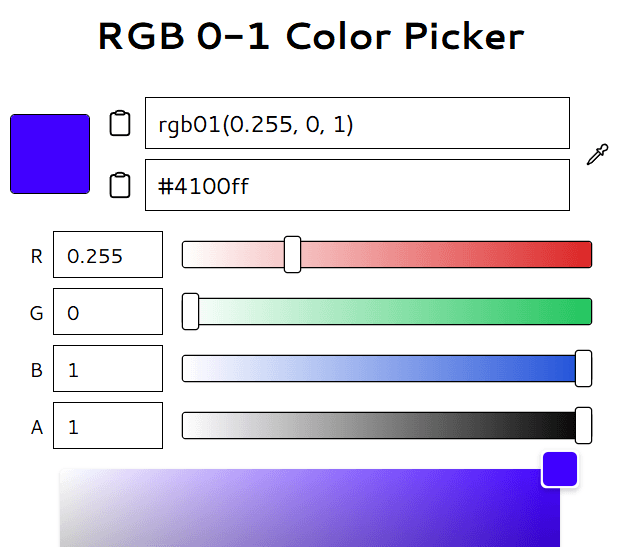
- Enter hexcode at step 2 then run Minecraft
- Change resulotion settings to "Custom"
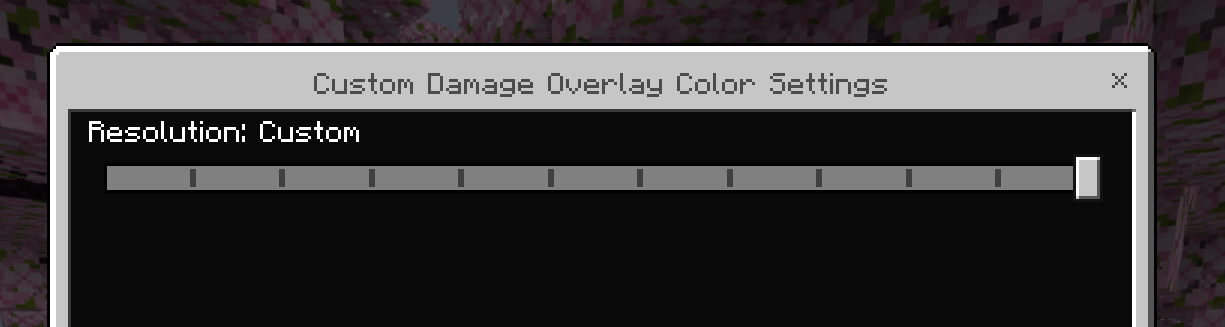
- FINISH!


- Edition: Minecraft Bedrock
- File type: .mcpack
- Minecraft versions listed: 26.3, 26.10, 26.11
- How to install: Download the .mcpack. → Open it — Minecraft imports it under Resource Packs. → Activate it in Global Resources, or for one world under Resource Packs → Available.
- Where to get it: Opens on CurseForge — not every file is mirrored on our own servers.
Install steps are the general flow for this file type — How to install Minecraft Bedrock texture packs walks through it step by step.
- Pack type: .mcpack — a single pack
- Manifest requires Minecraft 1.21.90 or newer
- Complete pack — everything it depends on is inside the file
- Download size: 1.2 MB
- Download link checked 6 Oct 2026 — working
These come from our own check of the pack file, not from the source page.