Animated Menu: Shiroko Skyfall — Blue Archive
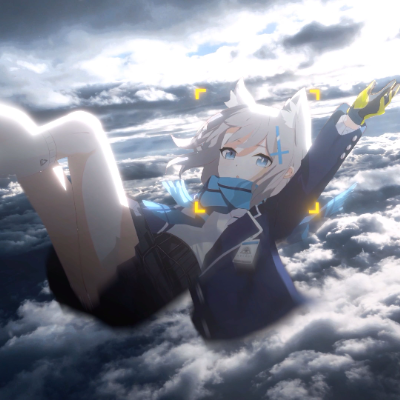
Shiroko from Blue Archive freefalls through dramatic storm clouds on your Minecraft menu. Glowing blue accents, tactical reticle, cinematic action art…
⬇ Download on CurseForgeThe author built this one for Minecraft 26.20. On other versions it may install and then do nothing.
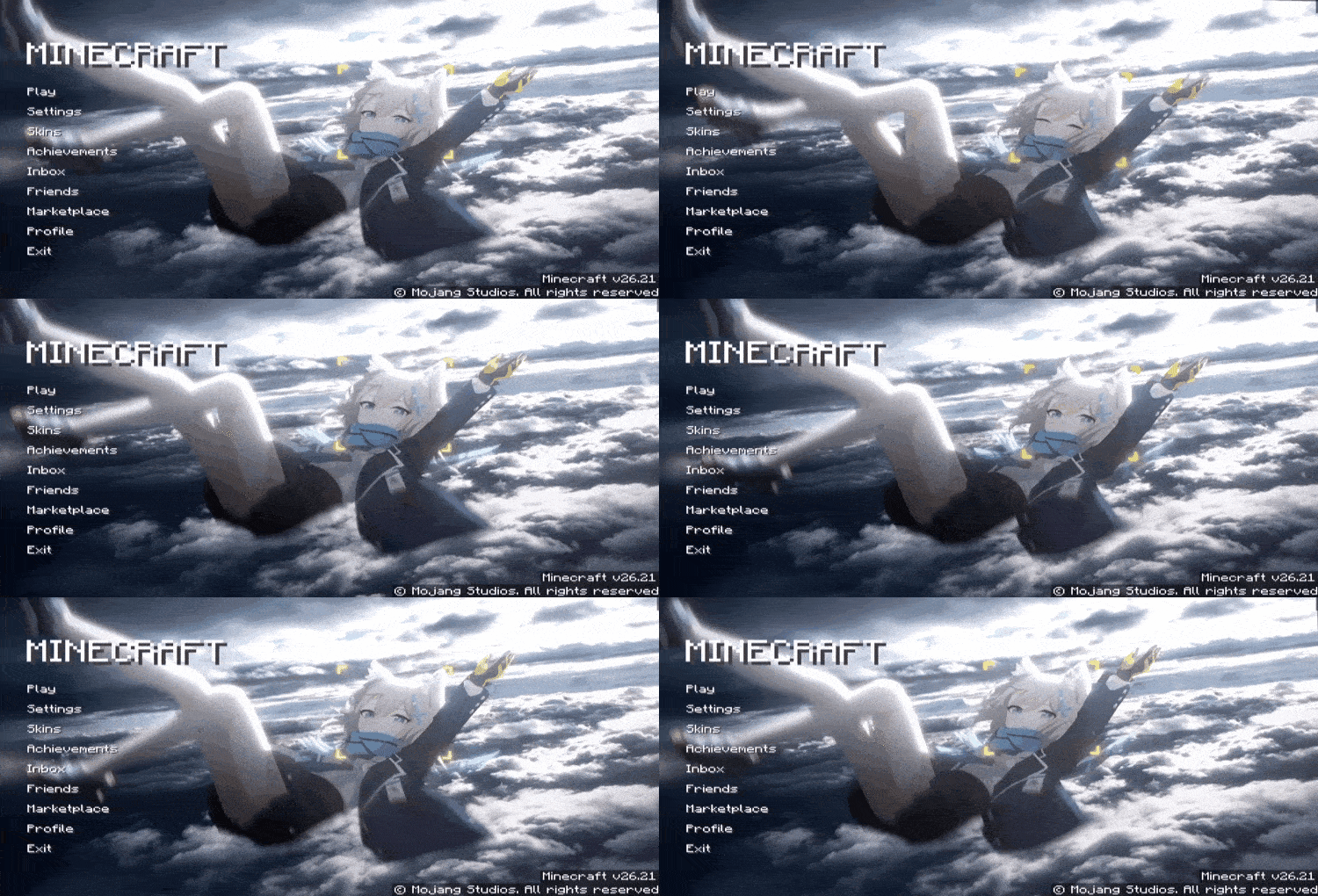
Falling through the sky at full speed, blue eyes sharp, targeting reticle locked. Shiroko from Blue Archive takes over your Minecraft main menu with one of the most cinematic animated backgrounds out there.
What It Changes
- Replaces the default menu background with an animated Shiroko skyfall scene
- Dramatic cloudy sky with cinematic depth and motion
- Glowing blue accents and yellow tactical reticle overlay
- High quality Blue Archive art style — sharp, detailed, action-packed
- Smooth seamless loop animation in the background
- Clean menu layout fully preserved
The Vibe
Fast, intense, and visually stunning. Every time you open Minecraft it feels like the opening cutscene of an action game. If you're a Blue Archive fan, this one's a no-brainer.
Pure Aesthetic, Zero Gameplay Impact
UI-only pack. No gameplay changes, no performance hit. Just Shiroko, falling, looking absolutely cool.
- Edition: Minecraft Bedrock
- File type: .mcpack
- Minecraft version listed: 26.20
- How to install: Download the .mcpack. → Open it — Minecraft imports it under Resource Packs. → Activate it in Global Resources, or for one world under Resource Packs → Available.
- Where to get it: Opens on CurseForge — not every file is mirrored on our own servers.
Install steps are the general flow for this file type — How to install Minecraft Bedrock texture packs walks through it step by step.
- Pack type: .mcpack — a single pack
- Manifest requires Minecraft 1.21.0 or newer
- Complete pack — everything it depends on is inside the file
- Download size: 46.2 MB
- Download link checked 26 Aug 2026 — working
These come from our own check of the pack file, not from the source page.