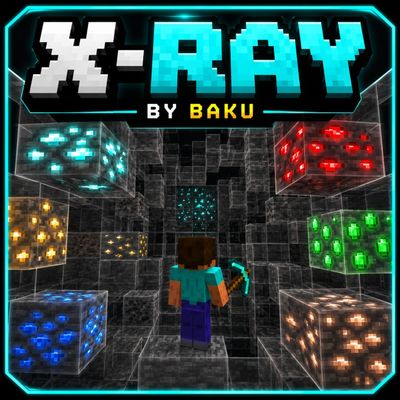
X-ray with glowing ore
X-Ray Pack with transparent blocks, bright visible ores and clean textures. Supports Normal, Nether & Deepslate ores. FPS friendly and optimized for…
I don't know my version
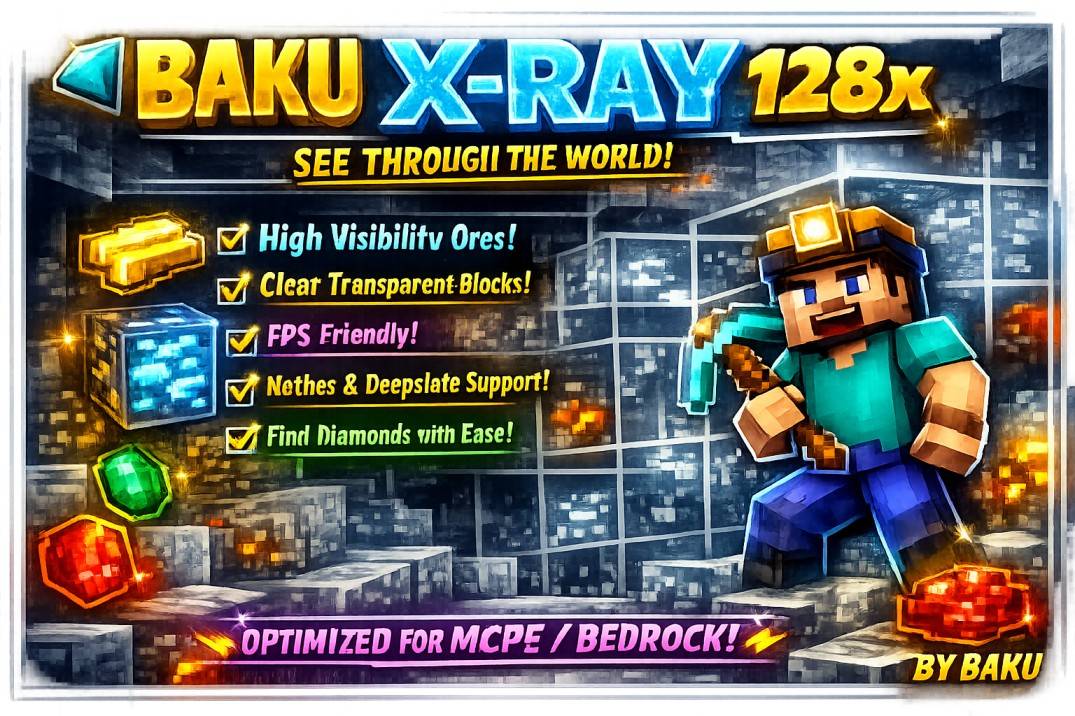
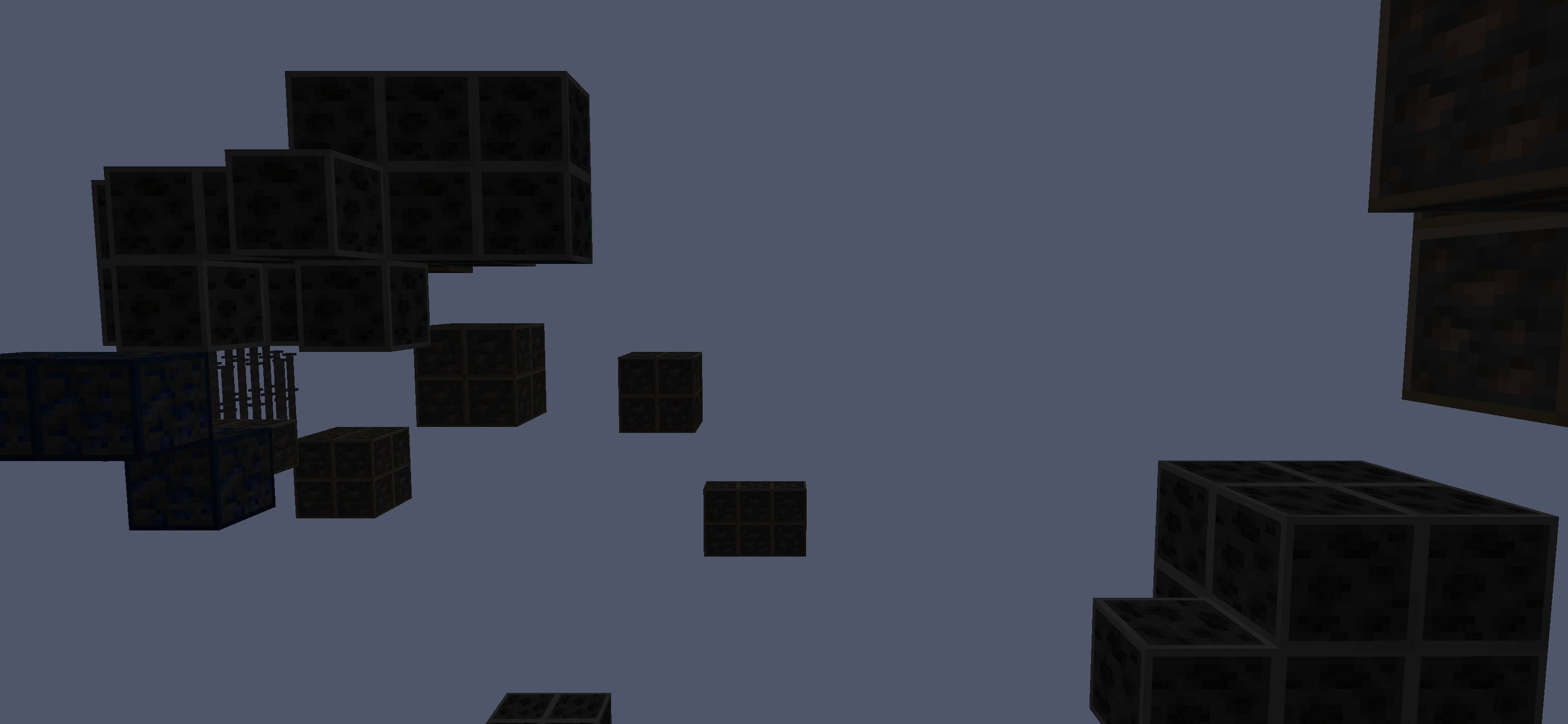
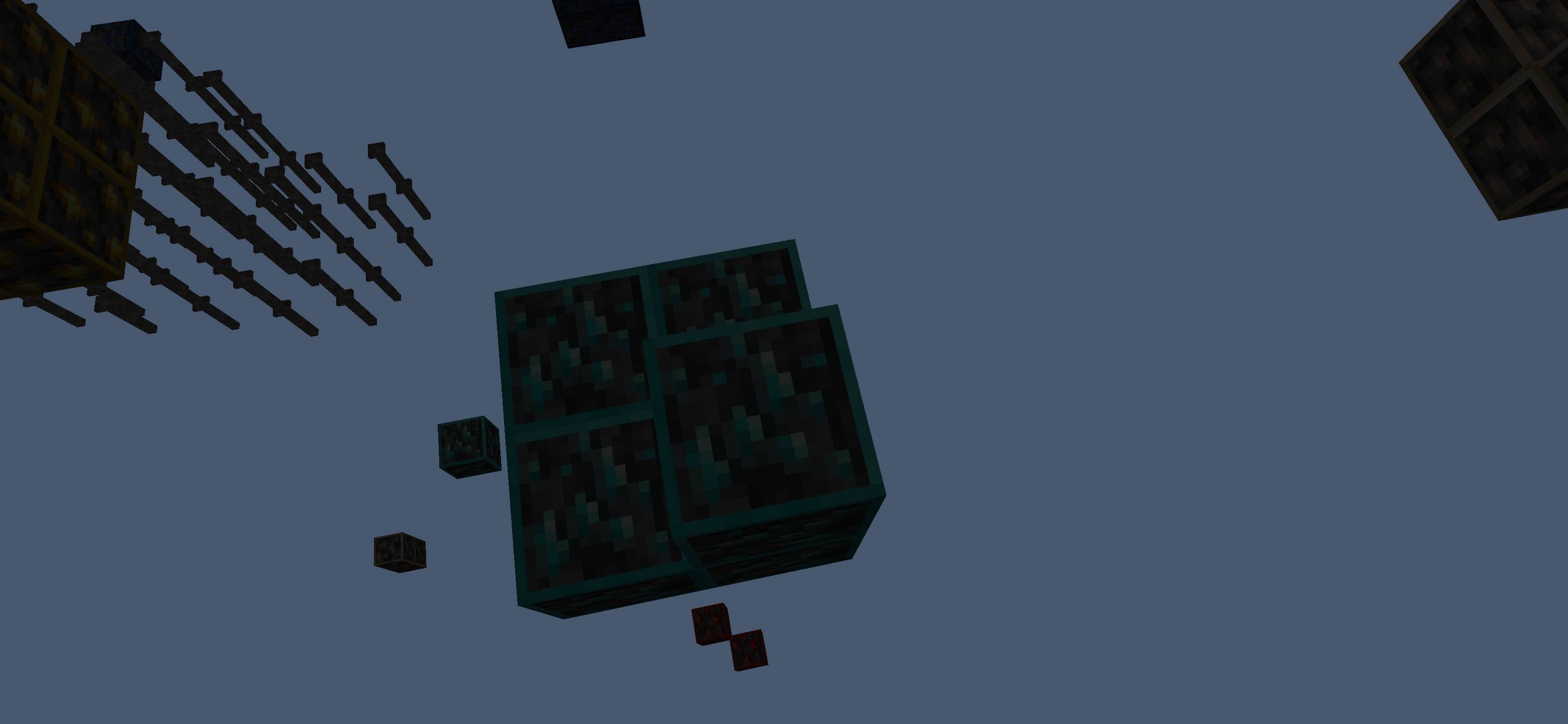
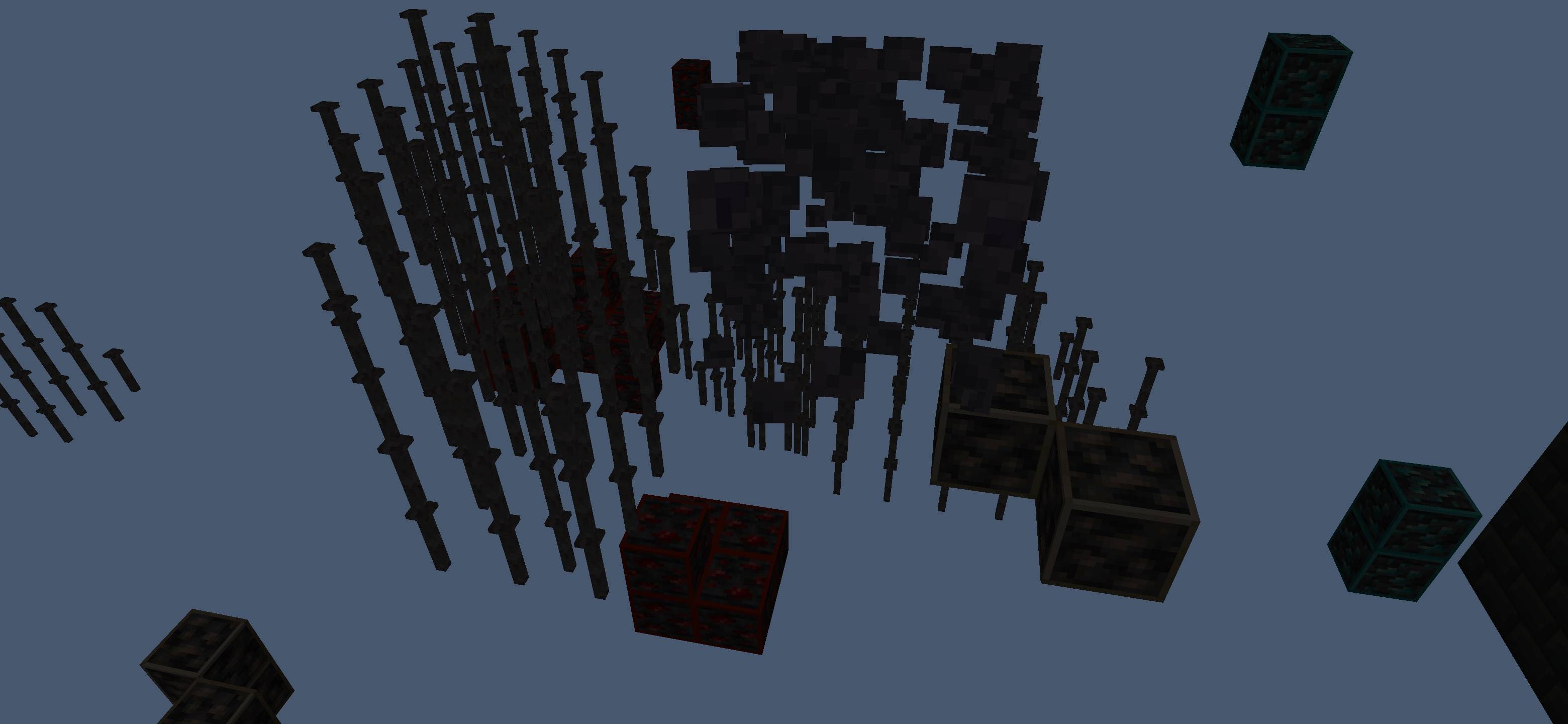
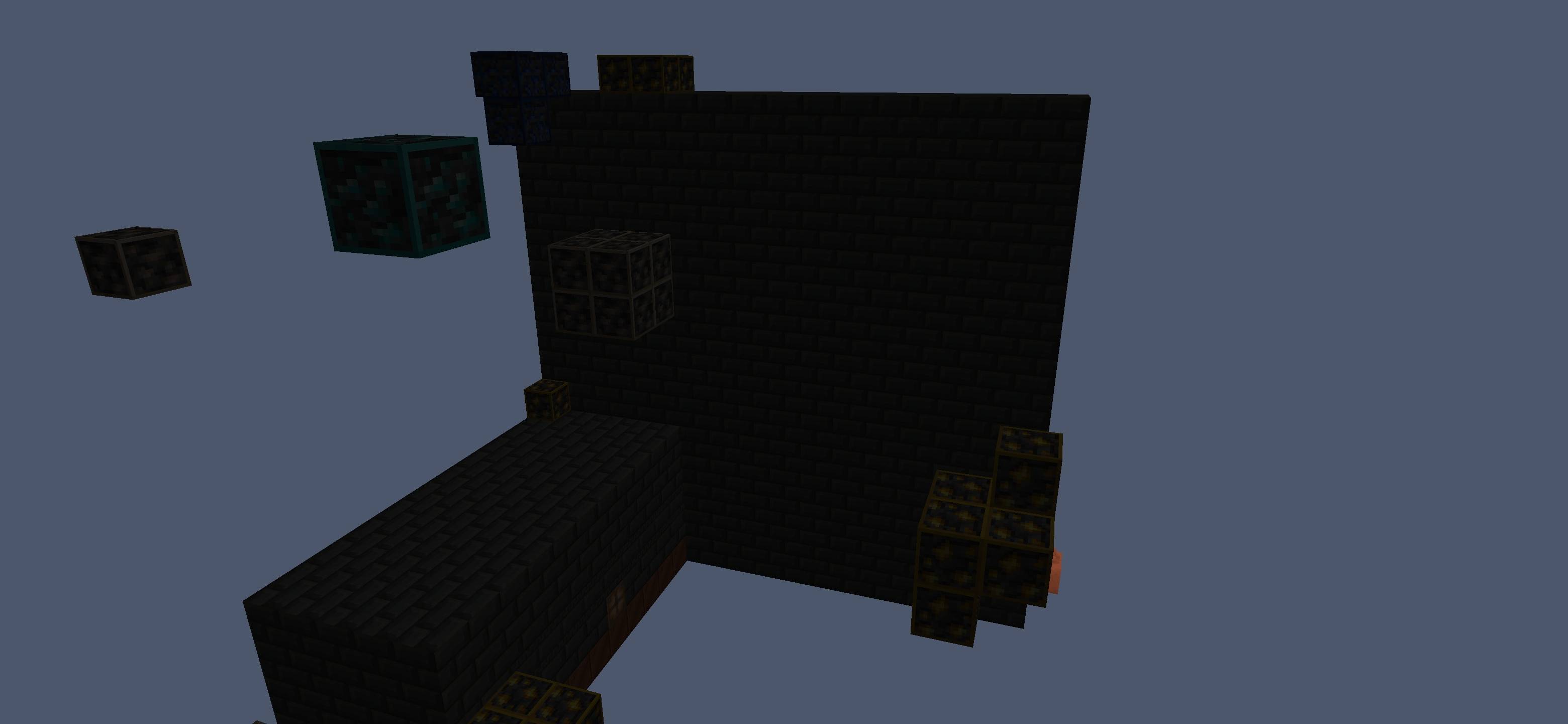
⛏️ X-Ray Pack – Bright Ores & Transparent Blocks
Welcome to the X-Ray Pack, designed for players who want faster mining and easier ore detection ⚡. This pack features transparent blocks, bright visible ores, and clean textures for a smooth mining experience.
Whether you're exploring caves or mining deep underground, this pack helps you quickly find valuable resources while keeping the game lightweight and optimized 🚀.
💎 Pack Features
- 👀 Transparent Blocks – Easily spot ores through terrain.
- ✨ Bright Visible Ores – Enhanced ore textures for better visibility.
- 🧼 Clean Textures – Minimal and smooth visual style.
⛏️ Supported Ores
- 💎 Normal Ores – Coal, Iron, Gold, Diamond & more.
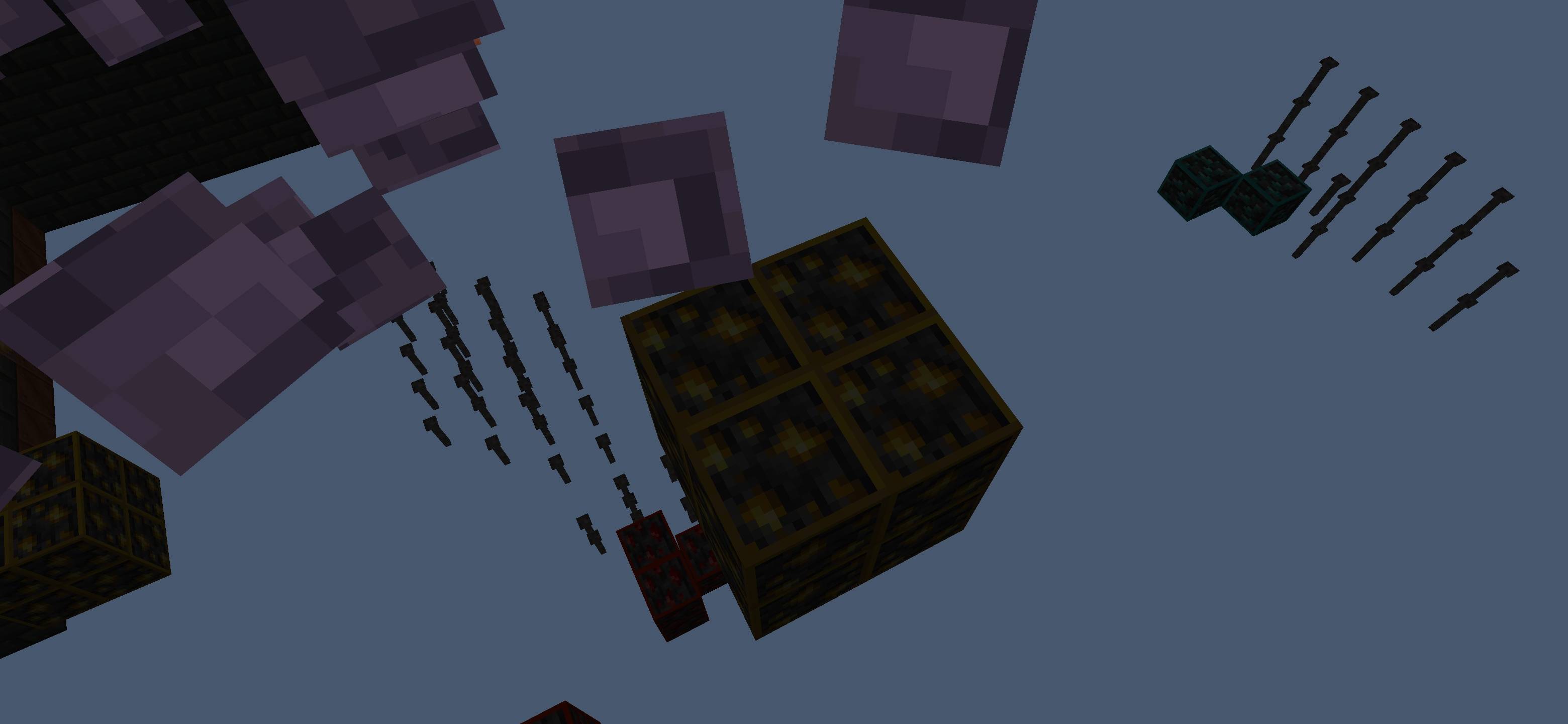
- 🔥 Nether Ores – Netherite, Quartz & Nether Gold.
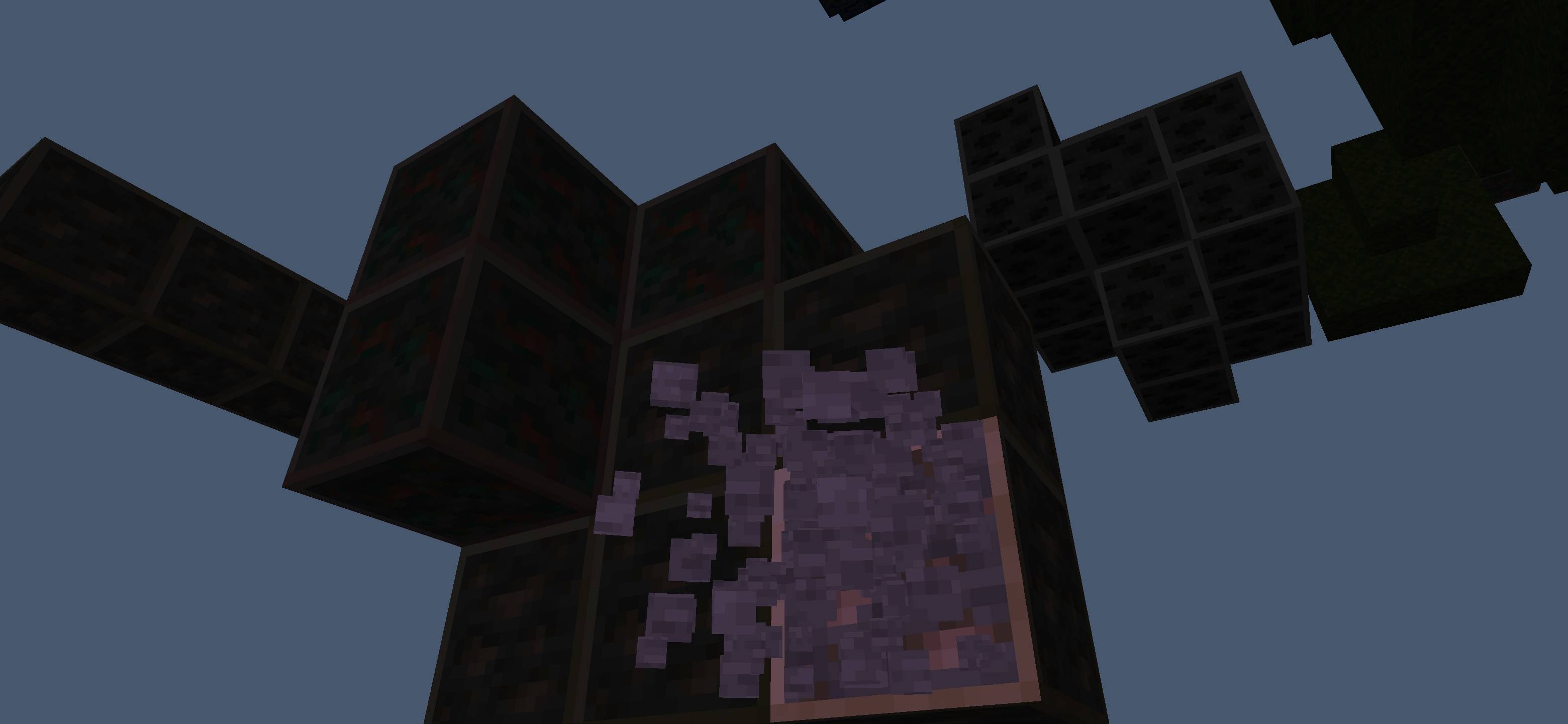
- 🪨 Deepslate Ores – Fully supported underground ores.
🚀 Performance & Gameplay
- ⚡ FPS Friendly – Smooth gameplay with optimized textures.
- 📱 MCPE/Bedrock Optimized – Perfect for mobile and Bedrock Edition.
- 🎯 Easy Mining – Faster resource collection and exploration.
- 🧭 Better Cave Navigation – Quickly locate useful blocks and ores.
🌍 Pack Highlights
- ⛏️ X-Ray Mining Experience
- ✨ Bright & Clean Ore Textures
- 🚀 Lightweight Performance
- 📱 Perfect for MCPE/Bedrock
⚙️ Pack Info
- 🎮 Type: Utility / Mining Pack
- 📦 Features: X-Ray + Bright Ores
- 📱 Platform: MCPE / Bedrock
- ⚡ Optimized for Smooth Gameplay
⭐ Why Use This Pack?
If you want an easy and optimized mining experience with bright visible ores and transparent blocks, this X-Ray pack is perfect for you 💯.
👤 Credits
Pack Creator: BAKU
💬 Support & Feedback
⭐ Please rate this pack and leave a review if you enjoyed it — it really helps!
💭 Have any questions or suggestions?
Join my Discord and ask here 👉 Click to Join Discord
- Edition: Minecraft Bedrock
- File type: .mcpack
- Minecraft versions listed: 26.10, 26.11, 26.12
- How to install: Download the .mcpack. → Open it — Minecraft imports it under Resource Packs. → Activate it in Global Resources, or for one world under Resource Packs → Available.
- Where to get it: Opens on CurseForge — not every file is mirrored on our own servers.
Install steps are the general flow for this file type — How to install Minecraft Bedrock texture packs walks through it step by step.
- Pack type: .mcpack — a single pack
- Manifest requires Minecraft 1.20.0 or newer
- Complete pack — everything it depends on is inside the file
- Download size: 355 KB
- Download link checked 25 Aug 2026 — working
These come from our own check of the pack file, not from the source page.