True Shades Realism
Bedrock texture pack listed for Minecraft 26.x. File opened and checked on 29 Sep 2026; installs from the MC Bedrock Mods app on Android.
True Shades Realism is a vanilla-inspired Minecraft shader featuring realistic lighting, biome-based fog, colored lighting, reflections, and immersive…
⬇ DownloadThe author built this one for Minecraft 26.20. On other versions it may install and then do nothing.
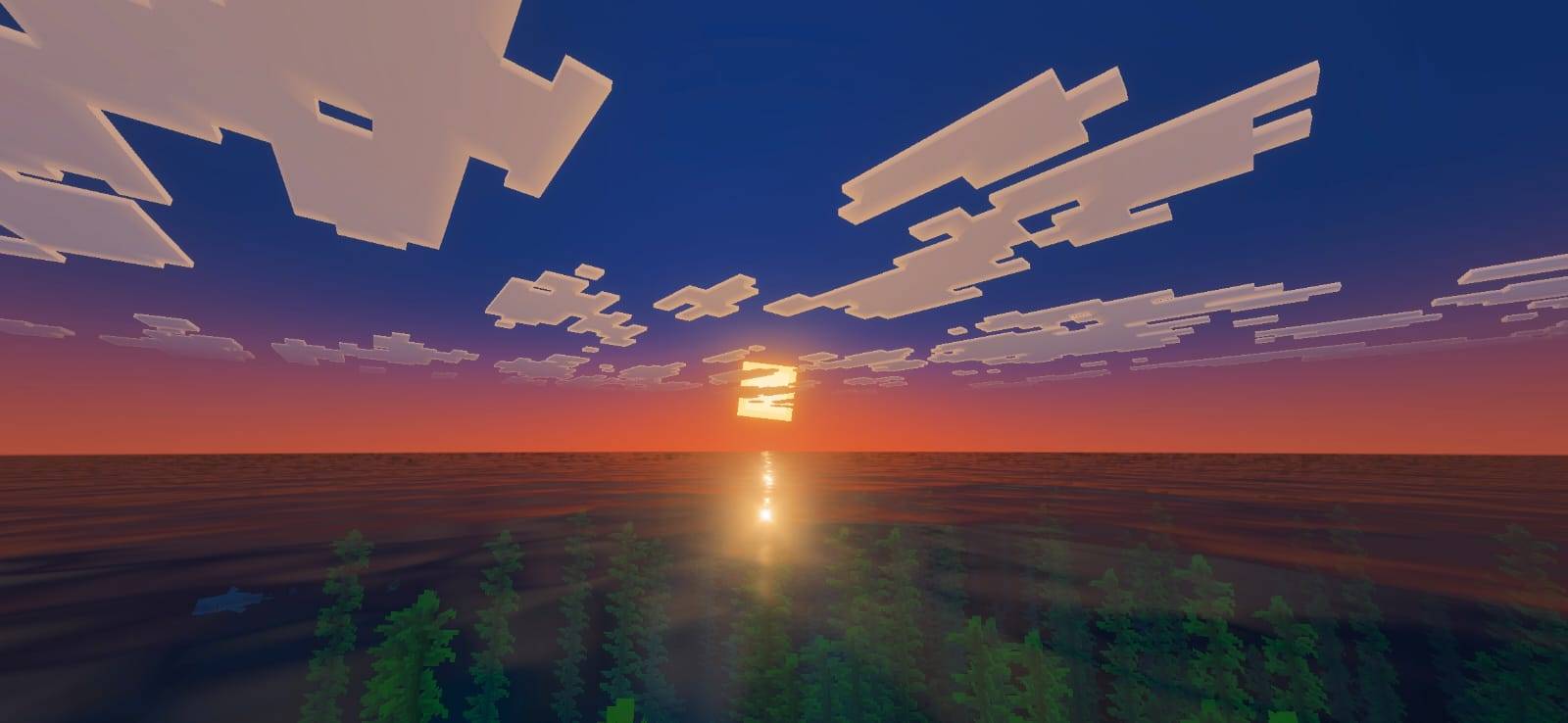
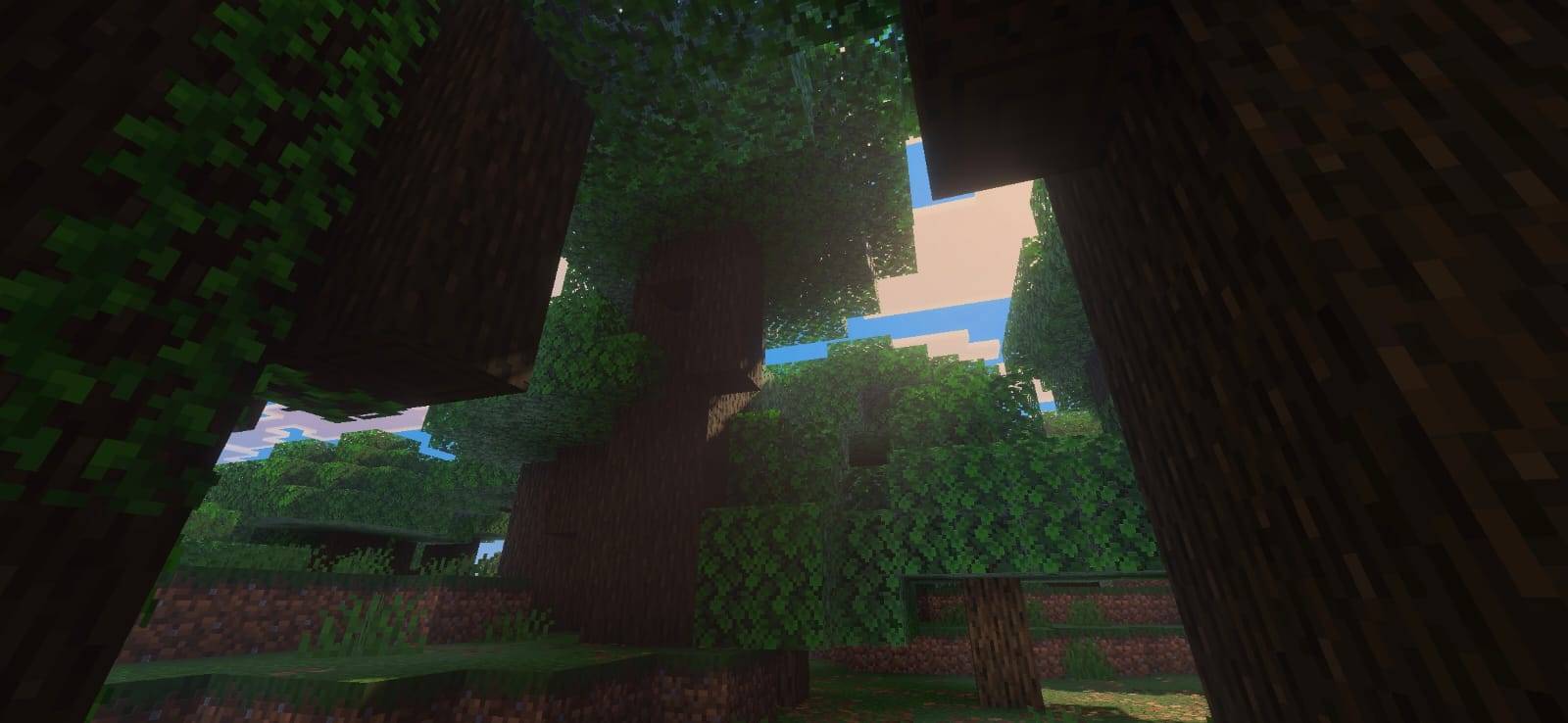
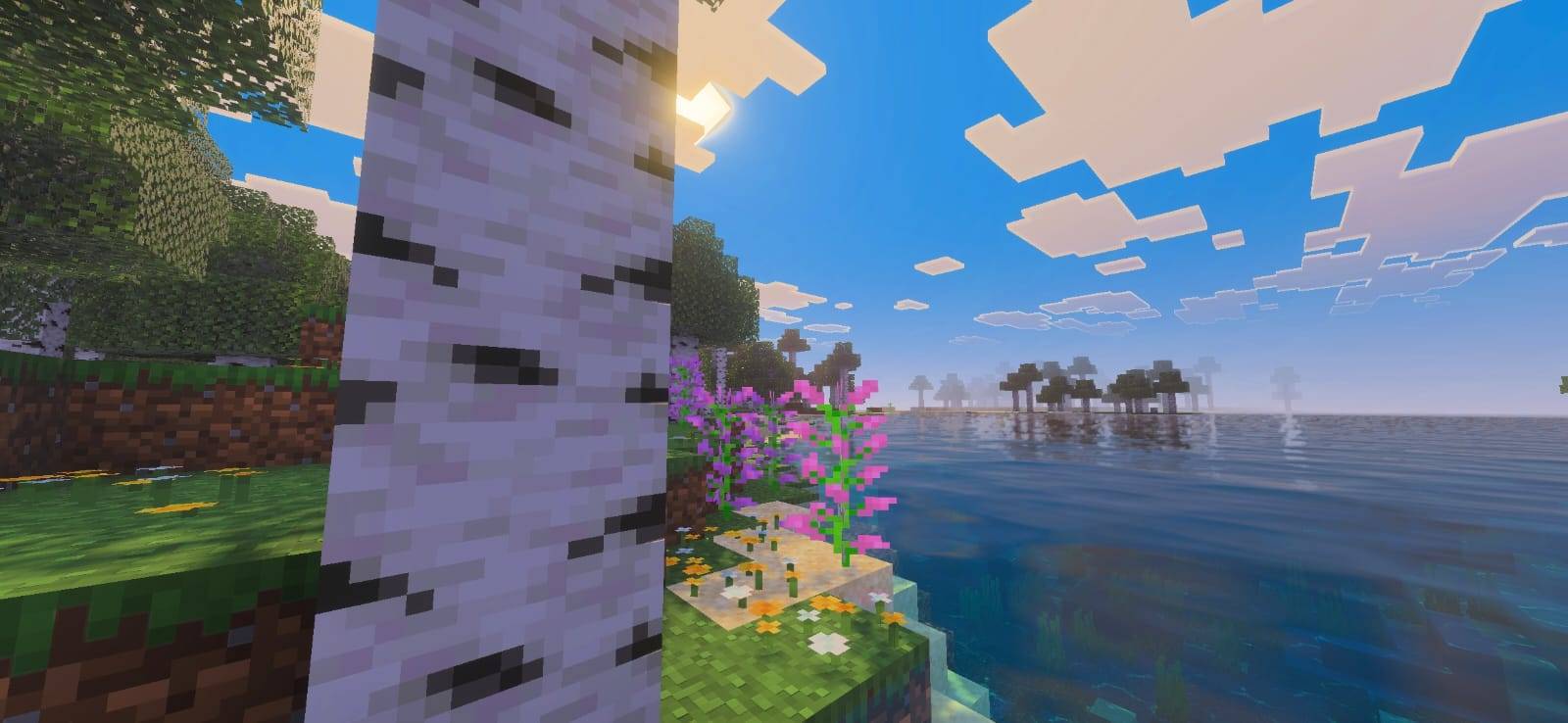
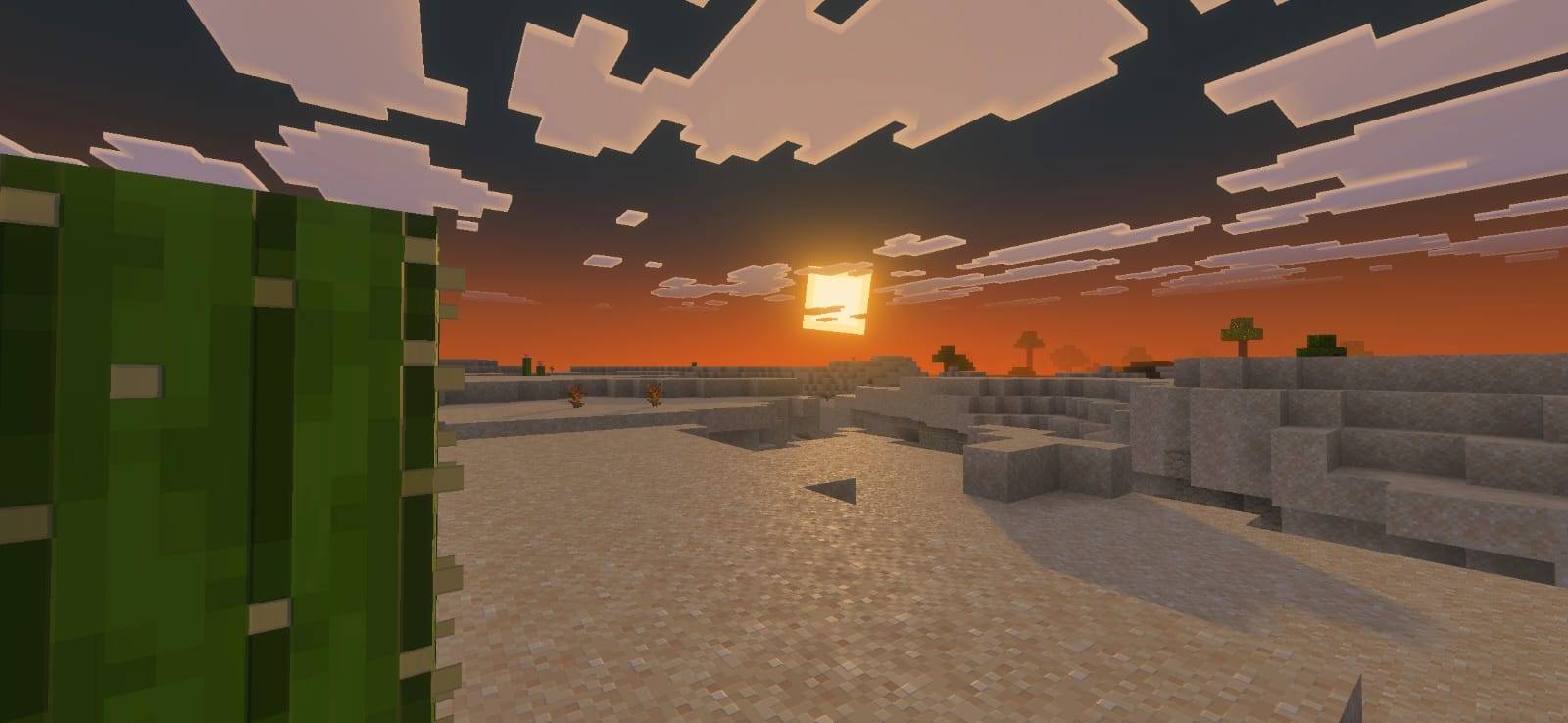
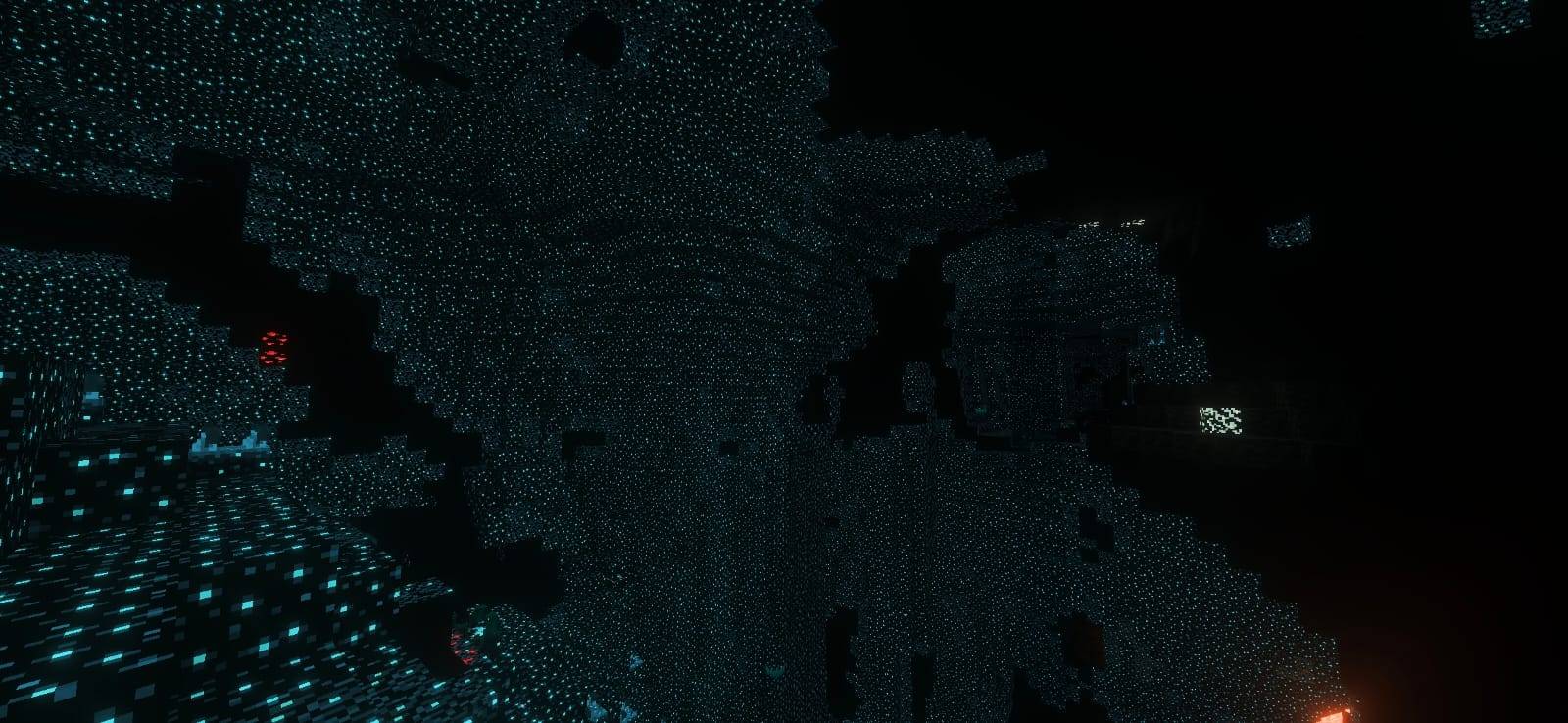
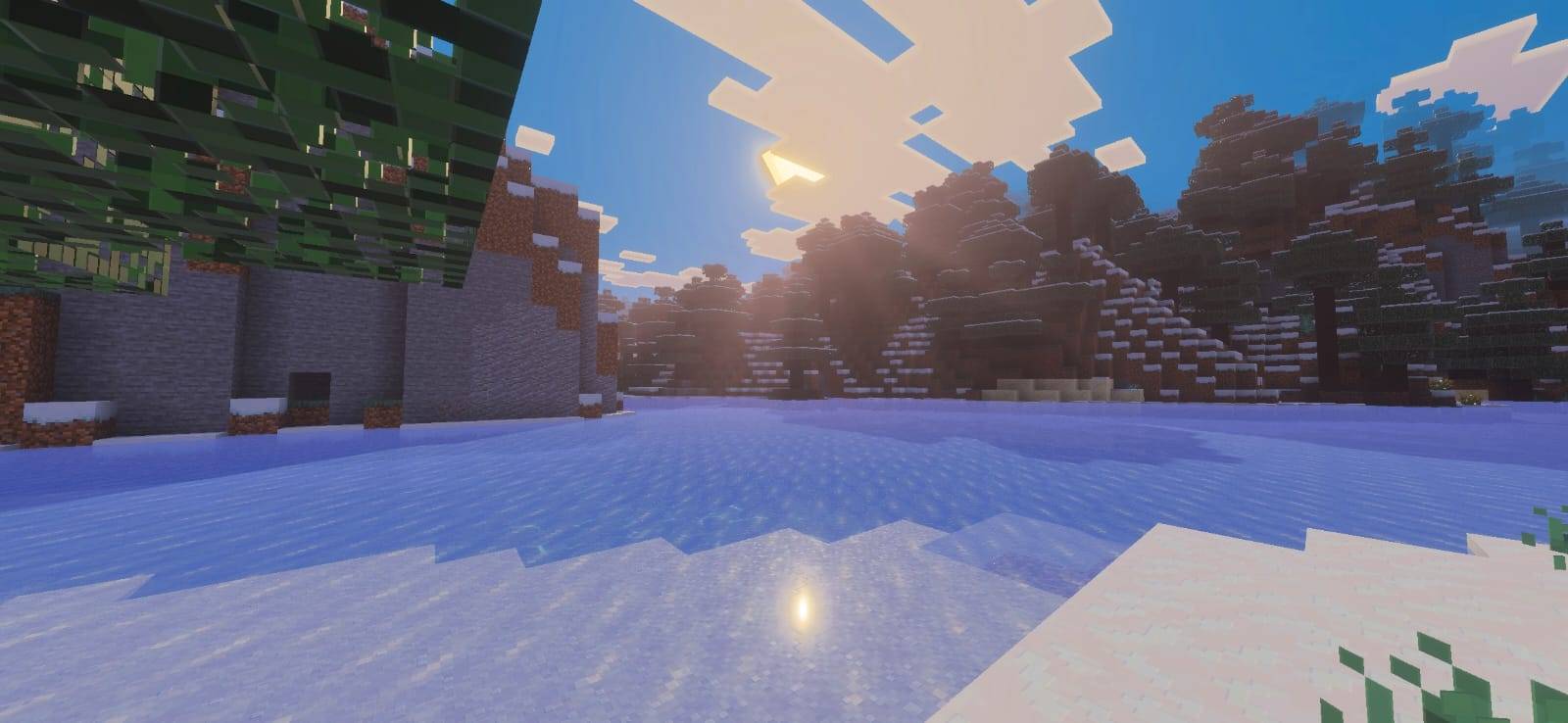
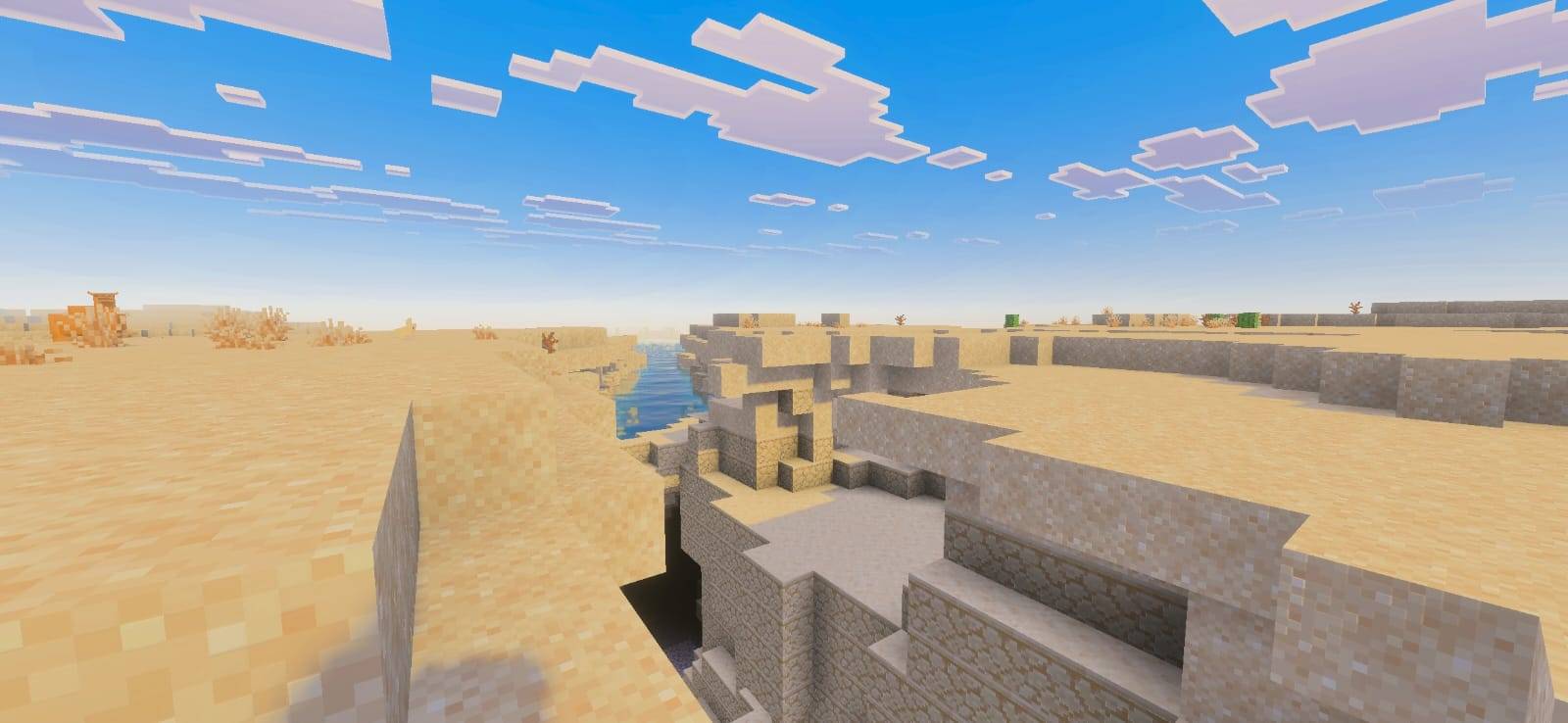
True Shades Realism is a vanilla-faithful shader that transforms Minecraft's atmosphere through realistic lighting, immersive fog, dynamic reflections, and biome-based ambience while preserving the game's iconic visual style.
Designed for players who love Minecraft's original look but want a more cinematic and realistic experience, True Shades Realism enhances the world around you without changing the identity of the game itself.
Features
• Realistic lighting and shadows
• Biome-based fog for increased immersion
• Biome-based color tinting
- Warm biomes feel warmer
- Cold biomes feel colder
- Each environment has its own atmosphere
• Realistic water rendering
• Realistic reflections
• Colored block lighting
- Torches emit warm orange light
- Redstone torches emit bright red light
- End Rods emit soft cyan light
- Lava emits glowing orange light
- Crying Obsidian emits purple light
• Enhanced cave ambience
• Improved sky and environmental atmosphere
• PBR support for compatible texture packs
• Designed to remain faithful to vanilla Minecraft
True Shades Realism is intended for medium-end devices and above.
With optimized settings, many good low-end devices may still achieve playable performance, but this shader is more demanding than the original True Shades shader.
This shader requires a device capable of running Vibrant Visuals.
Please ensure your device supports Vibrant Visuals before downloading.
If you enjoy True Shades Realism and would like to support future updates, donations are greatly appreciated.
If you want news about updates and more, why not check out my YouTube and insta
Looking for Better Performance?
If you're looking for a lighter shader designed specifically for low-end devices, check out the original True Shades.
Thank you for supporting the project and helping True Shades continue to grow 💚.
- Edition: Minecraft Bedrock
- File type: .mcpack
- Minecraft version listed: 26.20
- How to install: Download the .mcpack. → Open it — Minecraft imports it under Resource Packs. → Activate it in Global Resources, or for one world under Resource Packs → Available.
- Where to get it: In MCModsHub, or directly above on this page.
Install steps are the general flow for this file type — How to install Minecraft Bedrock texture packs walks through it step by step.
- Pack type: .mcpack — a single pack
- Complete pack — everything it depends on is inside the file
- Download size: 7.7 MB
- Download link checked 20 Sept 2026 — working
These come from our own check of the pack file, not from the source page.