Retro and Alternative Wools
Bedrock texture pack listed for Minecraft 1.13–1.21. File opened and checked on 27 Sep 2026; installs from the MC Bedrock Mods app on Android.
A configurable texture pack that lets you choose wool textures from Minecraft’s Alpha and Beta days, or switch to modern alternatives like smooth and…
⬇ Download on CurseForge
Old and Alternative Wools
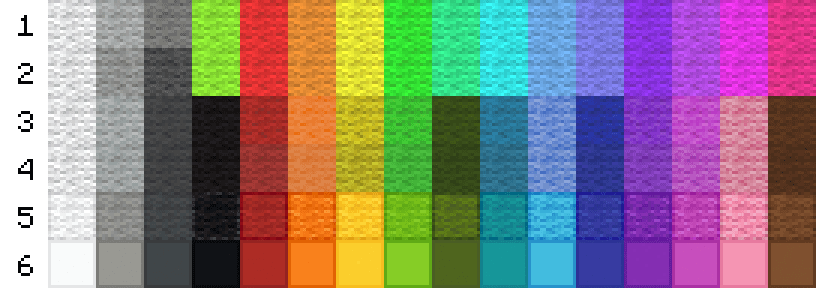
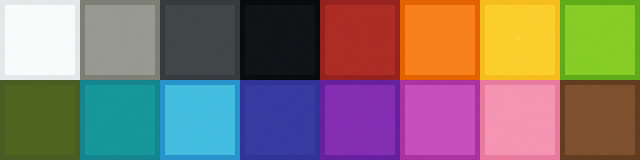
This texture pack includes six configurable wool options, all selectable in-game through Global Resources (not the world creation screen). The textures of carpet also are updated in all 6 versions. Banners and sheep are not updated. Sheep may be updated in the future. Banners will not be updated.
Option 1: Classic Wool
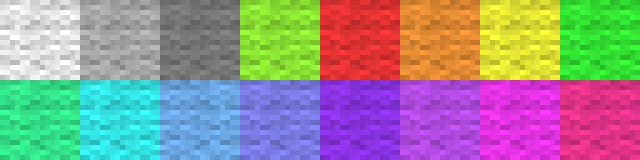
The original Classic-era wool textures, faithful to early Minecraft. Note: Black and Brown wool were not part of the original 16 colors, so they have been replaced with the other available colors from this era.
Option 2: Classic Wool (Darker Grays)
A late-Classic variant featuring darker gray tones, as seen toward the end of the Classic era. Note: Black and Brown wool were not part of the original 16 colors, so they have been replaced with the other available colors from this era.
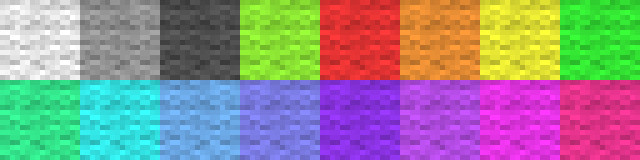
Option 3: Beta 1.2 Wool
Wool textures based on Minecraft Beta 1.2.
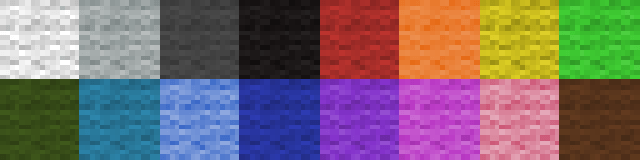
Option 4: Release 1.2.4 Wool
Based on Release 1.2.4, with tweaked saturation that makes wool blocks slightly darker than in previous versions. These were replaced in version 1.12.
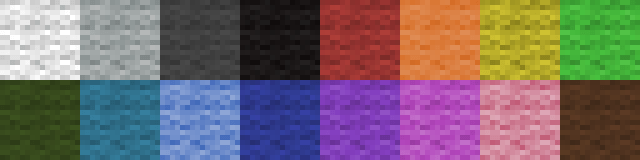
Option 5: Release 1.12 Outlined Wool
Inspired by Minecraft 1.12+, featuring clearer outlines for improved block definition.
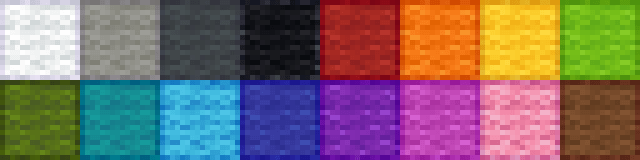
Option 6: Release 1.12 Smooth Wool / PvP Wool
Designed for PvP and clean builds, using solid, bright modern colors with subtle outlines.
How to Configure and Use Texture Pack
- From main menu, click settings
- Scroll Down until "Global Resources"
- Click "My Packs"
- Click "Alternative Wool Textures"
- Click "Activate"
- Scroll up to "Active Packs"
- Click on "Alternative Wool Textures"
- Click on the gear and use the scroll bar to select which version you would like to use
- 9. You can now use on any realm, world, or server (unless they don't allow texture packs). Come back to this location to reconfigure or deactivate in the future.
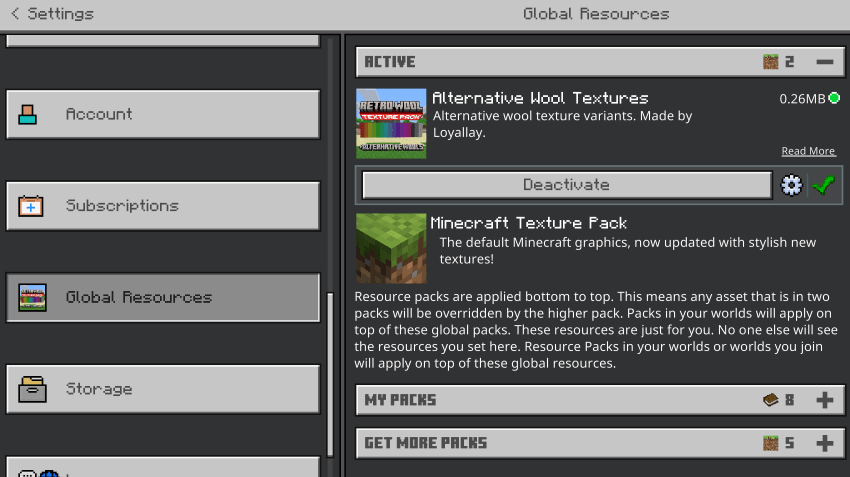
Applying and configuring the pack from the world settings may not work. Doing it through global resources is best way. Let me know if you need any help below!
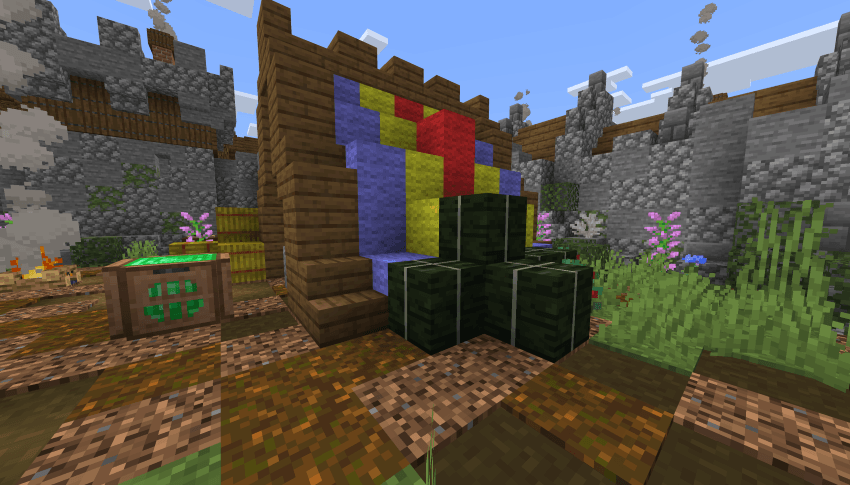
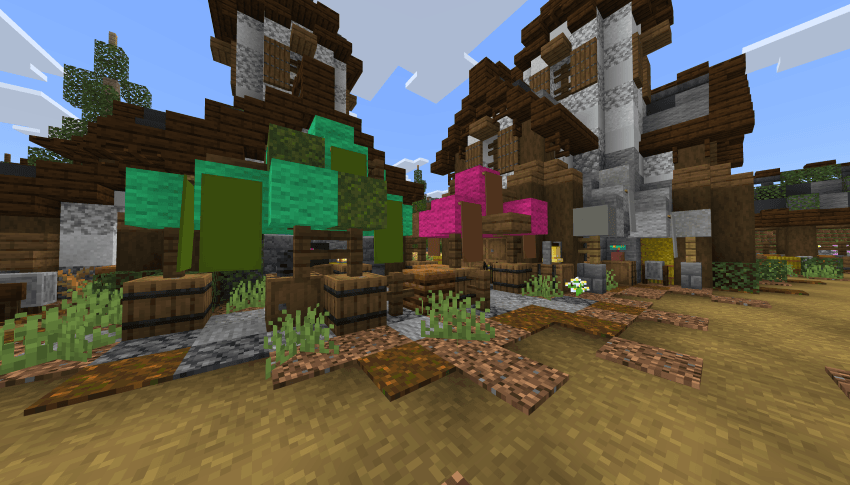
Here are some in-game images of Option 1:
Be sure to check out my profile for other Texture Packs, Skinpacks, Add-ons, and Worlds! I have a few Classic, Alpha, and Beta inspired Add-ons coming soon!
- Edition: Minecraft Bedrock
- File type: .mcpack
- Minecraft version listed: 1.21.131
- How to install: Download the .mcpack. → Open it — Minecraft imports it under Resource Packs. → Activate it in Global Resources, or for one world under Resource Packs → Available.
- Where to get it: Opens on CurseForge — not every file is mirrored on our own servers.
Install steps are the general flow for this file type — How to install Minecraft Bedrock texture packs walks through it step by step.
- Pack type: .mcpack — a single pack
- Manifest requires Minecraft 1.13.0 or newer
- Complete pack — everything it depends on is inside the file
- Download size: 271 KB
- Download link checked 6 Oct 2026 — working
These come from our own check of the pack file, not from the source page.