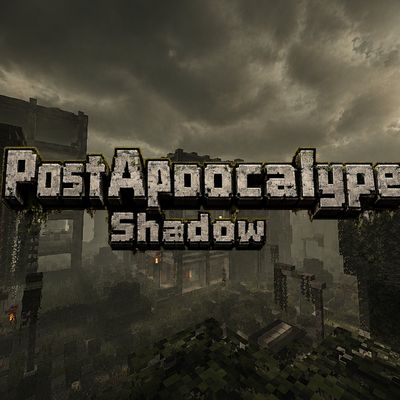
Post-Apocalypse Shadow Bedrock 1.26
Bedrock texture pack listed for Minecraft 1.21–26.x. File opened and checked on 26 Sep 2026; installs from the MC Bedrock Mods app on Android.
⬇ Download
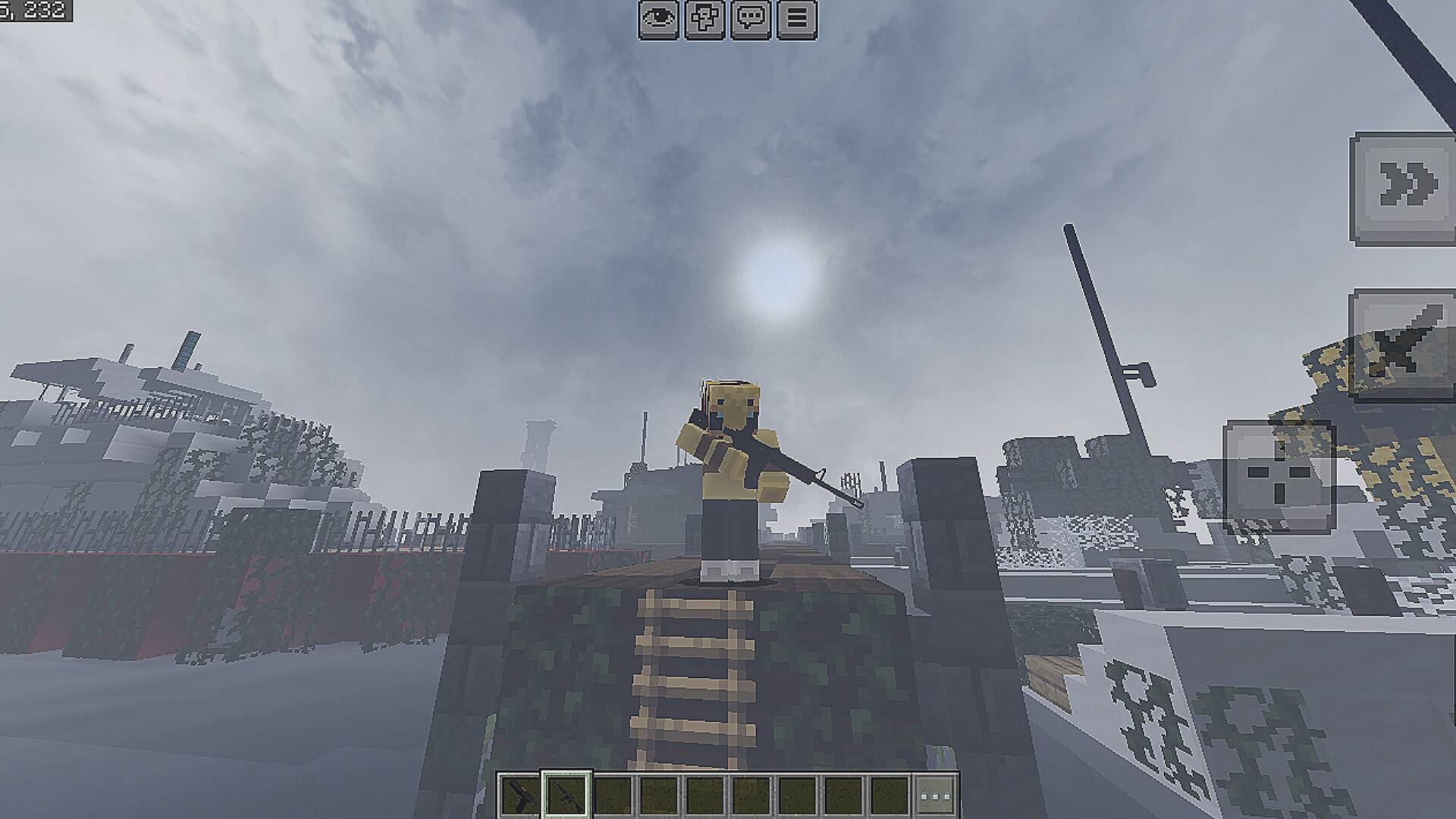
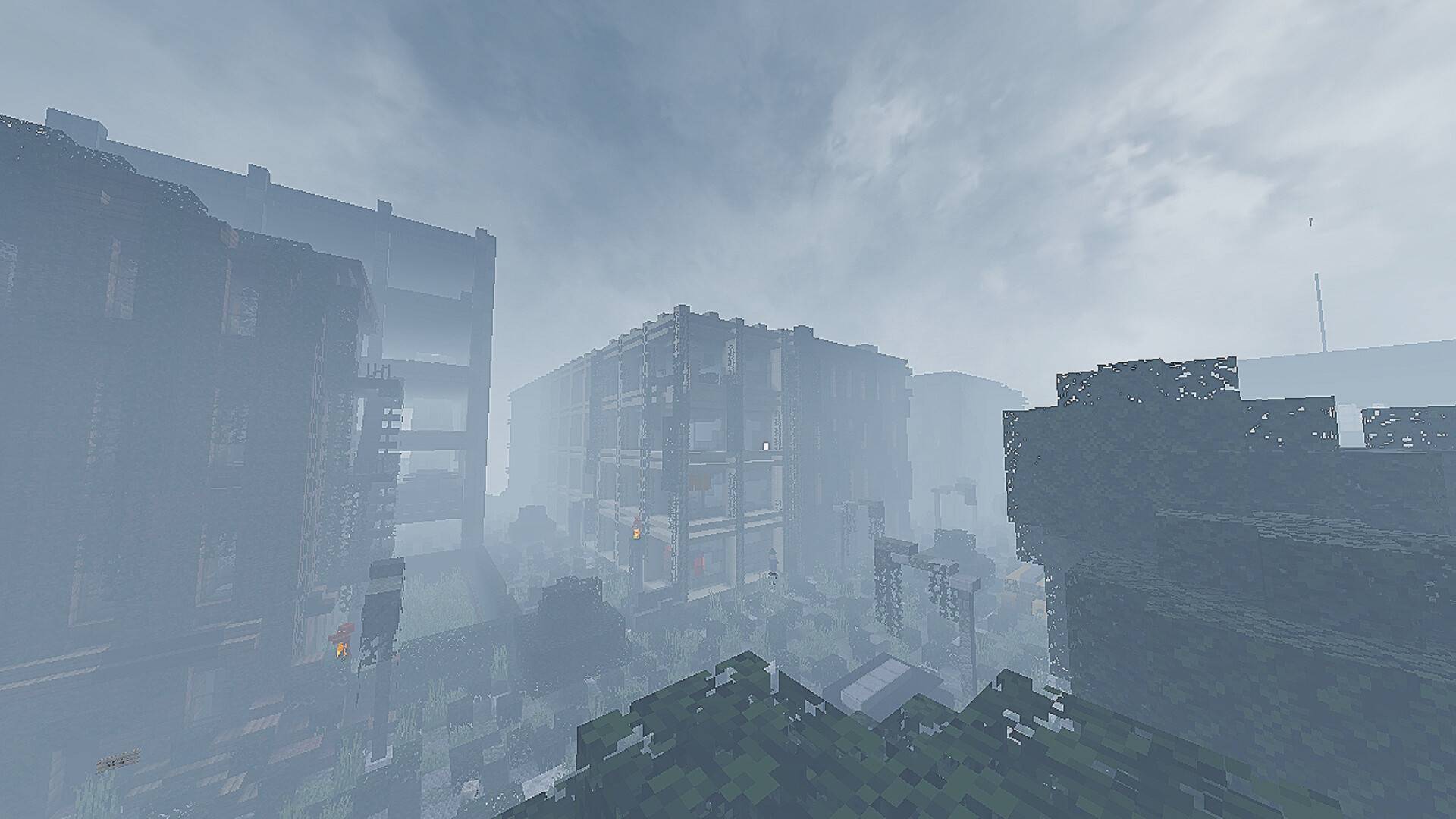
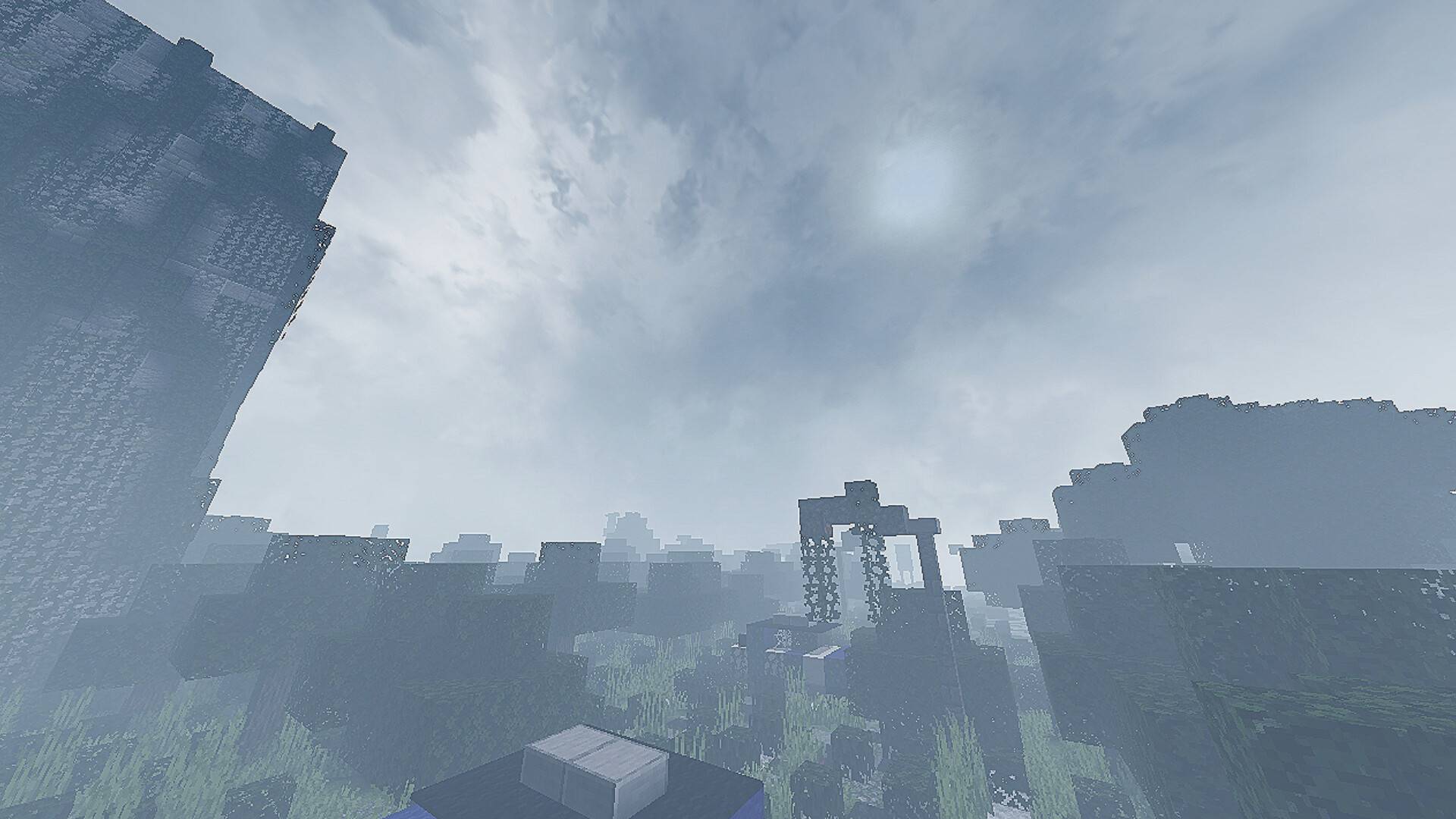
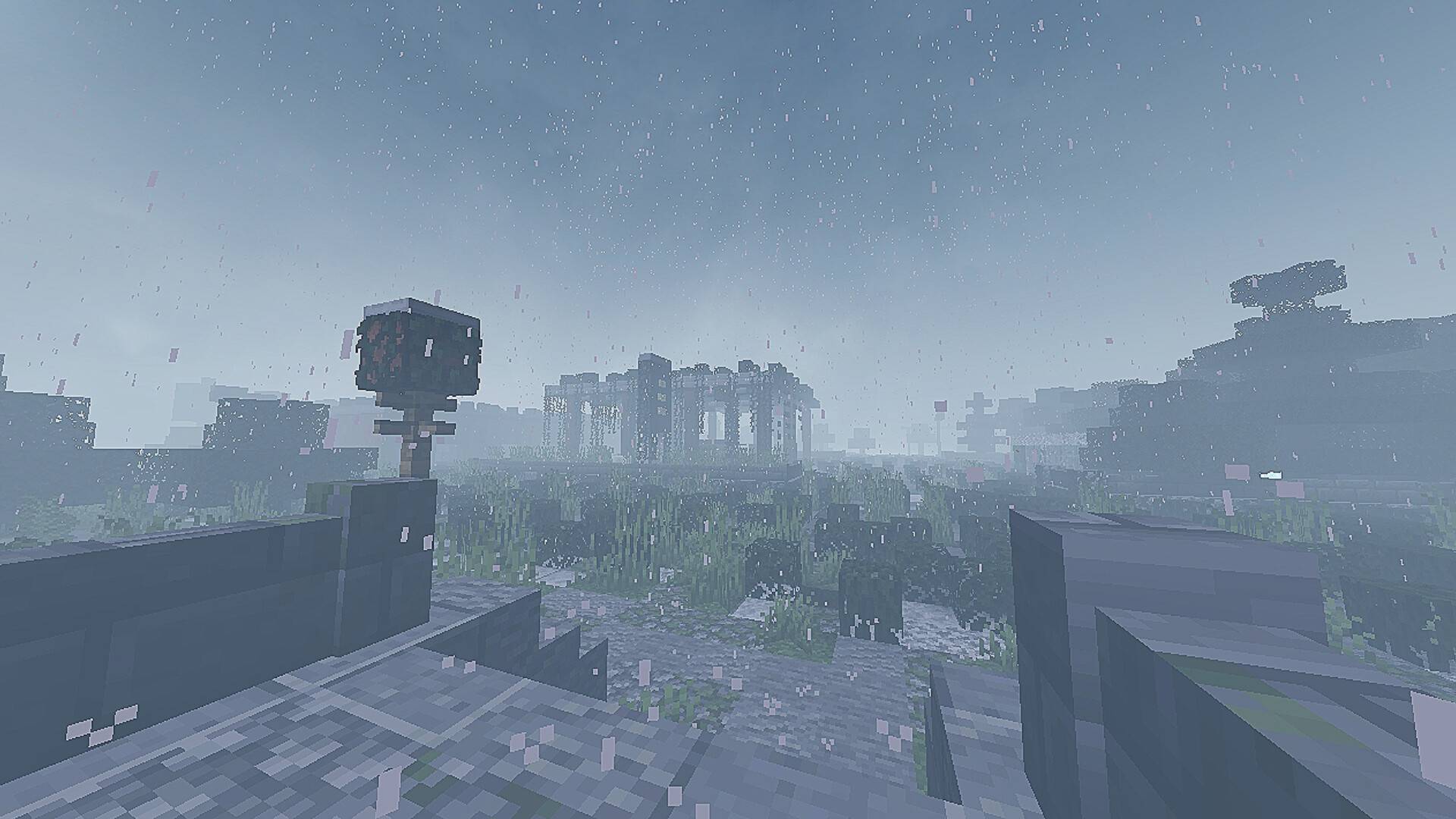
☣️ Post Apocalyptic Shadow V1
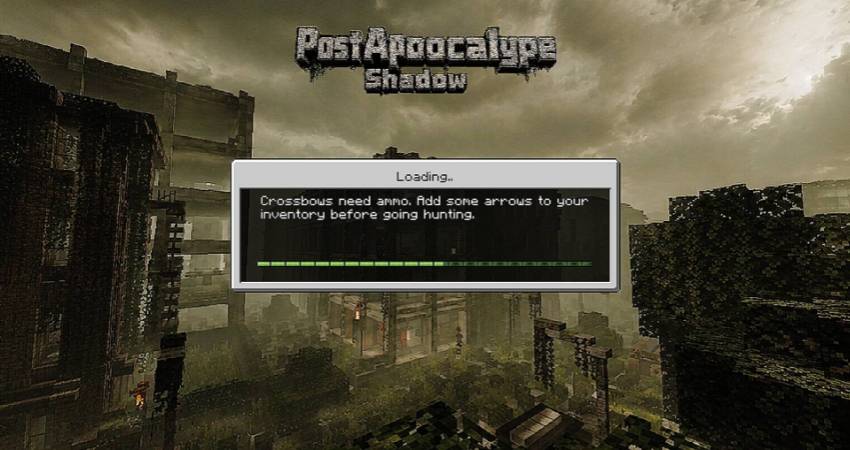
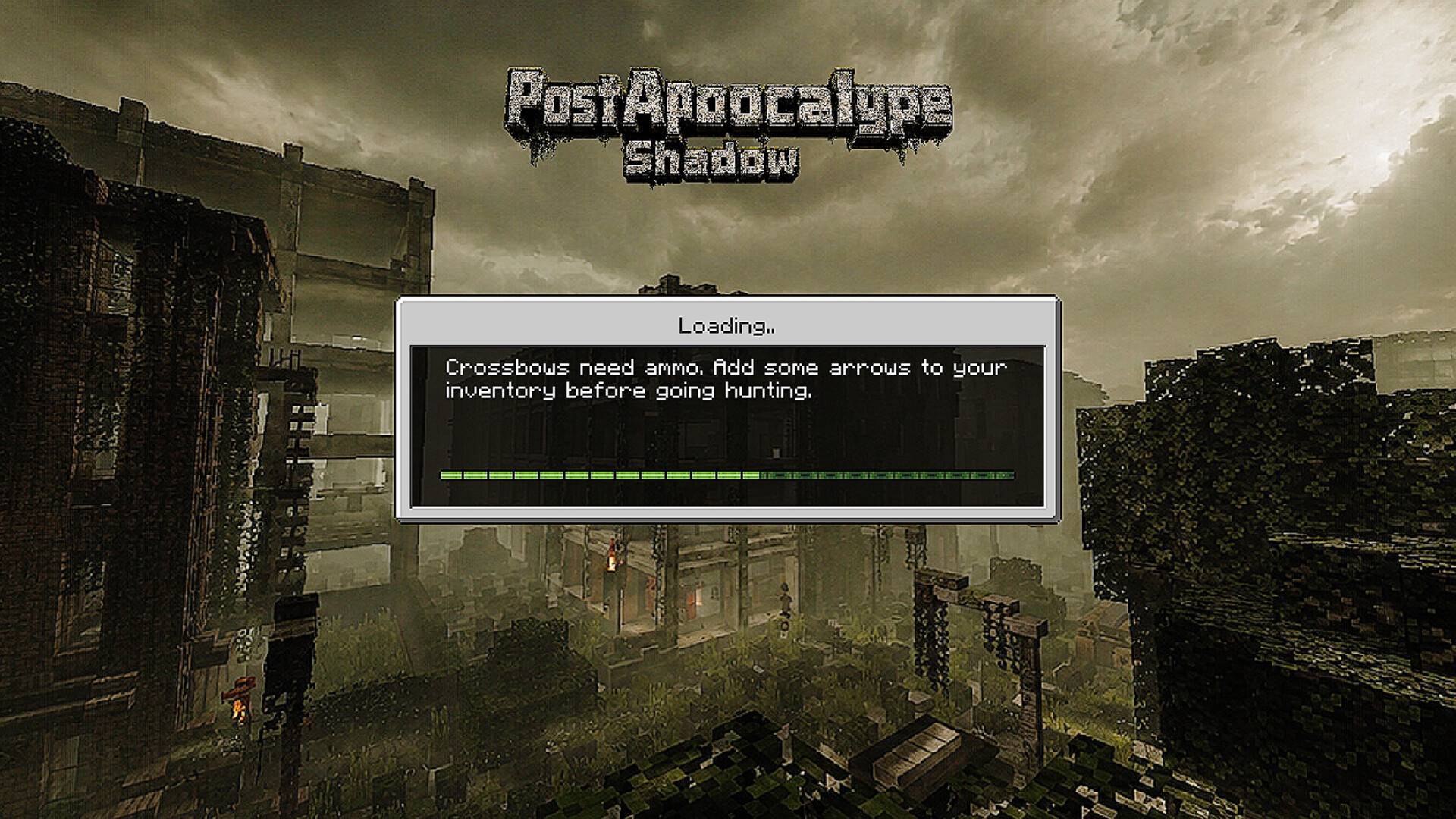
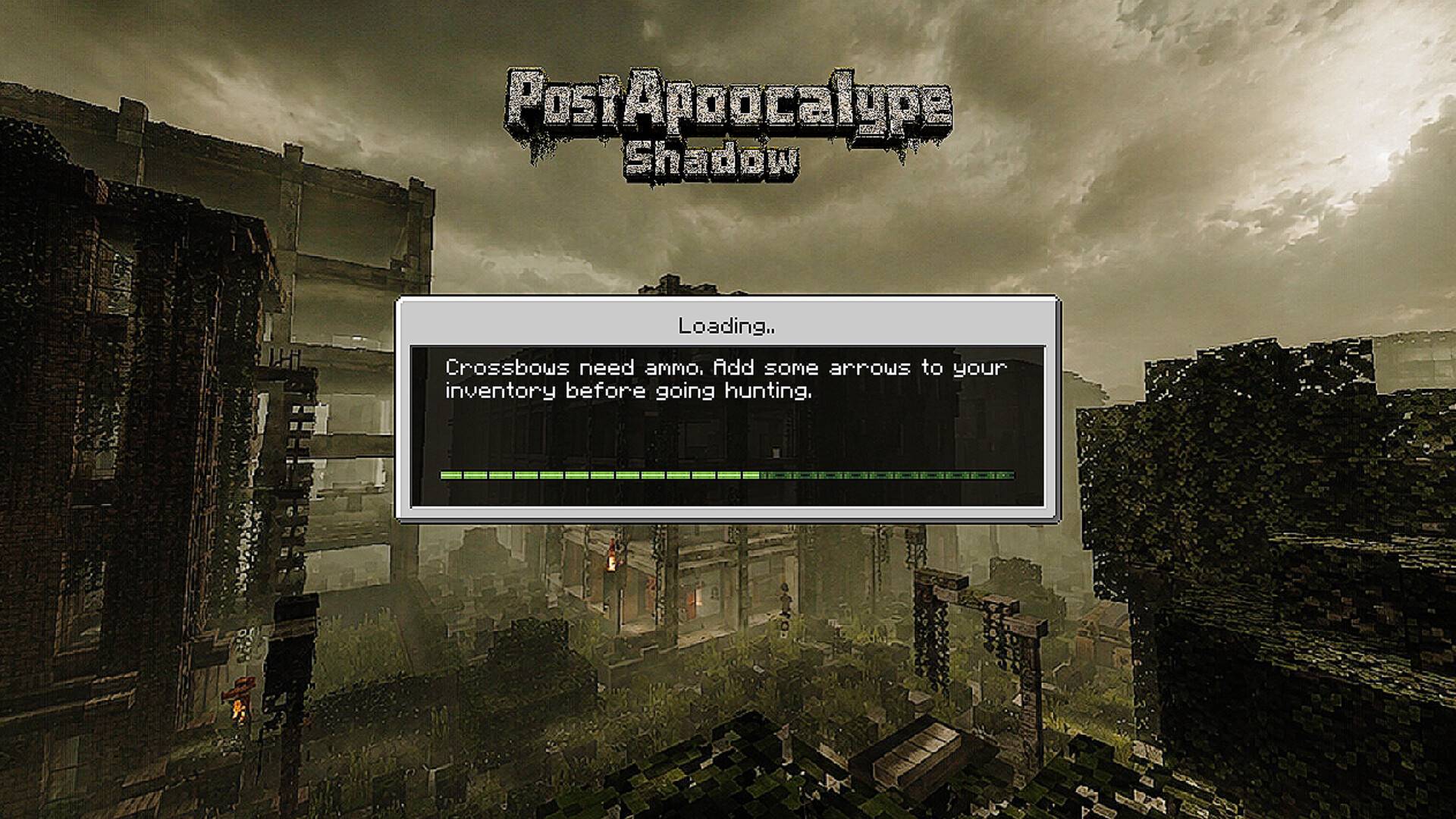
Transform your Minecraft world into a dark and deadly post-apocalyptic wasteland.
This shader focuses on creating a dark, desolate, and terrifying atmosphere by altering the fog, lighting, and environmental colors.
✨ Key Features
🌫️ Dense fog covers the entire world.
🌑 Dark and cold tones create a sense of isolation.
☣️ Post-apocalyptic style similar to survival games.
🔥 The Nether is covered in a terrifying red and black color scheme.
👁️ Enhances the horror when exploring caves and abandoned structures.
🌌 Sky and environmental effects are modified to match the apocalyptic theme.
📱 Optimized for Minecraft Bedrock/PE, which supports shader patches.
🎮 Compatible with
Zombie Apocalypse
Parasite Survival
Lost City
Wasteland
Horror Survival
Medieval Apocalypse
⚠️ Requirements:
Shaders only work on Minecraft Bedrock versions that support RenderDragon Patch or launchers that support shaders.
In-game feel:
"A world once teeming with life is now shrouded in fog, darkness, and eerie silence. Every journey feels like survival in the apocalypse." ☣️🌑
(+)Support the Creator If you enjoy this addon and would like to support future updates, consider donating: https://paypal.me/SuppQuark
- Edition: Minecraft Bedrock
- File type: .mcpack
- Minecraft versions listed: 1.21.130, 1.21.131, 1.21.132
- How to install: Download the .mcpack. → Open it — Minecraft imports it under Resource Packs. → Activate it in Global Resources, or for one world under Resource Packs → Available.
- Where to get it: In MCModsHub, or directly above on this page.
Install steps are the general flow for this file type — How to install Minecraft Bedrock texture packs walks through it step by step.
- Pack type: .mcpack — a single pack
- Complete pack — everything it depends on is inside the file
- Download size: 4.6 MB
- Download link checked 16 Sept 2026 — working
These come from our own check of the pack file, not from the source page.