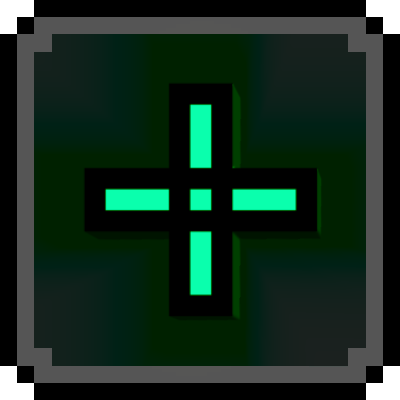

With this pack, you finally have the ability to choose your own crosshair. And it's highly customisable! Too small? Choose a larger scale. Blends in? Add an outline. Want a different colour? No problem. Don't like any of the current options? Make your own! There's five custom slots for you to upload your own crosshair design! Plus even more customisability options in the future!
Anyone who has knowledge of how to create custom fonts in resource packs, please reach out to me in the comments or on my Discord @wponky.
Here are some examples, but the pack currently has almost 40! And I'll be updating the pack regularly with even more!
By making some simple edits to the pack, you can have any colour you like!

All crosshairs have an outlined and unoutlined varient:


Customisation:
- To create your own crosshair, make a 16x16 design and place it in one of the marked slots in font/default8.png
- To edit the size of the crosshair, you need to edit the "font_size" value in ui/hud_screen.json. Accepted values are: small, medium, large, extra_large.
- To edit the colour and transparency, change the respective highlighted values in ui/hud_screen.json
That's everything for now. Enjoy the pack!
- Edition: Minecraft Bedrock
- File type: .mcpack
- Minecraft version listed: 1.21.100
- How to install: Download the .mcpack. → Open it — Minecraft imports it under Resource Packs. → Activate it in Global Resources, or for one world under Resource Packs → Available.
- Where to get it: Opens on CurseForge — not every file is mirrored on our own servers.
Install steps are the general flow for this file type — How to install Minecraft Bedrock texture packs walks through it step by step.
- Pack type: .mcpack — a single pack
- Manifest requires Minecraft 1.21.0 or newer
- Complete pack — everything it depends on is inside the file
- Download size: 52 KB
- Download link checked 25 Aug 2026 — working
These come from our own check of the pack file, not from the source page.