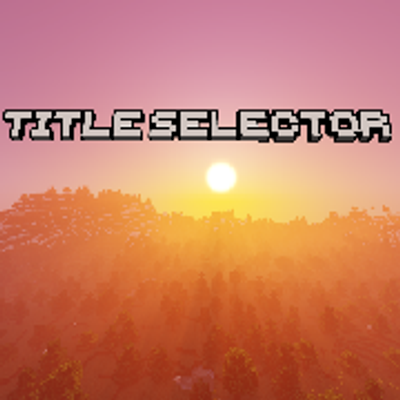
Panorama Selector
Bedrock texture pack listed for Minecraft 1.20–26.x. Download on the author's site.
⬇ Download on CurseForgeThis pack aims to make "warping between versions" much easier by adding a setting to switch between title screen backgrounds (panoramas) from different versions. The only known issue is that the trails and tales one does not work. Otherwise, it takes no beta features and is ready to be used straight away!
To install, double-click the .mcaddon file to install it in Minecraft. Then, go to Options/Global Resources, and enable the pack from the available list. Then, go to the active list and press the settings icon next to the deactivate button. Use the slider to select a version to replicate, and finally, leave the settings menu, and give it a moment. When it is done loading, your title screen's background should change to your favorite one!
- Edition: Minecraft Bedrock
- File type: .mcpack
- Minecraft versions listed: 26.3, 1.20.40, 1.21.30
- How to install: Download the .mcpack. → Open it — Minecraft imports it under Resource Packs. → Activate it in Global Resources, or for one world under Resource Packs → Available.
- Where to get it: Opens on CurseForge — not every file is mirrored on our own servers.
Install steps are the general flow for this file type — How to install Minecraft Bedrock texture packs walks through it step by step.
Panorama Selector is a free Minecraft Bedrock texture pack. Compatible with Minecraft 26.3, 1.20.40, 1.21.30, 1.21.50 and newer. Downloaded 302 times (via CurseForge). Download it and open it directly in the game.