Lumora Shaders
Bedrock texture pack listed for Minecraft 1.21–26.x. File opened and checked on 13 Sep 2026; installs from the MC Bedrock Mods app on Android.
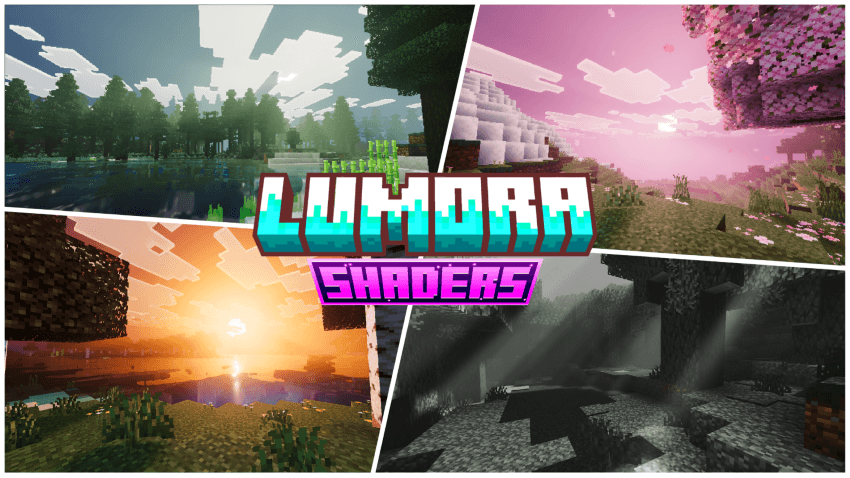
Per-biome sky, fog, and water tuning that shifts naturally through the day — cherry groves glow pink, the End sits in violet haze, sunsets burn gold…
⬇ DownloadThe author built this one for Minecraft 1.21–26.50. On other versions it may install and then do nothing.
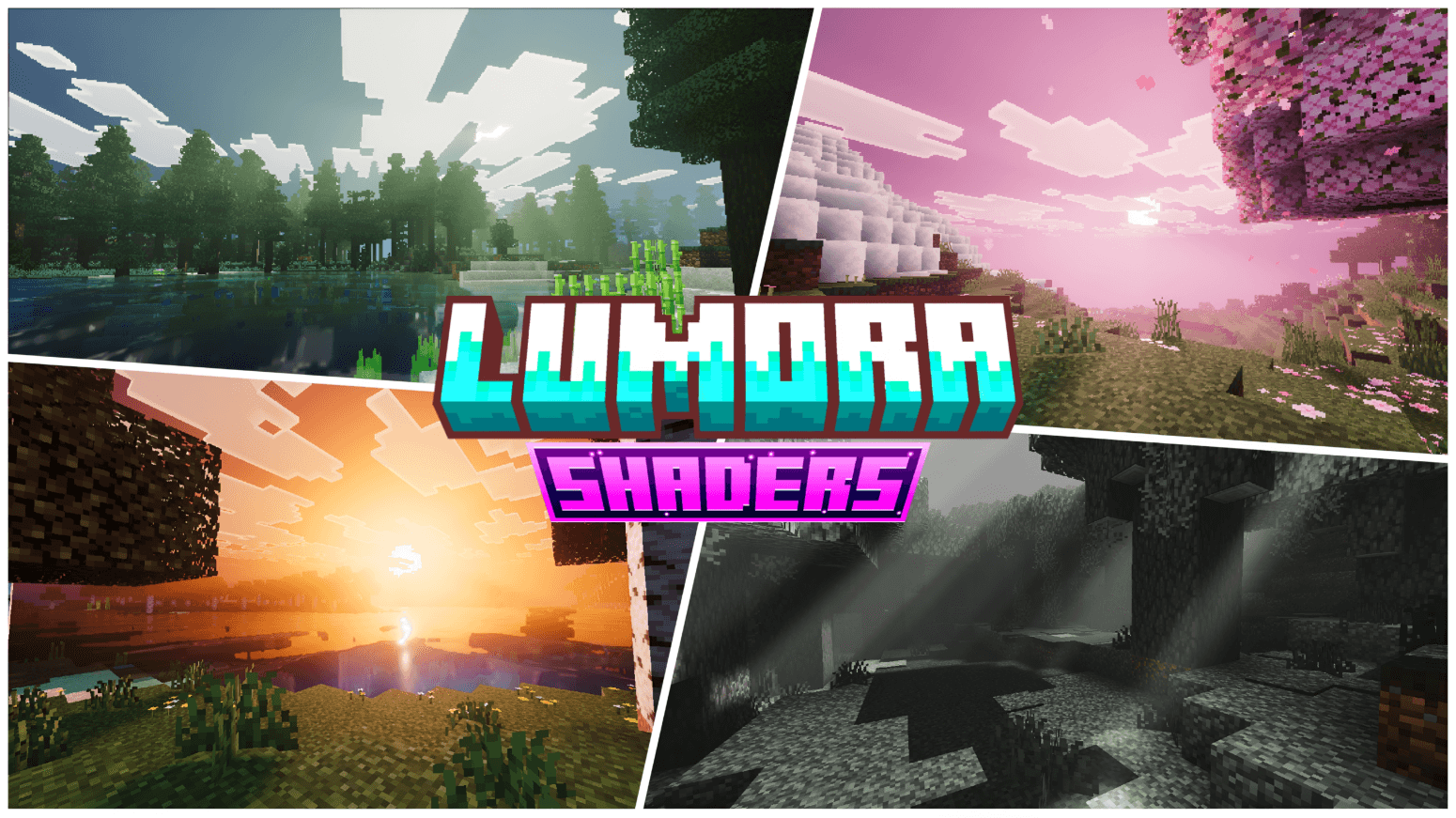
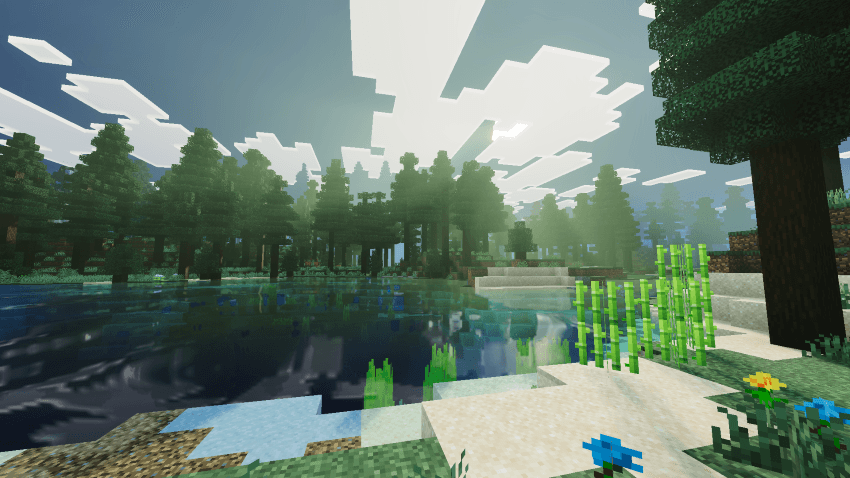
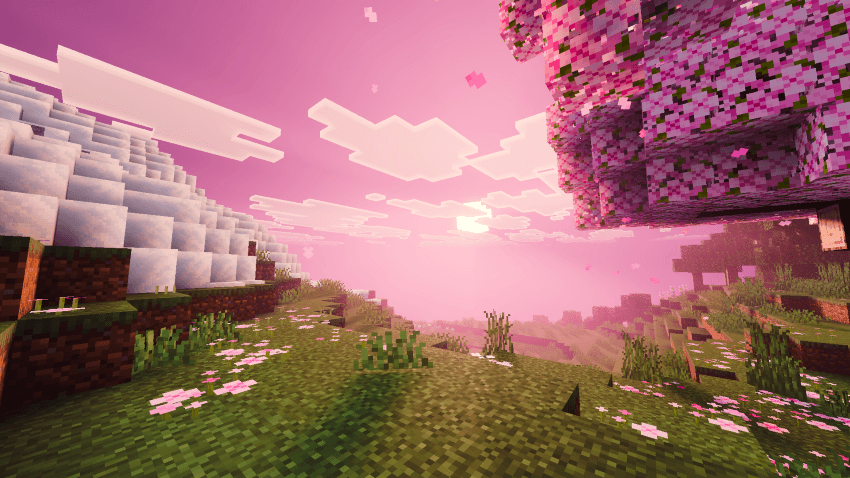
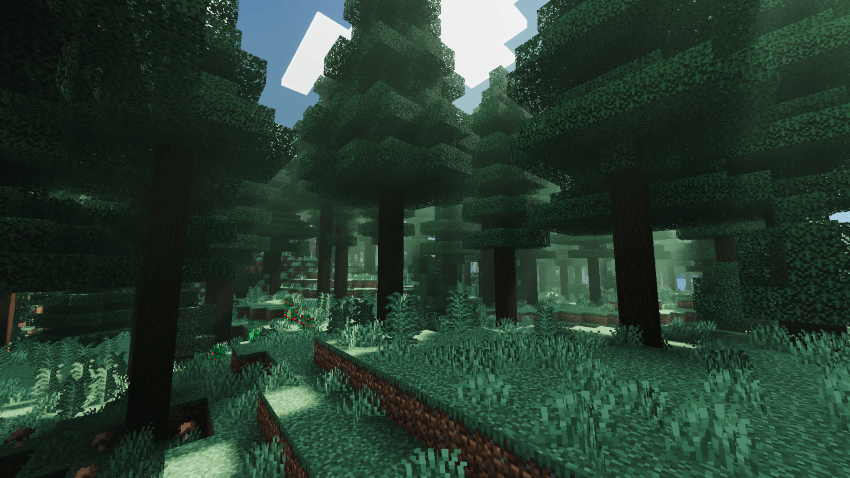
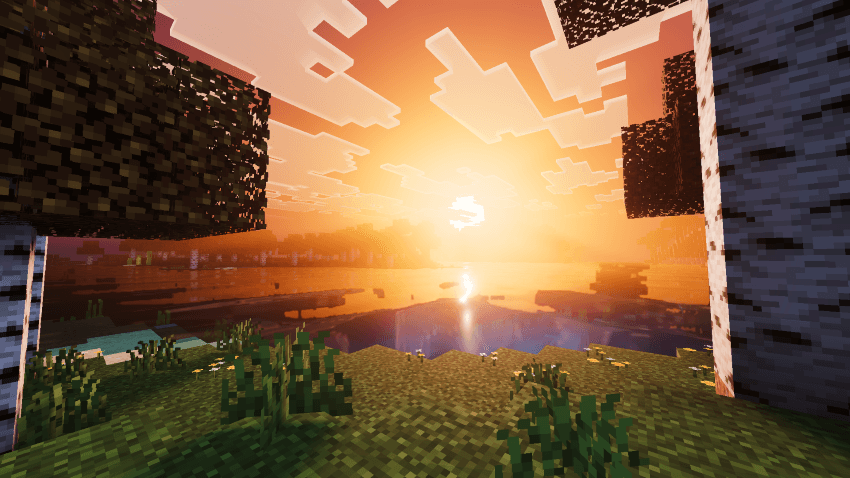
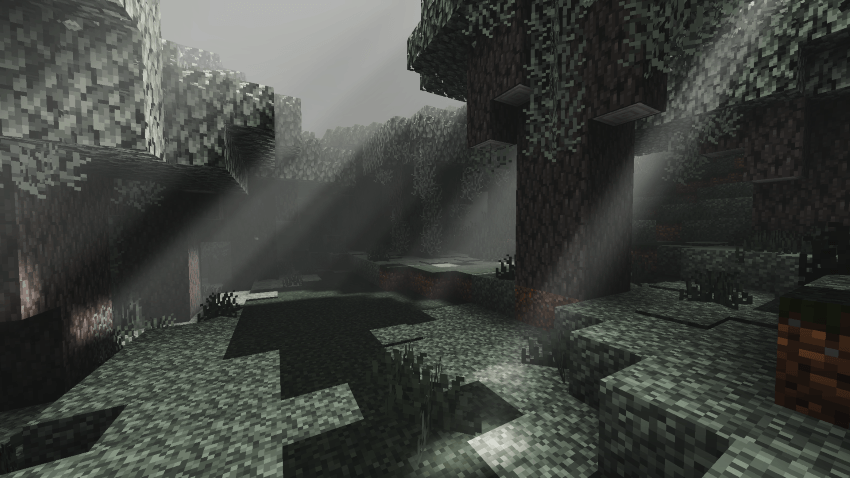
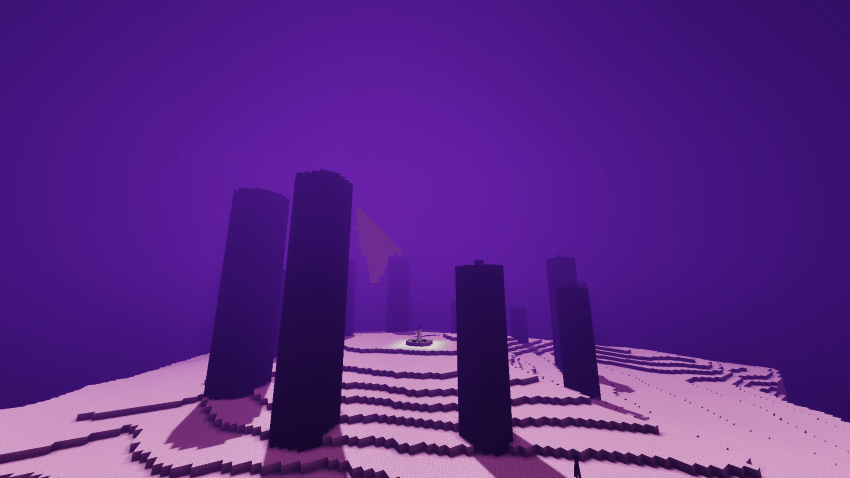
Step into a world reborn in light. Lumora transforms every biome into a living canvas — from the fiery gold of a lakeside sunset to the soft pink haze drifting through cherry blossom groves, to the eerie violet mist rolling over End cities.
Every biome carries its own atmosphere profile: cherry groves drift under a soft lilac sky, the End glows in deep violet haze, and open plains burn gold at sunset with light scattering low across the horizon.
✦ Dynamic Sky & Atmosphere
Watch skies shift through warm ambers, cool blues, and dreamy pastels as the sun moves — each biome carries its own signature color mood, so no two views ever feel the same.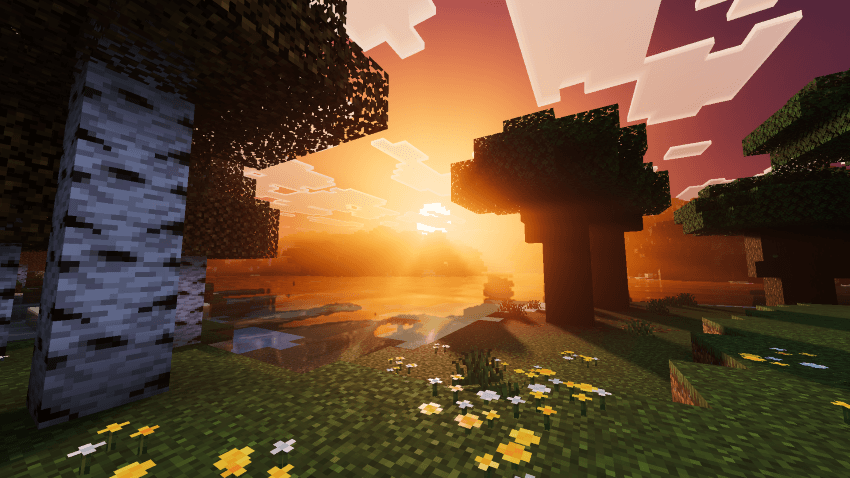
✦ Volumetric God Rays
Sunlight breaks through dense pine canopies in real, layered light shafts, casting soft glow and shadow across the forest floor.
✦ Realistic Water Reflections
Lakes and rivers mirror the sky above with shimmering, dynamic reflections — still water goes glassy, catching every hue of the horizon.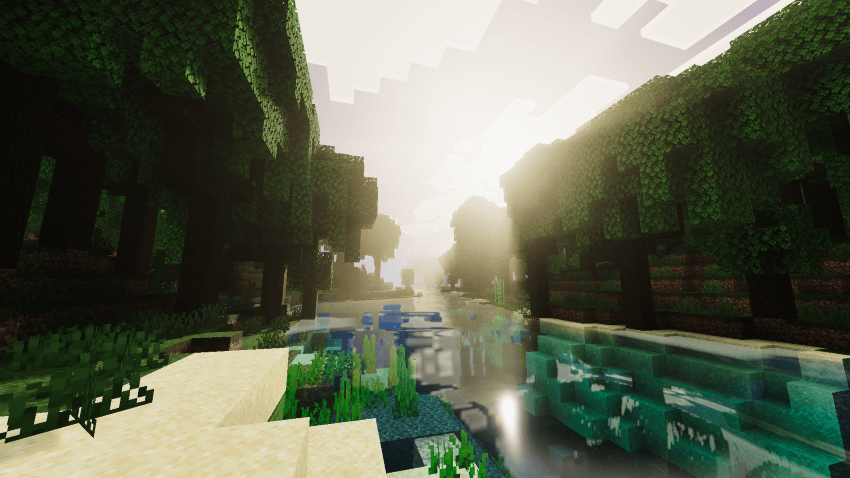
✦ Biome-Reactive Fog
Fog density and color adapt to where you stand — thick violet haze in the End, soft petal-pink mist in cherry groves, gentle green tint under thick forest canopy.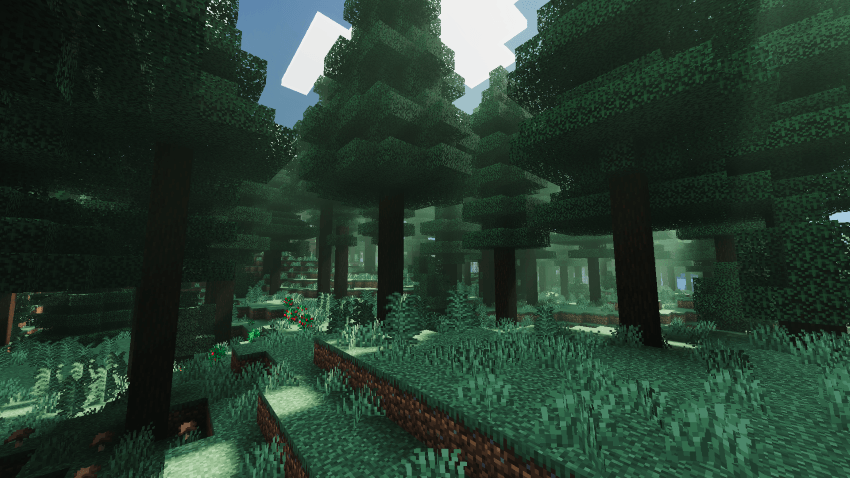
✦ Enhanced Foliage & Lighting
Grass, leaves, and flowers catch light naturally with improved shading, giving every biome extra depth and richness.
Whether you're chasing sunsets, exploring misty forests, or wandering the End, Lumora makes every screenshot worth taking.
Lumora Shaders is actively maintained and improved based on player feedback — if something looks off in your world or you've got ideas for new biome moods, let us know.
~by the Lumora Shaders team.
- Edition: Minecraft Bedrock
- File type: .mcpack
- Minecraft versions listed: 1.21.50, 1.21.81, 1.21.101
- How to install: Download the .mcpack. → Open it — Minecraft imports it under Resource Packs. → Activate it in Global Resources, or for one world under Resource Packs → Available.
- Where to get it: In MCModsHub, or directly above on this page.
Install steps are the general flow for this file type — How to install Minecraft Bedrock texture packs walks through it step by step.
- Pack type: .mcpack — a single pack
- Complete pack — everything it depends on is inside the file
- Download size: 5.5 MB
- Download link checked 26 Aug 2026 — working
These come from our own check of the pack file, not from the source page.


