Texture packsBedrock
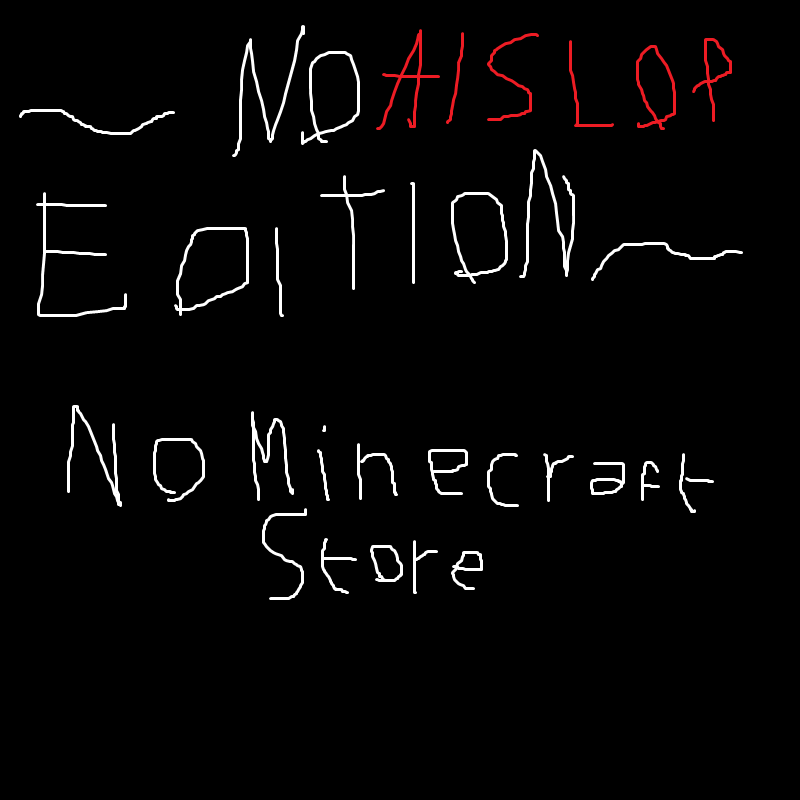
No Minecraft Store - NO AI SLOP EDITION
Bedrock texture pack listed for Minecraft 1.20–1.21. File opened and checked on 28 Sep 2026; installs from the MC Bedrock Mods app on Android.
⬇ Download on CurseForge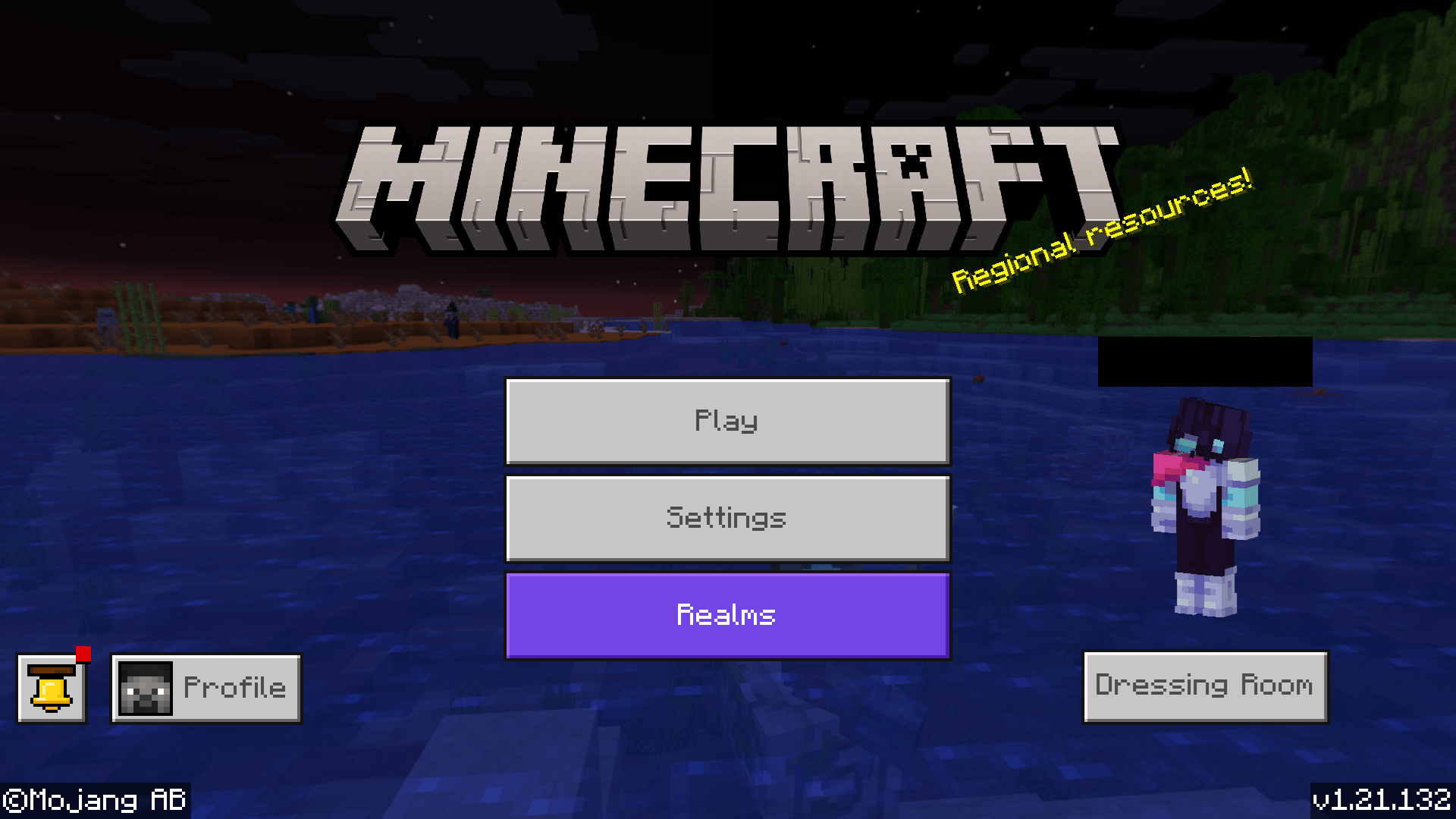
Want to get rid of the Marketplace button* but without having to look at AI slop on your resource packs page? Then… use this, I guess? idk.
* This resource pack does not remove the "Browse add-ons!" button on the pause screen and does not remove the Realms button.
Quick facts
- Edition: Minecraft Bedrock
- File type: .mcpack
- Minecraft version listed: 1.21.132
- How to install: Download the .mcpack. → Open it — Minecraft imports it under Resource Packs. → Activate it in Global Resources, or for one world under Resource Packs → Available.
- Where to get it: Opens on CurseForge — not every file is mirrored on our own servers.
Install steps are the general flow for this file type — How to install Minecraft Bedrock texture packs walks through it step by step.
File checked by MCModsHub
- Save it as ~ NO AI SLOP EDITION ~ No Minecraft Store.mcaddon before opening — it downloads as .mcpack, but it is a .mcaddon pack
- Manifest requires Minecraft 1.20.0 or newer
- Complete pack — everything it depends on is inside the file
- Download size: 57 KB
- Download link checked 6 Oct 2026 — working
These come from our own check of the pack file, not from the source page.