NO BLACKBORDER UI
Bedrock texture pack listed for Minecraft 1.21. File opened and checked on 2 Oct 2026; installs from the MC Bedrock Mods app on Android.
⬇ Download on CurseForge
 ----------------------(+)-------------------------
✨ UI Border Removal
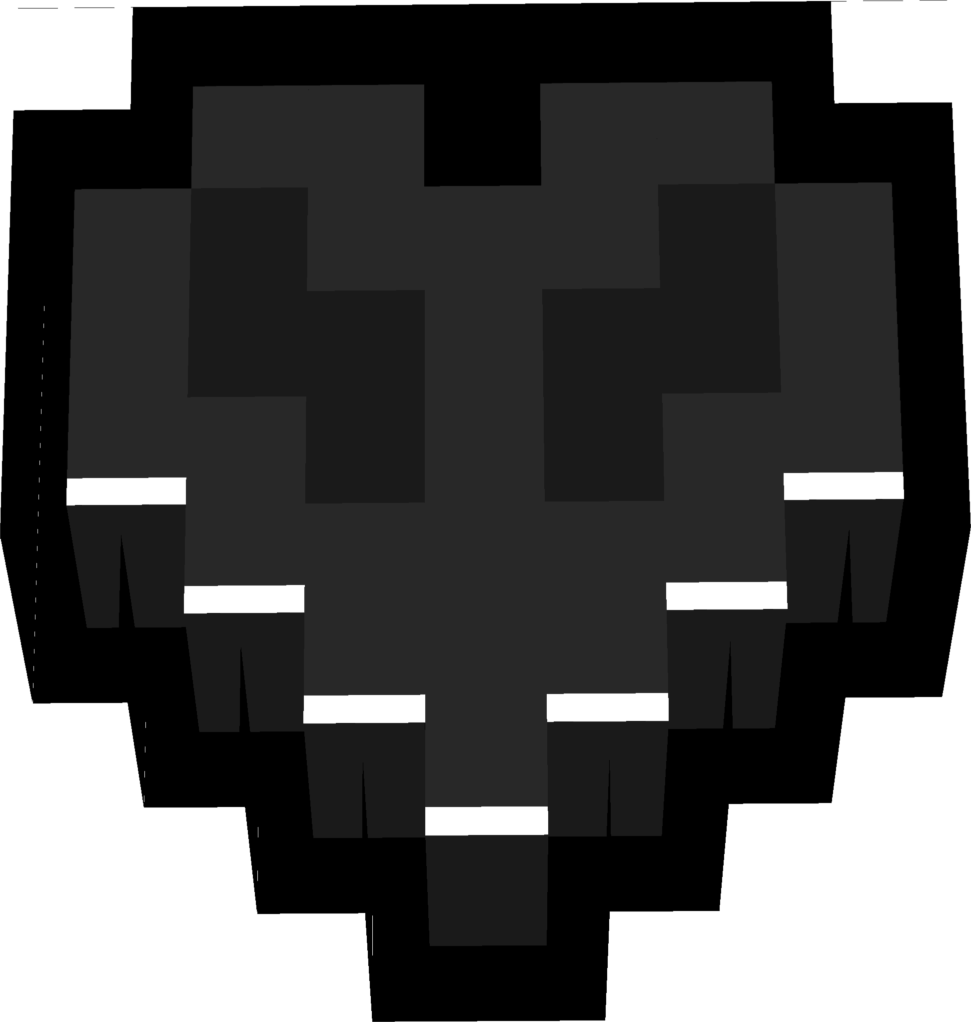
Removes all black borders from coordinates, day indicators, item names, and other HUD elements for a cleaner screen.
----------------------(+)-------------------------
🎯 Improved Readability
Enhances text visibility by eliminating dark outlines that block or distort on-screen information.
----------------------(+)-------------------------
⚡ Smooth Visual Experience
Provides a minimal, polished look without affecting game performance on any device.
----------------------(+)-------------------------
🛠️ Updated UI Elements
Refined several interface components to look sharper, cleaner, and more modern while keeping Minecraft’s original style.
----------------------(+)-------------------------
📌 Full Compatibility
Works perfectly with the latest versions of Minecraft Bedrock, ensuring no UI conflicts or display glitches.
-------------------------1-------------------------
- Edition: Minecraft Bedrock
- File type: .mcpack
- Minecraft versions listed: 1.21.120, 1.21.122, 1.21.121
- How to install: Download the .mcpack. → Open it — Minecraft imports it under Resource Packs. → Activate it in Global Resources, or for one world under Resource Packs → Available.
- Where to get it: Opens on CurseForge — not every file is mirrored on our own servers.
Install steps are the general flow for this file type — How to install Minecraft Bedrock texture packs walks through it step by step.
- Save it as No BlackBorders UI.mcaddon before opening — it downloads as .mcpack, but it is a .mcaddon pack
- Manifest requires Minecraft 1.21.120 or newer
- Complete pack — everything it depends on is inside the file
- Download size: 43 KB
- Download link checked 6 Oct 2026 — working
These come from our own check of the pack file, not from the source page.