Texture packsBedrock
Lite UI Pack
Bedrock texture pack listed for Minecraft 1.16–1.21. File opened and checked on 27 Sep 2026; installs from the MC Bedrock Mods app on Android.
⬇ Download on CurseForge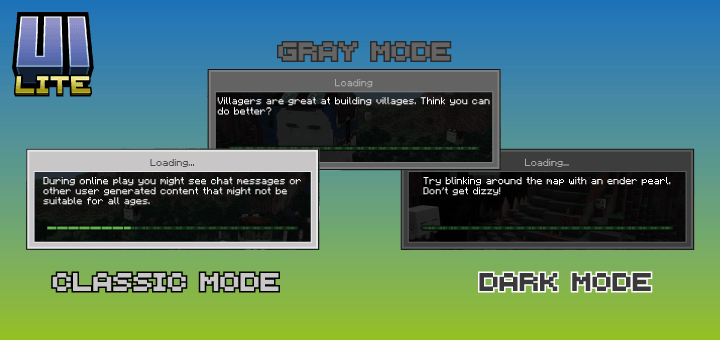


Lite UI Pack
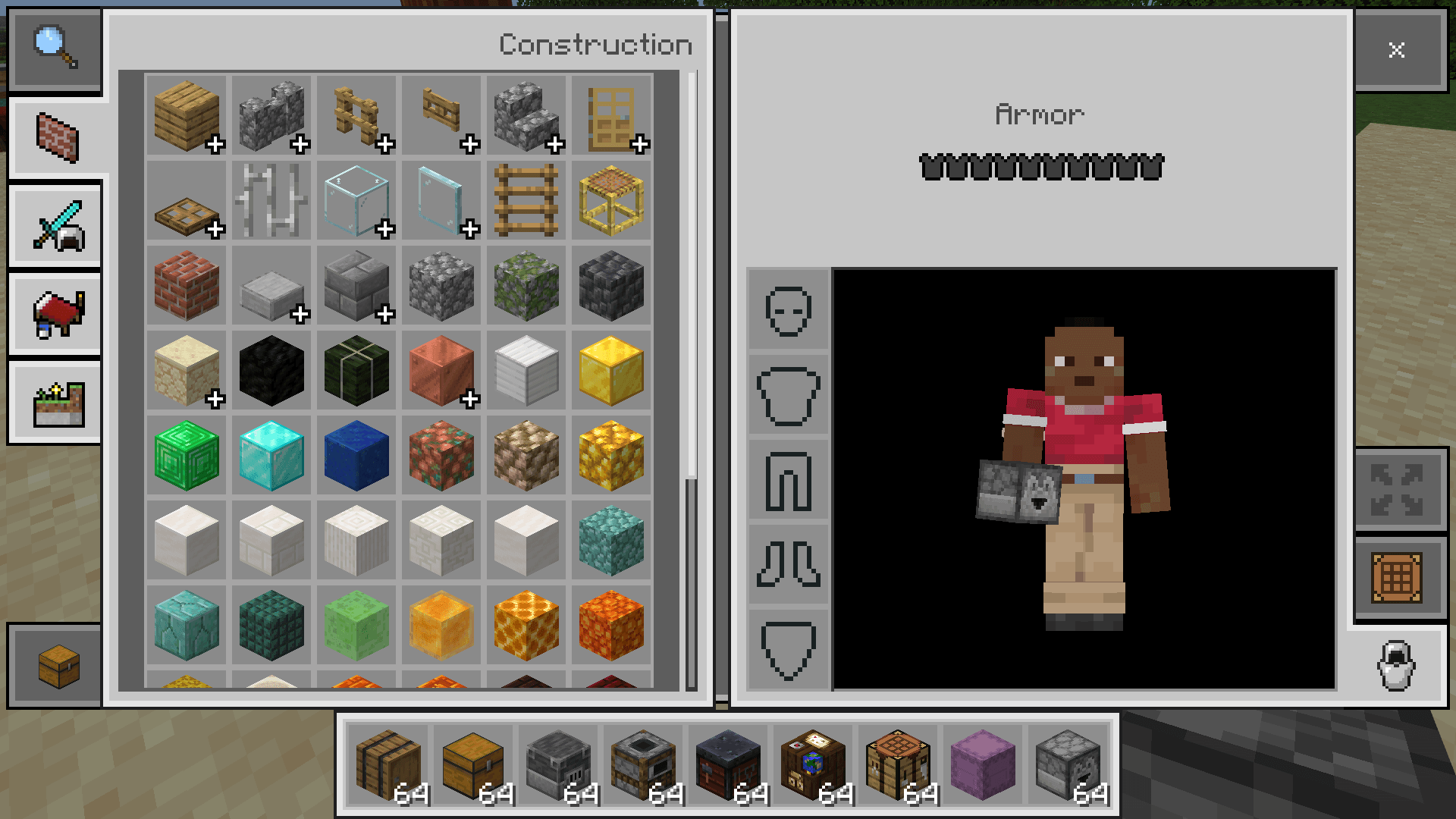
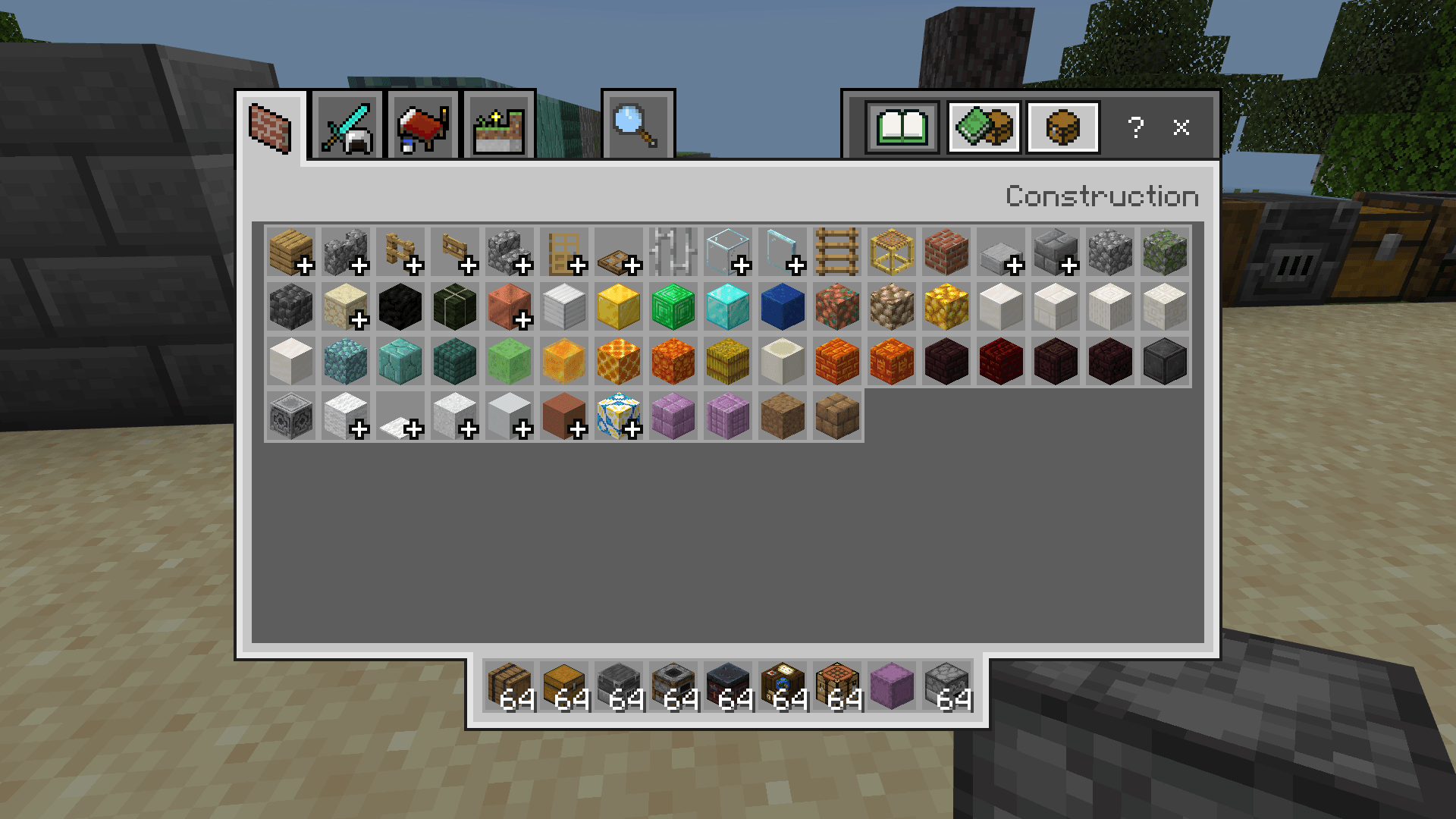
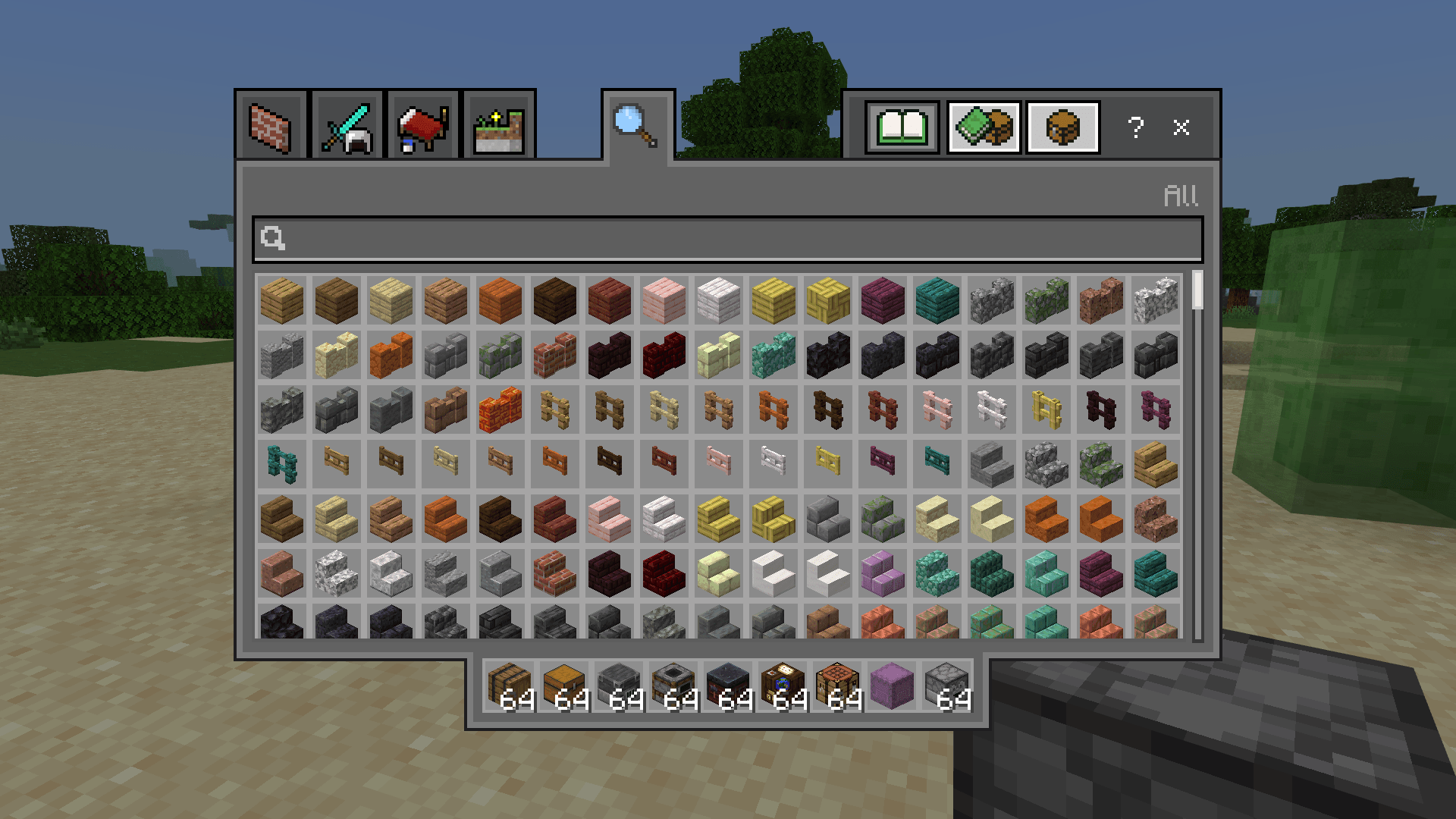
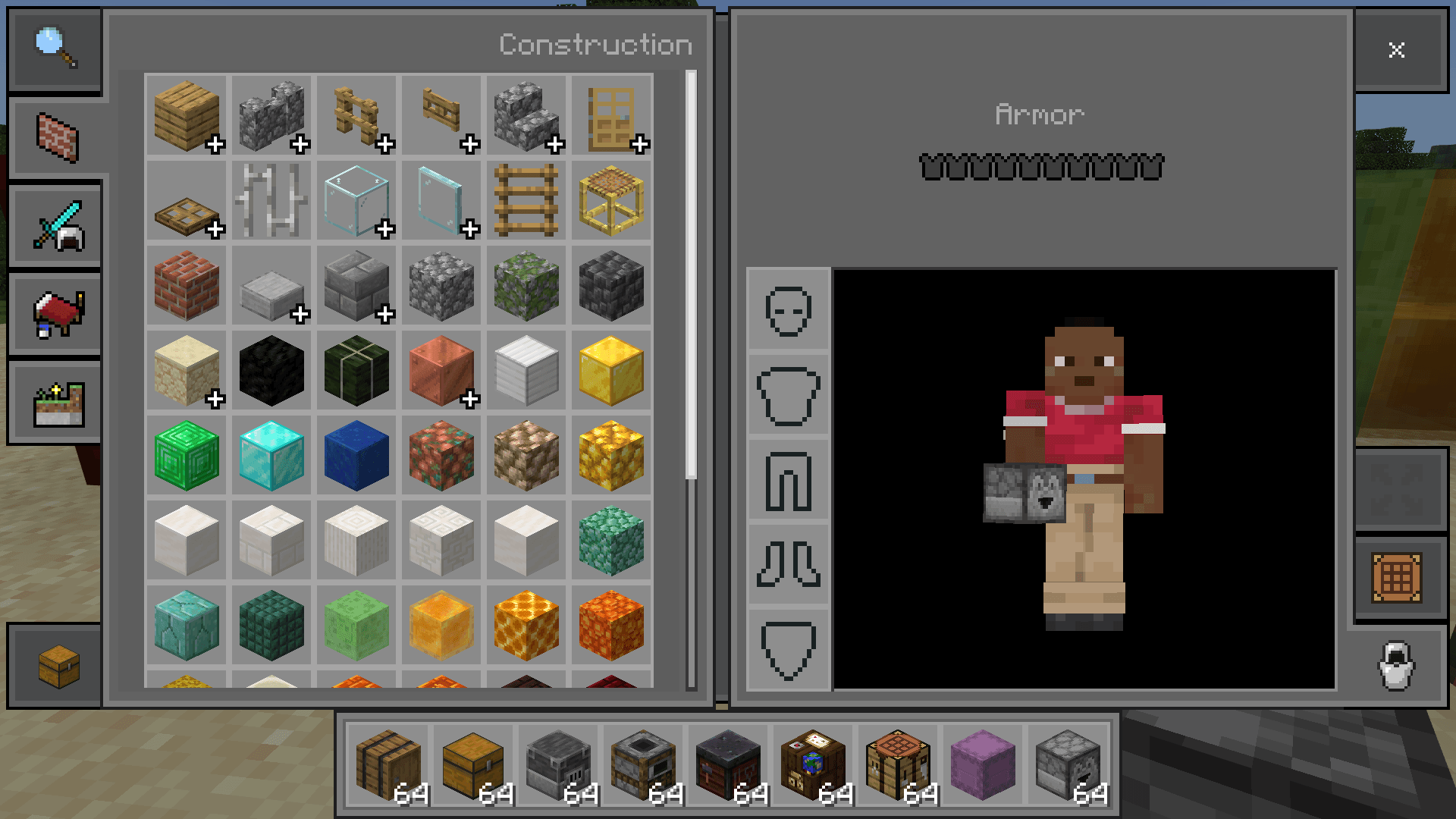
A resource pack for Minecraft Bedrock that transforms the interface into a cleaner and more minimalist design.
- It removes rounded corners and replaces them with straight edges.
- It simplifies menus and elements for a clearer and more modern appearance.
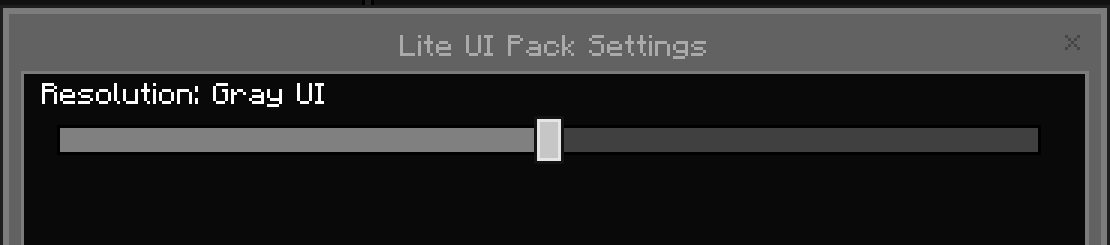
- Includes three color modes: Classic, Dark, and Gray.
- Coming soon: Glass Mode, with transparent panels for a sleek and futuristic style.
Ideal for players who prefer a tidy visual experience, without unnecessary elements, and with options to customize the game's appearance.
You can choose in the package configuration menu in the Classic, Dark, and Gray version.
Quick facts
- Edition: Minecraft Bedrock
- File type: .mcpack
- Minecraft version listed: 1.21.100
- How to install: Download the .mcpack. → Open it — Minecraft imports it under Resource Packs. → Activate it in Global Resources, or for one world under Resource Packs → Available.
- Where to get it: Opens on CurseForge — not every file is mirrored on our own servers.
Install steps are the general flow for this file type — How to install Minecraft Bedrock texture packs walks through it step by step.
File checked by MCModsHub
- Pack type: .mcpack — a single pack
- Manifest requires Minecraft 1.16.0 or newer
- Complete pack — everything it depends on is inside the file
- Download size: 324 KB
- Download link checked 6 Oct 2026 — working
These come from our own check of the pack file, not from the source page.