
Juqet Bedorck
Coquet is a 16x16 simplistic resource pack designed for players who want a fresh, aesthetic look while staying completely faithful to the original vanilla…
⬇ Download on CurseForge
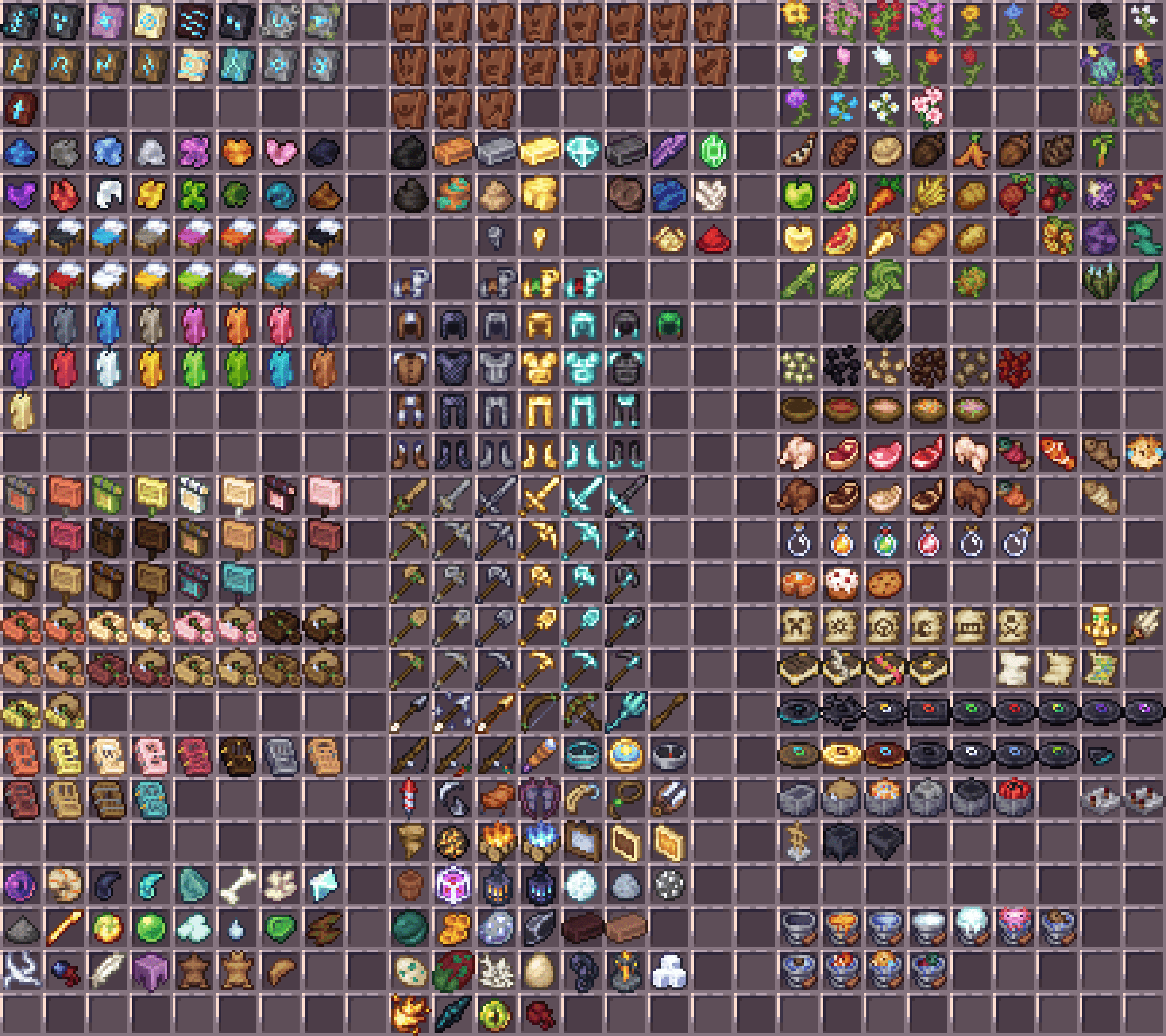
Coquet — Bedrock Edition Port
Welcome to the Bedrock Edition port of Coquet!
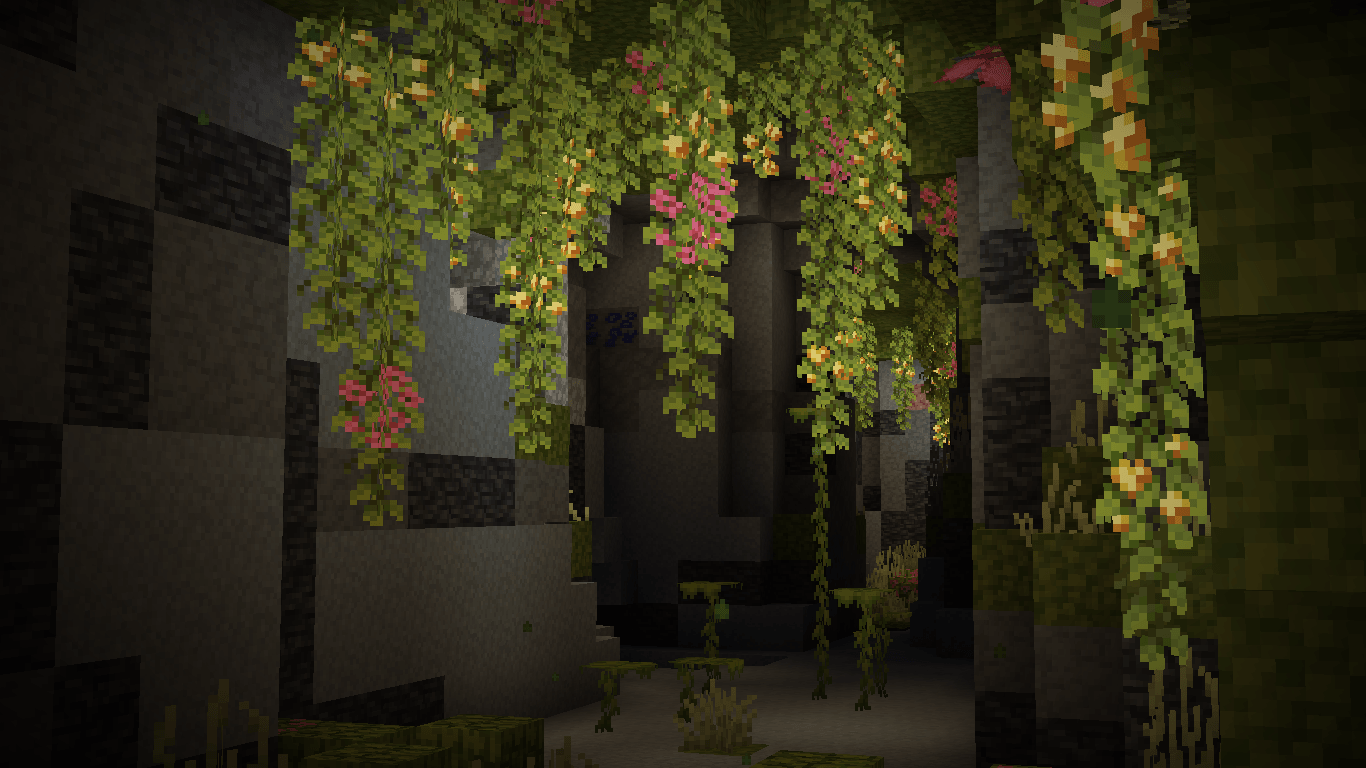
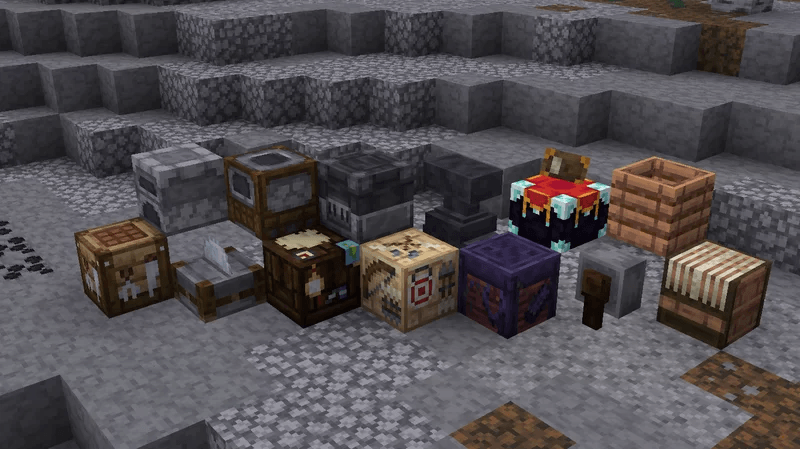
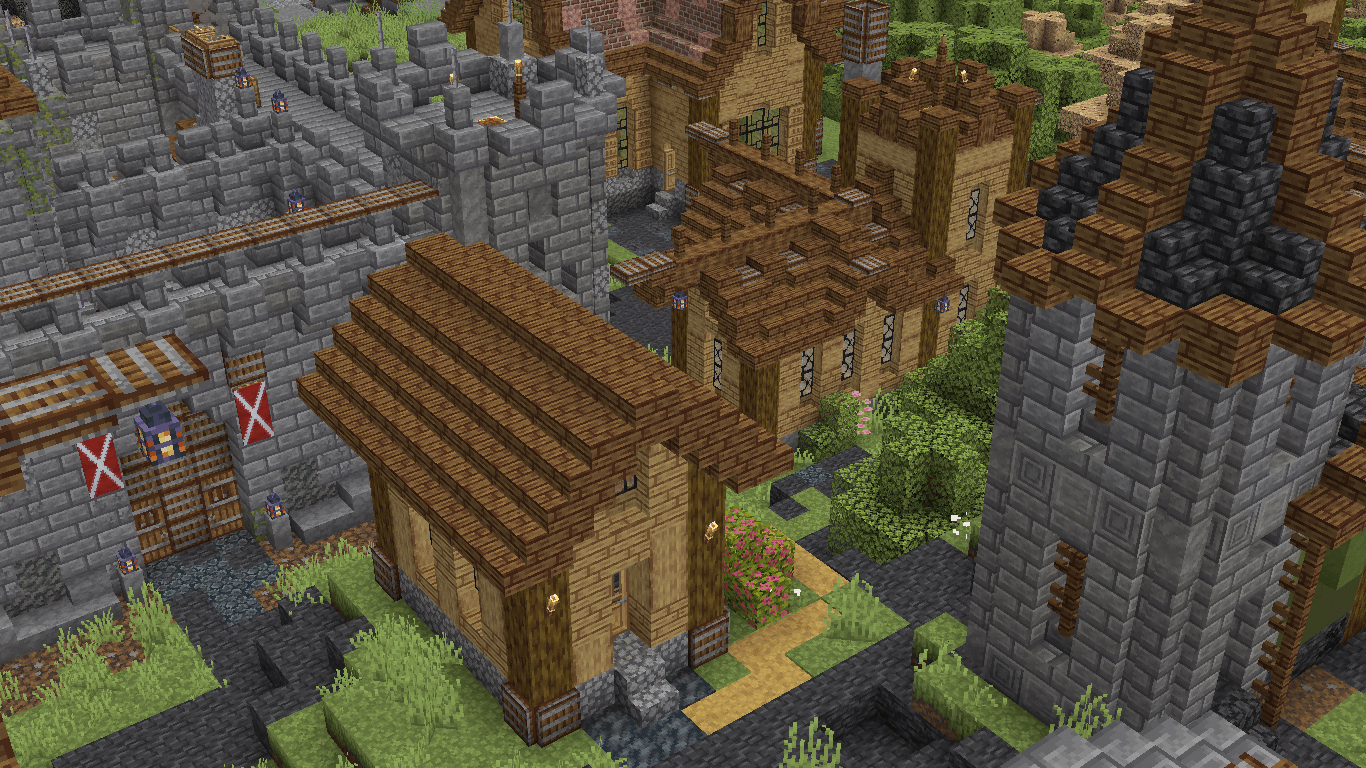
Coquet is a 16x16 simplistic resource pack designed for players who want a fresh, aesthetic look while staying completely faithful to the original vanilla style of Minecraft. It features a beautifully re-adjusted color palette, custom organic block variants, cleaner items, and a completely themed, darker, and modern GUI.
With this port, Pocket Edition (Android/iOS), Windows 10/11, and Console players can finally enjoy the cozy, polished vibe of Coquet on Bedrock!
✨ Features
-
16x Vanilla-Like Aesthetic: Enhances the game's default looks without making it unrecognizable. It feels familiar, yet much cleaner and artistic.
-
Reworked Color Palette: Softer, warmer, and more cohesive tones for wood types, copper, ores, and foliage.
-
Organic Block Variants: Naturally varying textures for grass sides, flowers, and dirt to eliminate repetitive grid patterns in your world.
-
Fully Themed Darker GUI: Sleek custom menus, reworked hotbars, custom health/hunger bars, and uniquely tweaked loading screens.
-
Custom Sprites: Clean, stylized shapes for items, tools, unique bed variants, and spawn eggs.
🛠️ How to Install
-
Download: Download the
.mcpackfile from the "Files" tab on this CurseForge page. -
Import to Minecraft:
-
Windows 10/11: Simply double-click the
.mcpackfile. Minecraft will launch automatically and import it. -
Android / iOS: Open the file using your preferred File Manager app and select "Open with Minecraft".
-
-
Activation: Go to
Settings>Global Resources> Find Coquet Bedrock under "My Packs" and click Activate.
- Edition: Minecraft Bedrock
- File type: .mcpack
- Minecraft versions listed: 1.21.130, 1.21.131, 1.21.132
- How to install: Download the .mcpack. → Open it — Minecraft imports it under Resource Packs. → Activate it in Global Resources, or for one world under Resource Packs → Available.
- Where to get it: Opens on CurseForge — not every file is mirrored on our own servers.
Install steps are the general flow for this file type — How to install Minecraft Bedrock texture packs walks through it step by step.
- Pack type: .mcpack — a single pack
- Manifest requires Minecraft 1.16.0 or newer
- Complete pack — everything it depends on is inside the file
- Download size: 3.4 MB
- Download link checked 26 Aug 2026 — working
These come from our own check of the pack file, not from the source page.