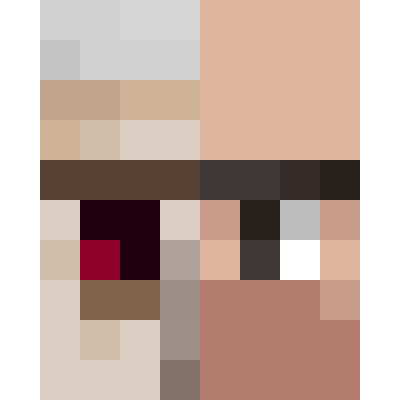
Iron Golem to Heavy Weapons Guy
Bedrock texture pack listed for Minecraft 1.20–1.21. File opened and checked on 21 Sep 2026; installs from the MC Bedrock Mods app on Android.
⬇ Download on CurseForge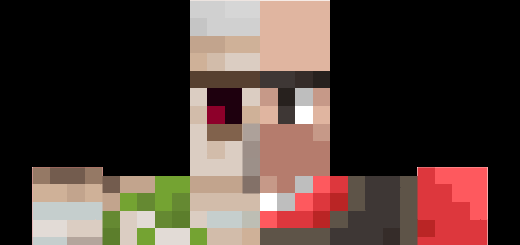
Are you a Team Fortress 2 (Or TF2 for short) player that decided to play Minecraft because the game hadn't received a major update since 2017? Have you ever looked at an Iron Golem and thought that it could be the Heavy? Well, you're in luck because this pack changes the Iron Golem into The Heavy!
This pack contains 2 subpacks that changes the team color of the Heavy. Remember to press the cog wheel to change which team Heavy is in.
Did you know that the Golem's texture will appear more and more cracked depending on its health? Obviously, Heavy is made of flesh so he will be receiving damaged clothes, bandages, and a black eye depending on which stage he is in.
Below shows what the Heavies looks like
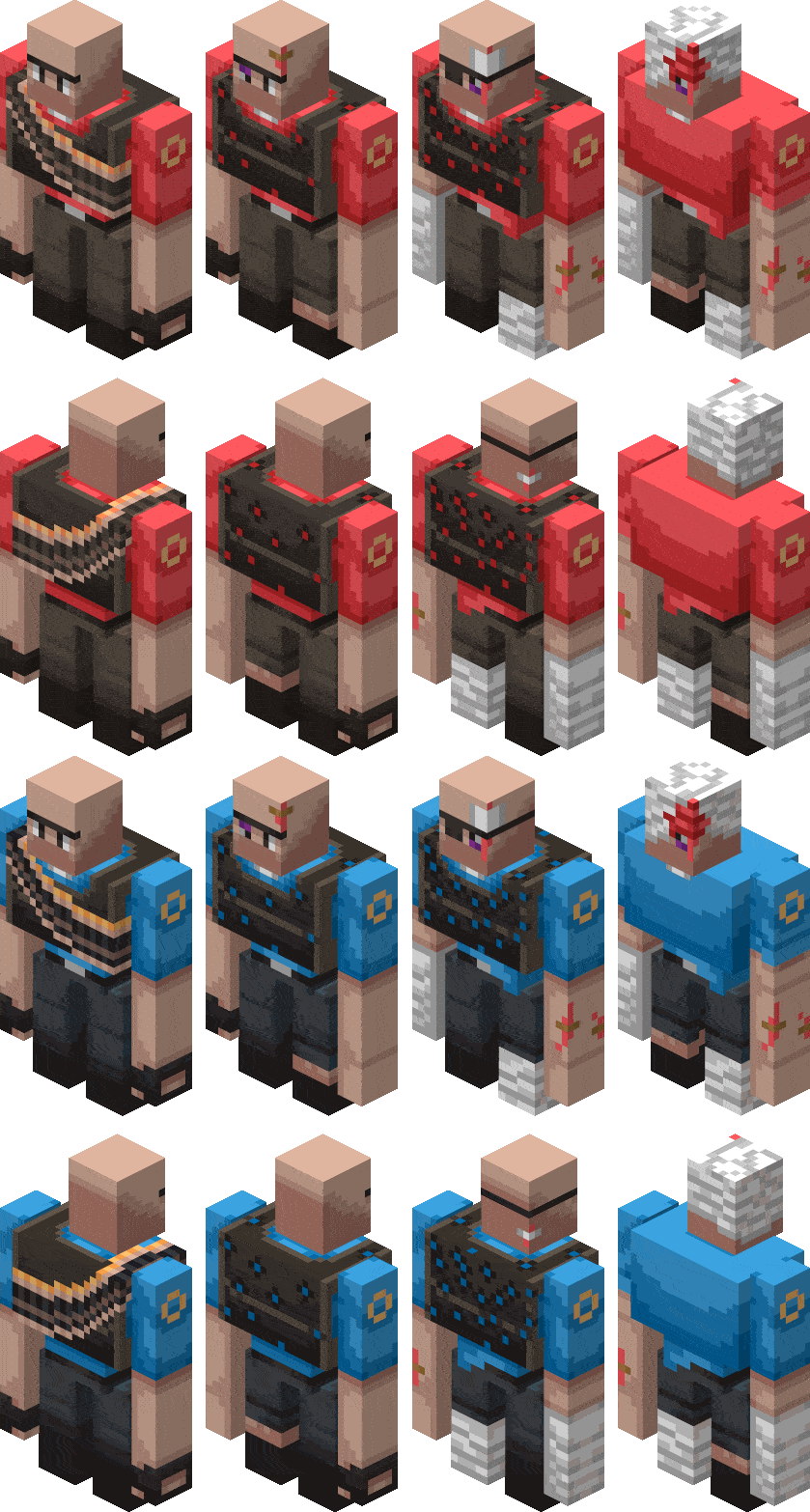
I also kept the Golem's unibrow because it fits with Heavy's character.
Terms and Conditions:
Just like other texture packs in this website, remember to credit this texture pack in your Youtube videos, Twitch Streams, etc. via putting the link to this page in the description, pastebin, etc.
You may modify this pack to your liking. However, you may not distribute it, whether modified or unmodified. If you wish to share the pack, just send a link to this page.
If you have any questions, issues, or suggestions, you can always leave them in the comment section below!
- Edition: Minecraft Bedrock
- File type: .mcpack
- Minecraft versions listed: 1.21.30, 1.21.50, 1.21.81
- How to install: Download the .mcpack. → Open it — Minecraft imports it under Resource Packs. → Activate it in Global Resources, or for one world under Resource Packs → Available.
- Where to get it: Opens on CurseForge — not every file is mirrored on our own servers.
Install steps are the general flow for this file type — How to install Minecraft Bedrock texture packs walks through it step by step.
- Save it as Heavy V3.mcaddon before opening — it downloads as .mcpack, but it is a .mcaddon pack
- Manifest requires Minecraft 0.0.0 or newer
- Complete pack — everything it depends on is inside the file
- Download size: 31 KB
- Download link checked 6 Oct 2026 — working
These come from our own check of the pack file, not from the source page.