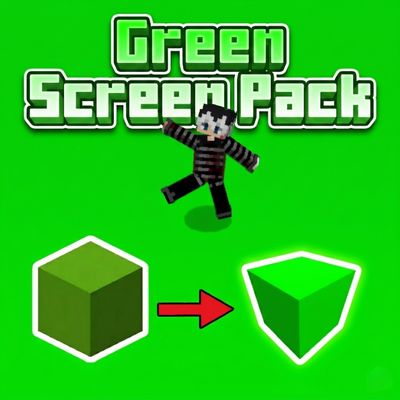
GreenScreen_Pack_v1
The author built this one for Minecraft 26.10. On other versions it may install and then do nothing.
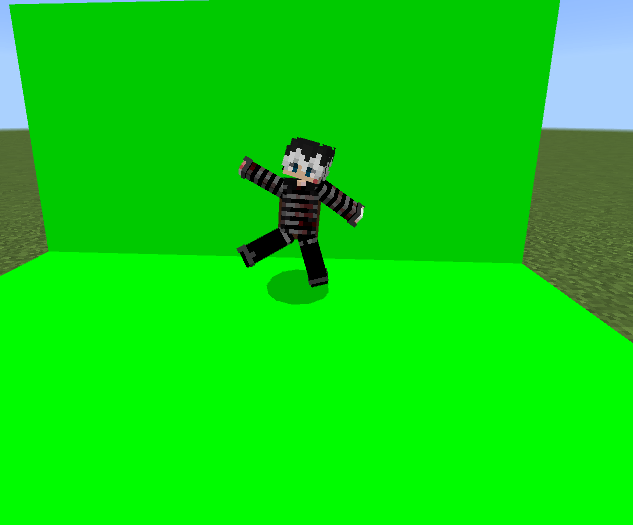
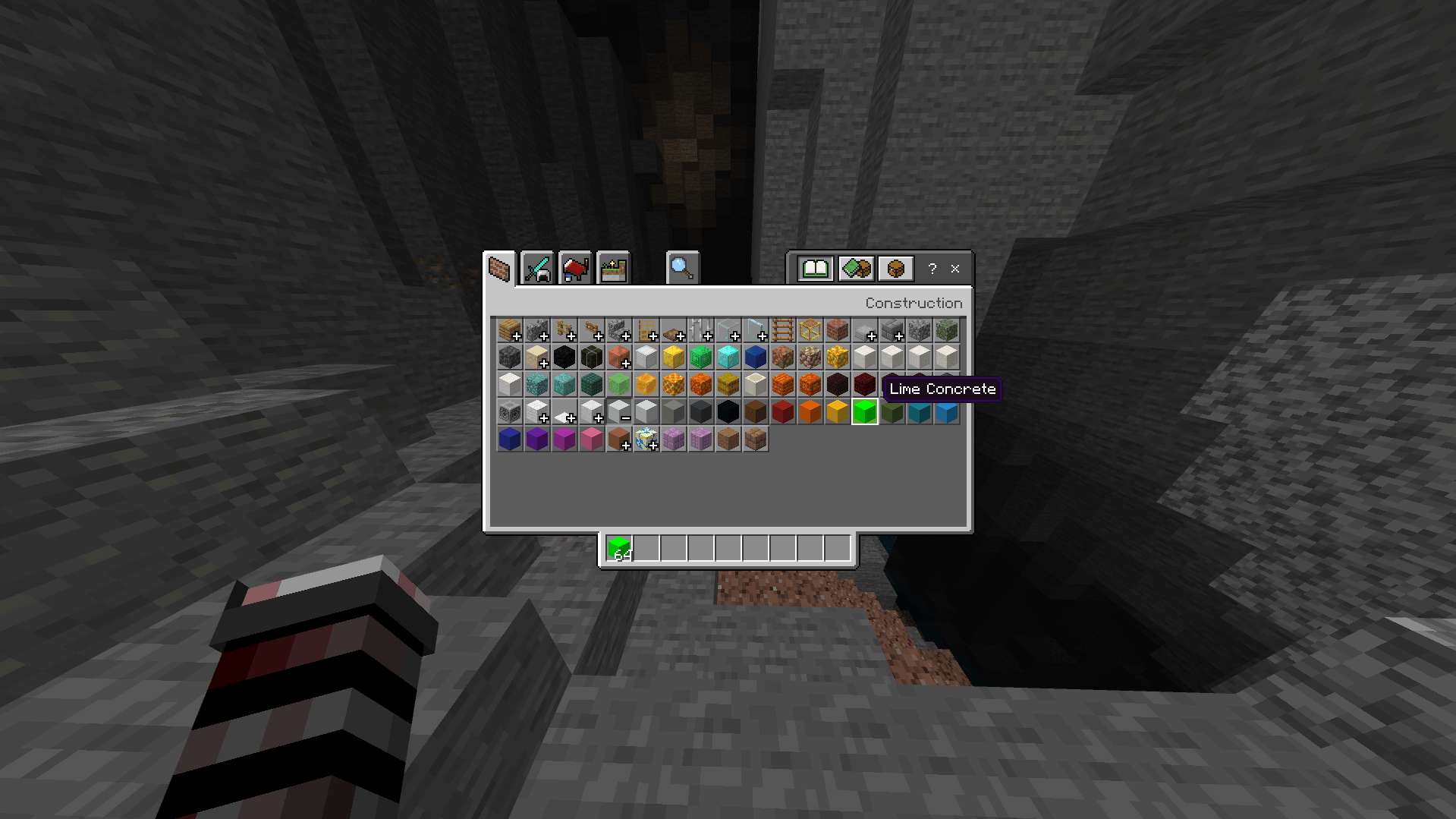
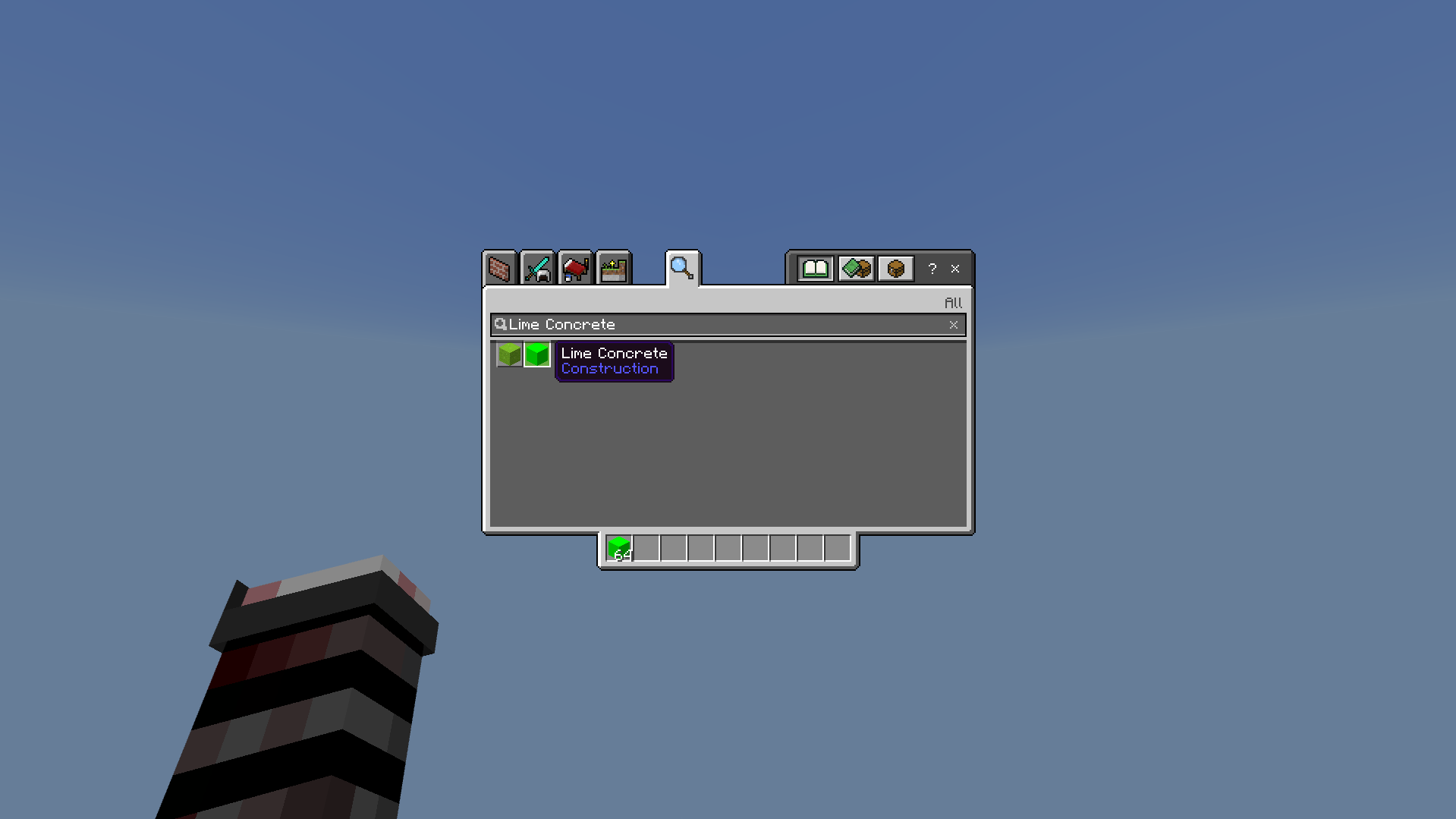
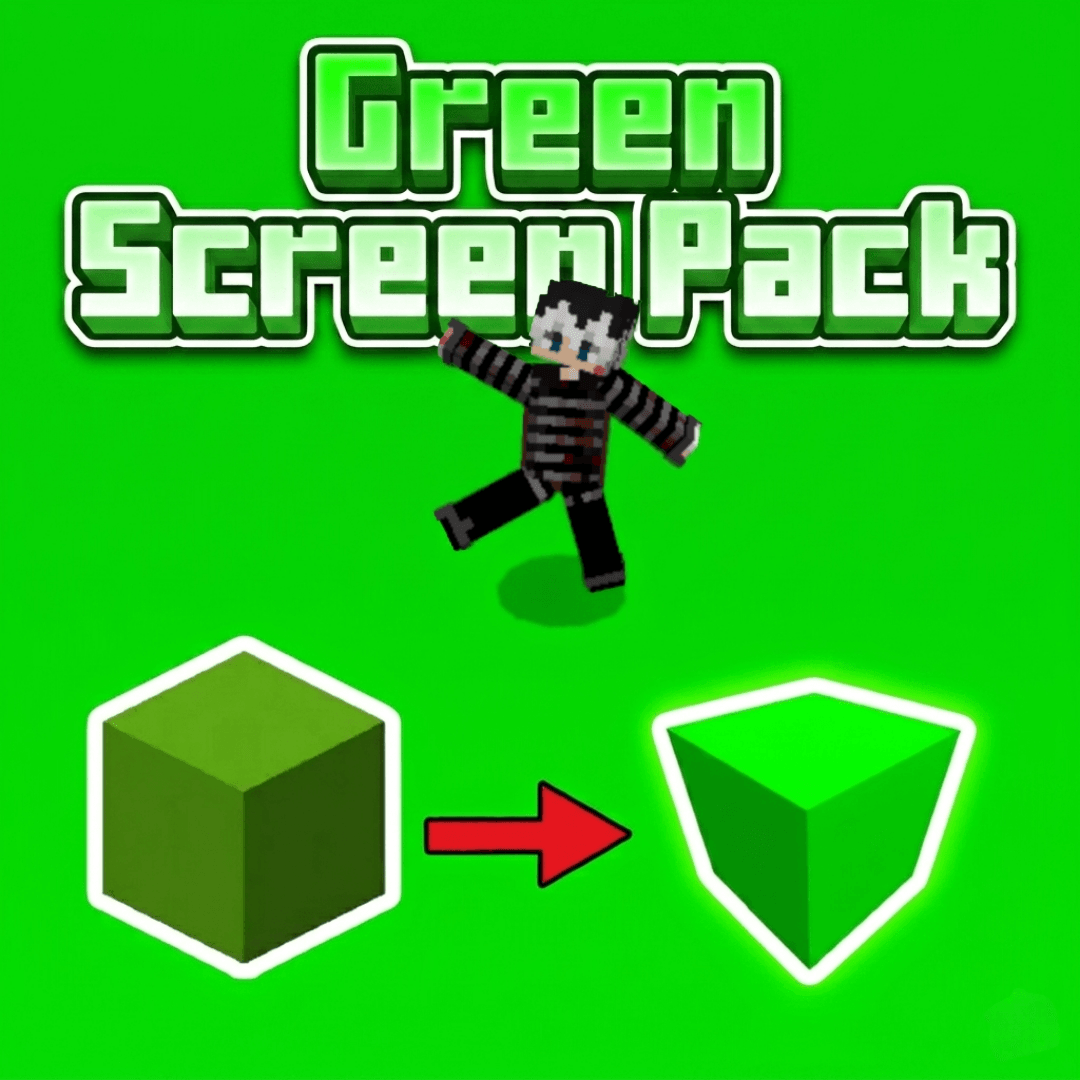
This resource pack is a must-have tool for Content Creators and Video Editors. It transforms Lime Concrete into a high-quality, seamless green screen block, making it easier than ever to create professional-grade chroma key effects directly in Minecraft.
Features:
Perfect for Creators: Ideal for thumbnails, cinematic shots, and green screen overlays.
Server Friendly: This is a client-side texture pack, meaning it works on any server,SMPs without any issues.
Seamless Texture: No lines or borders on Lime Concrete for a smooth editing experience.
Important Settings:
For the best results and a perfectly flat green color, you MUST change this
setting:
Smooth Lighting: OFF
Credits:
Created by Rab_XD
- Edition: Minecraft Bedrock
- File type: .mcpack
- Minecraft version listed: 26.10
- How to install: Download the .mcpack. → Open it — Minecraft imports it under Resource Packs. → Activate it in Global Resources, or for one world under Resource Packs → Available.
- Where to get it: Opens on CurseForge — not every file is mirrored on our own servers.
Install steps are the general flow for this file type — How to install Minecraft Bedrock texture packs walks through it step by step.
- Save it as GreenScreen_Pack.mcaddon before opening — it downloads as .mcpack, but it is a .mcaddon pack
- Manifest requires Minecraft 1.20.0 or newer
- Complete pack — everything it depends on is inside the file
- Download size: 2.6 MB
- Download link checked 16 Sept 2026 — working
These come from our own check of the pack file, not from the source page.