Emergencycop PVP pack
Bedrock texture pack listed for Minecraft 26.x. Download on the author's site.
⬇ Download on CurseForge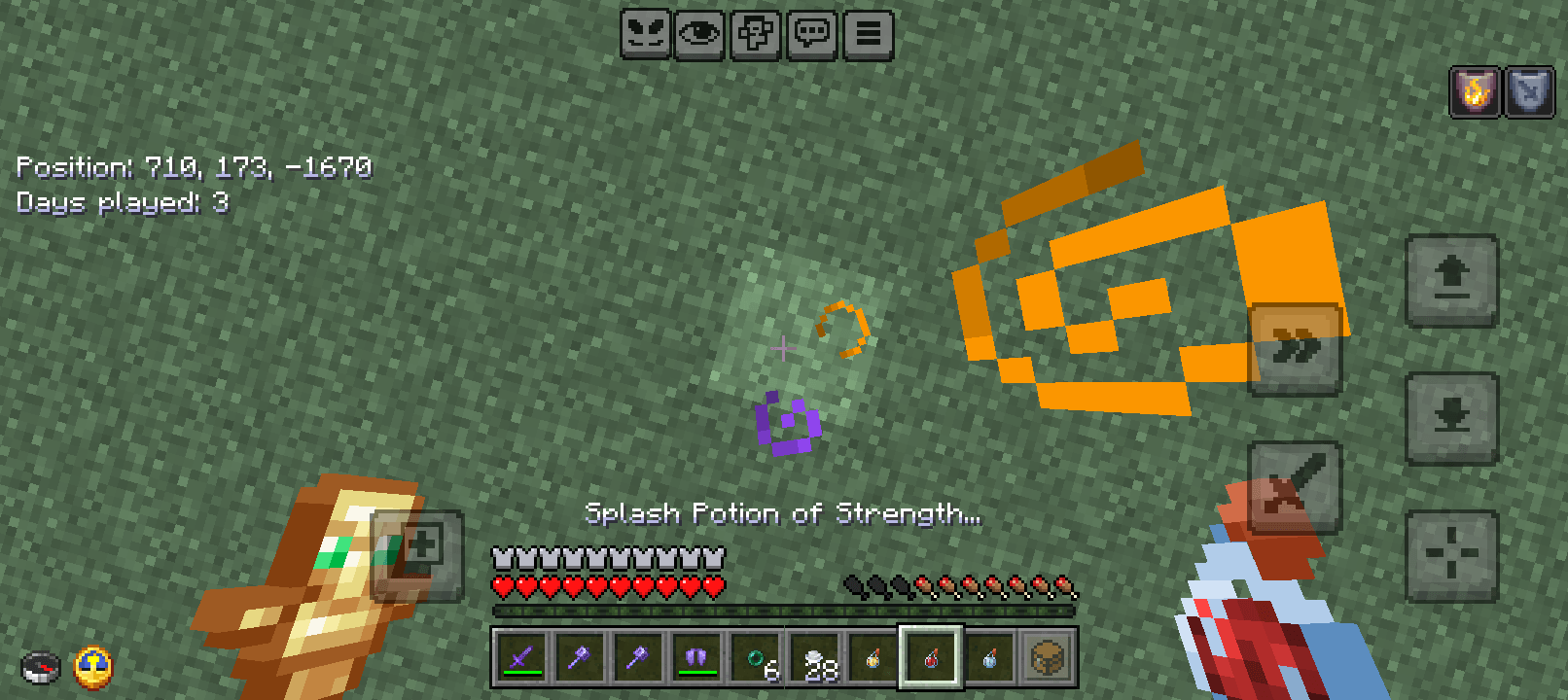
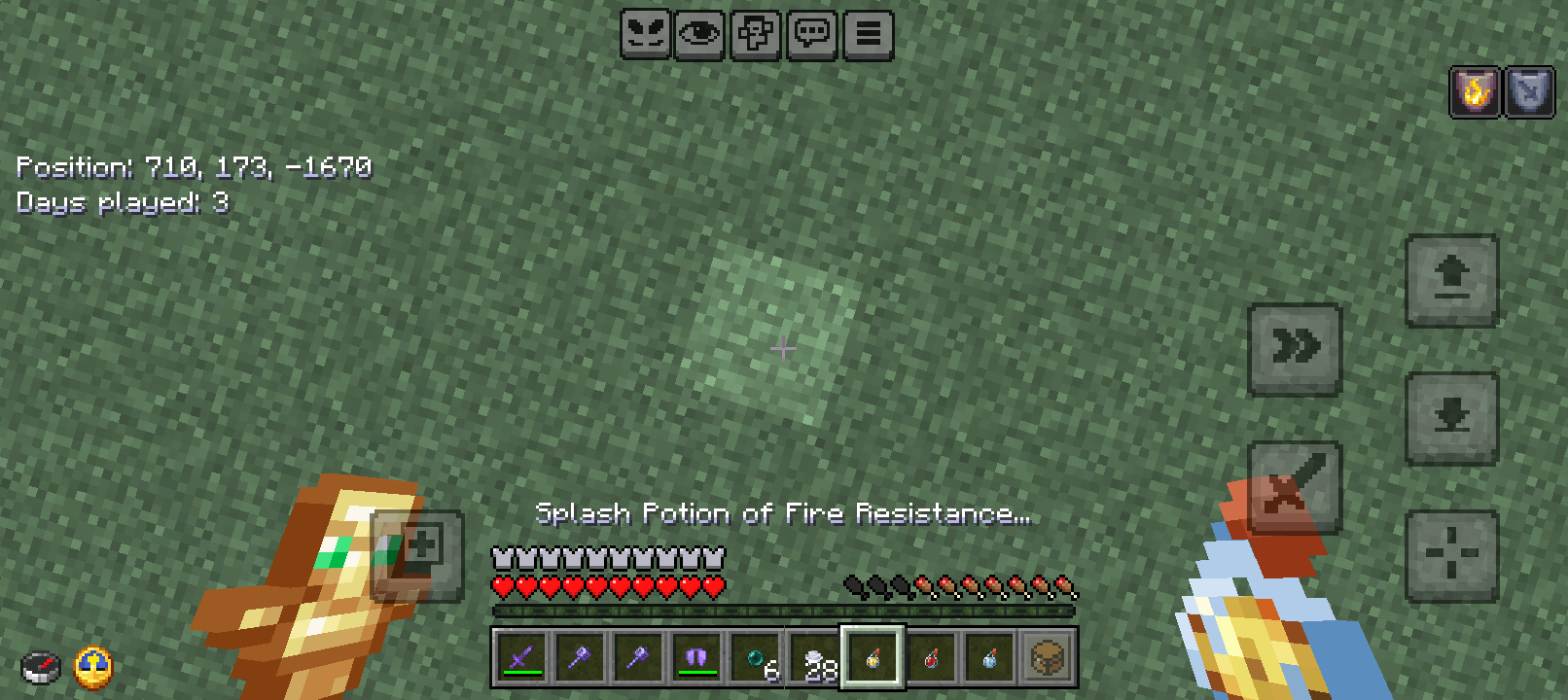
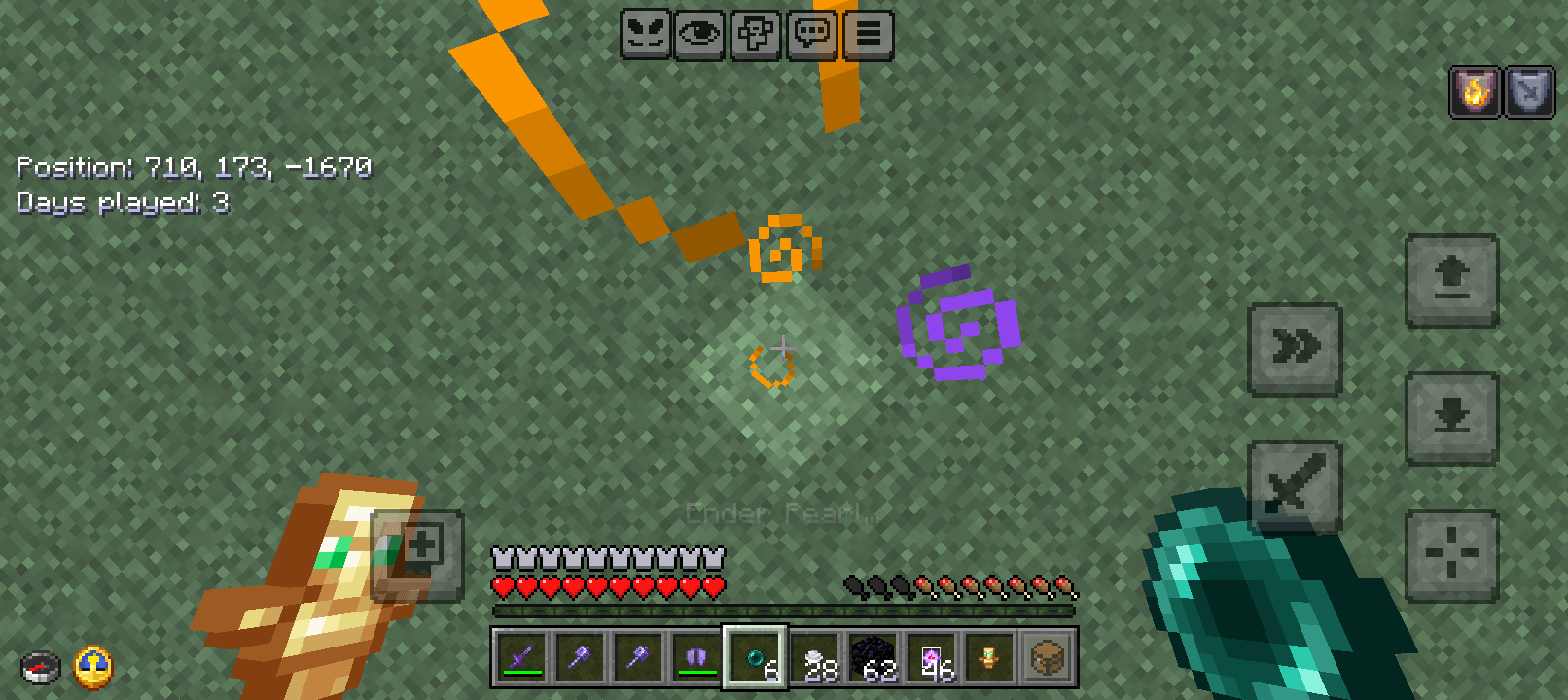
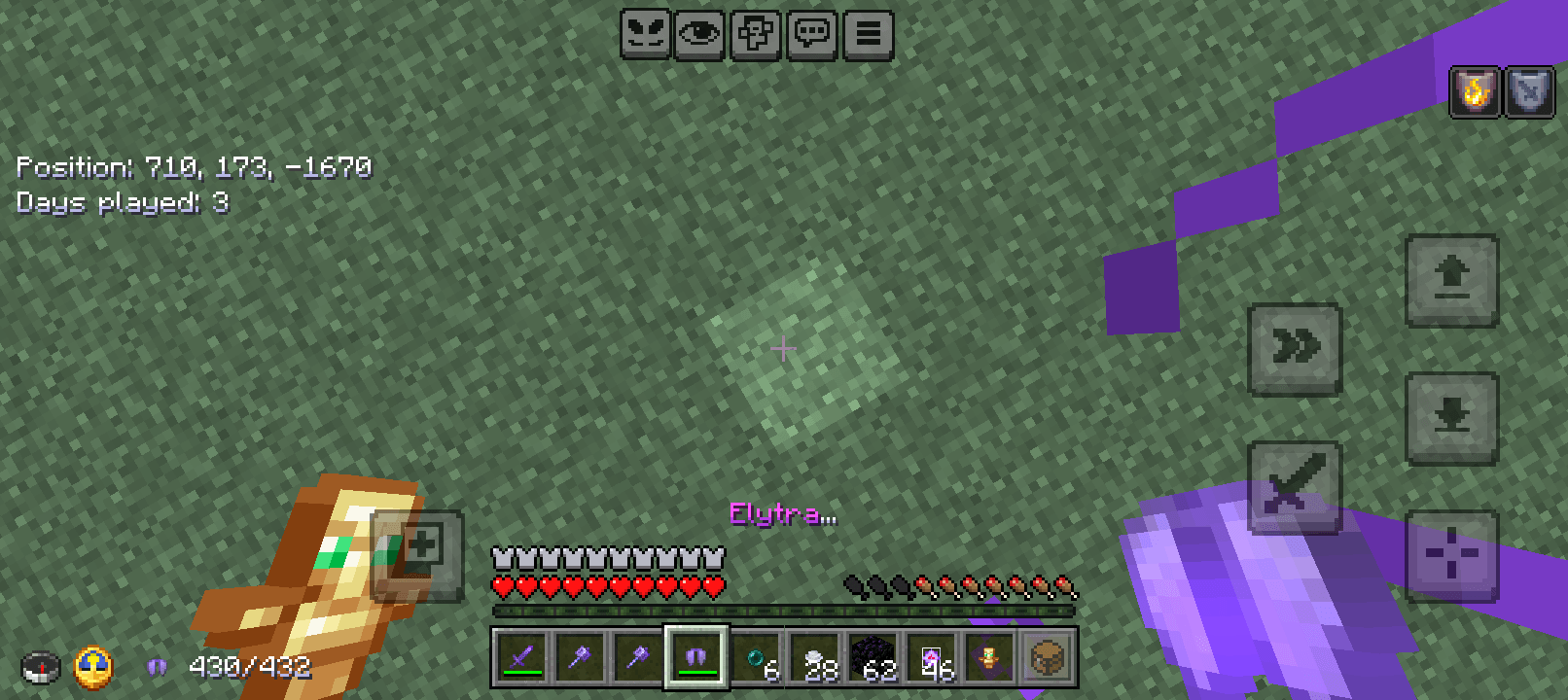
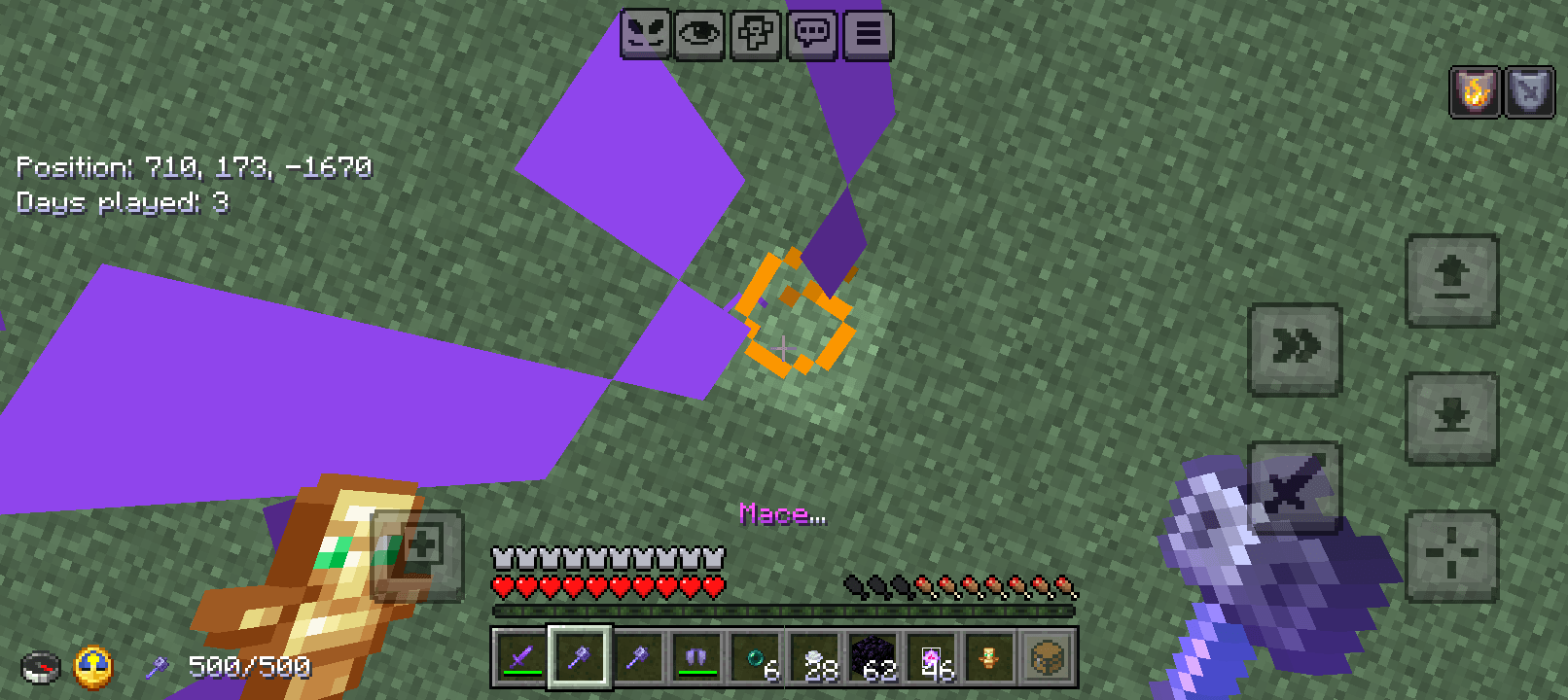
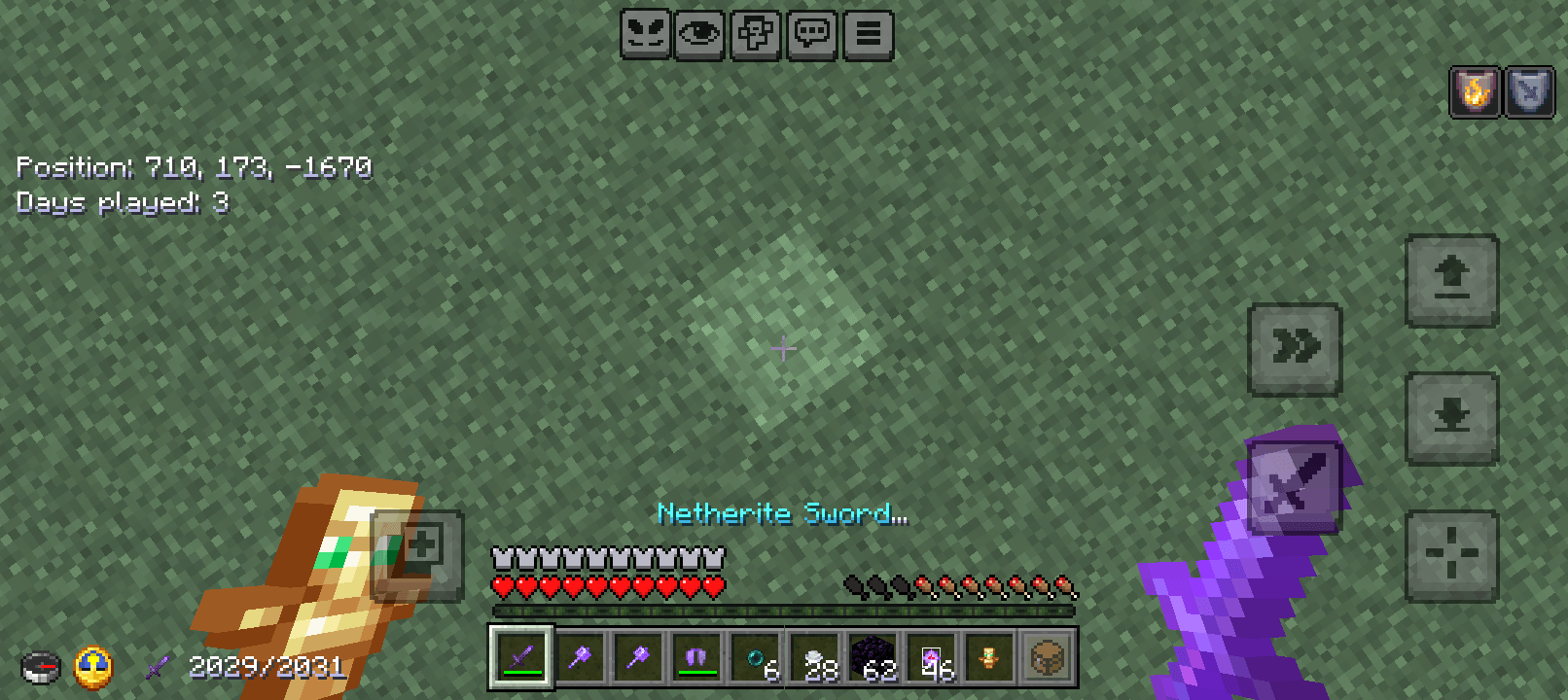
EmergencyCop PvP Pack – Small Models for Maximum PvP Visibility
Pack Name: EmergencyCop PvP Pack
Version: 1.0.0
Purpose: Uses smaller item and block models to remove view obstruction, giving players full visibility during PvP.
1. Overview
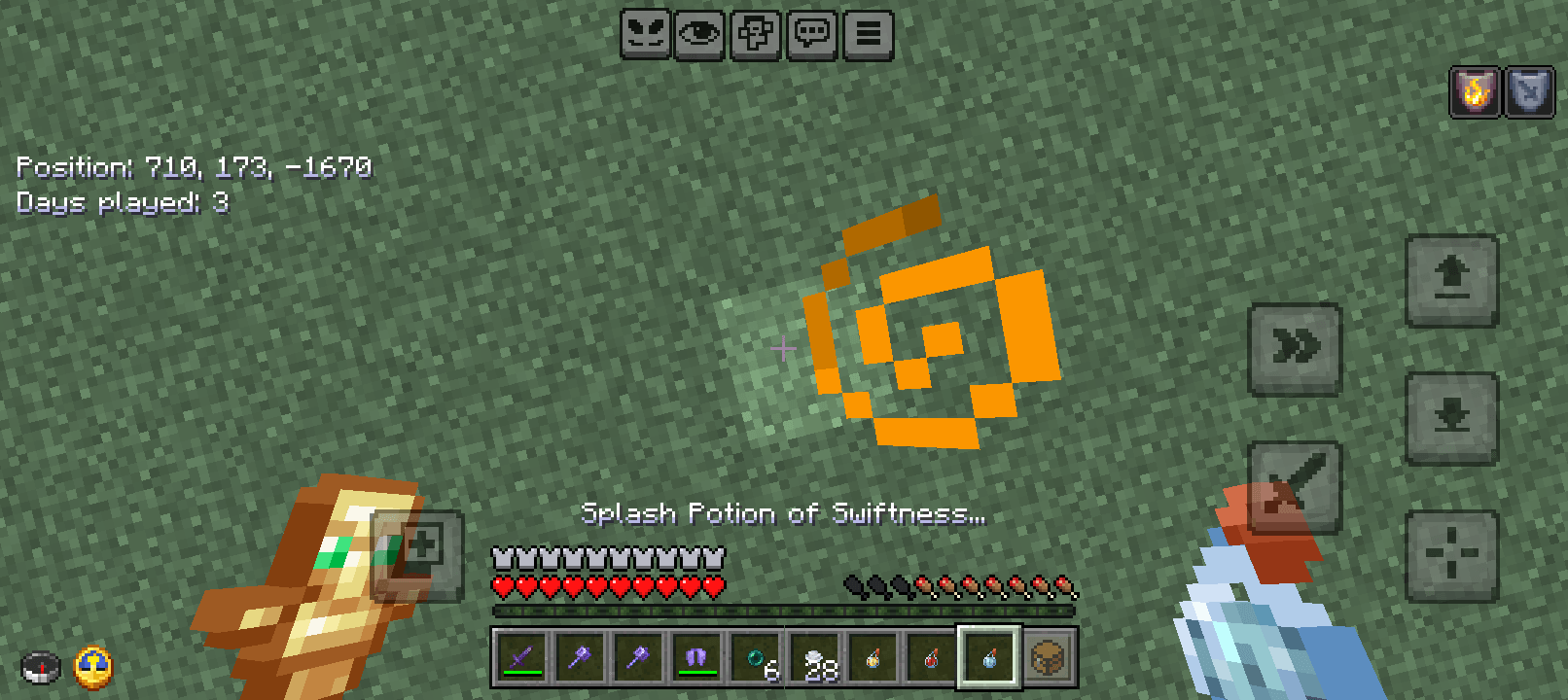
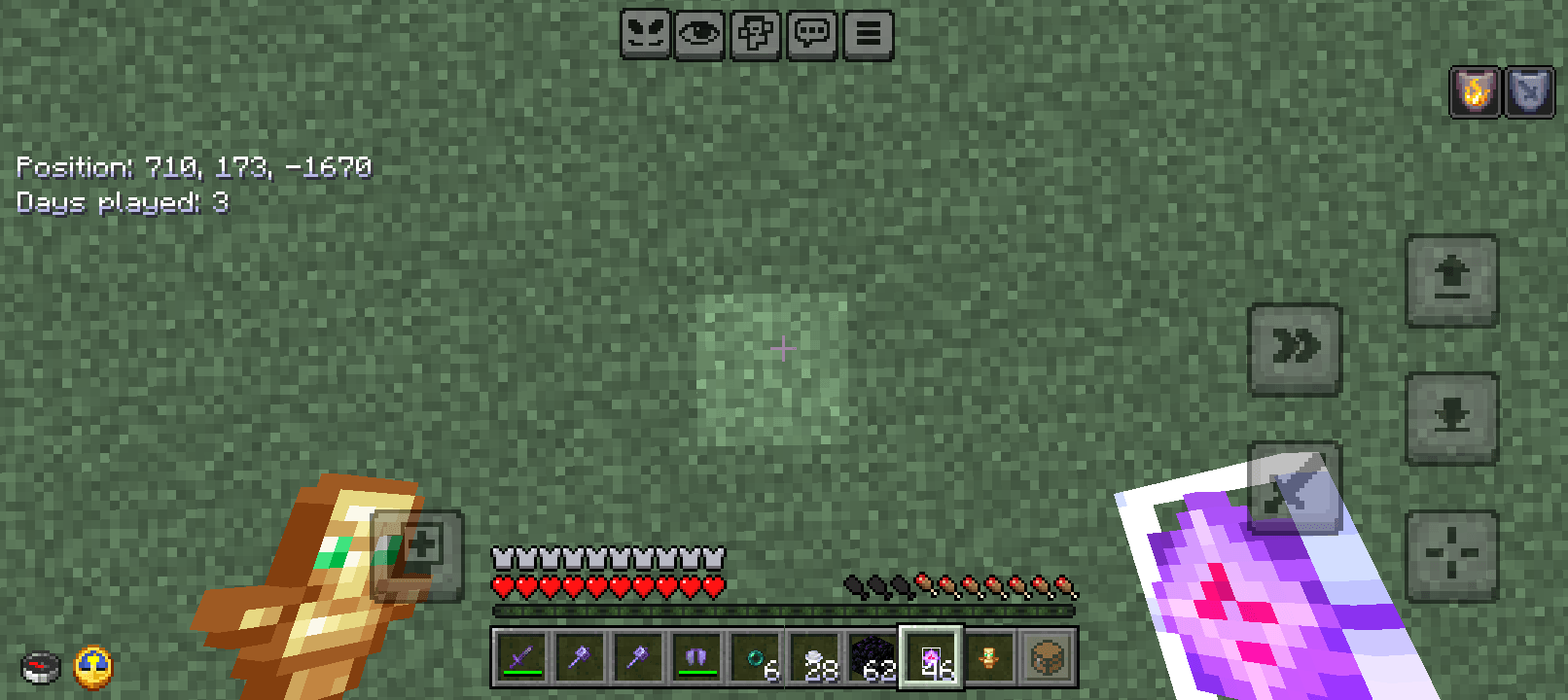
In PvP, every second and every angle matters. Large item and block textures can block your view, hiding enemies, traps, or ambushes. The EmergencyCop PvP Pack shrinks all item and block models, ensuring a clear line of sight while maintaining full functionality.
2. Why Small Models Are Crucial for PvP
Removes Visual Blockage: Smaller models prevent items and blocks from obstructing your view.
Spot Threats Faster: Easier to detect traps, ambushes, and enemy movements.
Better Inventory & Hotbar Clarity: Smaller items fit neatly, reducing visual clutter.
Faster Reactions: Focus on the environment and opponents without oversized textures slowing you down.
Competitive Advantage: Crucial for serious PvP players who want maximum awareness.
3. Features
Smaller Item Models: Weapons, tools, potions, and armor are visually reduced for better hotbar and inventory management.
Smaller Block Models: Blocks in the world are shrunk to maximize visibility.
Optimized for PvP: Helps spot ambushes, traps, and hidden players quickly.
Compatible: Minecraft Bedrock 1.26.12+; does not affect gameplay mechanics.
4. Usage Instructions
Install the EmergencyCop PvP Pack into your Minecraft Bedrock resource packs folder.
Activate the pack before starting PvP matches.
Observe that all items and blocks are smaller, removing view obstruction.
Use the clearer view to spot traps, ambushes, and enemies faster, giving you a competitive edge.
5. Why It Matters
View blockage from item textures is removed by smaller models, making it easier to spot anything in the environment.
Essential for PvP awareness, quick reactions, and map control.
Provides a crucial competitive edge in PvP by combining clarity, speed, and better visual awareness.
- Edition: Minecraft Bedrock
- File type: .mcpack
- Minecraft versions listed: 26.0.02, 26.0, 26.3
- How to install: Download the .mcpack. → Open it — Minecraft imports it under Resource Packs. → Activate it in Global Resources, or for one world under Resource Packs → Available.
- Where to get it: Opens on CurseForge — not every file is mirrored on our own servers.
Install steps are the general flow for this file type — How to install Minecraft Bedrock texture packs walks through it step by step.
Emergencycop PVP pack is a free Minecraft Bedrock texture pack. Compatible with Minecraft 26.0.02, 26.0, 26.3, 26.10. Downloaded 734 times (via CurseForge). Download it and open it directly in the game.