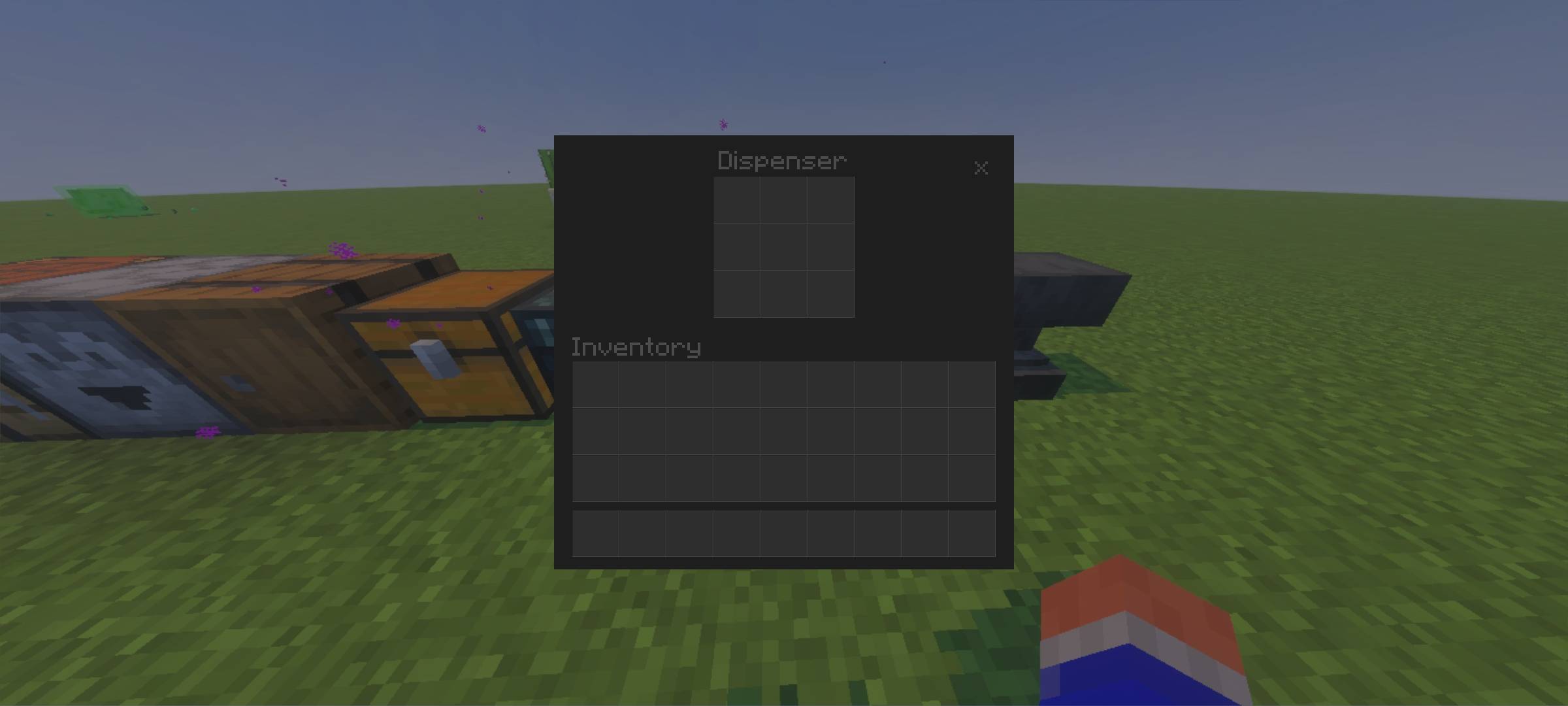
🌙 Dark Mode UI V02 | Made by Creator Studios
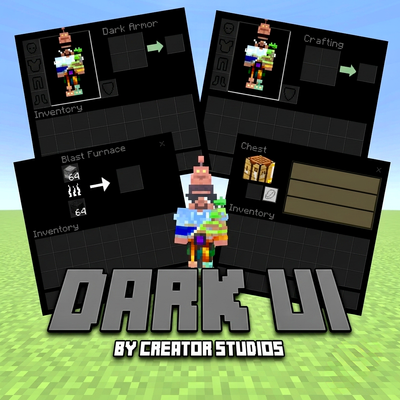
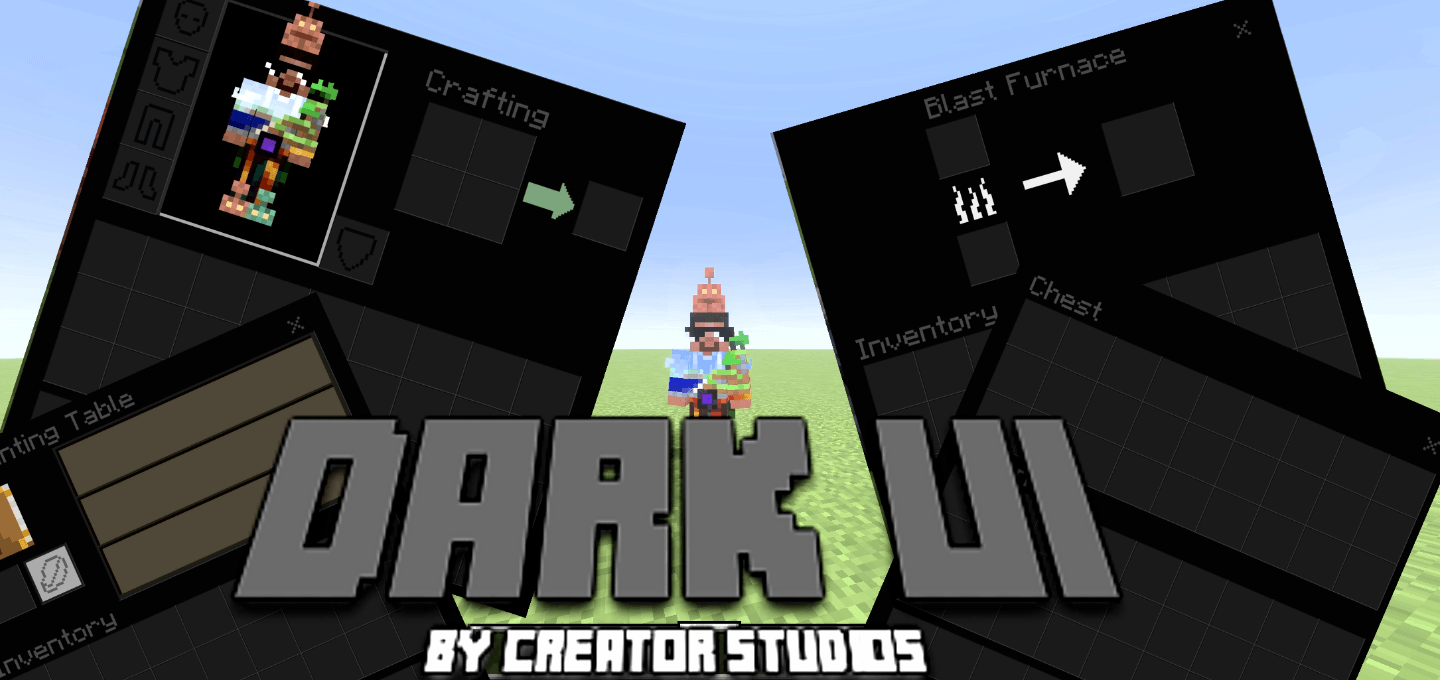
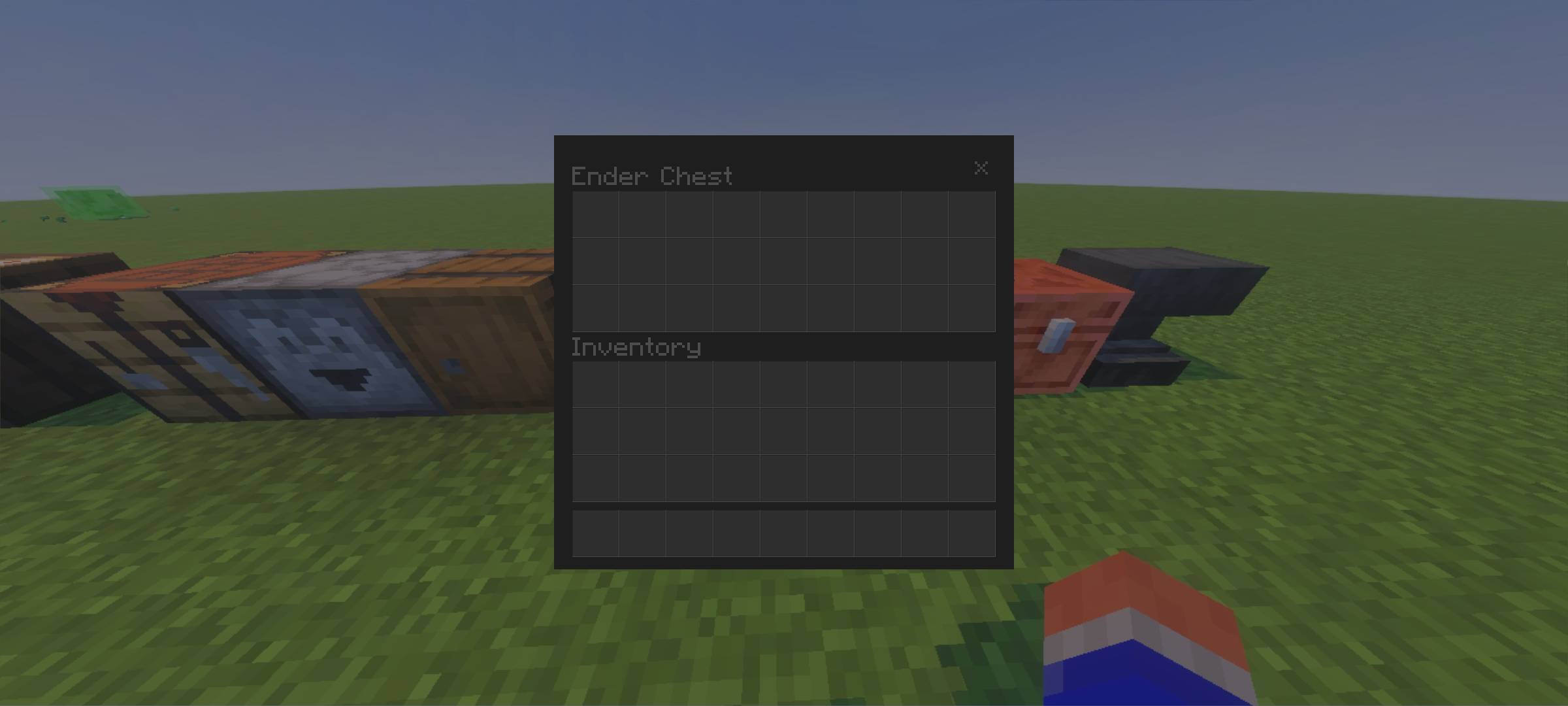
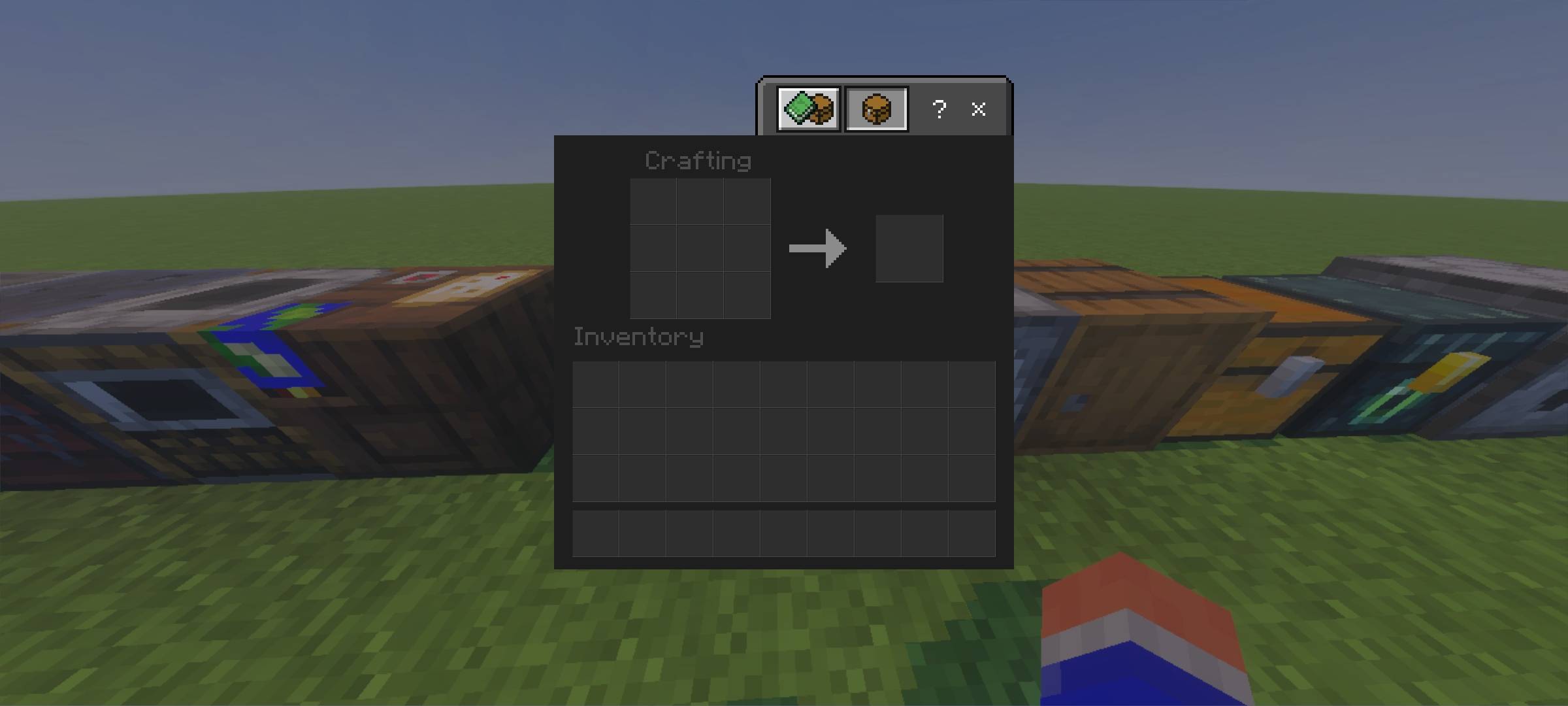
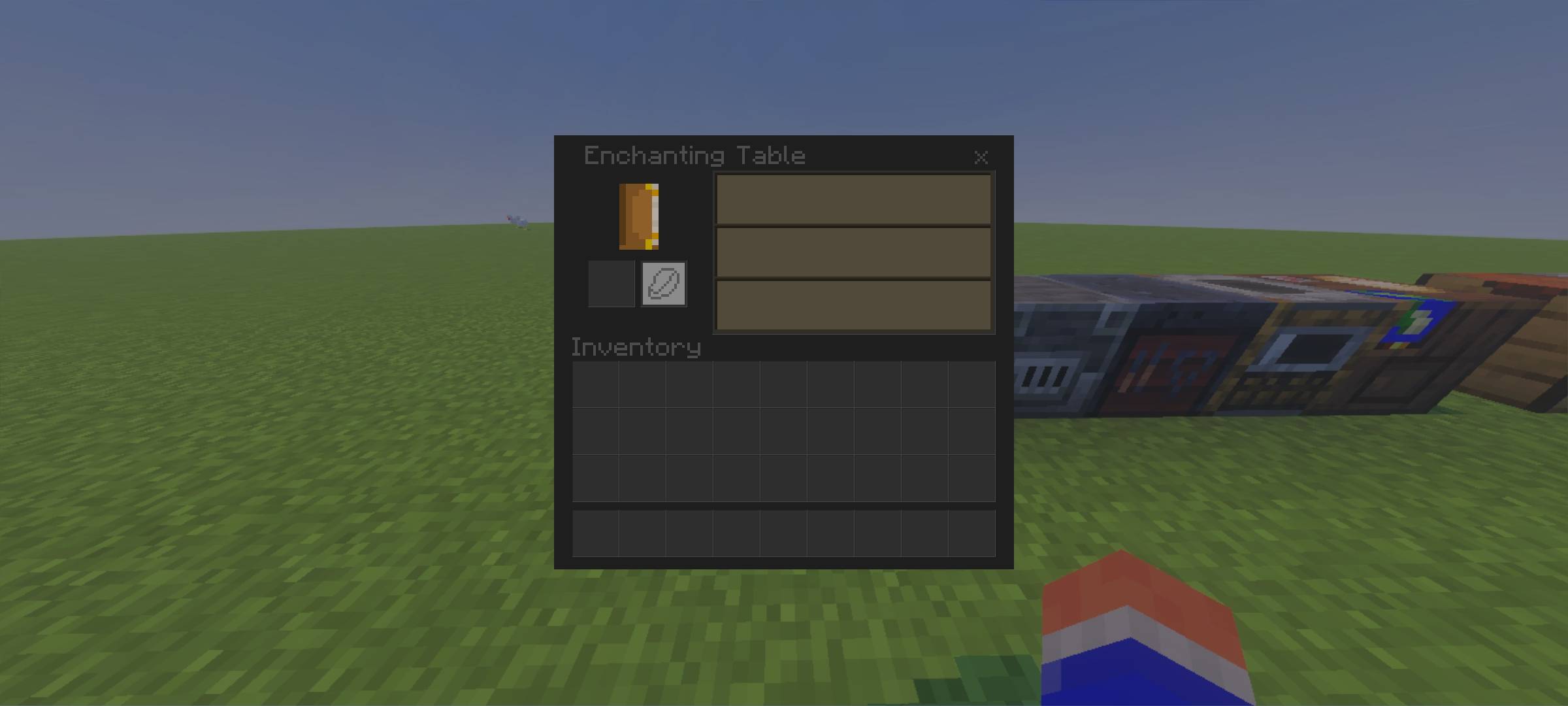
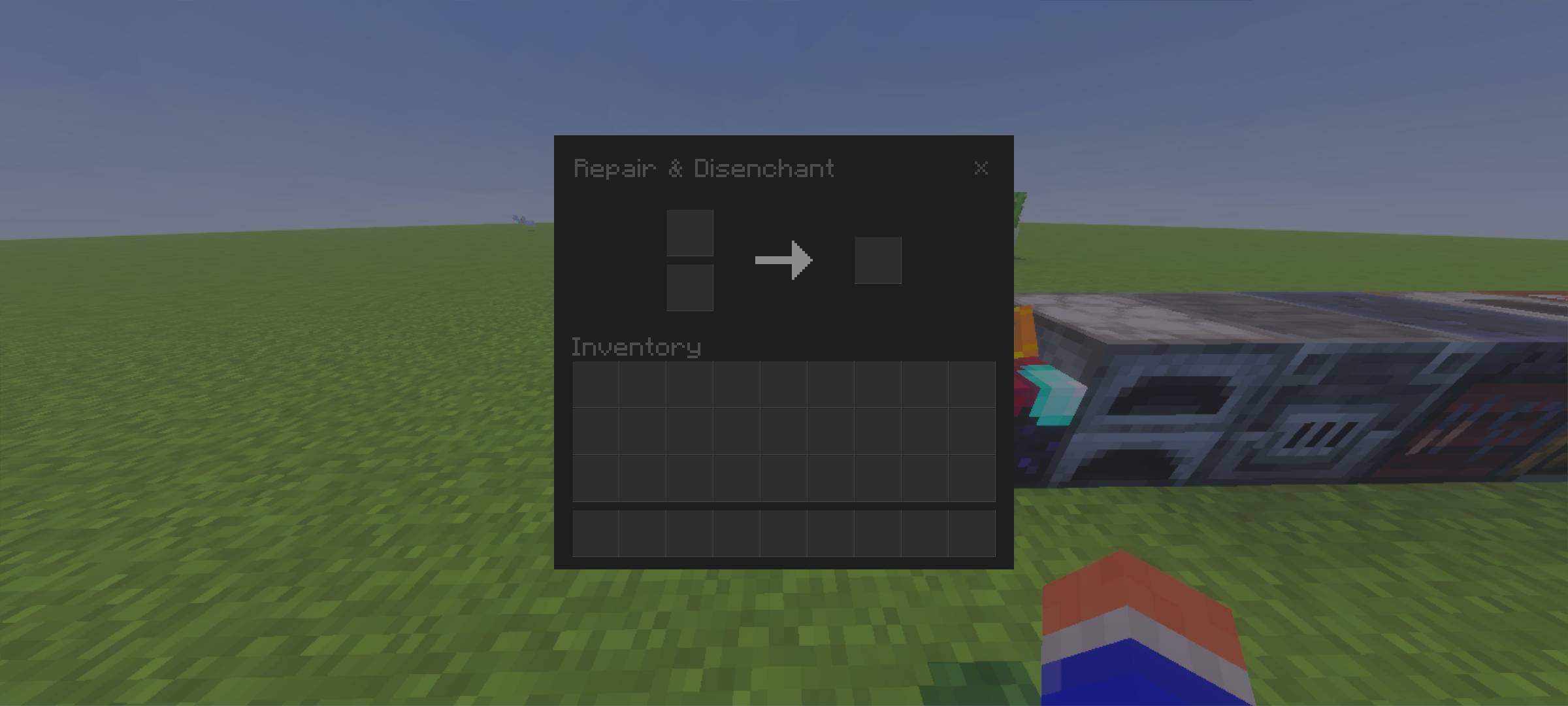
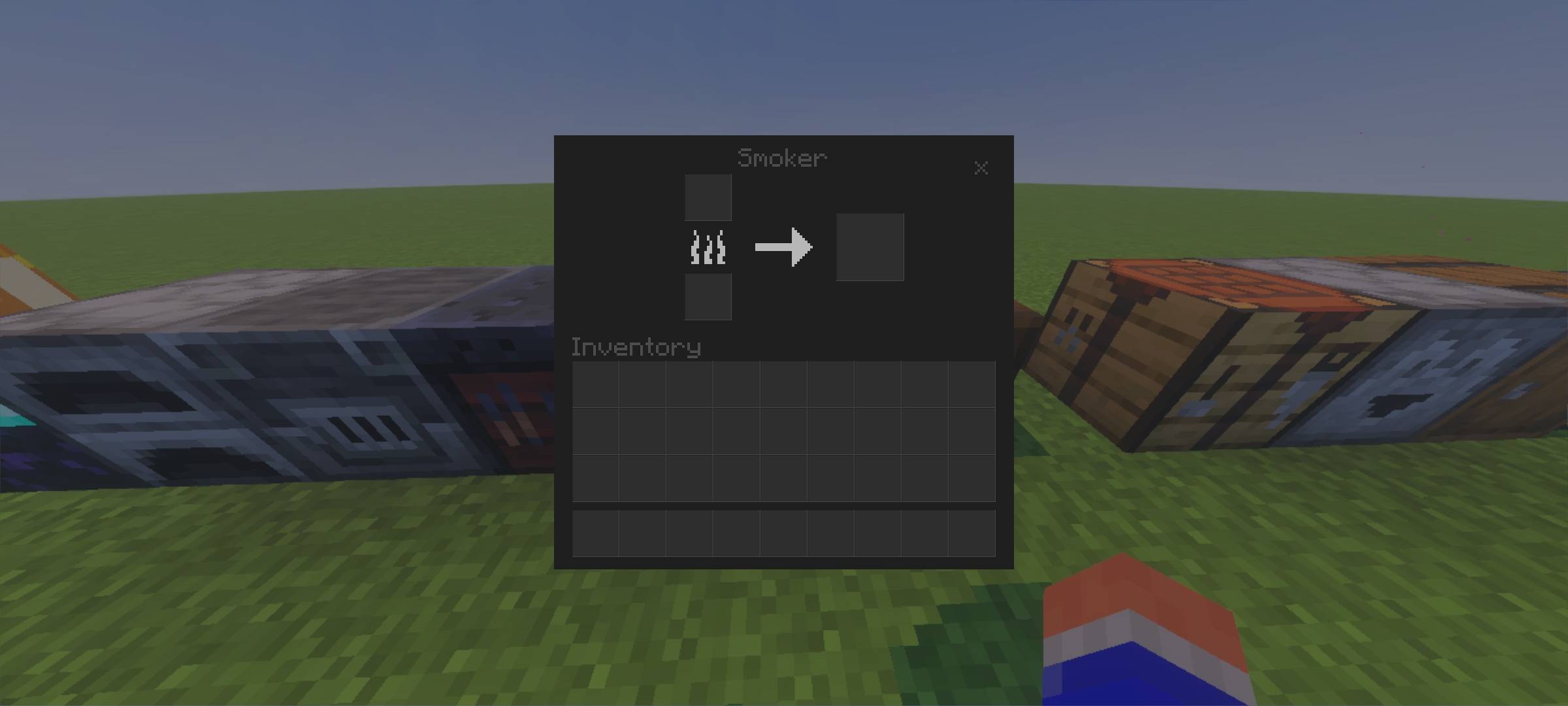
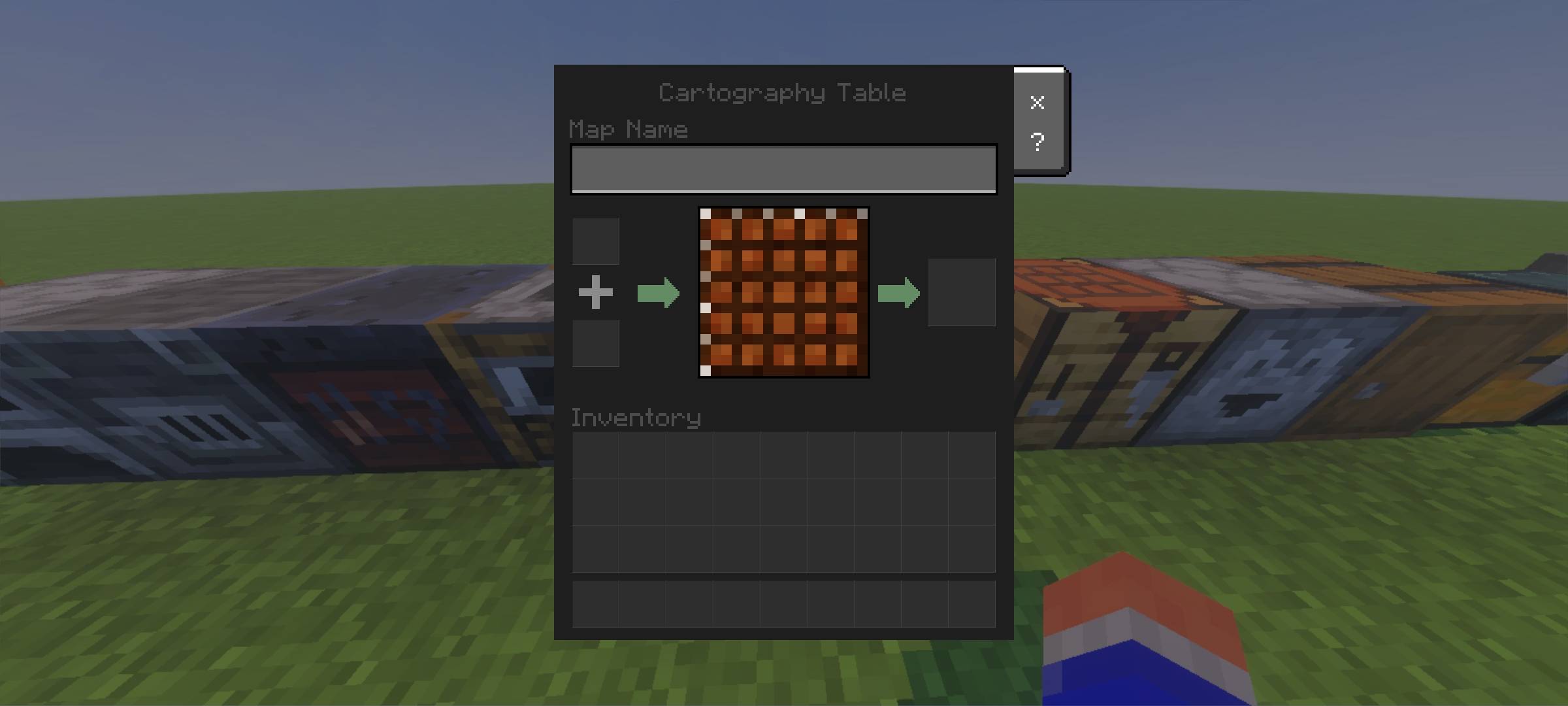
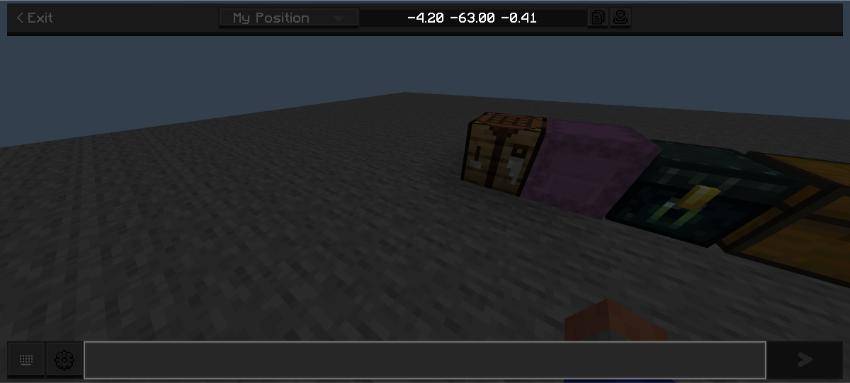
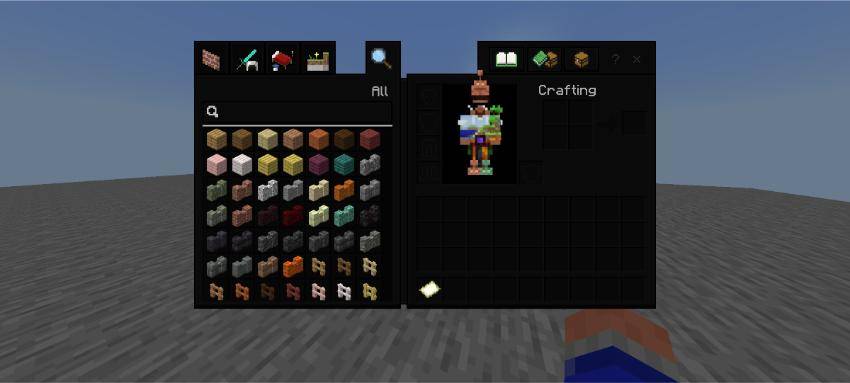
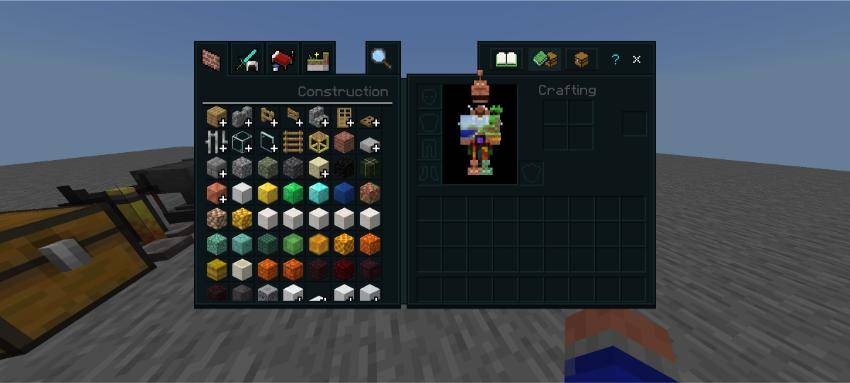
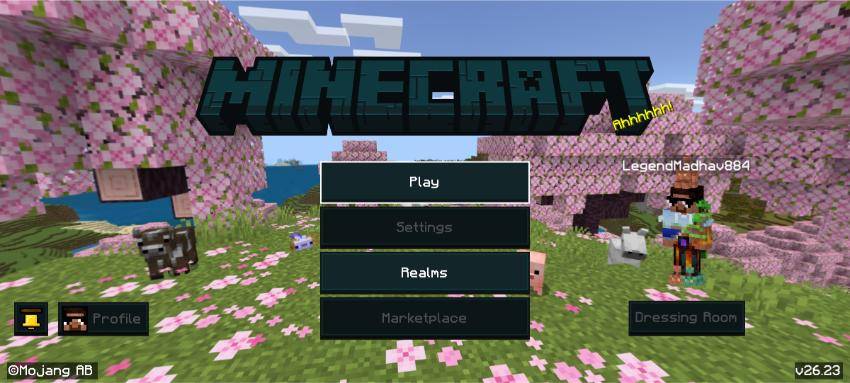
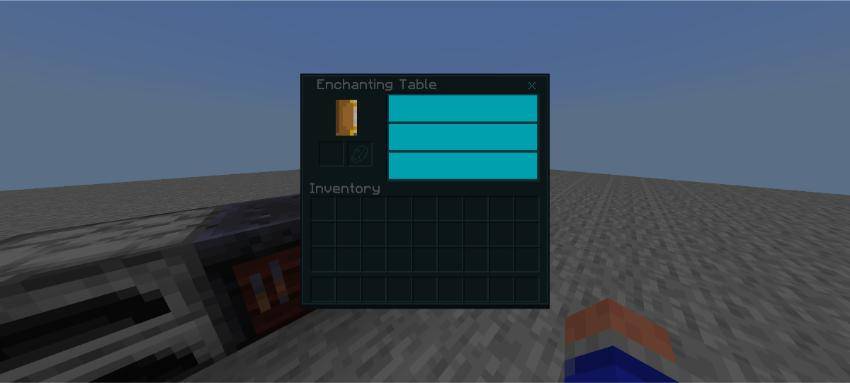
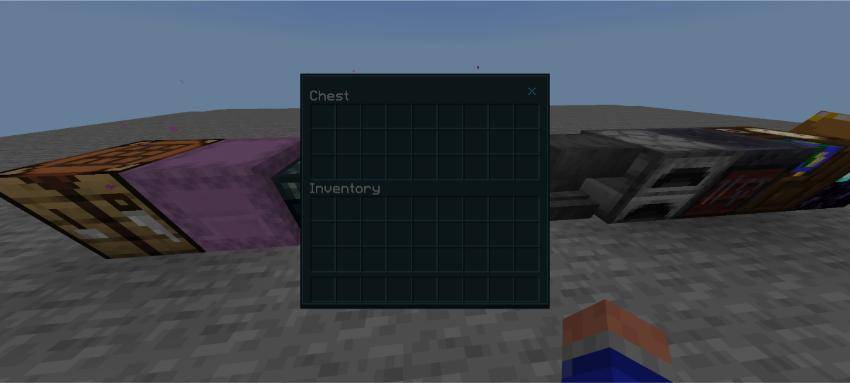
Dark Mode UI replaces Minecraft Bedrock's blindingly bright interface with a clean, consistent dark theme.
🎨 Whats Changed :-
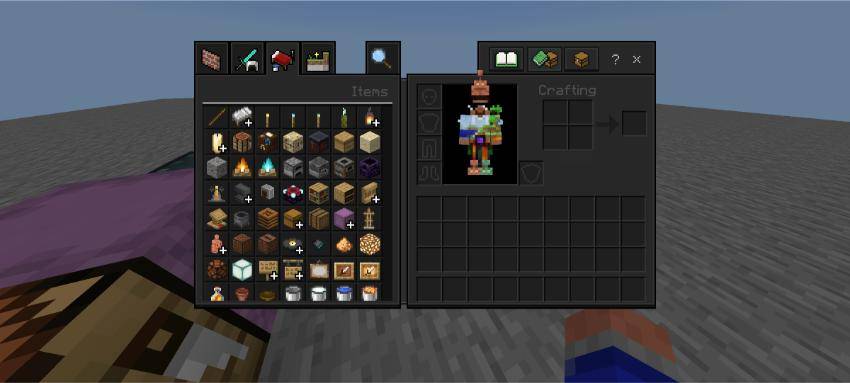
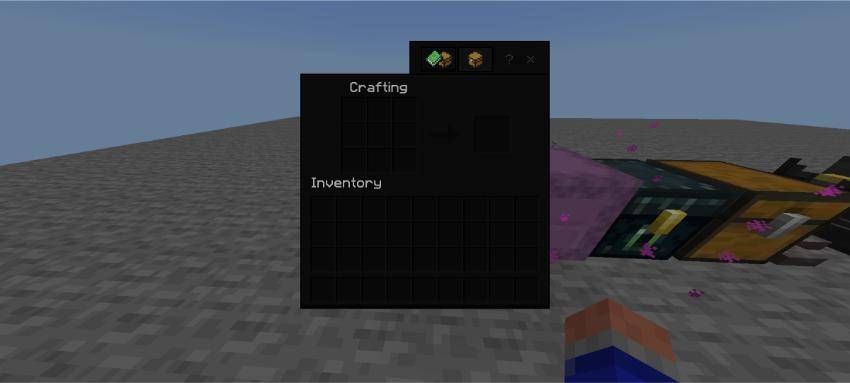
🔧 Crafting & Containers
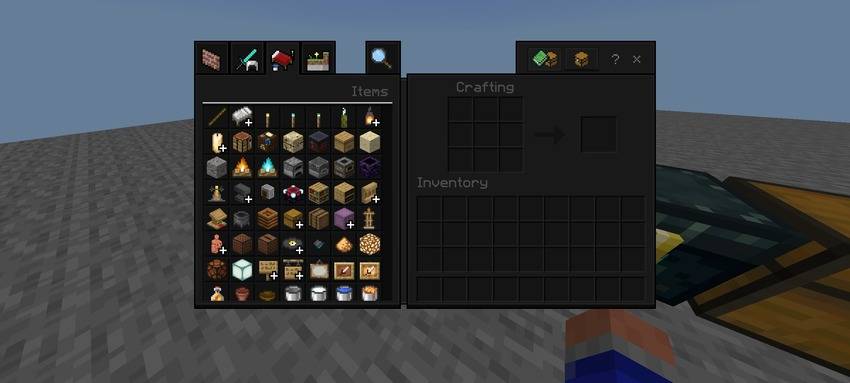
📦 Inventory & Creative Menu along with special block menus like furnaces, smokers , blast furnaces , enchantment table, cartography table and many more UIs.
🖱️ Buttons & Controls
⬜ Slots of different types of chests.
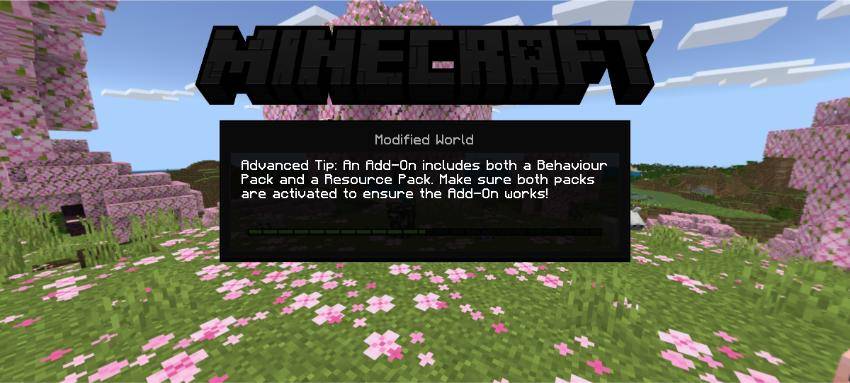
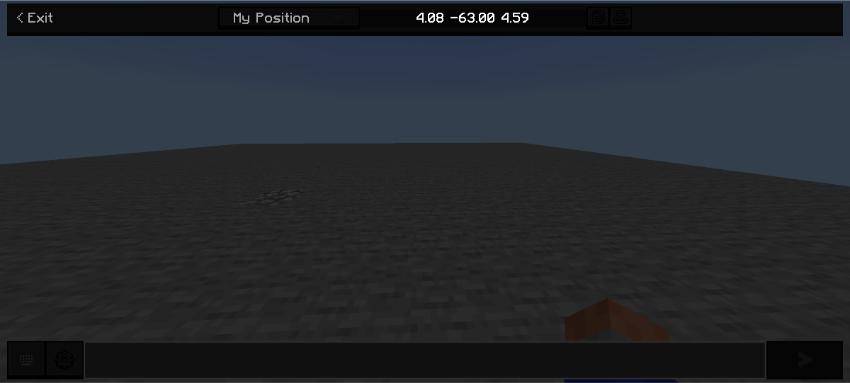
⛏️ Chats and pause menu as well as main screen
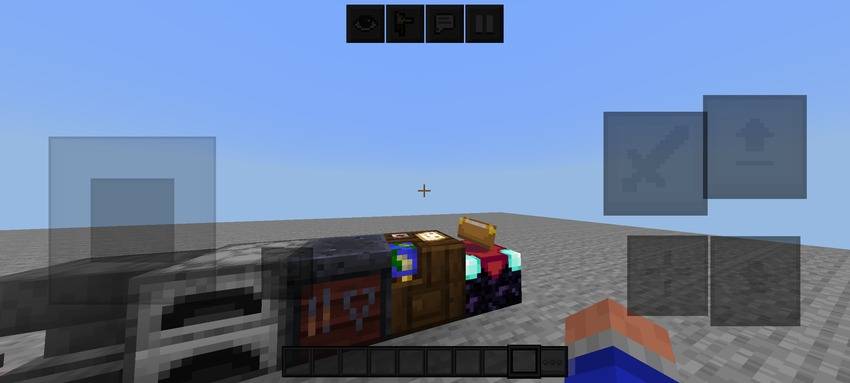
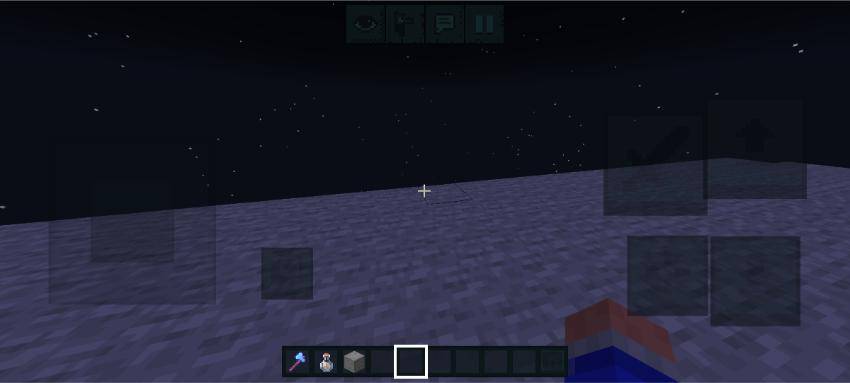
📲 Mobile controls are also dark
🌑 Some elements that were left are now dark as well
Everything is in dark mode to please your eyes. This pack helps you to play Minecraft for long hours without straining your eyes that much.
✅ Achievement Friendly : Cuz it's just a resource pack :)
Installation :-
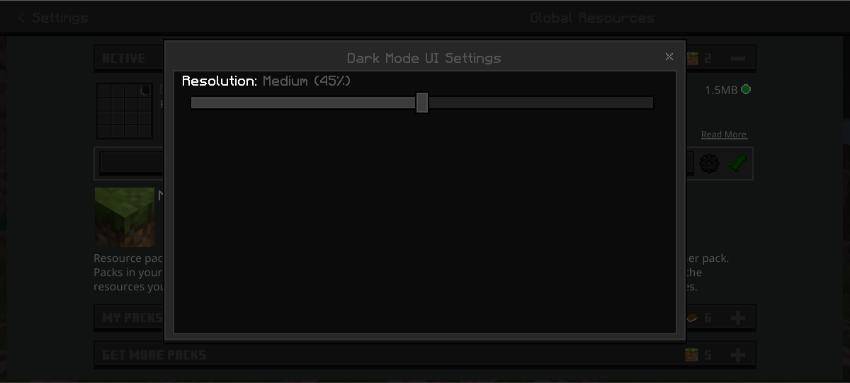
‣ Just install the mcpack file and add it your Global Resources section and activate it.
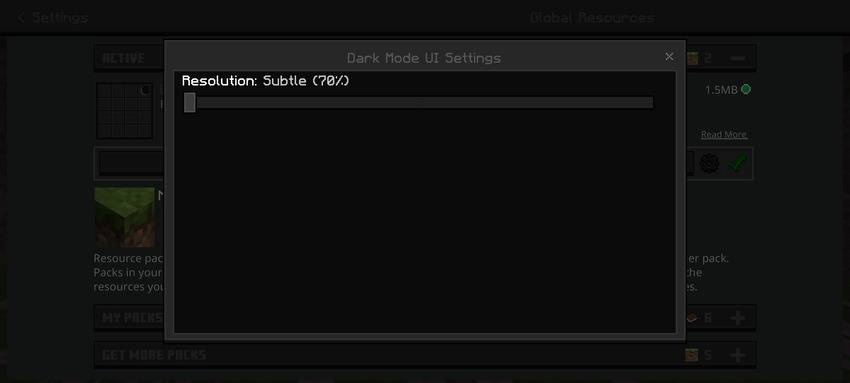
‣ Select between 3 options of darkness
👇
- Subtle (70% darkness)
2. Medium Dark 🕶️ (45 % darkness) {My Favourite ;)}
3. Oled dark (18 % brightness)
4. Slightly Blue {Warden Themed 🔵}
PS : Rate this pack 5 stars ✨
- Edition: Minecraft Bedrock
- File type: .mcpack
- Minecraft versions listed: 1.21.132, 26.20, 26.13
- How to install: Download the .mcpack. → Open it — Minecraft imports it under Resource Packs. → Activate it in Global Resources, or for one world under Resource Packs → Available.
- Where to get it: Opens on CurseForge — not every file is mirrored on our own servers.
Install steps are the general flow for this file type — How to install Minecraft Bedrock texture packs walks through it step by step.
- Save it as Dark_Mode_UI_V03.mcaddon before opening — it downloads as .mcpack, but it is a .mcaddon pack
- Manifest requires Minecraft 1.21.0 or newer
- Complete pack — everything it depends on is inside the file
- Download size: 1.8 MB
- Download link checked 16 Sept 2026 — working
These come from our own check of the pack file, not from the source page.