Dandy world toom totem 1/2
Bedrock texture pack listed for Minecraft 1.5–26.x. File opened and checked on 13 Oct 2026; installs from the MC Bedrock Mods app on Android.
Dandy's World Totems [Part 1] for MCPE! Replaces the Totem of Undying with 25 unique characters via an in-game slider. Features Astro, Dandy, Goob, and…
⬇ Download on CurseForge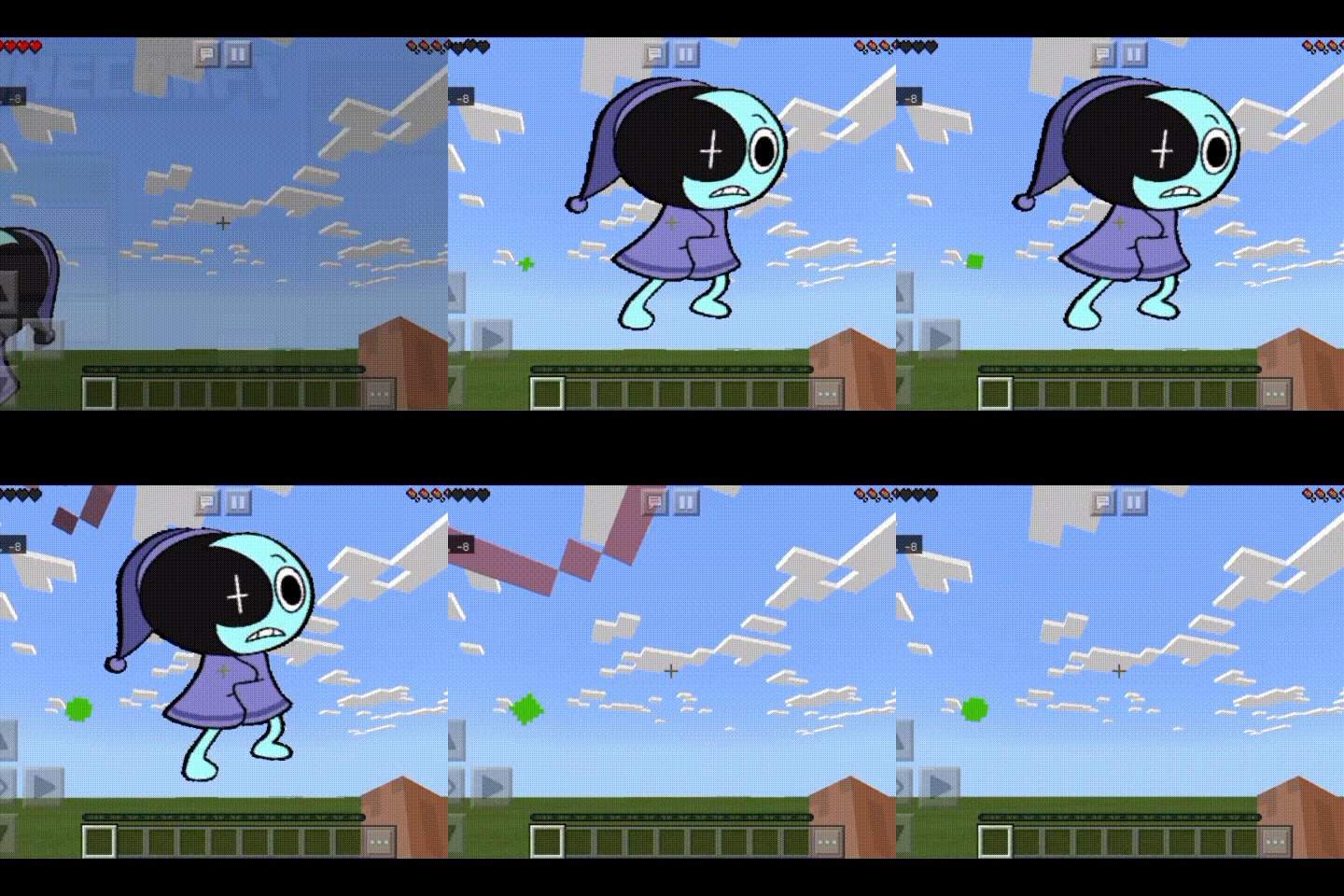
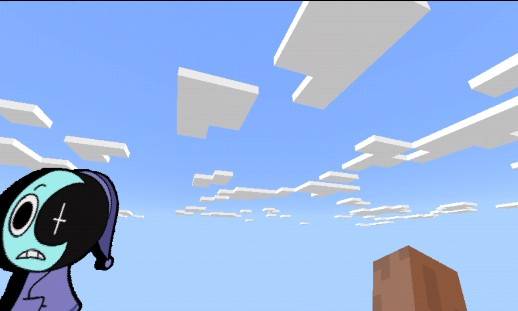
Dandy's World Totems Collection — Part 1 (Minecraft Bedrock)
Welcome to the ultimate Dandy's World Totem collection! This resource pack replaces the boring standard Totem of Undying with your favorite characters from Dandy's World.
This is Part 1, which includes 25 unique character variants in one single pack using the subpacks feature!
🌟 Features
25 Characters in 1 Pack: No need to clutter your worlds with dozens of files. Switch characters instantly!
High-Quality Textures: Perfectly scaled and centered to look amazing both in your hand and in the inventory slots.
Low Performance Impact: Optimized configuration that won't lag your game on mobile devices or PCs.
👥 Characters Included in Part 1:
Inside this first part, you will find:
Astro, Bassie, Bobette, Brightney, Blot
Boxten, Brusha, Coal, Cocoa, Connie
Cosmo, Dandy, Dyle, Eggson, Finn
Flutter, Gigi, Ginger, Glisten, Goob
Gourdy, Flyte, Looey, Pebble, Eclipse
🛠 How to Use (Important!)
Since Minecraft Bedrock handles texture changes via the slider interface, please follow these steps to change your totem:
Download and install the .mcpack file.
Go to Settings —> Global Resources and activate Dandy's World Totems [Part 1].
Click on the Gear icon (Settings) on the pack.
Move the slider to choose your favorite character.
CRITICAL STEP: After moving the slider, restart your Minecraft application! The engine requires a fresh launch to reload the active subpack texture.
Enjoy your new totem in-game!
- Edition: Minecraft Bedrock
- File type: .mcpack
- Minecraft versions listed: 1.21.81, 1.16, 1.5
- How to install: Download the .mcpack. → Open it — Minecraft imports it under Resource Packs. → Activate it in Global Resources, or for one world under Resource Packs → Available.
- Where to get it: Opens on CurseForge — not every file is mirrored on our own servers.
Install steps are the general flow for this file type — How to install Minecraft Bedrock texture packs walks through it step by step.
- Save it as Dandy world1.mcaddon before opening — it downloads as .mcpack, but it is a .mcaddon pack
- Manifest requires Minecraft 1.14.0 or newer
- Complete pack — everything it depends on is inside the file
- Download size: 1.5 MB
- Download link checked 7 Oct 2026 — working
These come from our own check of the pack file, not from the source page.