CartoonGlow Shaders (Vibrant Visuals Pack)
Bedrock texture pack listed for Minecraft 1.21–26.x. File opened and checked on 19 Sep 2026; installs from the MC Bedrock Mods app on Android.
⬇ Download on CurseForge
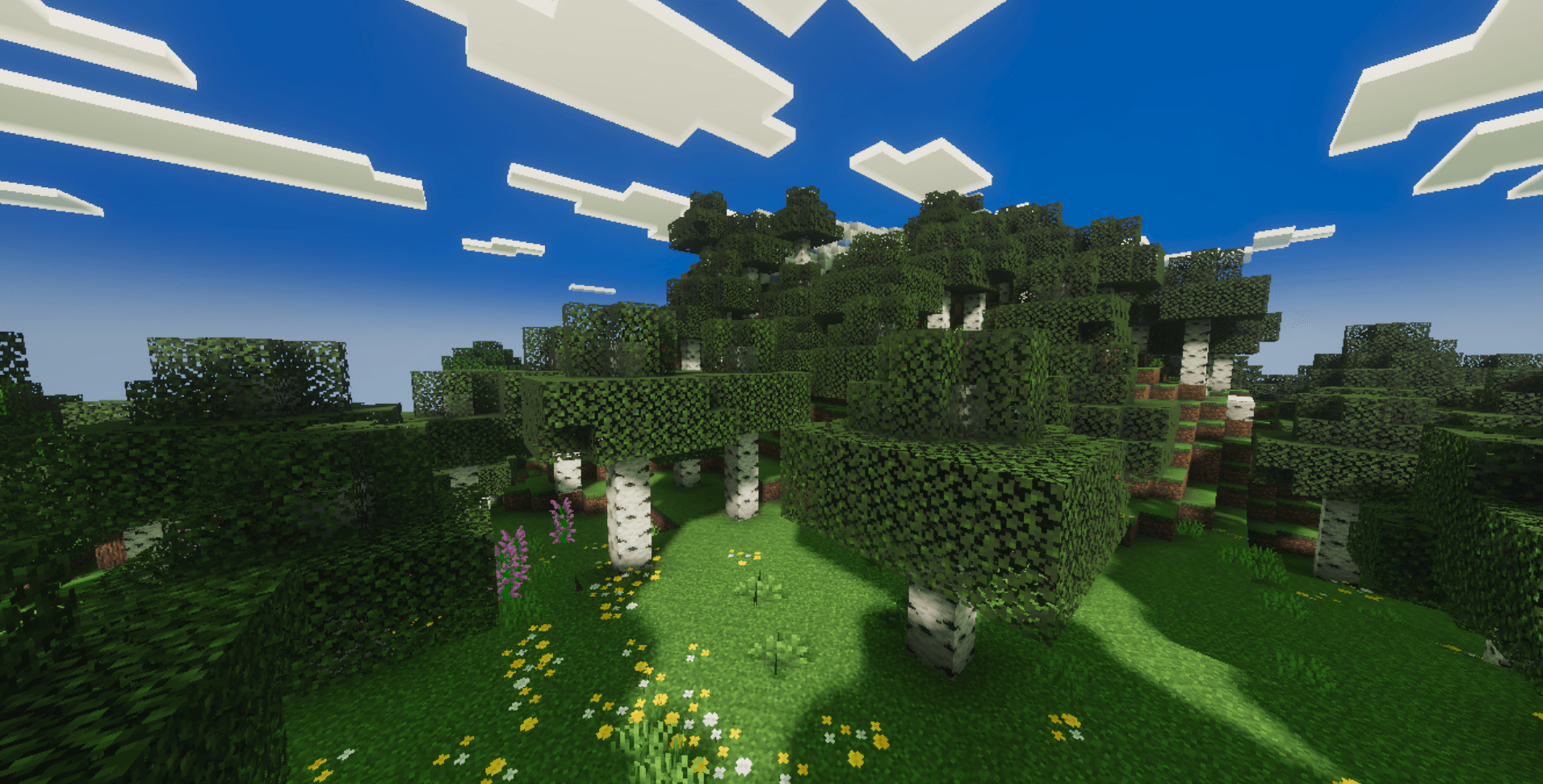
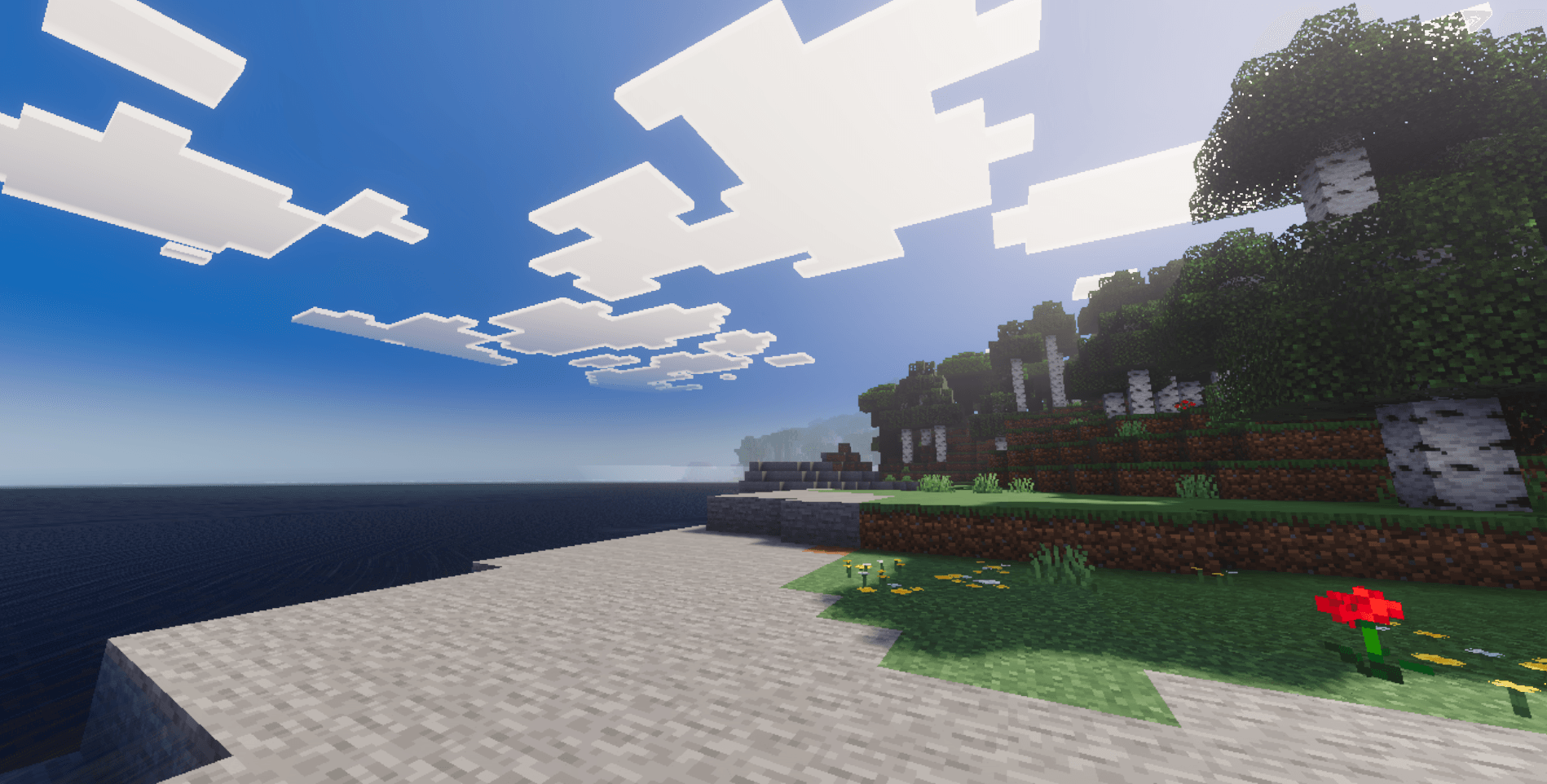
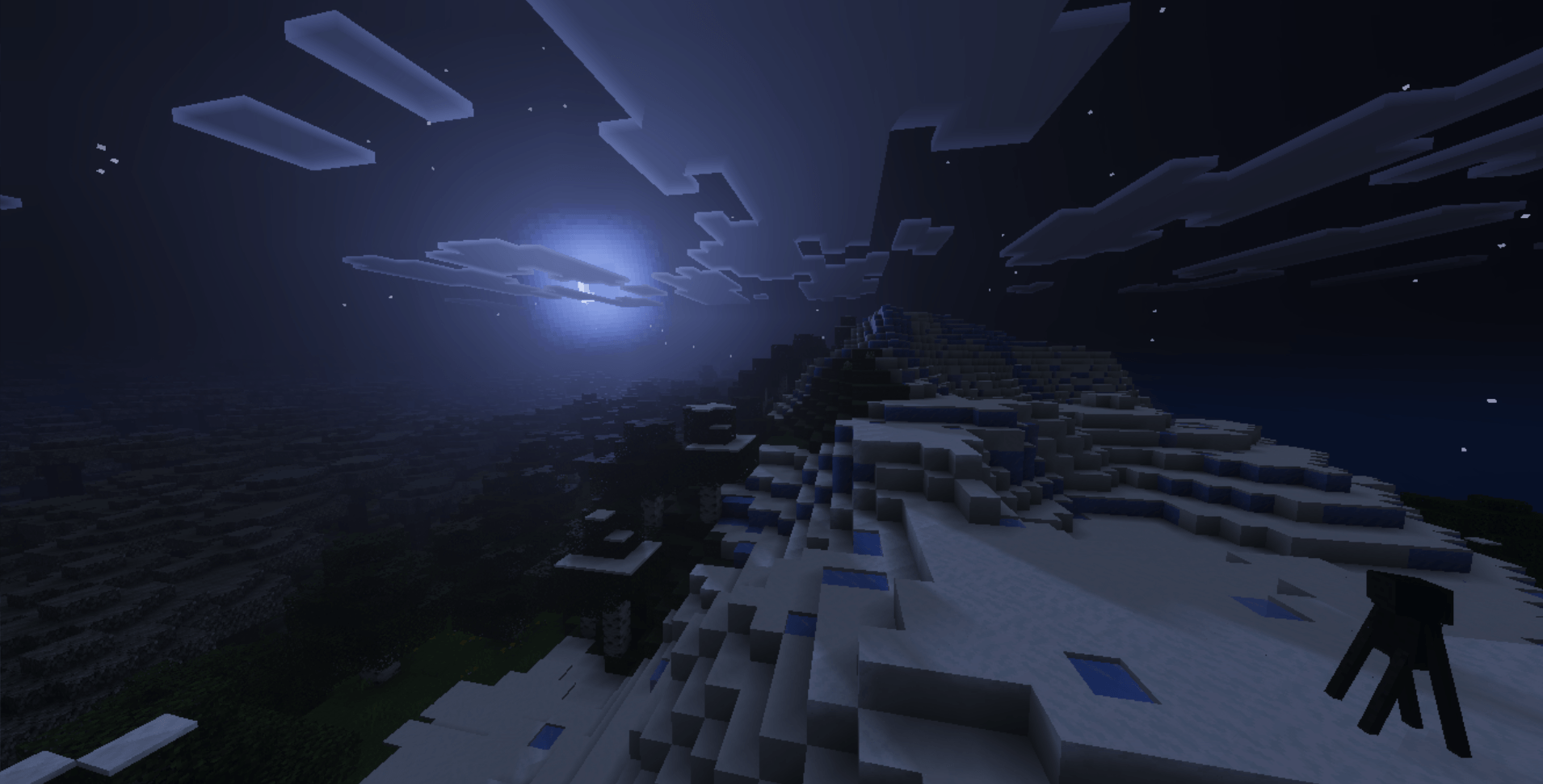
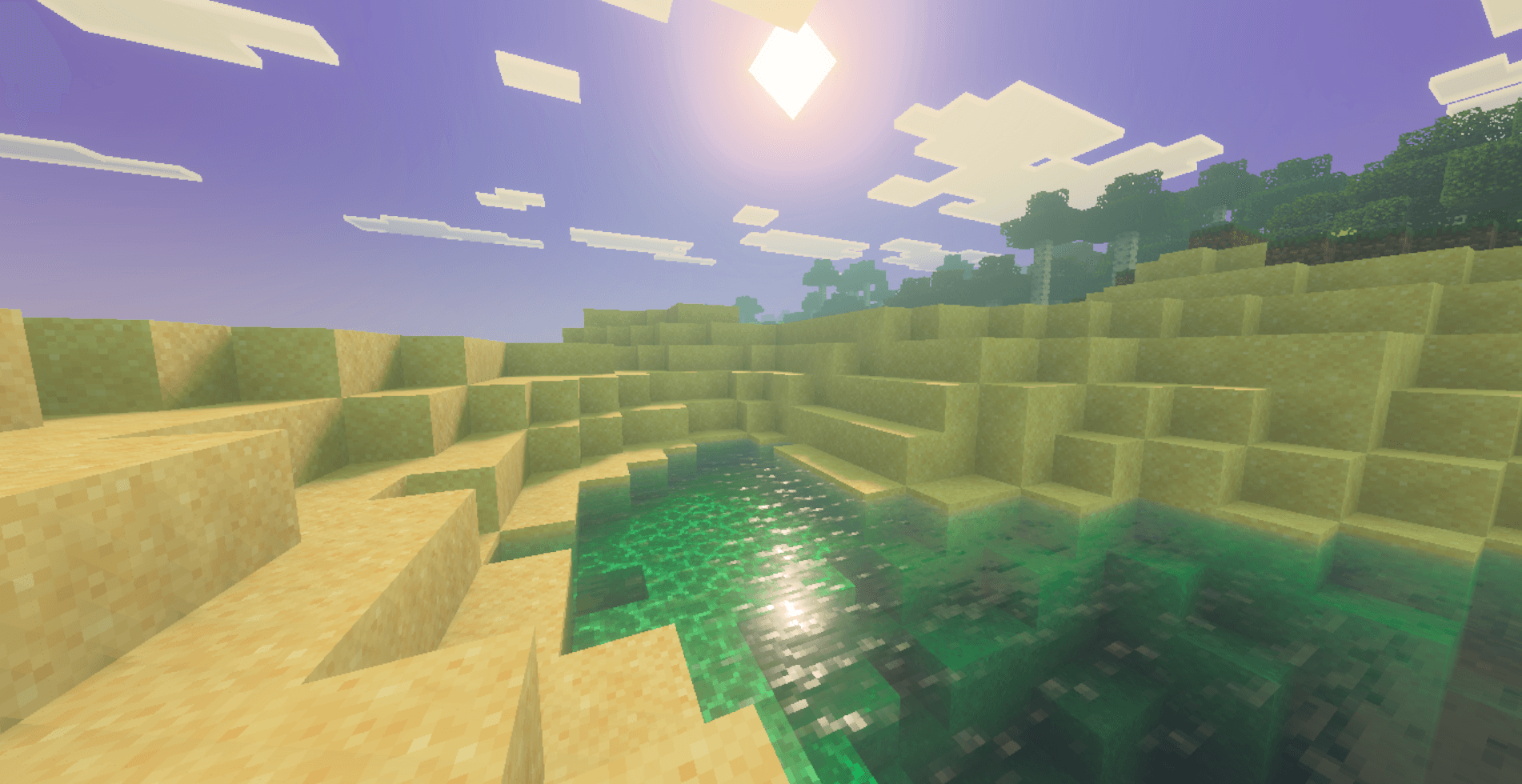
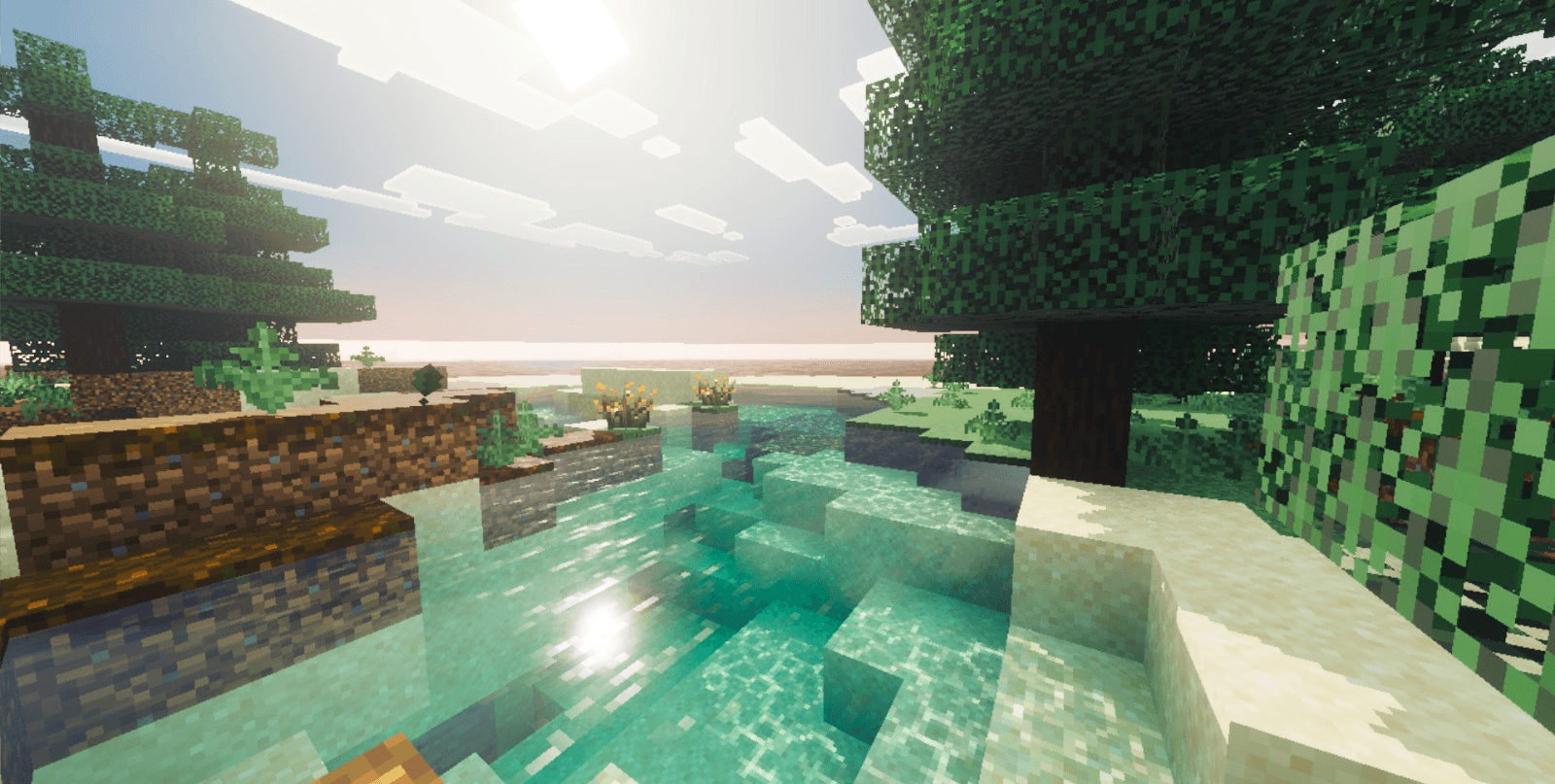
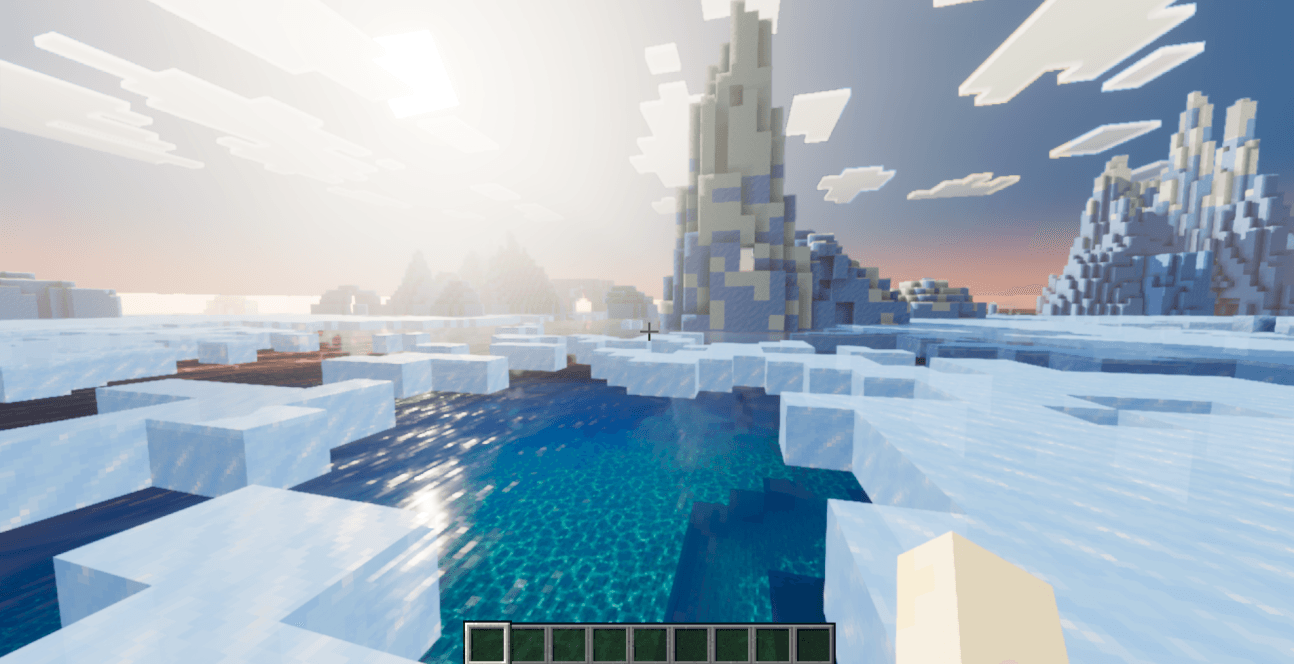
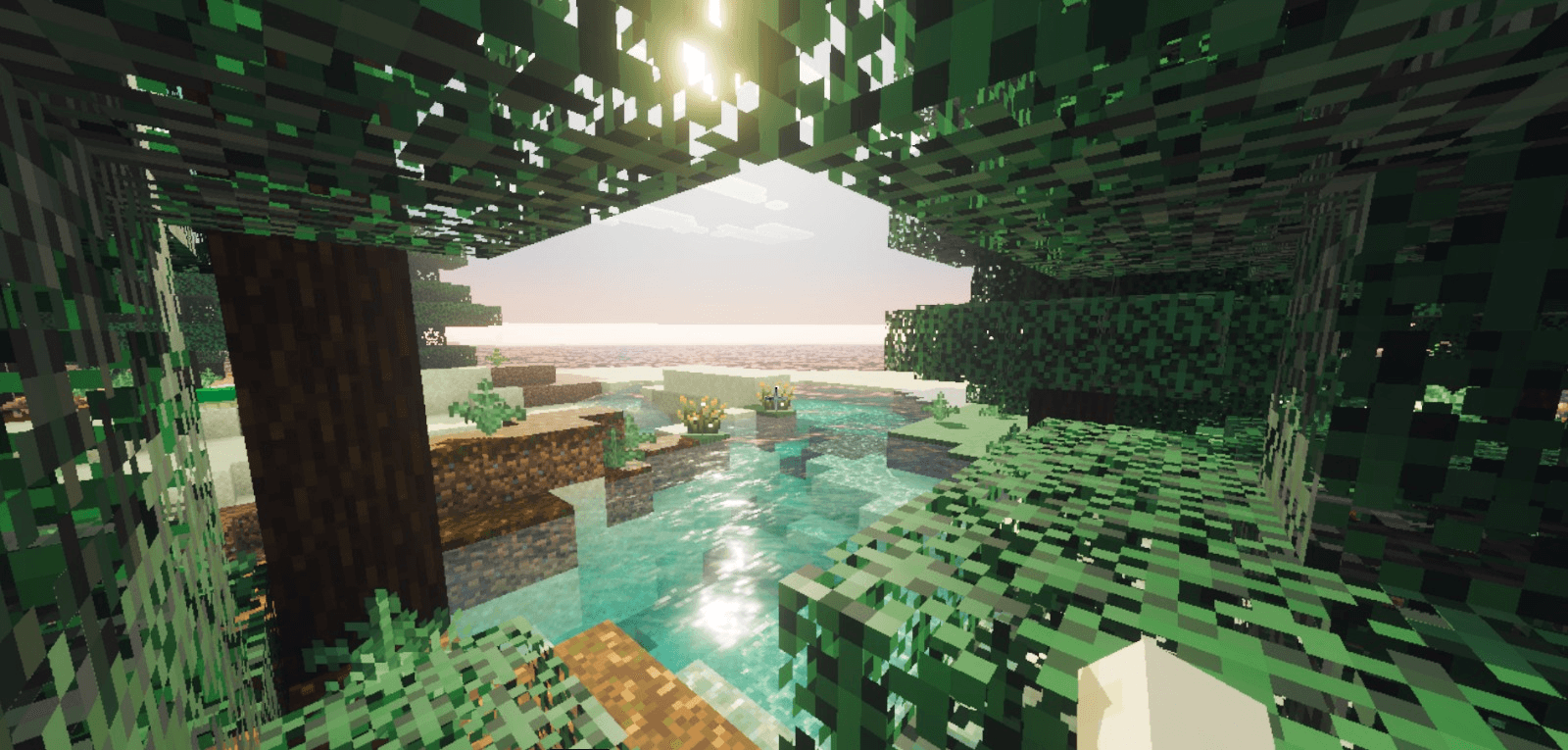
CartoonGlow transforms Minecraft Bedrock into a vibrant fantasy world — pastel skies, glowing water, and colored shadows that make every biome feel like a painting. Built on the modern Vibrant Visuals system.
Features
🎨 Fantasy color palette
Lavender mountains, lime forests, pink cherry groves, golden deserts — 87 biomes with unique colors.
🌊 Animated water
Organic wave simulation with caustics. Ice biomes get calmer, crystal-clear water.
🌫️ Colored fog per biome
Sakura haze in cherry groves, golden dust in deserts, icy mist in snow biomes, crimson smoke in the Nether.
💜 Colored shadows
Shadows tinted blue-violet instead of grey — no harsh dark lines between blocks.
🌅 Dynamic sky
Vivid sunsets, dramatic moon glow, volumetric atmosphere tuned per biome.
🕯️ Emissive point lights
Torches, candles, amethyst, soul fire and 50+ light sources with individual warm/cool colors.
Installation
- Download the
.mcpackfile and open it — Minecraft will import it automatically. - Create or edit a world → Resource Packs → activate CartoonGlow.
- In Video settings, enable Vibrant Visuals. Enjoy.
- Edition: Minecraft Bedrock
- File type: .mcpack
- Minecraft versions listed: 1.21.130, 1.21.131, 1.21.132
- How to install: Download the .mcpack. → Open it — Minecraft imports it under Resource Packs. → Activate it in Global Resources, or for one world under Resource Packs → Available.
- Where to get it: Opens on CurseForge — not every file is mirrored on our own servers.
Install steps are the general flow for this file type — How to install Minecraft Bedrock texture packs walks through it step by step.
- Pack type: .mcpack — a single pack
- Manifest requires Minecraft 1.21.40 or newer
- Complete pack — everything it depends on is inside the file
- Download size: 223 KB
- Download link checked 6 Oct 2026 — working
These come from our own check of the pack file, not from the source page.