SkinsBedrock
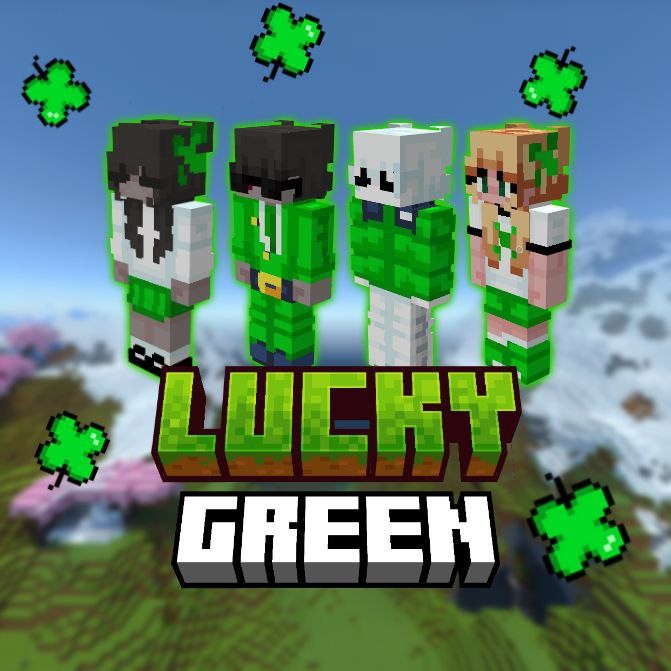
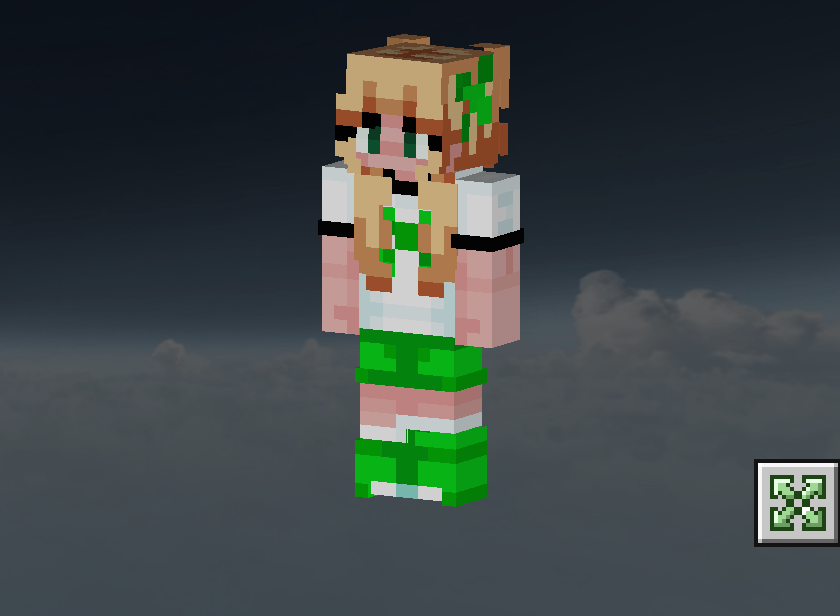
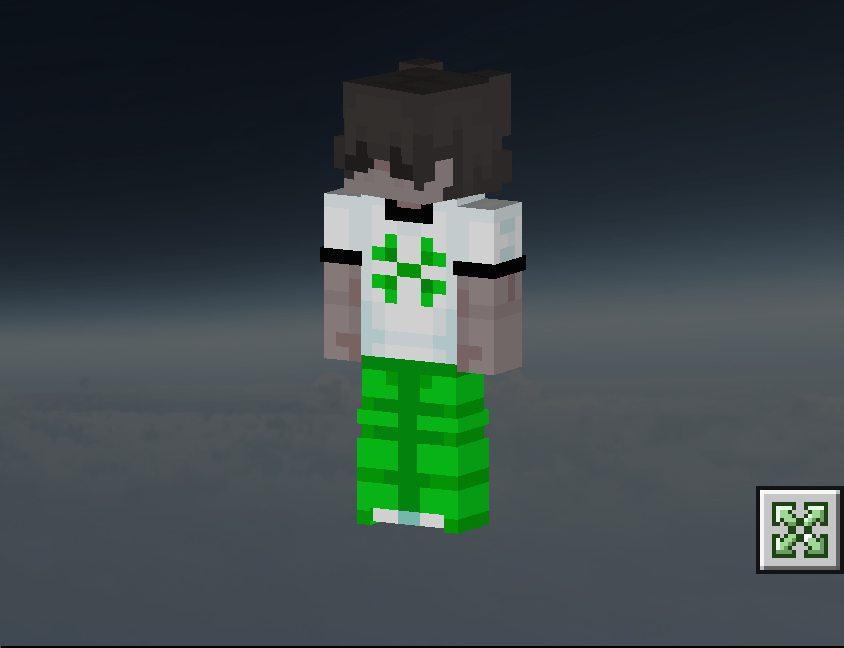
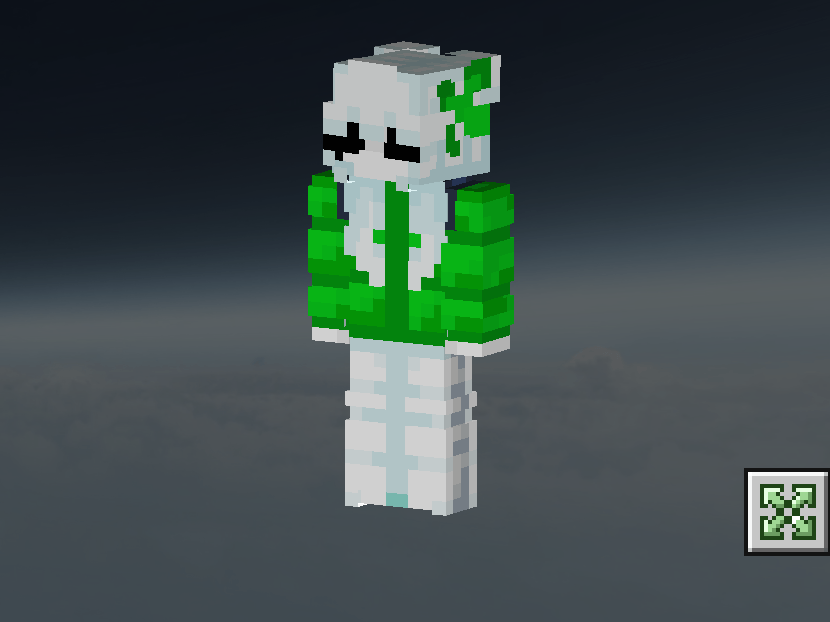
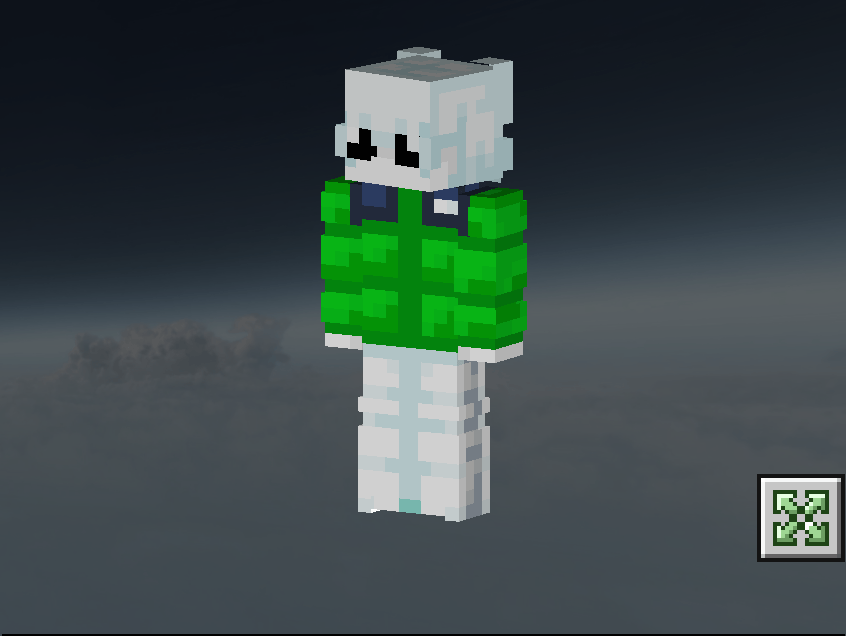
LuckyGreen Skin Pack
I don't know my version
Open Minecraft and look at the bottom-left corner of the main screen — the version is printed there, like v1.26.30.
The game writes a 1. in front; the buttons above leave it off. v1.26.30 in the game is 26.30 here.
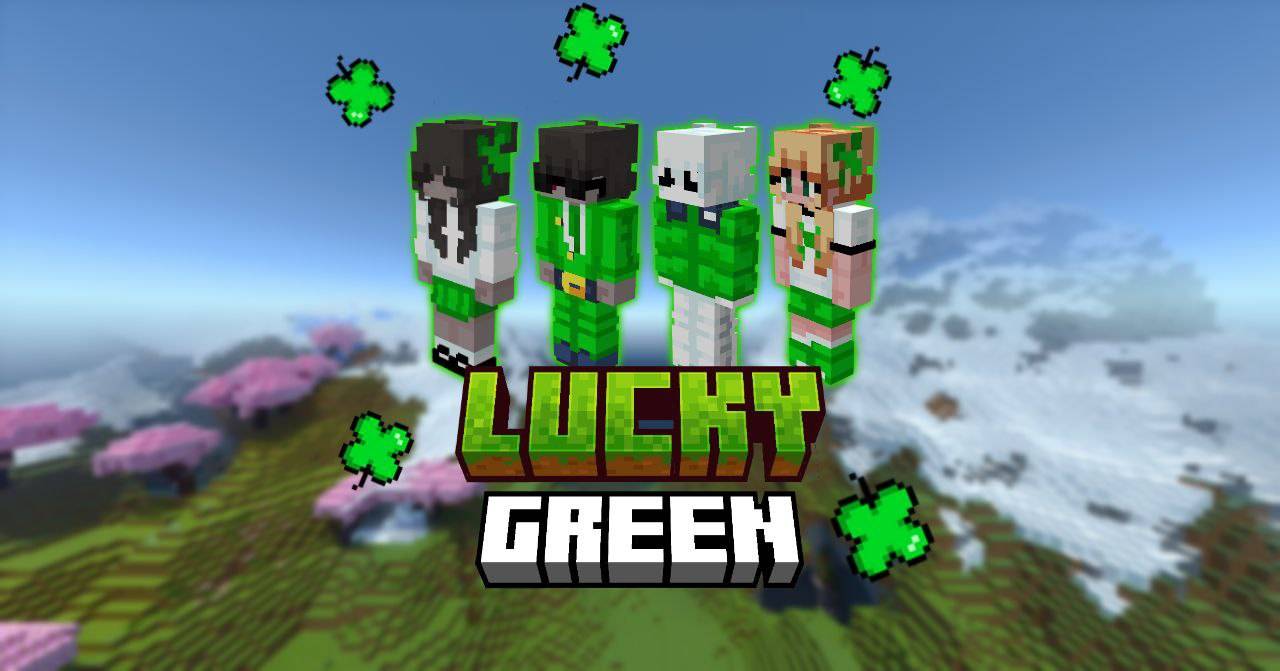
🍀 Lucky, bright and stylish green-themed skins inspired by The Hive! This set is perfect for lovers of unique designs with references to clovers, nature and luck.
🌿 Pack Features:
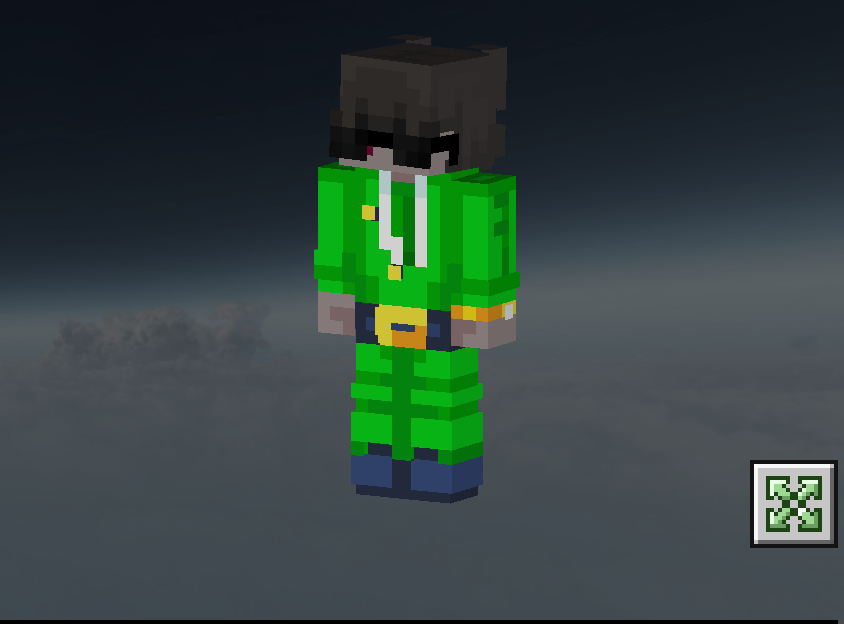
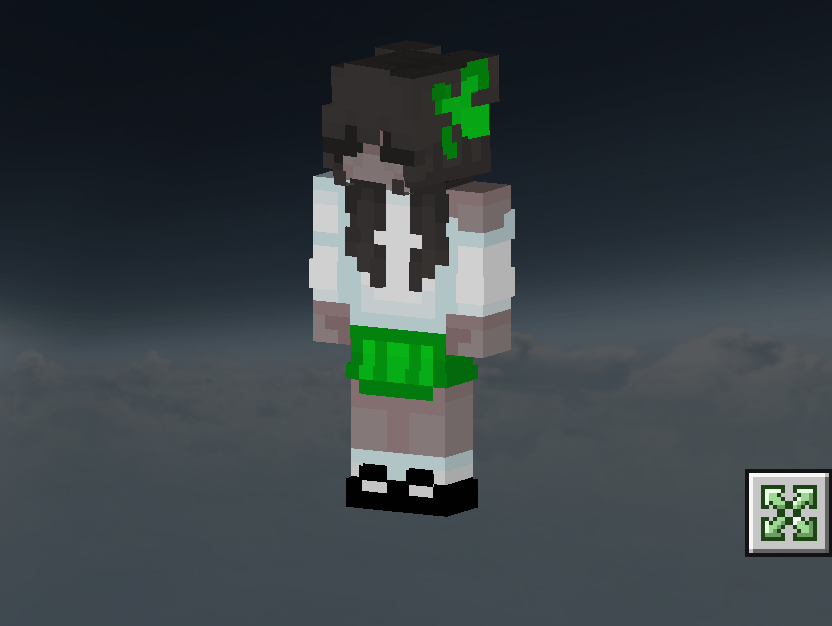
✔️ 50+ skins in green tones with elements of clovers
✔️ Juicy colors and The Hive's signature style Optimized for Bedrock Edition (phones, consoles, PCs)
Perfect for mini-games – Lucky Islands, SkyWars and more!
Quick facts
- Edition: Minecraft Bedrock
- File type: .mcpack
- Minecraft versions listed: 1.21.50, 1.21.51, 1.21.61
- How to install: Download the .mcpack skin pack. → Open it — Minecraft imports it. → Open the Dressing Room and select the skin.
- Where to get it: Opens on CurseForge — not every file is mirrored on our own servers.
Install steps are the general flow for this file type — How to apply a custom Minecraft skin walks through it step by step.
Verified by MCModsHub
- Save it as LuckyGreen.mcaddon before opening — it downloads as .mcpack, but it is a .mcaddon pack
- Complete pack — everything it depends on is inside the file
- Download size: 14 KB
- Download link checked 25 Aug 2026 — working
These come from our own check of the pack file, not from the source page.