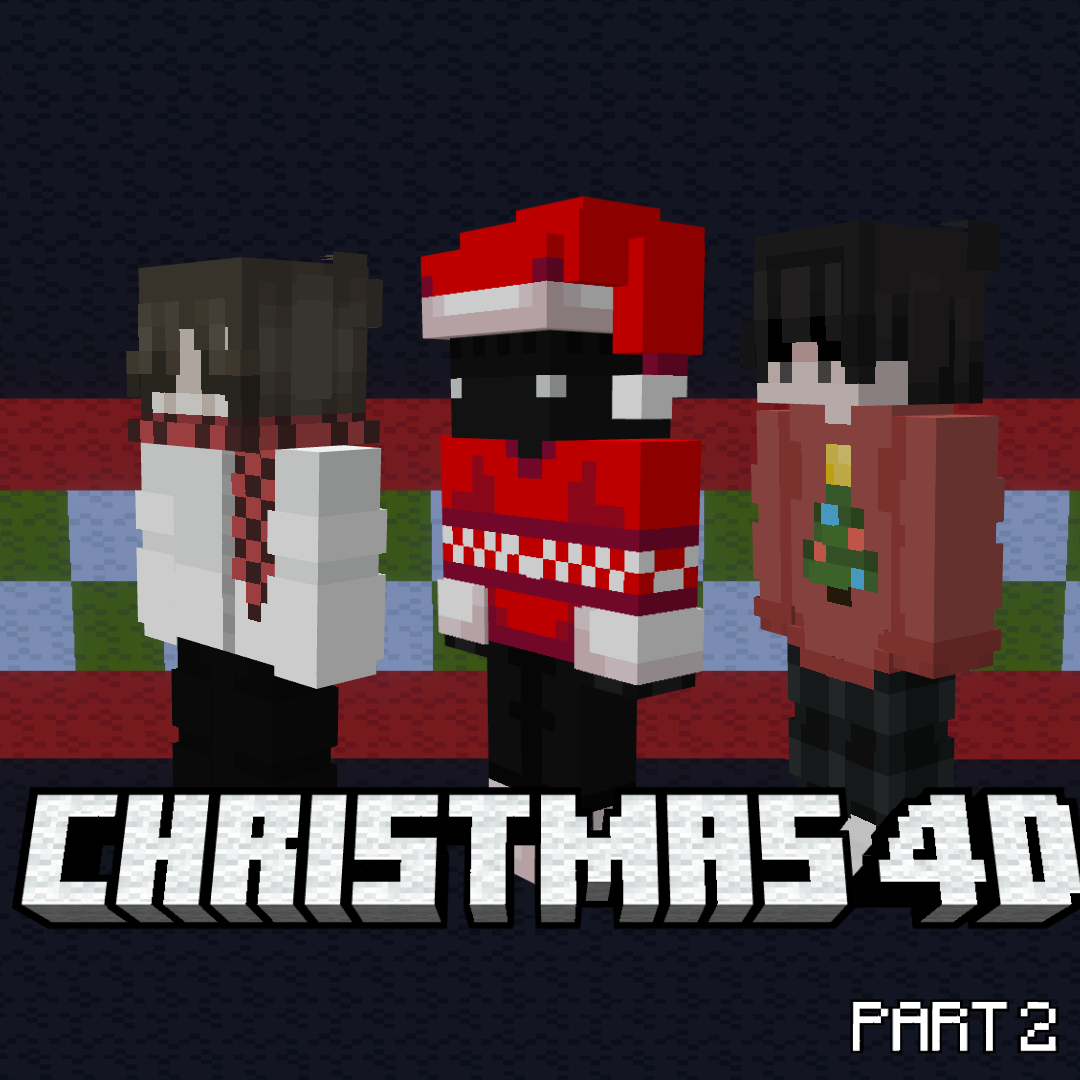
Christmas 4D (Part 2)
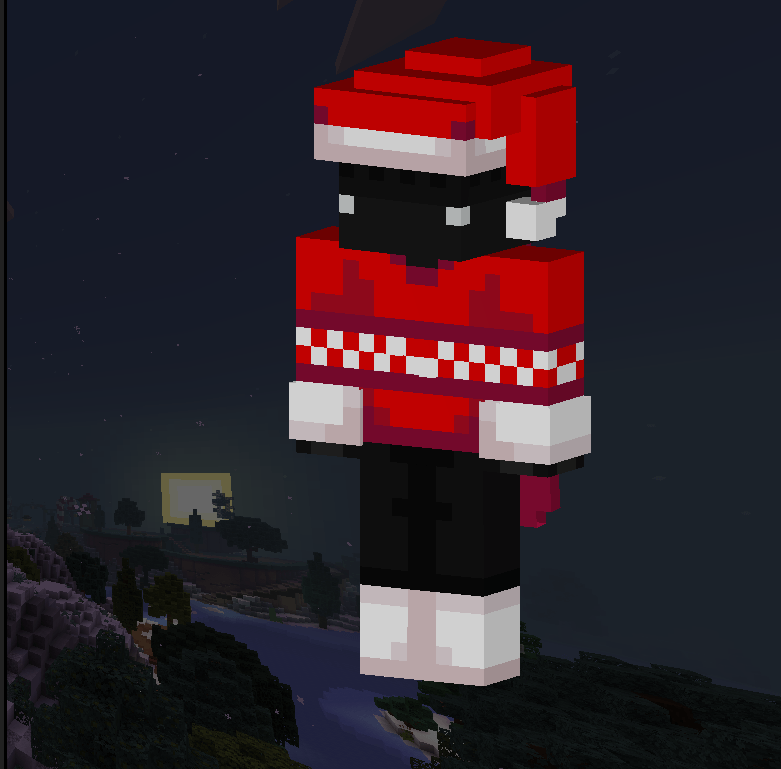
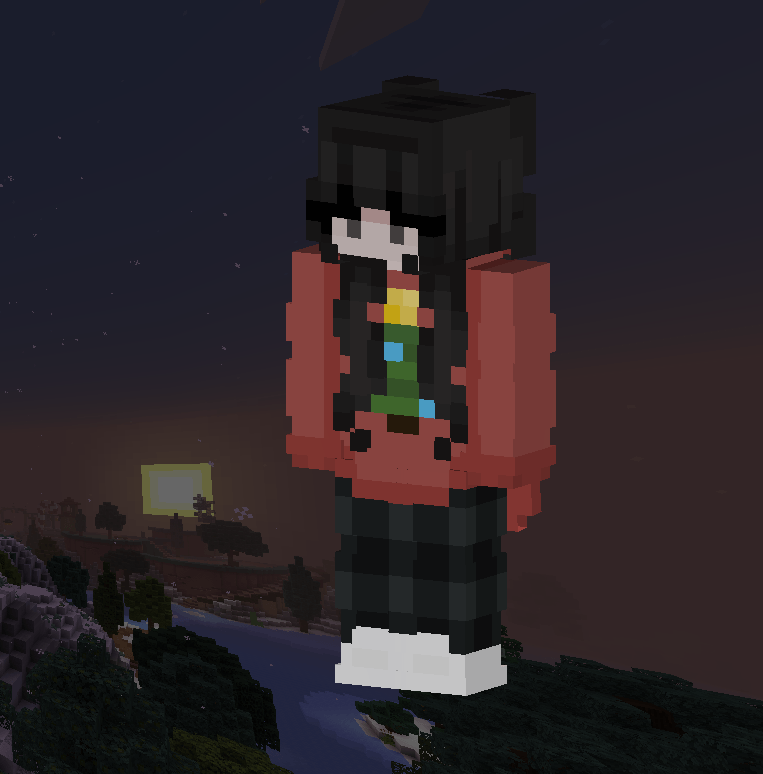
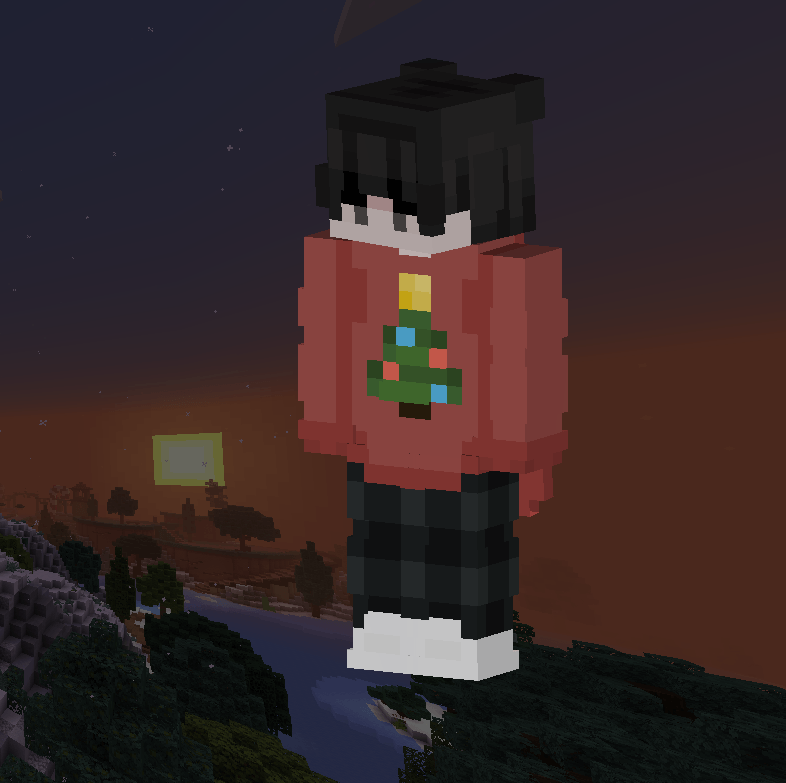
❄️ Wanting Some Festive Skins To Wear For The Holidays? ❄️ Well, You're In Luck! This Skinpack Comes With Five Unique Festive Skins To Wear Whenever You…
⬇ Download on CurseForge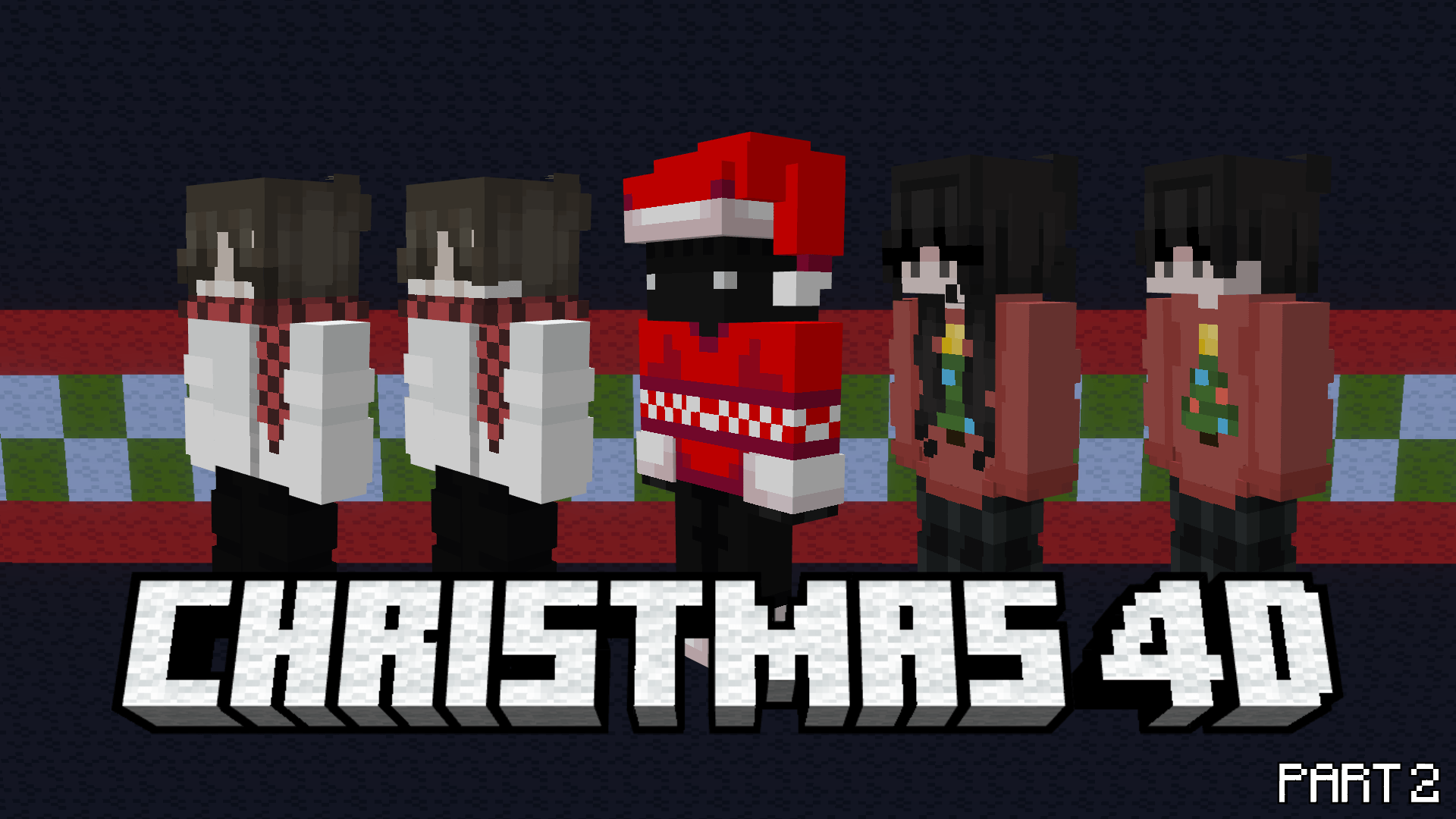
🎄 Wanting Some Festive Skins To Wear For The Holidays? 🎄Well, You're In Luck! This Skinpack Comes With Five Unique Festive Skins To Wear Whenever You Play And Will Keep Updating Every Week, Grab The Skins While You Still Can! (You Will Be Able To Download All The Skins Starting December 21st)
❄️ What This Skinpack Includes ❄️
🎁 5 Skins With All Festive Designs
🎁 Hive Support
🎁 2 Matching Pairs
🎁 A Custom Santa Costume
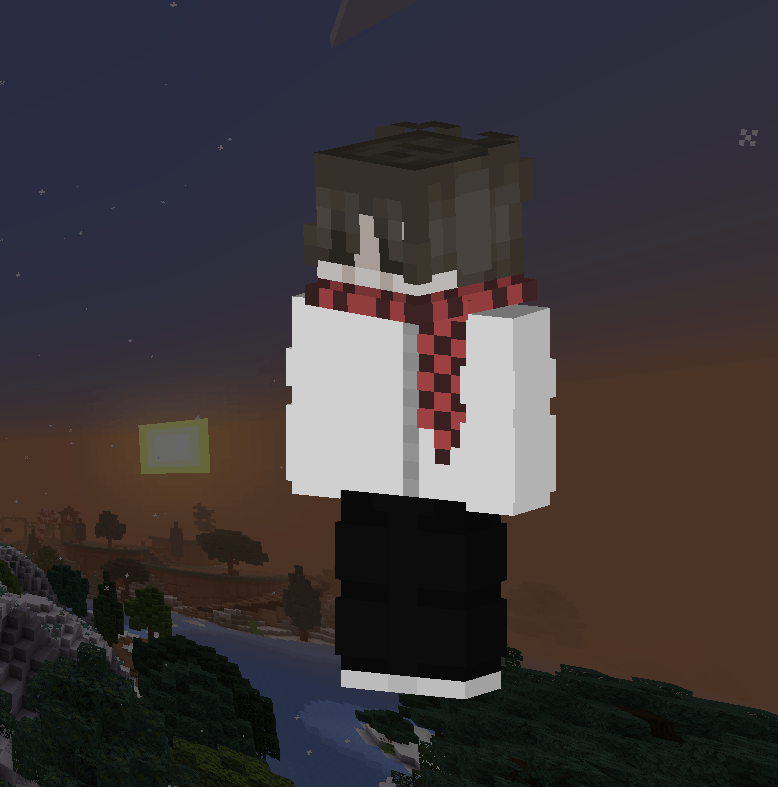
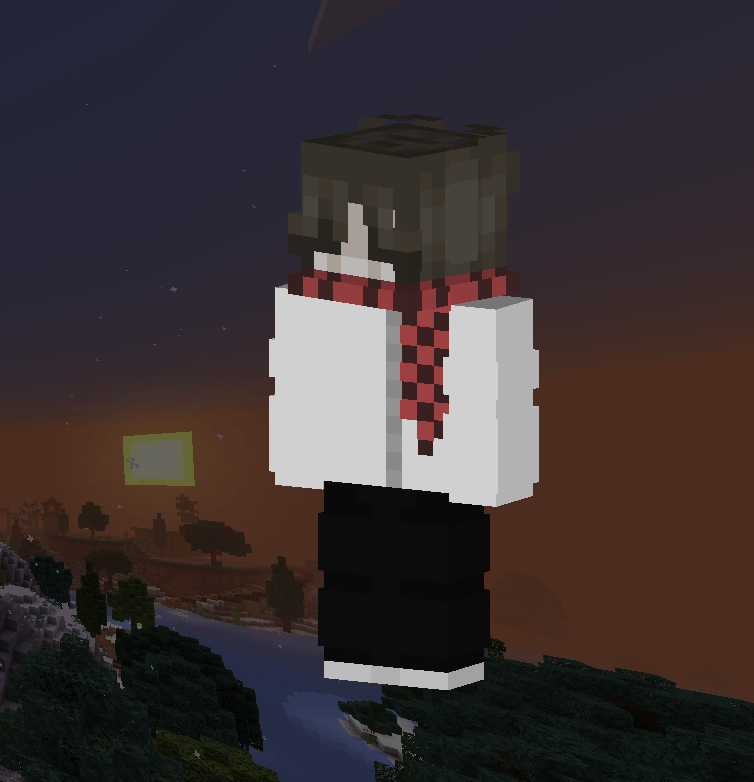
Images:
How To Download 🎄
Note: You Must Follow These Steps Or The Skinpack Will Not Load! Also Please Make Sure You Have The Builders And Biomes Skinpack. Also Please Make Sure You Have The 1st Animal Friends Skinpack.
Windows 11
- Download The Christmas 4D 2 (PC+iOS) Skinpack
- Rename the file from Christmas 4D 2 (PC + iOS).mcpack To Christmas 4D 2 (PC + iOS).zip
- Unzip The File
- Press Windows Key + R To Open The Run Dialog
- Paste This File Directory Into The Run Box: %AppData%\Minecraft Bedrock\premium_cache\skin_packs
- Delete Everything Inside The skin_packs Folder
- Put The Unzipped Christmas 4D 2 (PC + iOS) File Into The skin_packs Folder
- Restart Minecraft You're Good To Go! 🎄
For iOS
- Download Christmas 4D 2 (PC+iOS) Skinpack
- Rename the file from Christmas 4D 2 (PC + iOS).mcpack To Christmas 4D 2 (PC + iOS).zip
- Unzip The File
- Go to On My iPad (Or On My iPhone)/Minecraft/internal/premium_cache/skin_packs And Delete Everything Inside The skin_packs Folder
- Go To Your Downloads And Hold Down On The Unzipped File And Press Move
- Move It To On My iPad (Or On My iPhone)/Minecraft/internal/premium_cache/skin_packs And Press Move
- Restart Minecraft And You're Good To Go! 🎁
For Android
- Download Christmas 4D 2 (ANDROID) File
- Rename The File From Christmas 4D 2 (ANDROID).mcpack To Christmas 4D 2 (ANDROID).zip
- Unzip it
- Watch the video how to install it https://youtu.be/QiWm9PL4Lgg?si=rZuVOBBgq32p3hXu
- Edition: Minecraft Bedrock
- File type: .mcpack
- Minecraft versions listed: 1.21.30, 1.21.50, 1.21.81
- How to install: Download the .mcpack skin pack. → Open it — Minecraft imports it. → Open the Dressing Room and select the skin.
- Where to get it: Opens on CurseForge — not every file is mirrored on our own servers.
Install steps are the general flow for this file type — How to apply a custom Minecraft skin walks through it step by step.
- Save it as Christmas 4D 2 (PC + iOS).mcaddon before opening — it downloads as .mcpack, but it is a .mcaddon pack
- Complete pack — everything it depends on is inside the file
- Download size: 43 KB
- Download link checked 25 Aug 2026 — working
These come from our own check of the pack file, not from the source page.