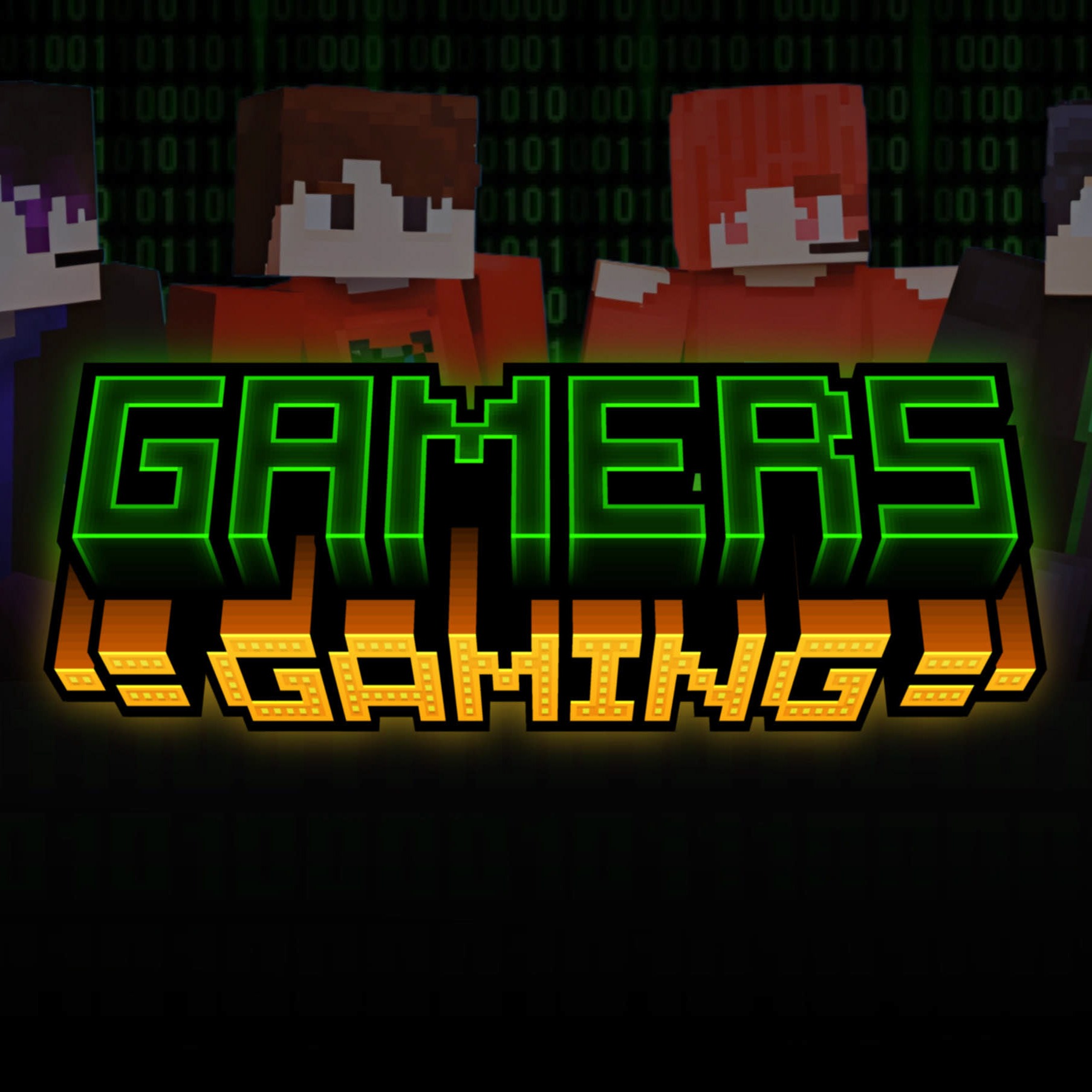
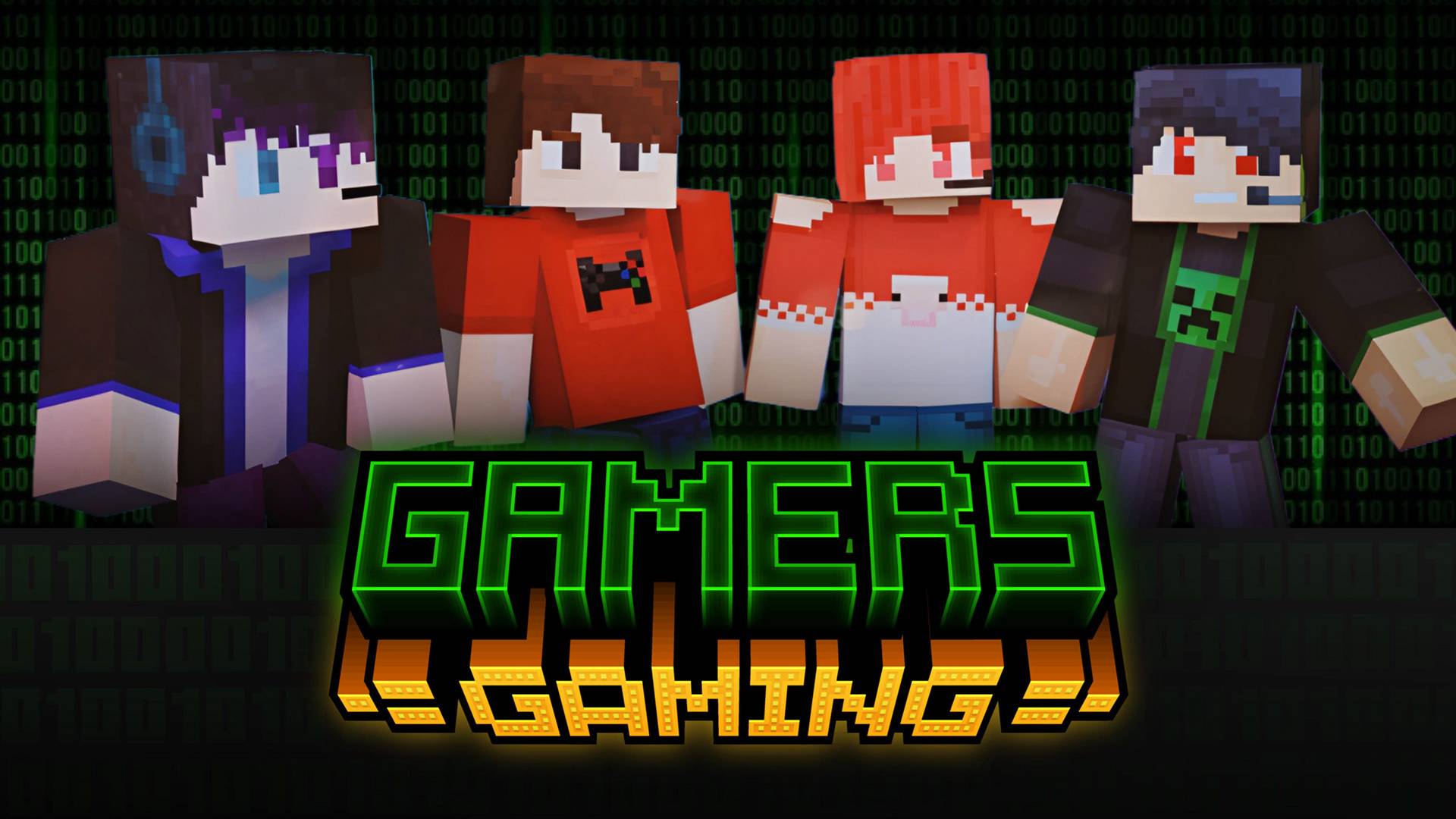
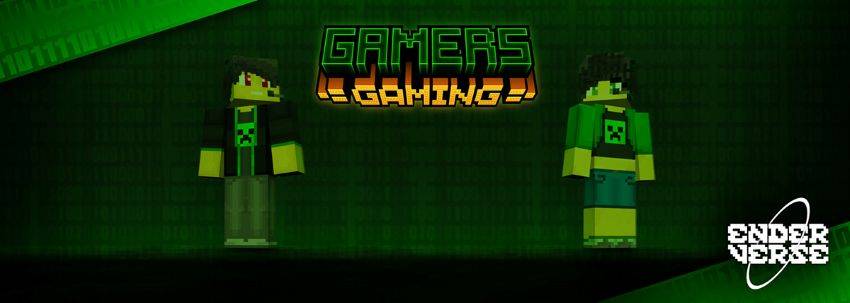
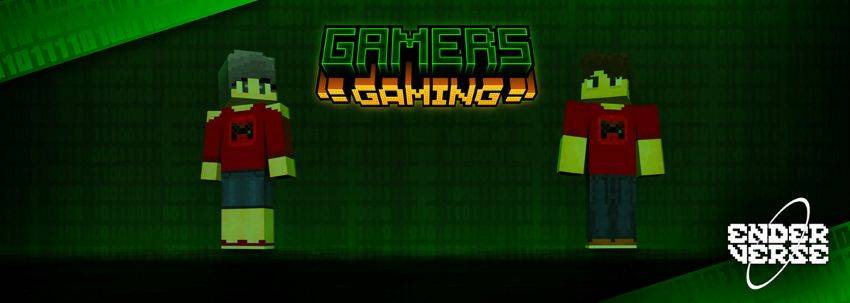
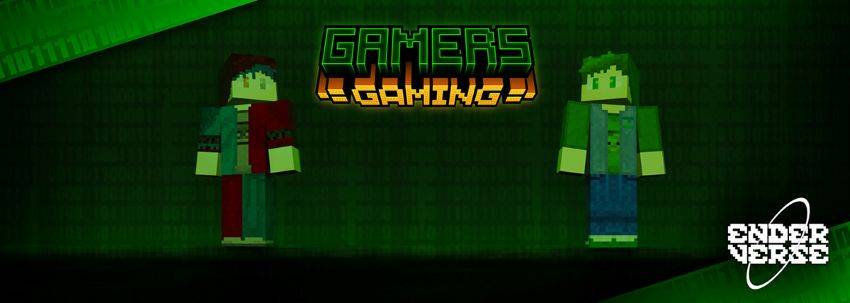
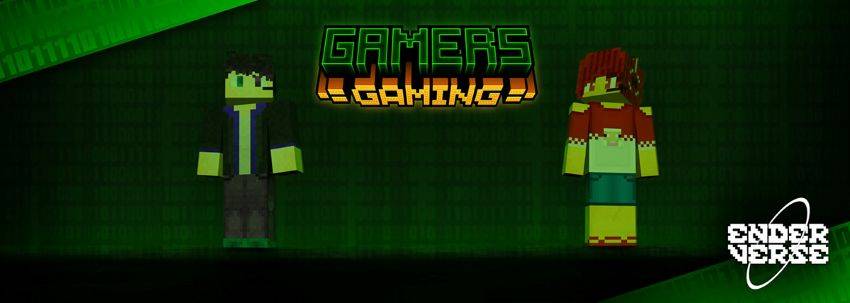
Gamers Gaming is a great skin pack for any players who want to have a gamer skin in Minecraft! Whether you like Sheep or Creepers you're sure to find a skin that suits you out of the 8 skins in this pack! Made completely by Endercraft Studios. This skin pack includes 8 different skins:
- Creeper Gamer Boy,
- Rose the Sheep Gamer,
- Dimensional Gamer,
- Zombie Shirt Gamer,
- Red Shirt Gamer Boy,
- Red Shirt Gamer Girl,
- Creeper Gamer Girl,
- Ender(craft) Gamer,
Join our Discord!
Installation,
• Download and install the skin pack • On the first screen, tap Profile. • Tap EDIT CHARACTER • Select the second tab • Tap OWNED • When you scroll down, you will see the skin pack you installed.
Quick facts
- Edition: Minecraft Bedrock
- File type: .mcpack
- Minecraft version listed: 1.21.93
- How to install: Download the .mcpack skin pack. → Open it — Minecraft imports it. → Open the Dressing Room and select the skin.
- Where to get it: Opens on CurseForge — not every file is mirrored on our own servers.
Install steps are the general flow for this file type — How to apply a custom Minecraft skin walks through it step by step.
Verified by MCModsHub
- Pack type: .mcpack — a single pack
- Complete pack — everything it depends on is inside the file
- Download size: 63 KB
- Download link checked 25 Aug 2026 — working
These come from our own check of the pack file, not from the source page.