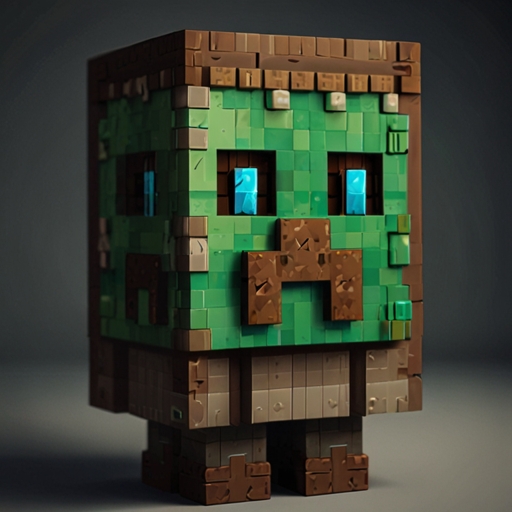
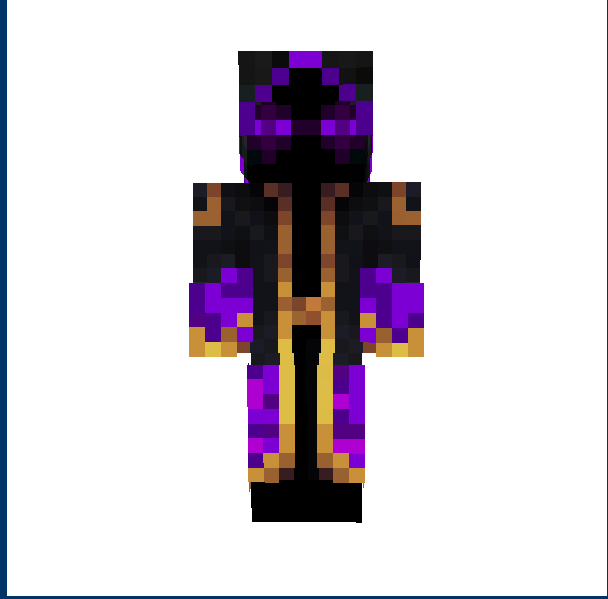
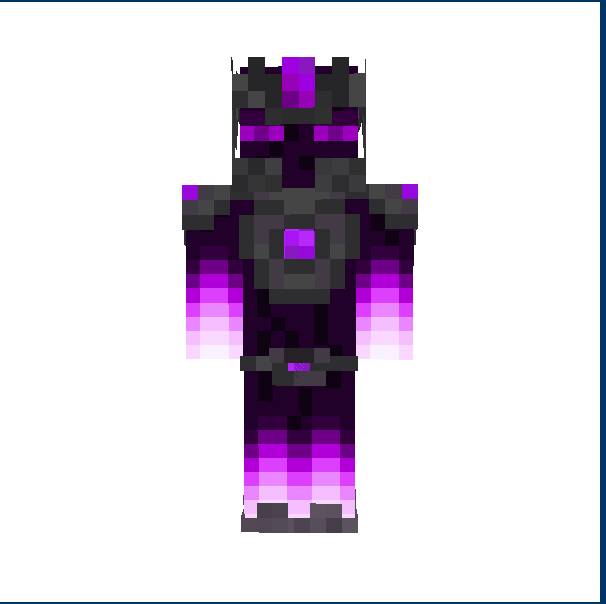
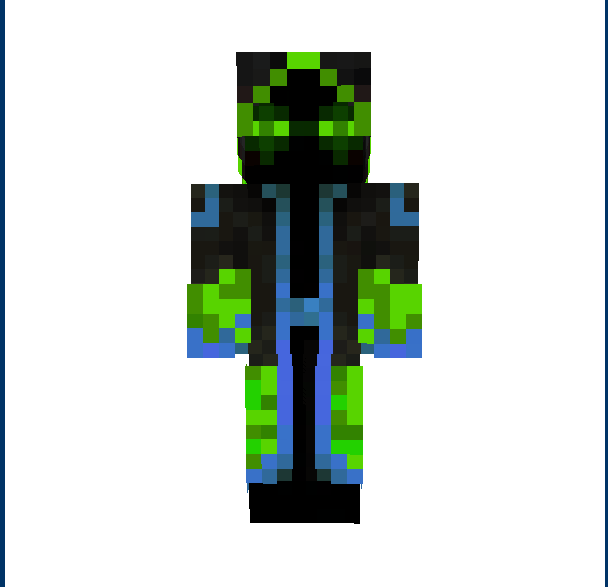
hello this pack gives you skins every week new on every version of bedrock education to! Please comment and like
Mod load instructions
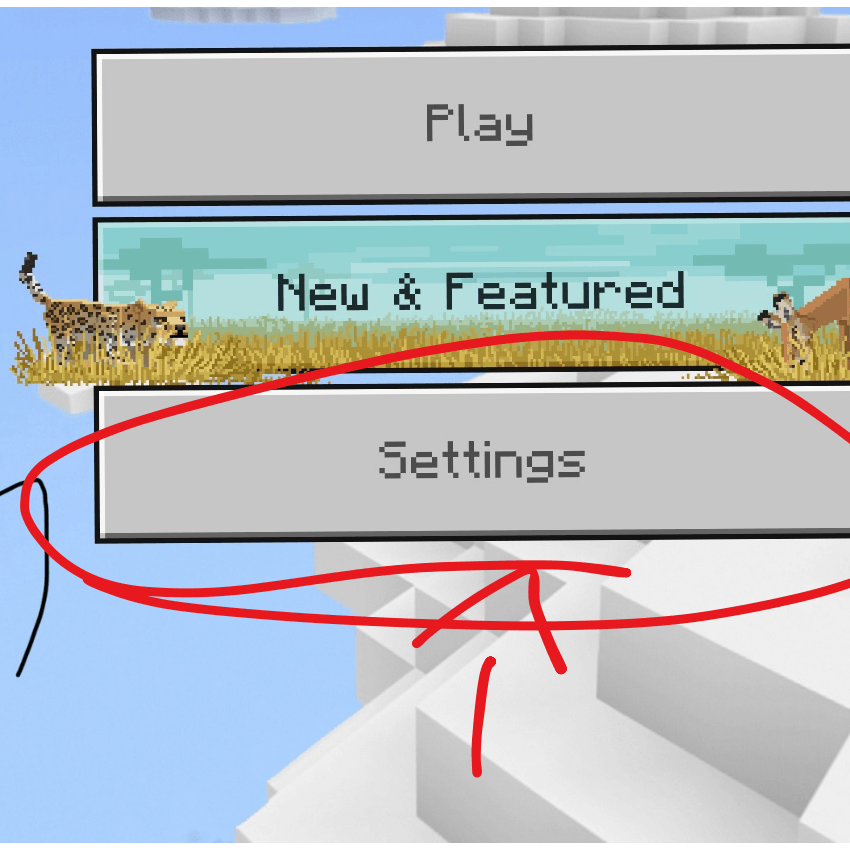
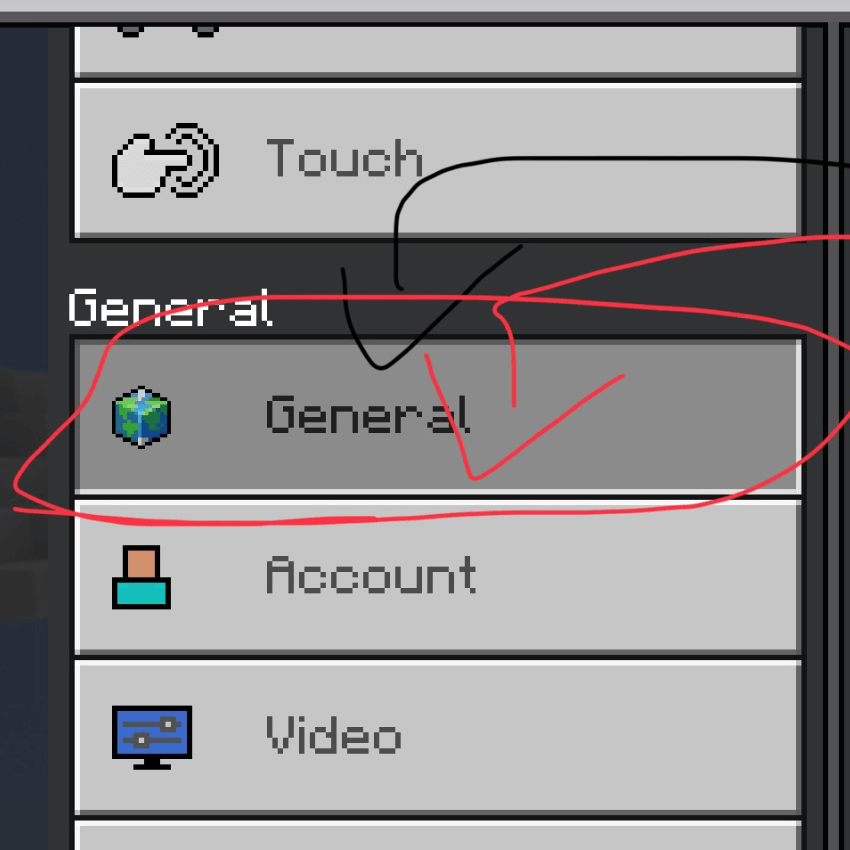
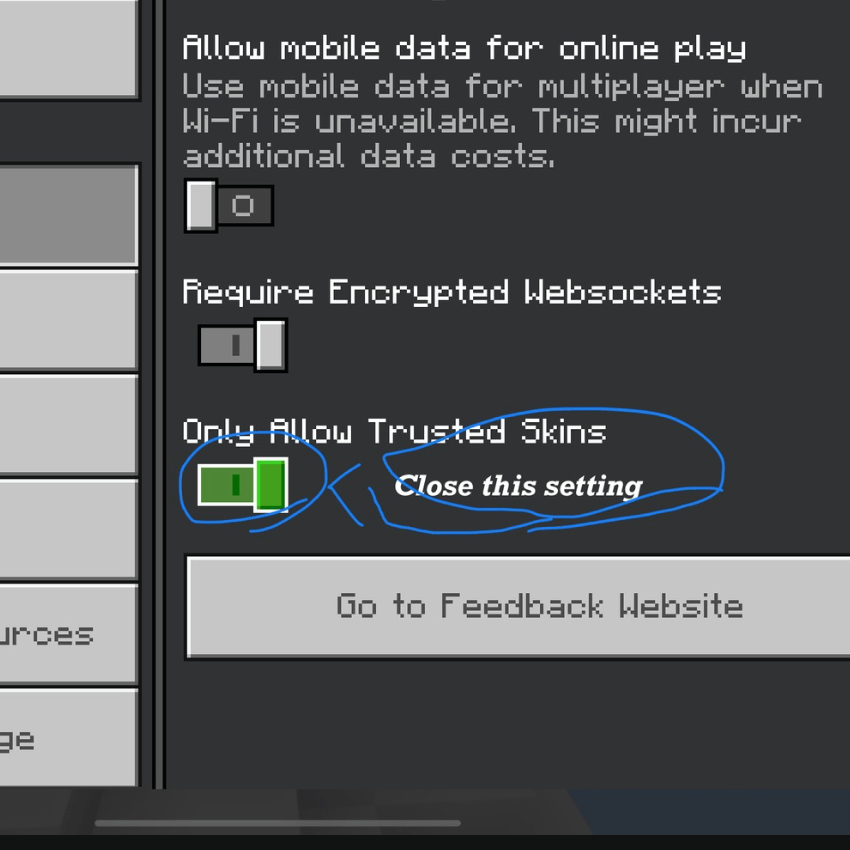
First tap twice to the mod file then, it will open minecraft (beta, preview, education edition or education edition preview) then wait to load then go to skins page and there it is scroll down and you will find it if other peoples see you like Steve or Alex open this setting on that user : general : and close allow only external trusted transactions setting and done!
Quick facts
- Edition: Minecraft Bedrock
- File type: .mcpack
- Minecraft versions listed: 1.20.40, 1.21.30, 1.20.60
- How to install: Download the .mcpack skin pack. → Open it — Minecraft imports it. → Open the Dressing Room and select the skin.
- Where to get it: Opens on CurseForge — not every file is mirrored on our own servers.
Install steps are the general flow for this file type — How to apply a custom Minecraft skin walks through it step by step.
Verified by MCModsHub
- Save it as Super skin.mcaddon before opening — it downloads as .mcpack, but it is a .mcaddon pack
- Complete pack — everything it depends on is inside the file
- Download size: 12 KB
- Download link checked 25 Aug 2026 — working
These come from our own check of the pack file, not from the source page.