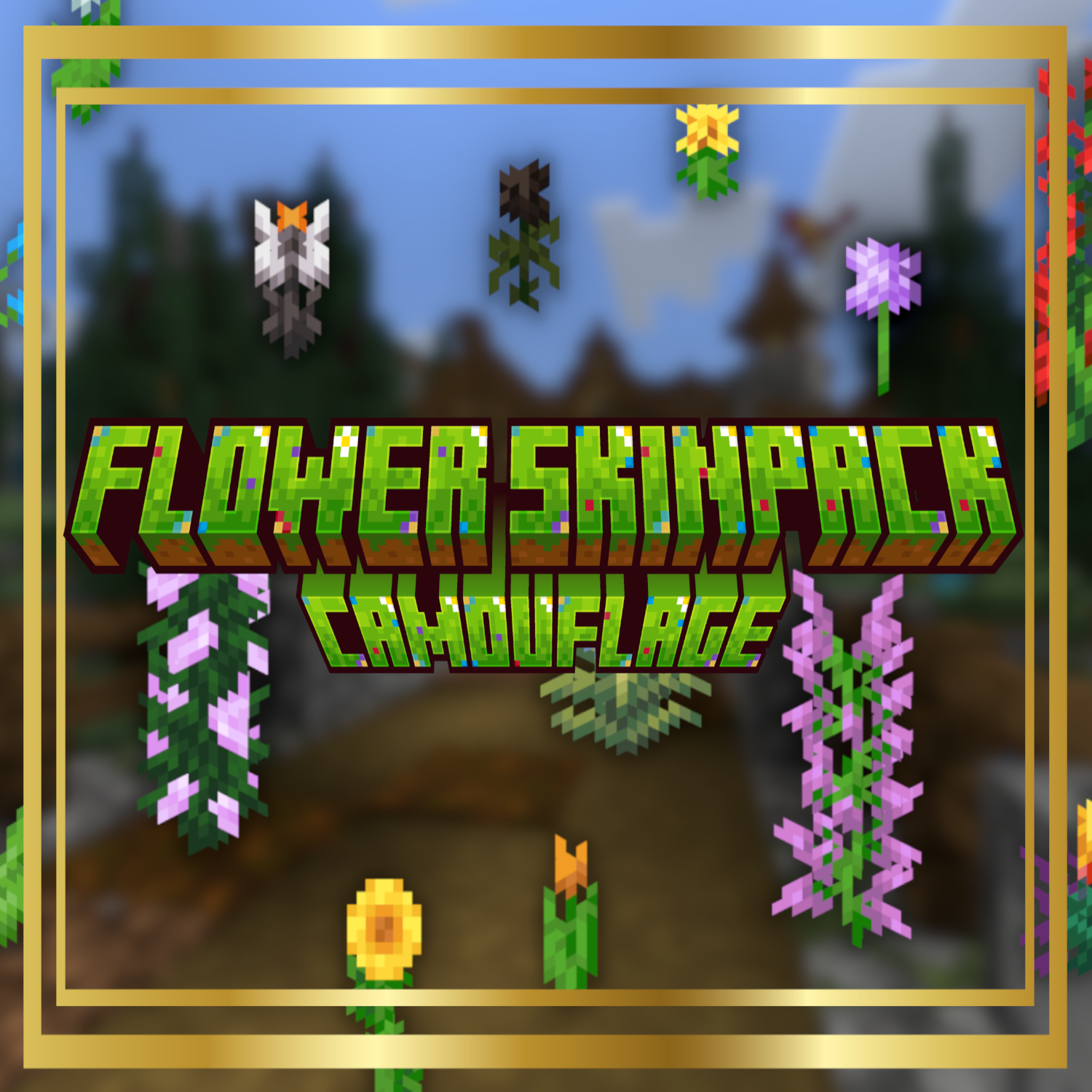

Flower Camouflage Skinpack for Minecraft Bedrock
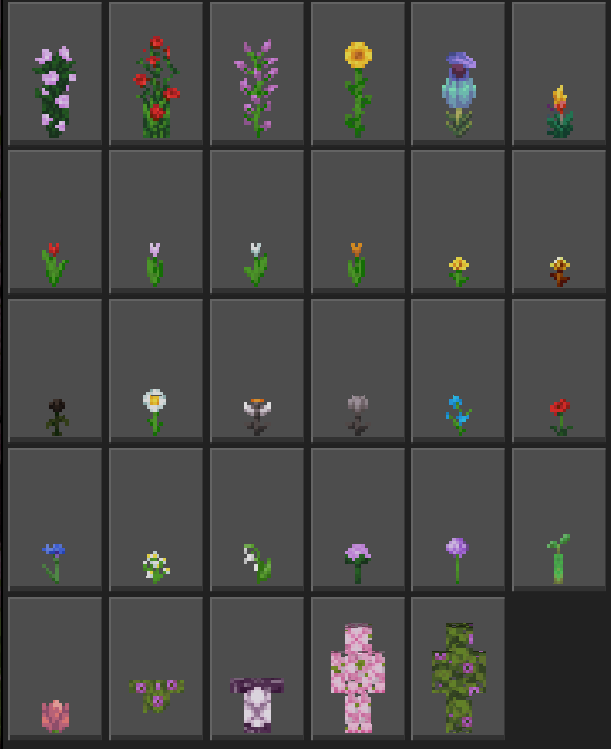
This creative Camouflage Skinpack focuses entirely on Minecraft’s beloved flowers, featuring 29 unique skins designed for stealth and fun. From vibrant tulips and daisies to iconic poppies and towering sunflowers, each skin helps you blend perfectly into natural surroundings. Whether you're pulling off sneaky pranks, hiding in plain sight, or just adding a floral flair to your gameplay, this pack is perfect for trolling friends and staying undercover.
The skins in this pack are based off the newest Minecraft textures. A bonus which is included is the unused single peony flower skin.
LINK - FLOWER SKINPACK WITH OLD TEXTURES: Flower Camouflage for Trolling (Old Textures) - Minecraft Bedrock Skins - CurseForge
Below is an image of the 28 skins:
Please leave any feedback in the comments below! Be sure to check out my profile for other skinpacks, texture packs, addons, and worlds!
- Edition: Minecraft Bedrock
- File type: .mcpack
- Minecraft versions listed: 26.0.02, 26.0, 26.3
- How to install: Download the .mcpack skin pack. → Open it — Minecraft imports it. → Open the Dressing Room and select the skin.
- Where to get it: Opens on CurseForge — not every file is mirrored on our own servers.
Install steps are the general flow for this file type — How to apply a custom Minecraft skin walks through it step by step.
- Save it as Flowers Skinpack.mcaddon before opening — it downloads as .mcpack, but it is a .mcaddon pack
- Complete pack — everything it depends on is inside the file
- Download size: 75 KB
- Download link checked 25 Aug 2026 — working
These come from our own check of the pack file, not from the source page.