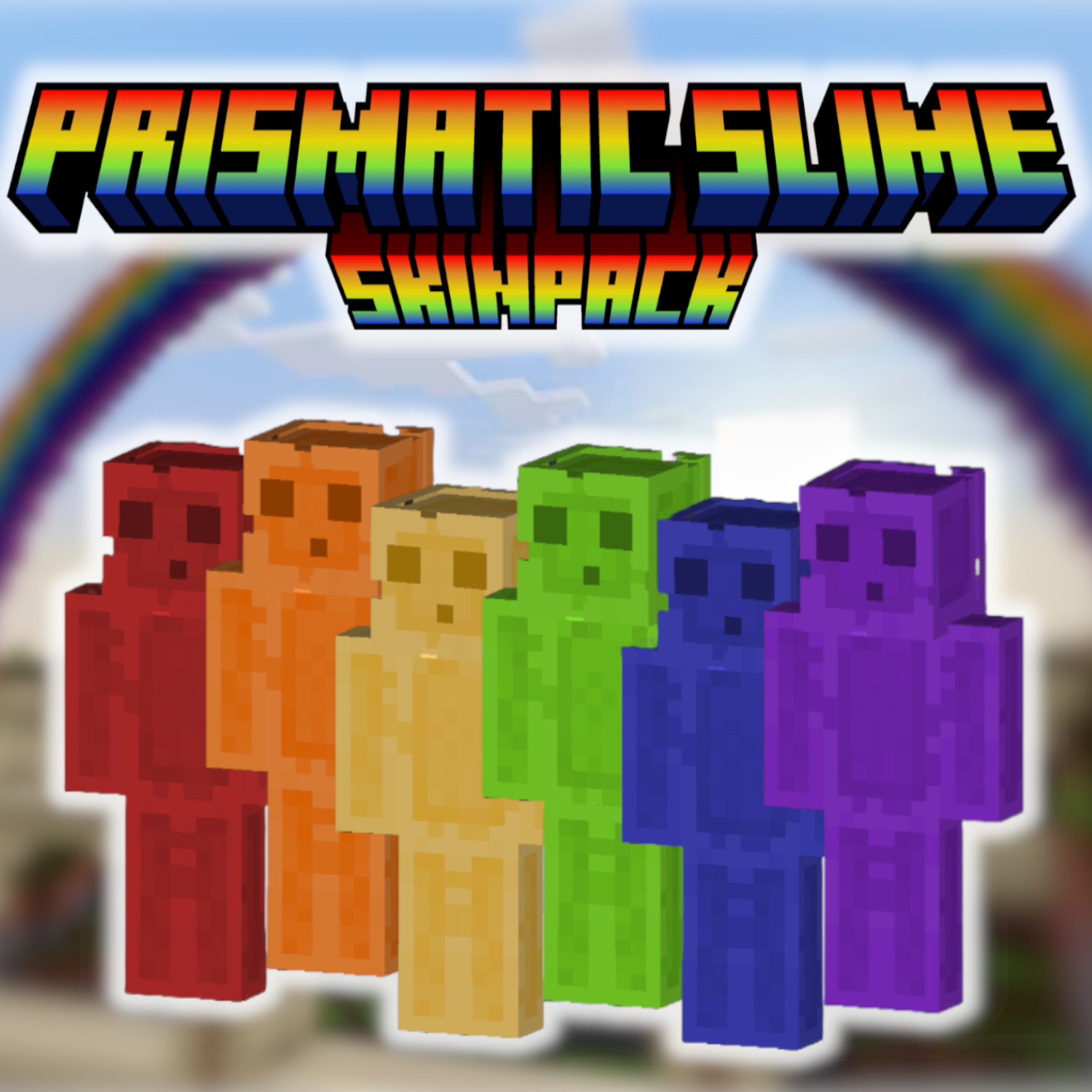
Prismatic Slime Skin Pack
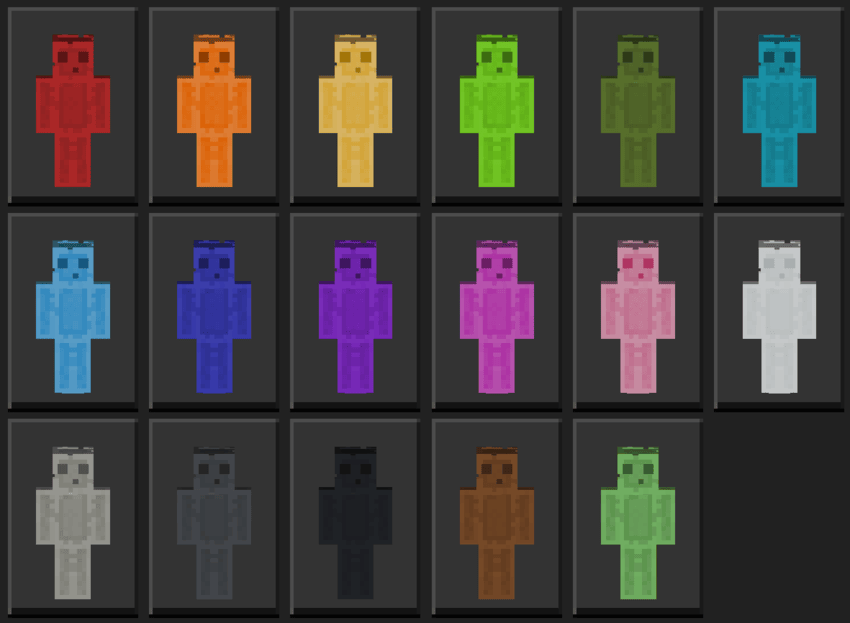
This skin pack features 16 unique slimes, each styled after a different color of the Minecraft palette. These aren’t simple recolors—each slime is designed with layered shading, subtle gradients, and distinct visual contrast that makes them pop in all environments, from bright overworld builds to low-light caves like the Deep Dark.
Every skin keeps the classic slime silhouette but adds clean, polished color work that helps your player stand out. Whether you want to match your favorite block, coordinate with your team, or just switch things up, this pack gives you a full range of options with consistent quality and style.
This pack includes 17 fully custom-colored slimes skins.
Be sure to check out my other skinpack that includes all these slimes as various proffesions! Curseforge link: Rainbow Slimes [Proffesionals] - Minecraft Bedrock Skins - CurseForge
Below is an image of the skins in this pack:
To succesfully download the updated version of this pack, please delete the old version from your device via your Minecraft in-game settings! Be sure to check out my profile for other skinpacks, texture packs, addons, and worlds for Minecraft Bedrock Edition!
- Edition: Minecraft Bedrock
- File type: .mcpack
- Minecraft versions listed: 1.21.30, 1.21.50, 1.21.81
- How to install: Download the .mcpack skin pack. → Open it — Minecraft imports it. → Open the Dressing Room and select the skin.
- Where to get it: Opens on CurseForge — not every file is mirrored on our own servers.
Install steps are the general flow for this file type — How to apply a custom Minecraft skin walks through it step by step.
- Save it as Rainbow Slimes.mcaddon before opening — it downloads as .mcpack, but it is a .mcaddon pack
- Complete pack — everything it depends on is inside the file
- Download size: 58 KB
- Download link checked 25 Aug 2026 — working
These come from our own check of the pack file, not from the source page.