
Armedpingu's 4D Matching Hats
Bedrock skin pack listed for Minecraft 1.21. File opened and checked on 23 Sep 2026; installs from the MC Skins app on Android.
Ever wanted those cool 4D cosmetics that could work on servers like the Hive and you could be with a friend? Well, if so this skinpack is for you! With…
⬇ Download on CurseForge
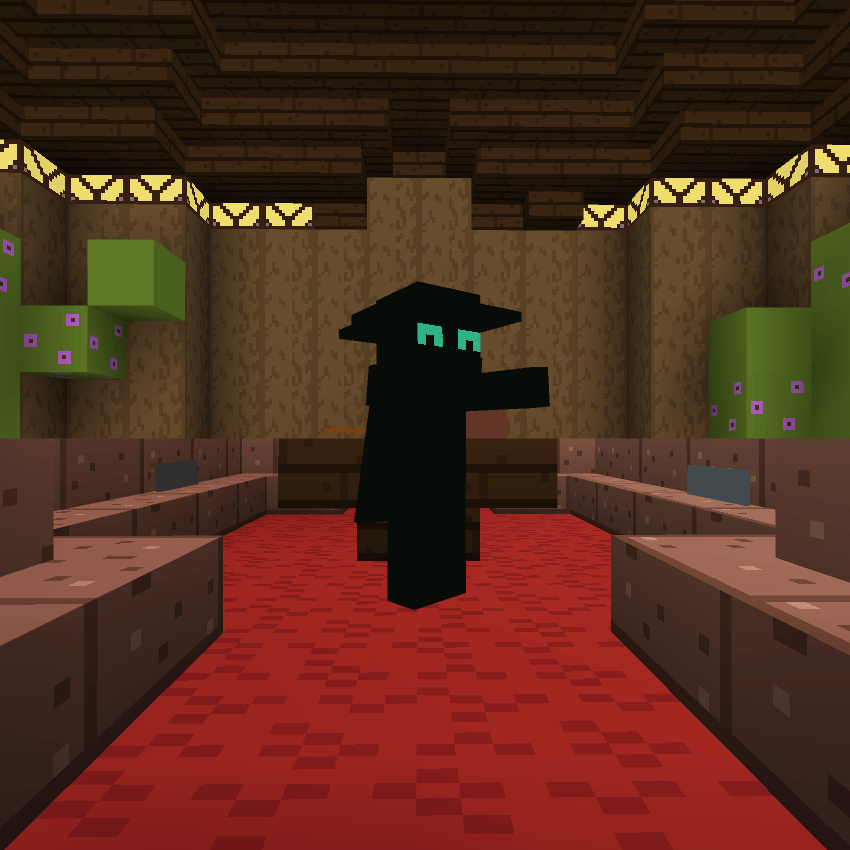
Have you and a friend ever wanted to look cool with Hive cosmetics that look cool? Well, if so, you're in luck, because with this 4D skinpack you can do exactly that! With over 20+ skins, you can have fedoras, ballcaps, and even top hats!
Please Remember!
These skinpacks take a very long time to make, and if you requested a skin, it may not show up in the skinpack I am working on at the current moment.
What this skinpack includes: ✅
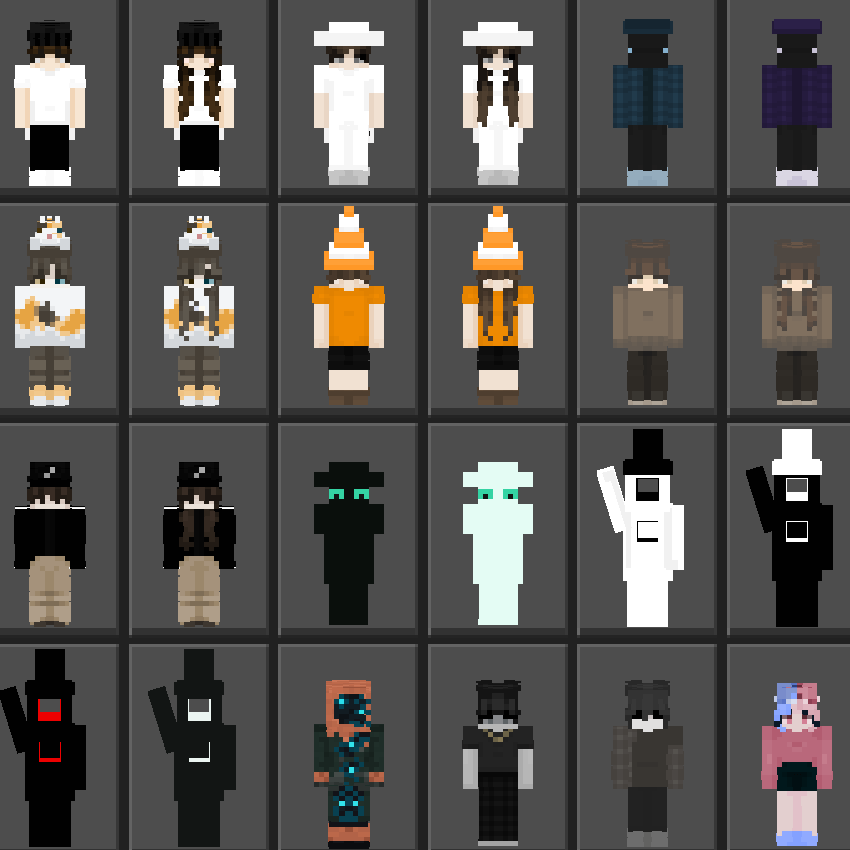
✅ 24 Skins With Custom Geometrys + Hive Support
✅ 18 Skins With Unique Hats
✅ 10 Matching Skin Duos
✅ 24 Various Skins Designed By Me
Images:
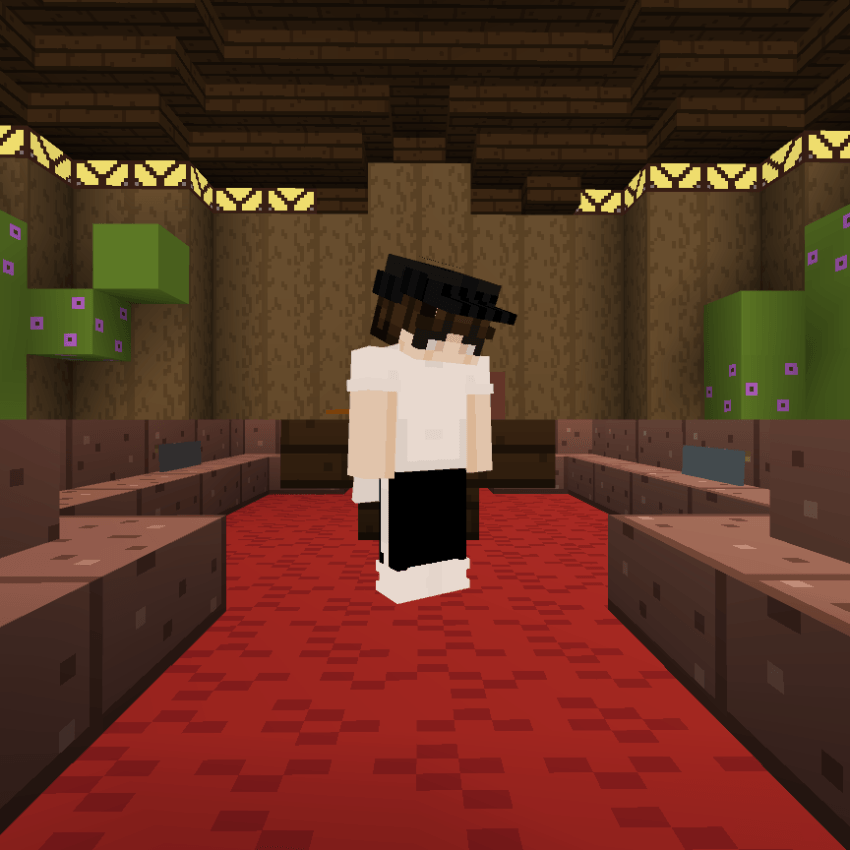
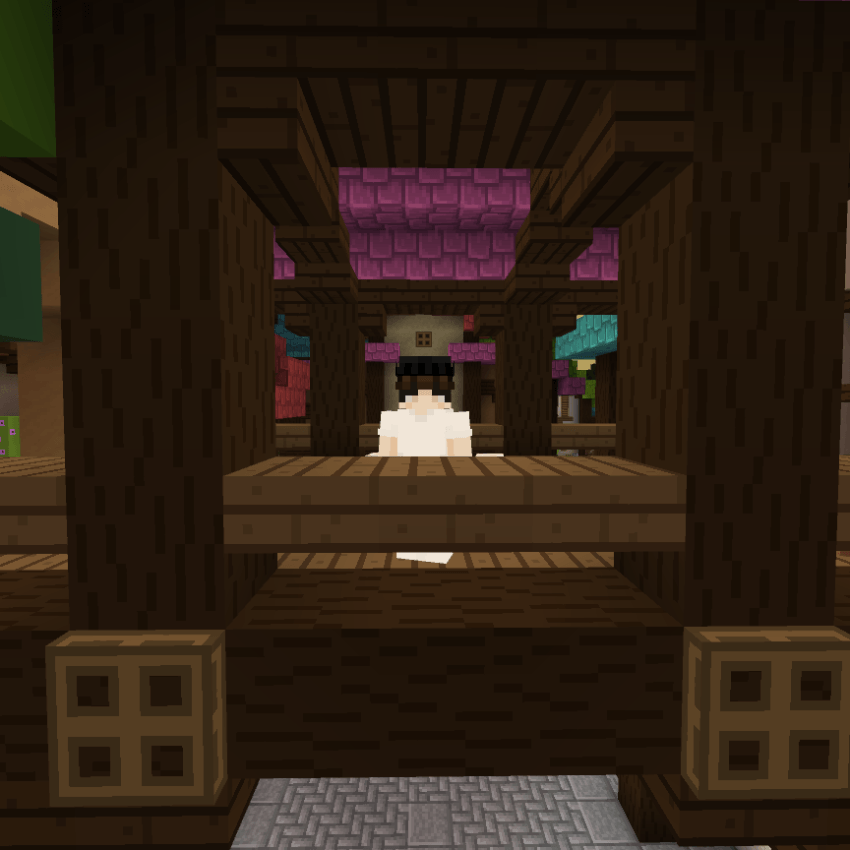
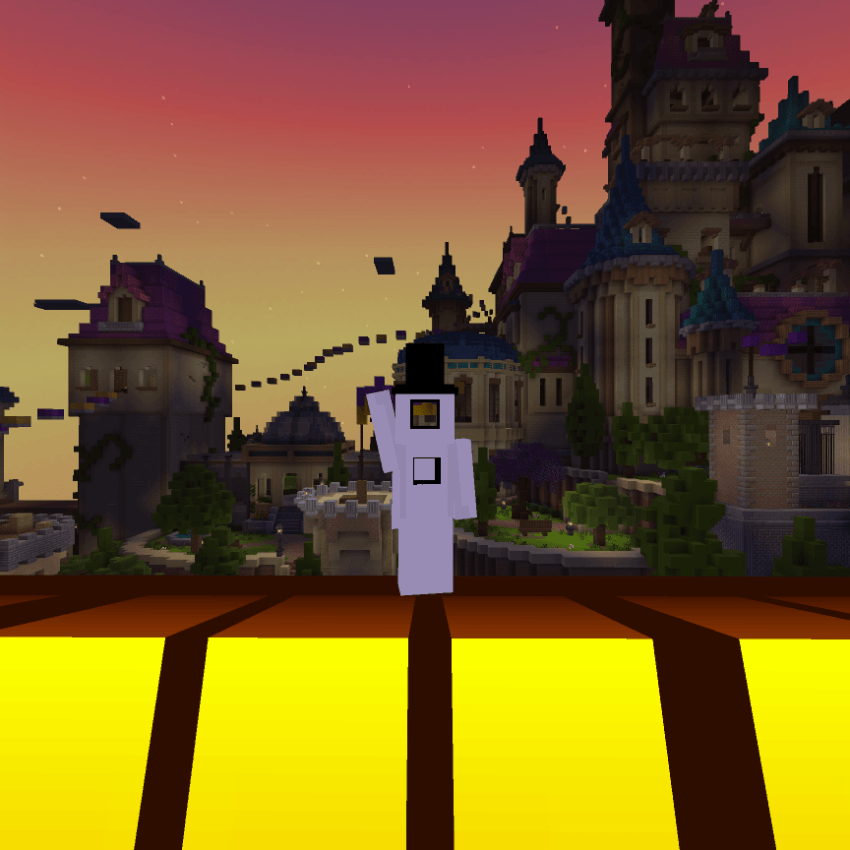
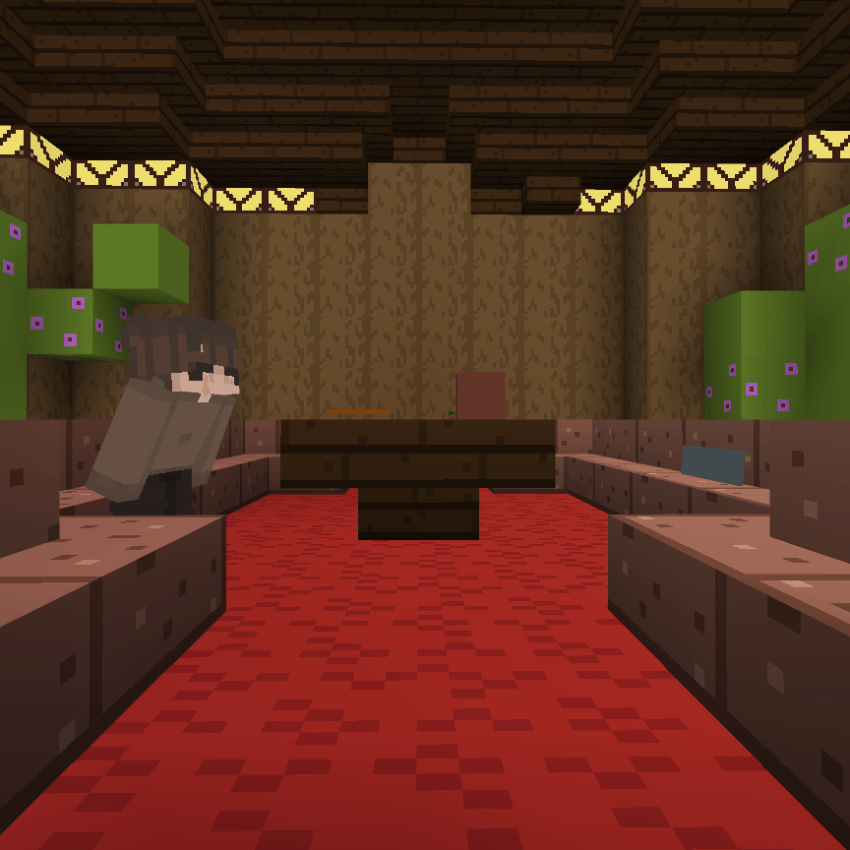
All The Skins:
How To Install 📁
(Must Follow!)
For Windows
- Download The A-Ping Hats File
- Rename The File From "A-Ping Hats.mcpack" To "A-Ping Hats.zip". (No Quotations)
- Unzip The File. Open It Up, And There Should Be Another A-Ping Hats In It.
- Press Windows + R, then run should appear, paste the link below into the box: %AppData%\Minecraft Bedrock\premium_cache\skin_packs
- Delete Everything In There.
- Drag The Unzipped A-Ping Hats Folder Into The skin_packs folder.
- Restart Minecraft If You Had It Open, And You Should Be Good To Go!
For iOS
- Download The A-Ping Hats File
- Rename The File From "A-Ping Hats.mcpack" To "A-Ping Hats.zip". (No Quotations)
- Unzip It.
- Move It To This Location: My iPhone/Minecraft/internal/premium_cache/skin_packs. And press move
- Press Select All, Or .../select/select all.
- Make Sure To Deselect Your Pack By Pressing On It, Then Delete Everything In There
- Open Up Minecraft And Enjoy!
Enjoy! -Armedpingu
- Edition: Minecraft Bedrock
- File type: .mcpack
- Minecraft versions listed: 1.21.30, 1.21.50, 1.21.81
- How to install: Download the .mcpack skin pack. → Open it — Minecraft imports it. → Open the Dressing Room and select the skin.
- Where to get it: Opens on CurseForge — not every file is mirrored on our own servers.
Install steps are the general flow for this file type — How to apply a custom Minecraft skin walks through it step by step.
- Save it as A-Ping Hats.mcaddon before opening — it downloads as .mcpack, but it is a .mcaddon pack
- Complete pack — everything it depends on is inside the file
- Download size: 1.5 MB
- Download link checked 26 Oct 2026 — working
These come from our own check of the pack file, not from the source page.