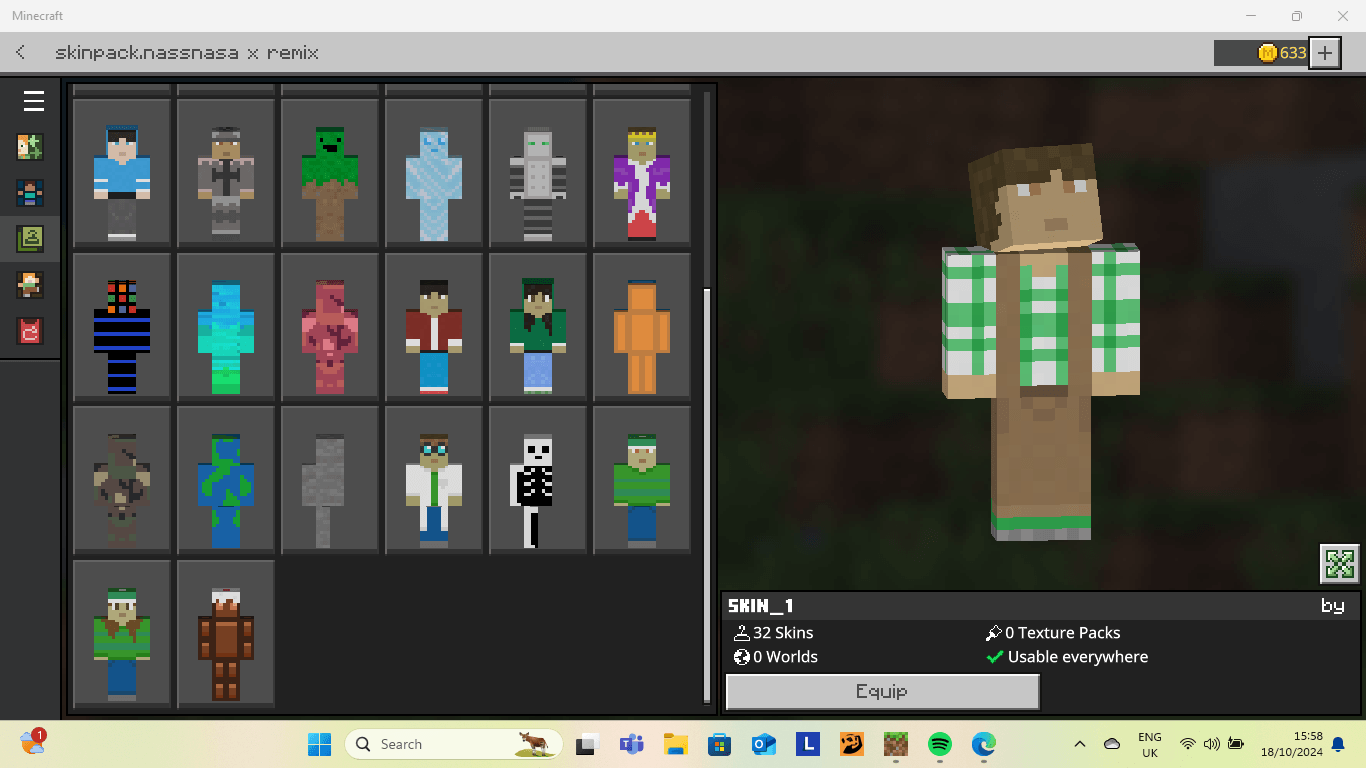
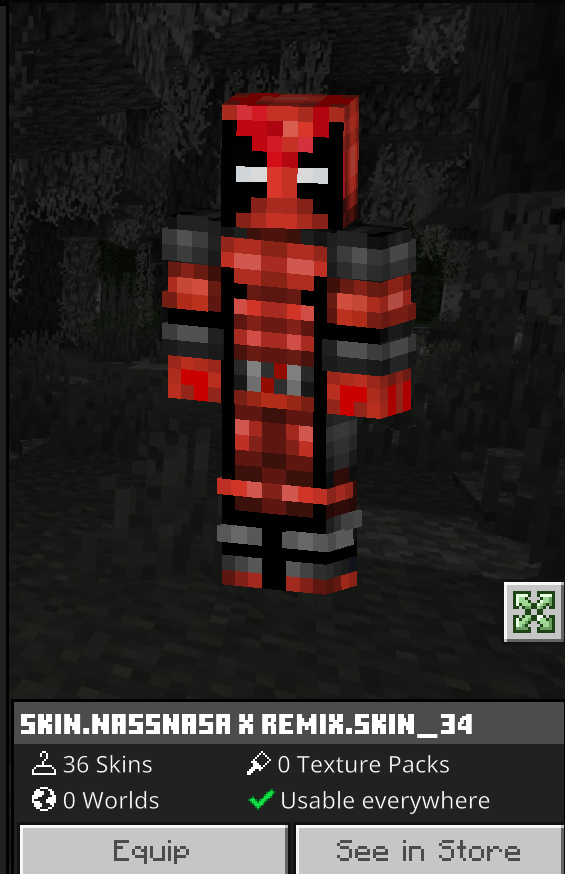
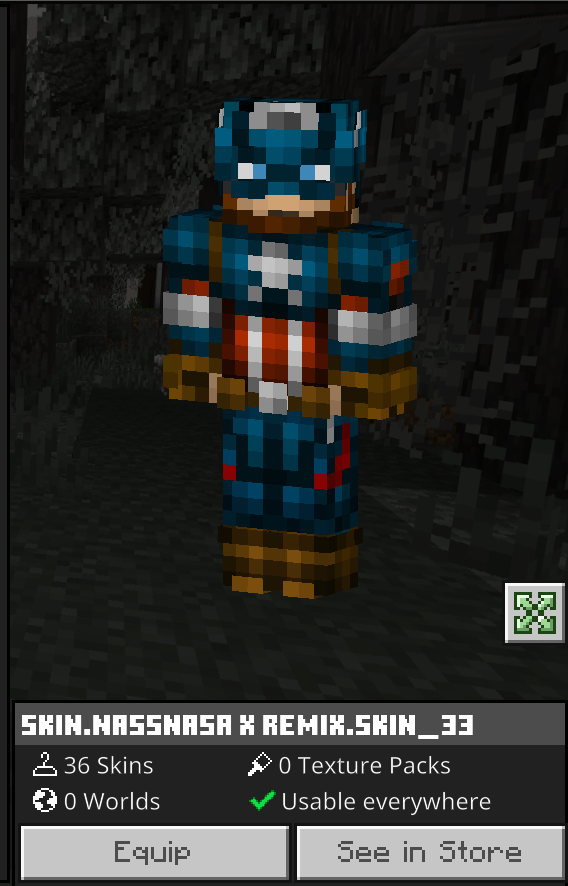
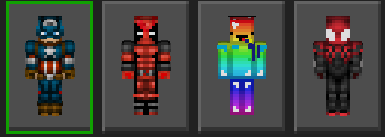
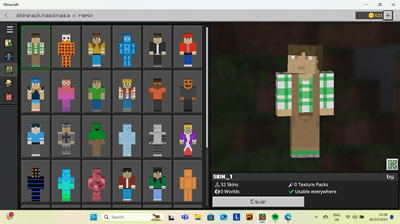
Step into a world of endless possibilities with our latest Minecraft skin pack, featuring 33 brand-new skins. Whether you’re an adventurer, builder, or warrior, there’s a skin for every type of player. Each skin is meticulously designed to bring out the best in your Minecraft experience, adding a fresh and unique look to your character.
From mythical creatures to modern-day heroes, our skin pack offers a diverse range of styles to suit any mood or theme. Want to stand out in your next multiplayer session? Or perhaps you’re looking to add a personal touch to your solo adventures? Our skins are perfect for any occasion.
And the best part? These skins are completely free! That’s right, you can download and enjoy all 33 skins without spending a single penny. So why wait? Transform your Minecraft world today with our exclusive skin pack and let your imagination run wild.
Download now and start your adventure with a brand-new look!
Our discord:
Usage Guidelines:
What You Can Do:
Use the addon for worlds servers realms, exploration, or learning.
Share feedback and suggestions to help improve the addon.
Enjoy its features freely within these guidelines.
What You Can’t Do:
Do not create separate links for the addon without permission.
Do not steal or copy any part of the addon for personal projects.
Do not redistribute the addon as your own work.
- Download the .mcaddon file: Make sure you have the .mcaddon file saved on your device.
- To open the file: Locate the downloaded .mcaddon file and double-click it. This should automatically open Minecraft and start importing the skin pack.
- Wait for the import to complete: Minecraft will notify you once the import is successful.
- Activate the skin pack: See below for details on how to:
- Go to the Dressing Room in Minecraft.
- Select Edit Character.
- Navigate to the Owned section and find Nasa's skin pack.
- Choose the skin you want to use and apply it to your character.
- Enjoy gaming!
- Edition: Minecraft Bedrock
- File type: .mcpack
- Minecraft versions listed: 1.21.81, 1.21.93, 1.21.73
- How to install: Download the .mcpack skin pack. → Open it — Minecraft imports it. → Open the Dressing Room and select the skin.
- Where to get it: Opens on CurseForge — not every file is mirrored on our own servers.
Install steps are the general flow for this file type — How to apply a custom Minecraft skin walks through it step by step.
- Pack type: .mcaddon — behaviour and resource pack in one file
- Manifest requires Minecraft 1.21.0 or newer
- Complete pack — everything it depends on is inside the file
- Download size: 184 KB
- Download link checked 25 Aug 2026 — working
These come from our own check of the pack file, not from the source page.