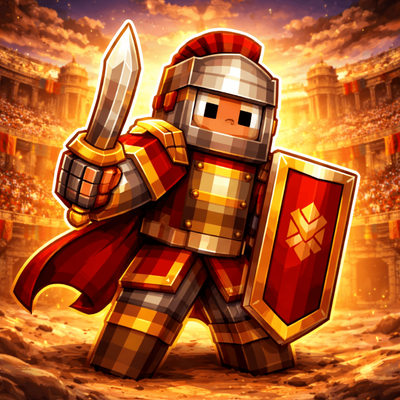
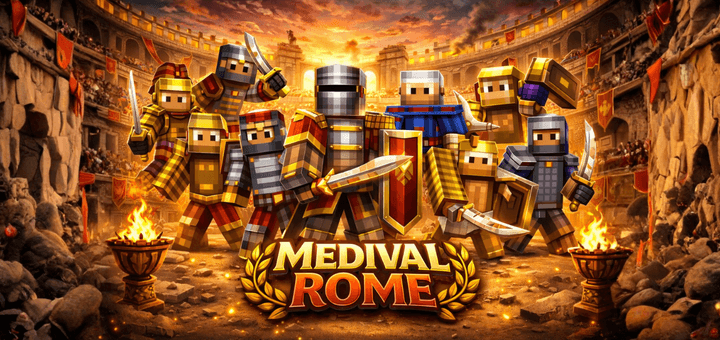
Medieval Rome was a city shaped by religion, political struggle, and the remains of its ancient past. After the fall of the Western Roman Empire in 476 AD, Rome lost much of its imperial power but remained
highly important as the center of the Catholic Church. In 800 AD, Charlemagne was crowned Emperor in Rome, showing the city’s lasting symbolic power. During the Middle Ages, especially between the 10th and 14th centuries, popes, noble families, and foreign rulers competed for control over the city. Even though many ancient buildings fell into ruin, Rome stayed one of Europe’s most important spiritual and political centers.
A few key dates:
- 476 AD – Fall of the Western Roman Empire
- 800 AD – Charlemagne crowned Emperor in Rome
- 1309 AD – Beginning of the Avignon Papacy, when the pope left Rome
- 1377 AD – The papacy returned to Rome
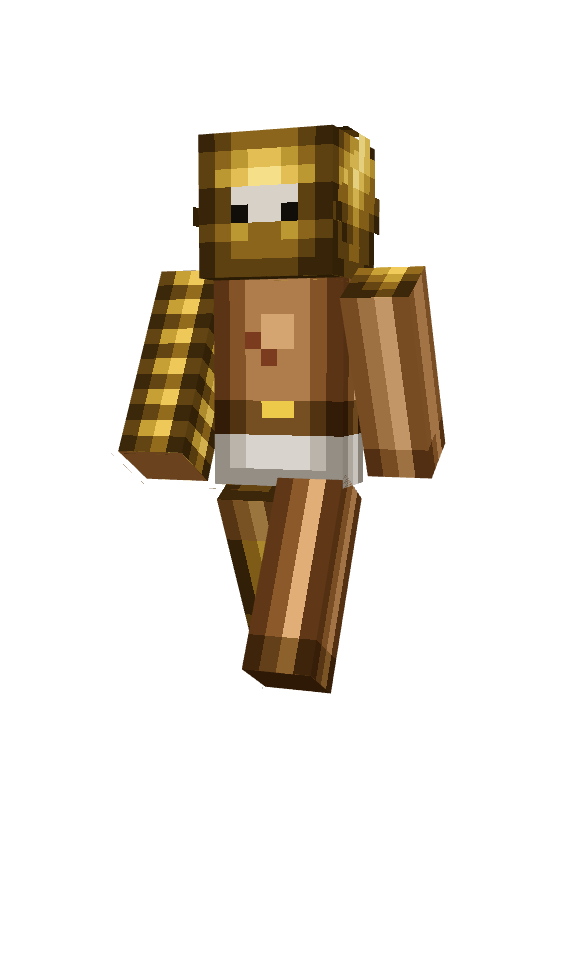
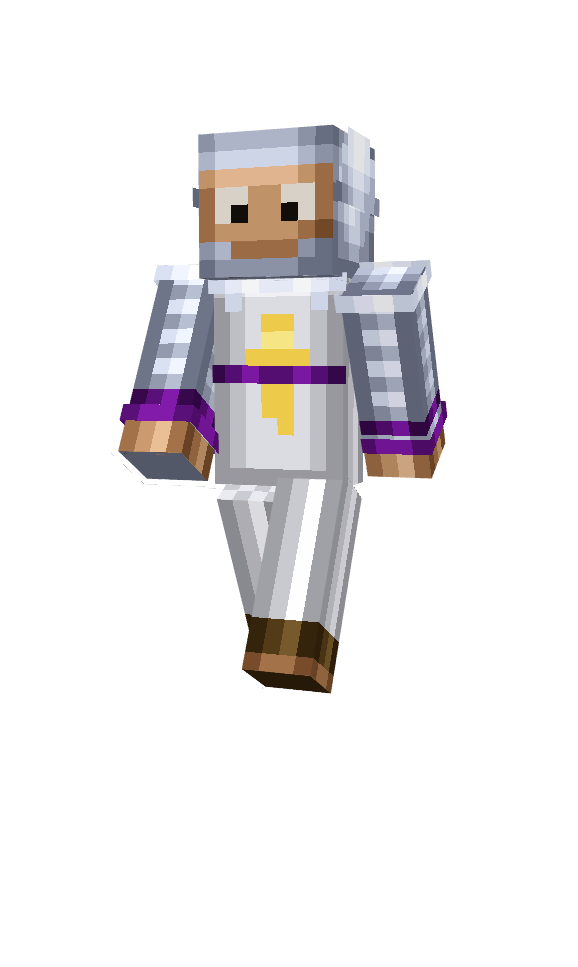
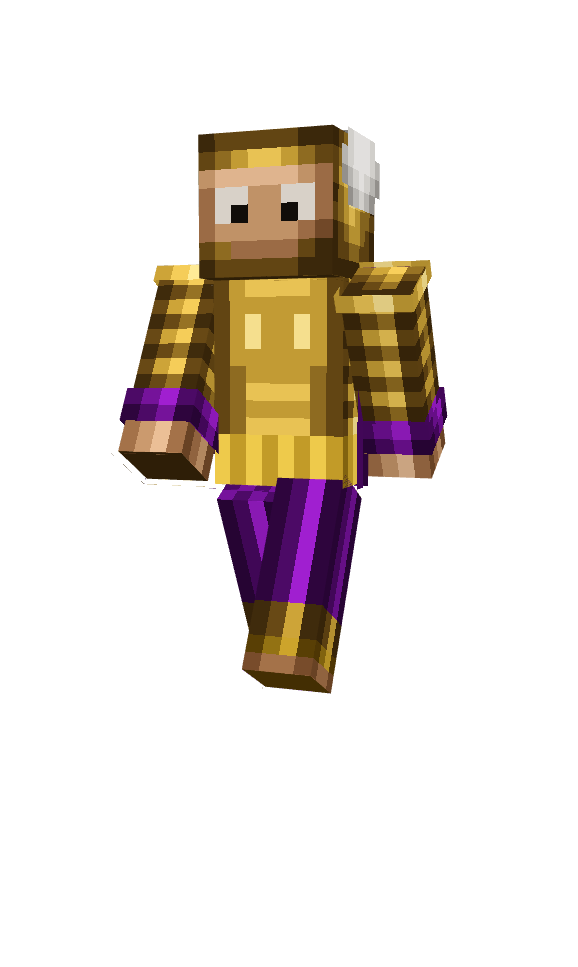
Pictures in the gallery may enhanced by AI.
- Edition: Minecraft Bedrock
- File type: .mcpack
- Minecraft versions listed: 1.21.81, 1.21.2, 1.21.20
- How to install: Download the .mcpack skin pack. → Open it — Minecraft imports it. → Open the Dressing Room and select the skin.
- Where to get it: Opens on CurseForge — not every file is mirrored on our own servers.
Install steps are the general flow for this file type — How to apply a custom Minecraft skin walks through it step by step.
- Pack type: .mcpack — a single pack
- Manifest requires Minecraft 1.13.0 or newer
- Complete pack — everything it depends on is inside the file
- Download size: 9 KB
- Download link checked 26 Aug 2026 — working
These come from our own check of the pack file, not from the source page.