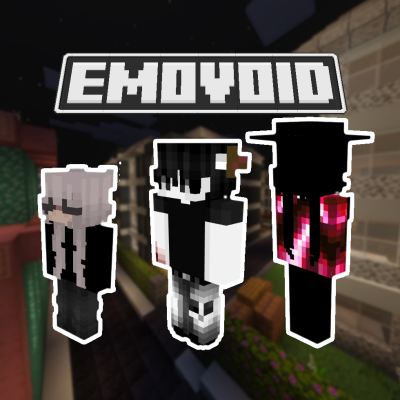
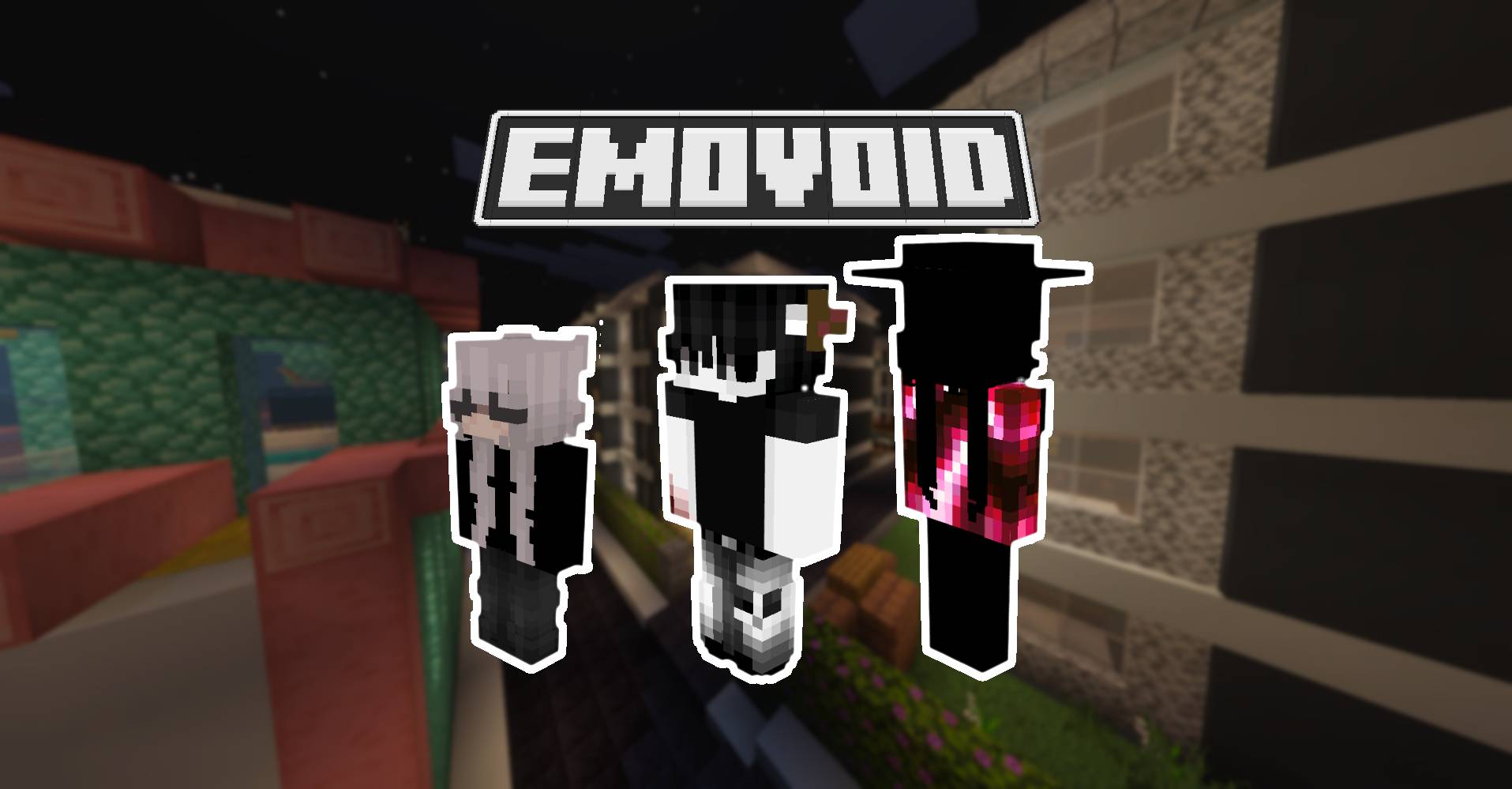
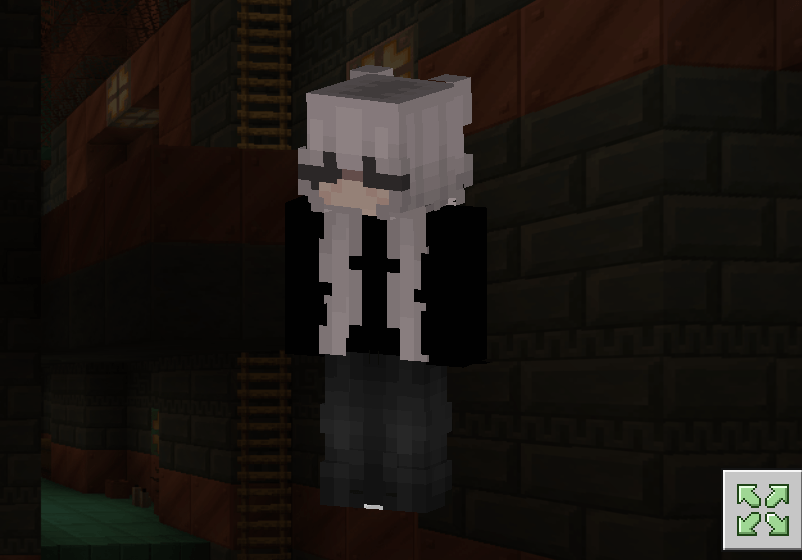
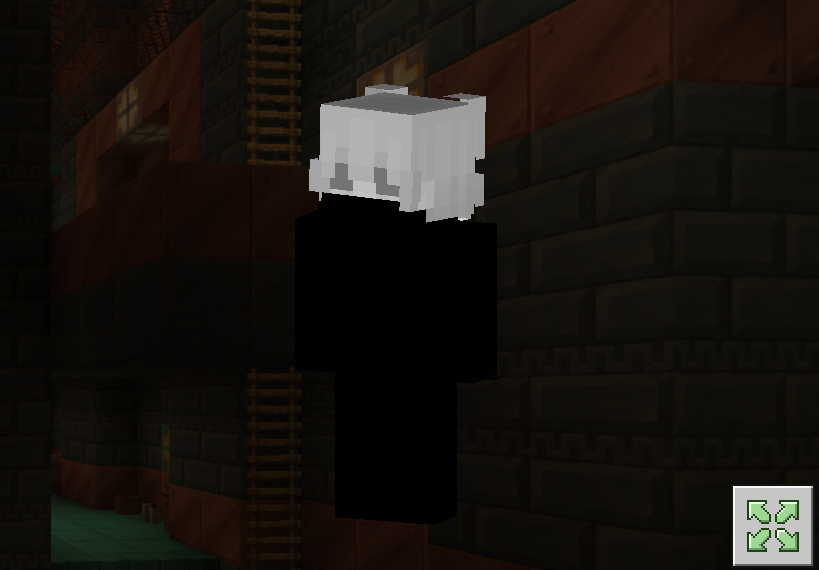
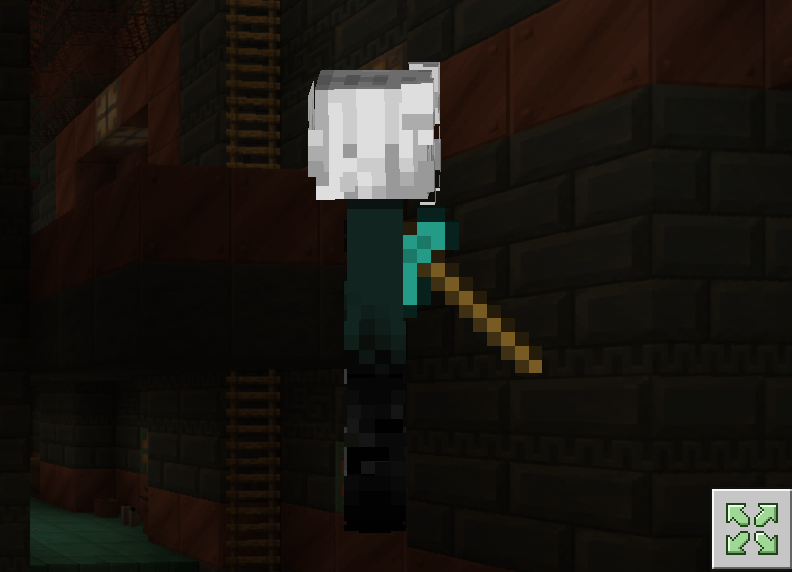
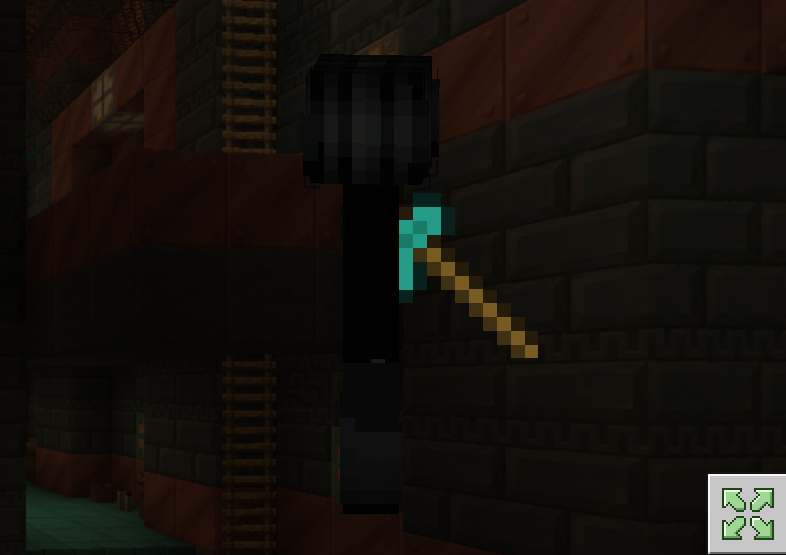
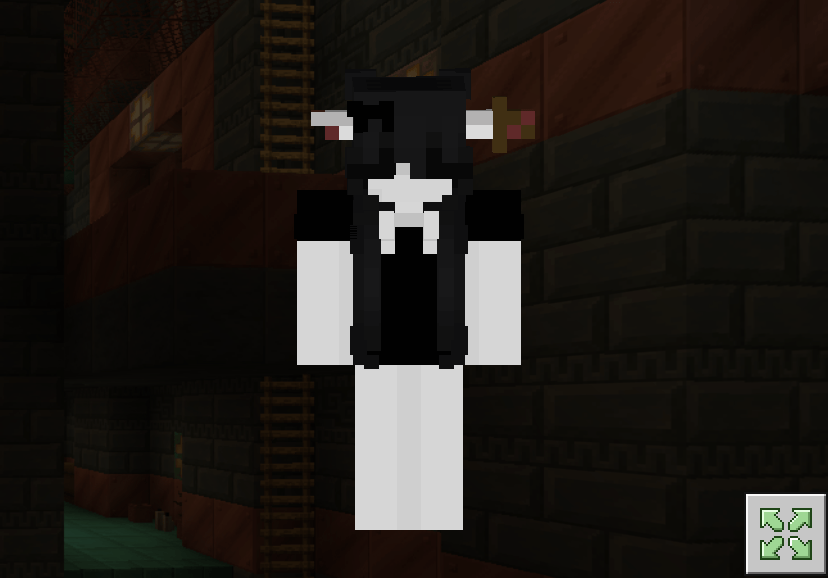
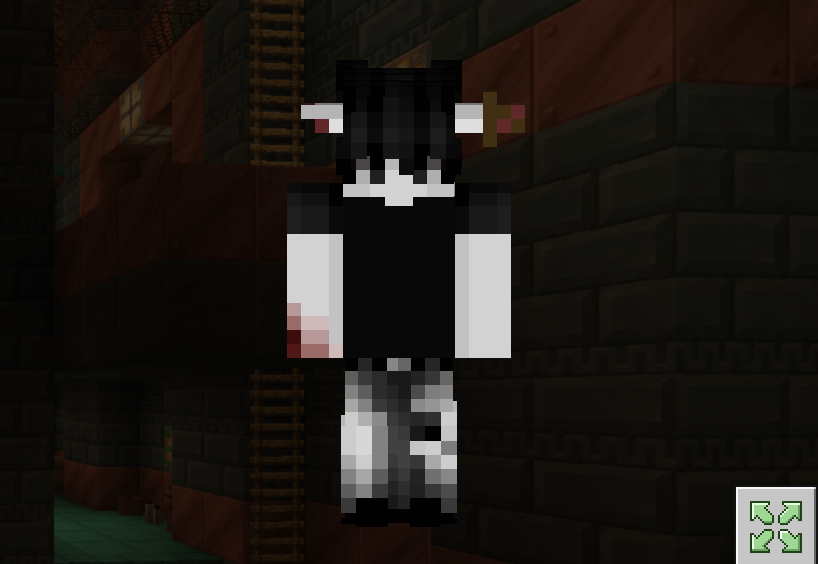
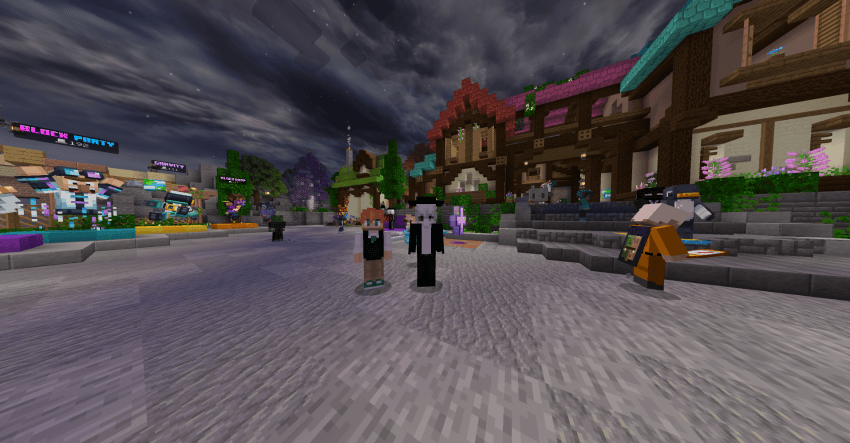
🌀 4D EFFECTS
✔ **Protruding elements**
✔ **Dynamic textures**
HOW TO INSTALL
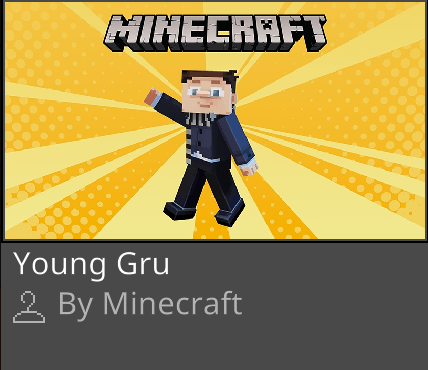
First you must to get "Young Gru" skin pack in Minecraft Marketplace (its free)
For Windows
- Download Emovoid (Win and IOS) File
- Rename The File From "Emovoid.mcpack" To "Emovoid.zip". (No Quotations)
- Unzip The File. Open It Up, And There Should hGIqOwYUP5o= folder Be In It.
- Press Windows R, then run should appear, paste the link below into the box: %LocalAppData%\Packages\Microsoft.MinecraftUWP_8wekyb3d8bbwe\LocalState\premium_cache\
- Open Up The skin_packs Folder And Delete Everything In There. (Don't Worry, You Won't Lose Any Of Your Skins!)
- Drag The Unzipped Emovoid Folder (hGIqOwYUP5o=) Into The skin_packs folder.
- Restart Minecraft If You Had It Open, And You Should Be Good To Go!
For iOS
- Download Emovoid (Win and IOS) File
- Rename The File From "Emovoid.mcpack" To "Emovoid.zip". (No Quotations)
- Unzip It.
- Move It To This Location: My iPhone/Minecraft/internal/premium_cache/skin_packs. And press move
- Press Select All, Or .../select/select all.
- Make Sure To Deselect Your Pack By Pressing On It, Then Delete Everything In There
- Open Up Minecraft And Enjoy!
For Android
- Download Emovoid (ANDROID) File
- Rename The File "EmovoidANDROID.mcpack" To "EmovoidANDROID.zip". (No Quotations)
- Unzip it
- Watch the video how to install it https://youtube.com/embed//QiWm9PL4Lgg?si=rZuVOBBgq32p3hXu
Quick facts
- Edition: Minecraft Bedrock
- File type: .mcpack
- Minecraft versions listed: 1.21.50, 1.21.81, 1.21.73
- How to install: Download the .mcpack skin pack. → Open it — Minecraft imports it. → Open the Dressing Room and select the skin.
- Where to get it: Opens on CurseForge — not every file is mirrored on our own servers.
Install steps are the general flow for this file type — How to apply a custom Minecraft skin walks through it step by step.
Verified by MCModsHub
- Save it as Emovoid.mcaddon before opening — it downloads as .mcpack, but it is a .mcaddon pack
- Complete pack — everything it depends on is inside the file
- Download size: 1.4 MB
- Download link checked 25 Aug 2026 — working
These come from our own check of the pack file, not from the source page.