
EmoChristmas
Bedrock skin pack listed for Minecraft 1.0–1.21. File opened and checked on 28 Sep 2026; installs from the MC Skins app on Android.
EmoChristmas — Skin Pack 🎄🖤. Meet the most atmospheric holidays in the block world! ❄️✨ The skin pack "EmoChristmas" is not just a Christmas mood, it is…
⬇ Download on CurseForge

Forget about bright red noses 🎅! Our 12 characters see winter differently: in the contrast of dark shades and twinkling lights of garlands 🌃💡, in cozy oversized sweaters and the light melancholy of snowy evenings. This is a celebration for those who find beauty in the silence of the falling snow... ❄️🤫And the comfort of being alone under a twinkling garland! 🛋️✨
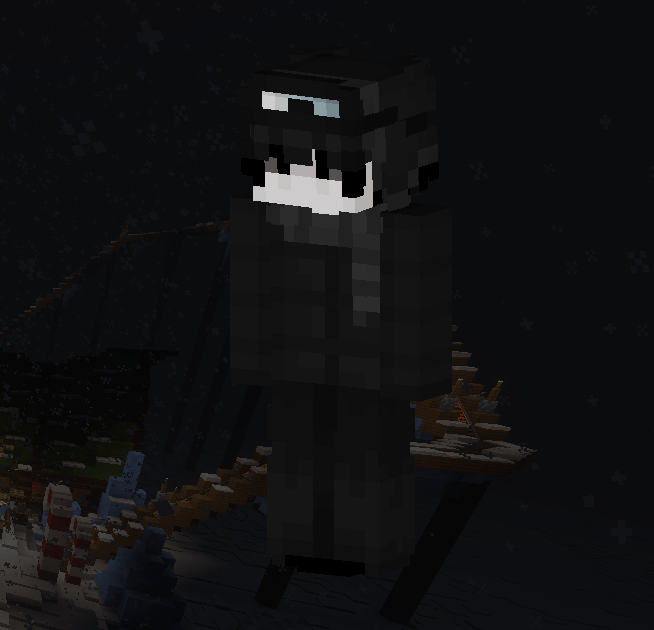
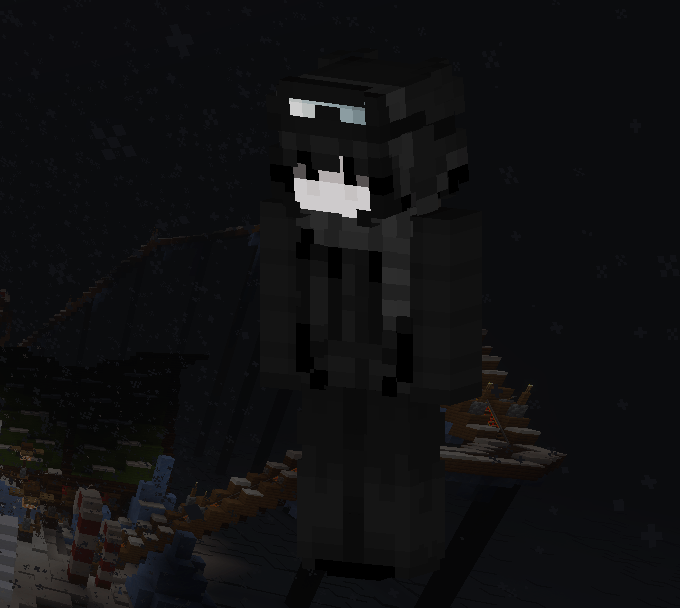

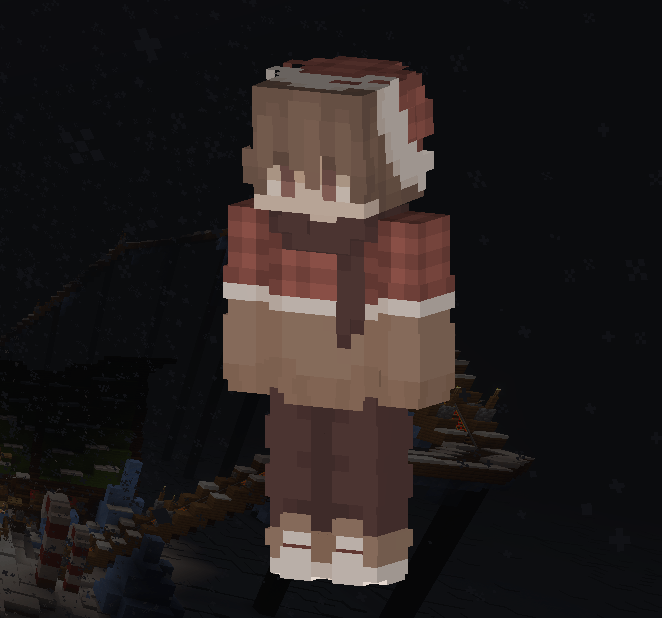

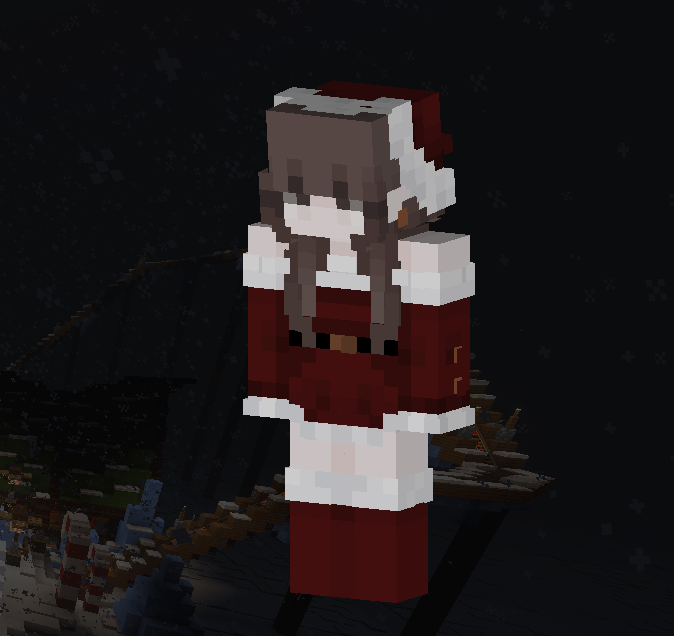

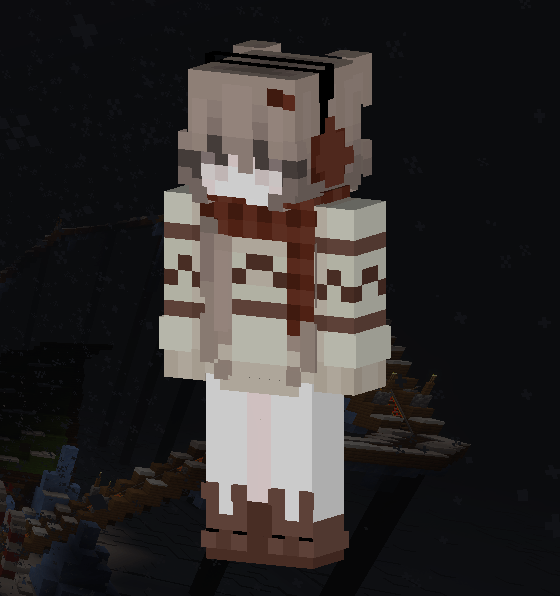

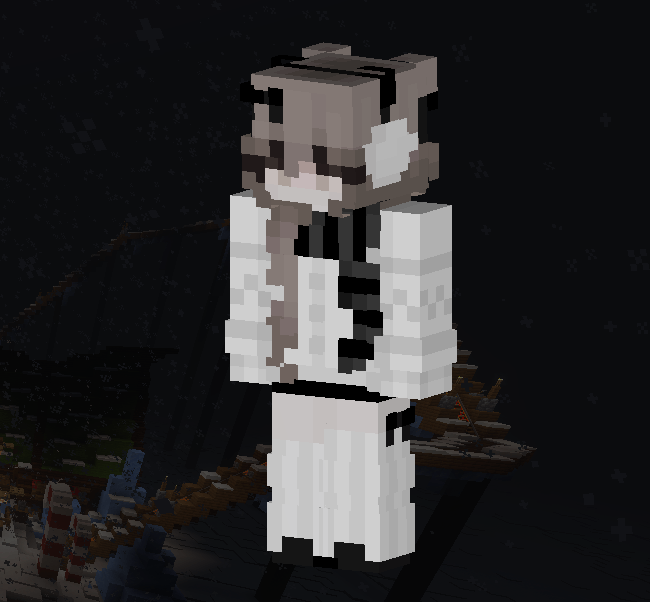
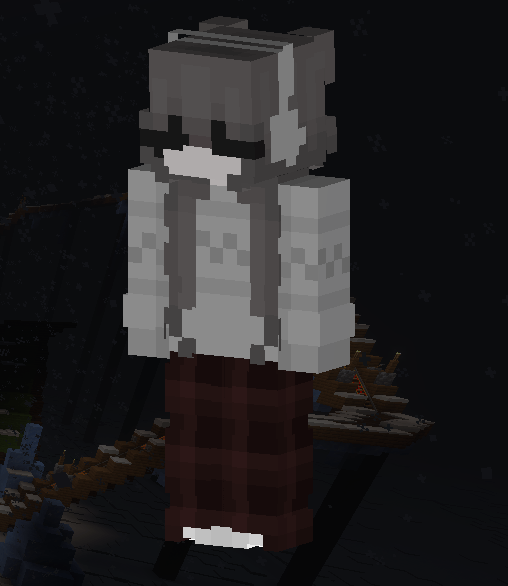
- Edition: Minecraft Bedrock
- File type: .mcpack
- Minecraft versions listed: 1.20.40, 1.21.30, 0.16.2
- How to install: Download the .mcpack skin pack. → Open it — Minecraft imports it. → Open the Dressing Room and select the skin.
- Where to get it: Opens on CurseForge — not every file is mirrored on our own servers.
Install steps are the general flow for this file type — How to apply a custom Minecraft skin walks through it step by step.
- Save it as EmoChristmas.mcaddon before opening — it downloads as .mcpack, but it is a .mcaddon pack
- Complete pack — everything it depends on is inside the file
- Download size: 15 KB
- Download link checked 26 Oct 2026 — working
These come from our own check of the pack file, not from the source page.