SkinsBedrock
Spring 4D
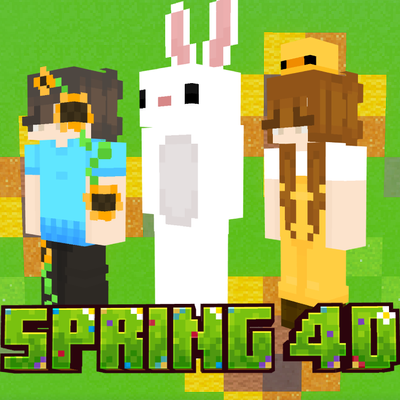
🌻 Wanting Some Fresh Spring Themed Skins To Wear? 🌹 Well, You're In Luck! This Skinpack Comes With Five Unique Spring Themed Skins To Wear Whenever You…
⬇ Download on CurseForge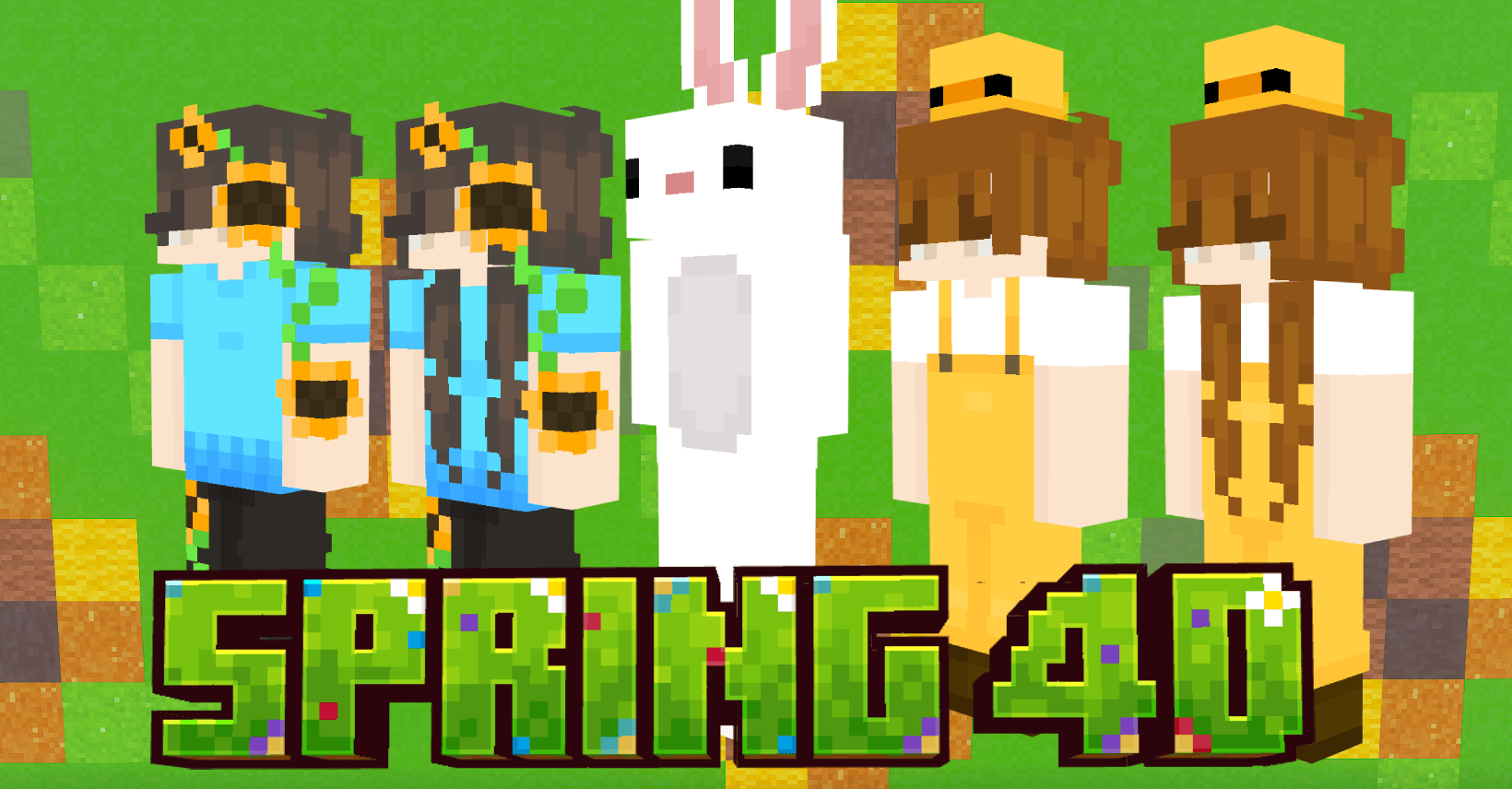
What you get:
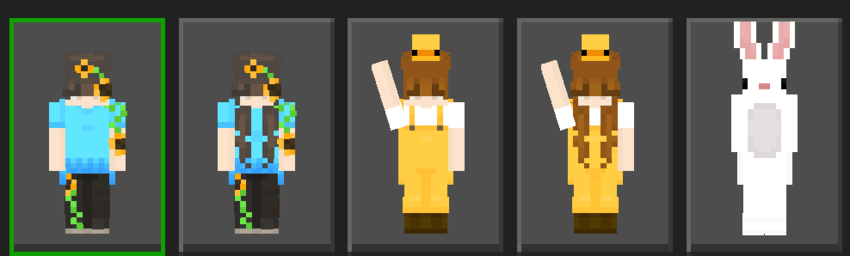
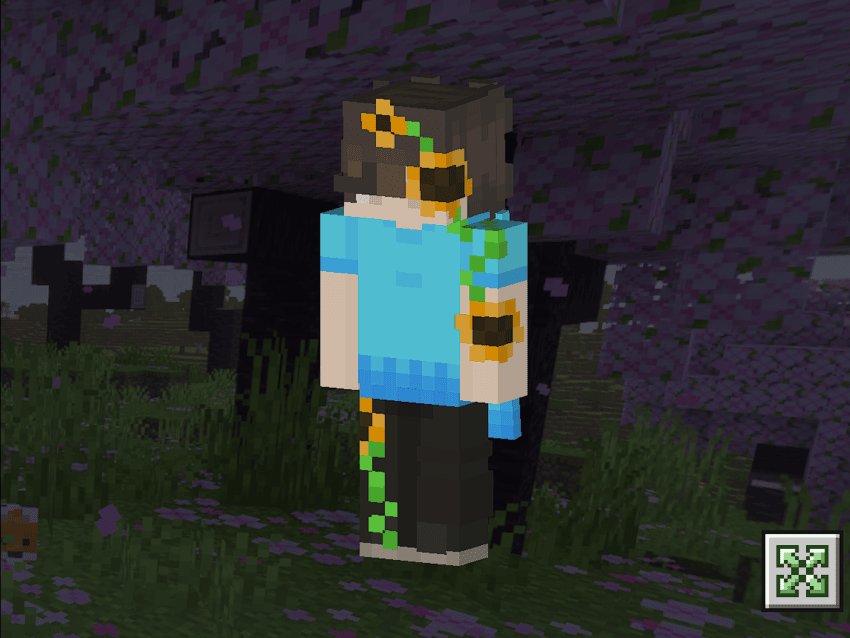
🌻 5 Unique Skins
🌻 Hive Support
🌻 Custom Geometries
🌻 Custom Capes
🌻 A bunny 🐰
Images:
 a
a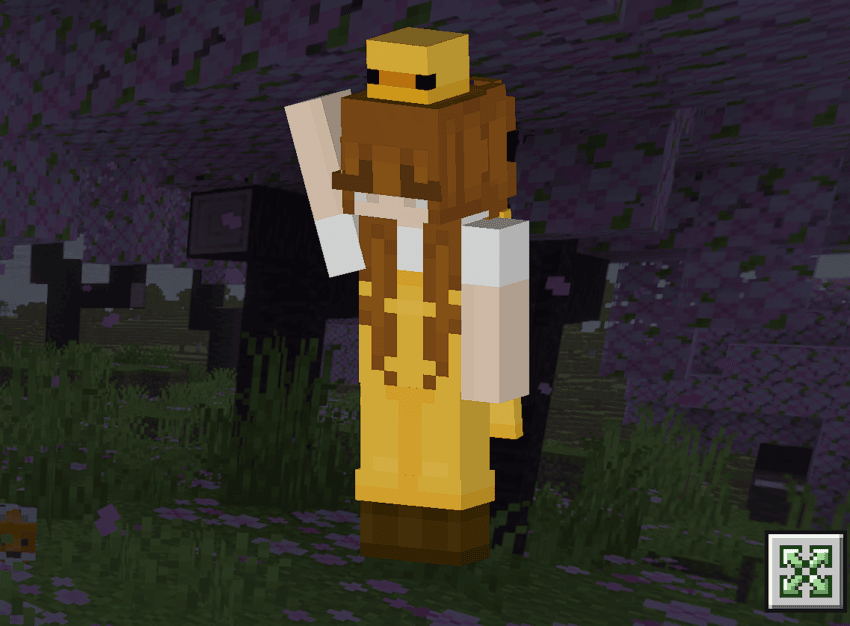
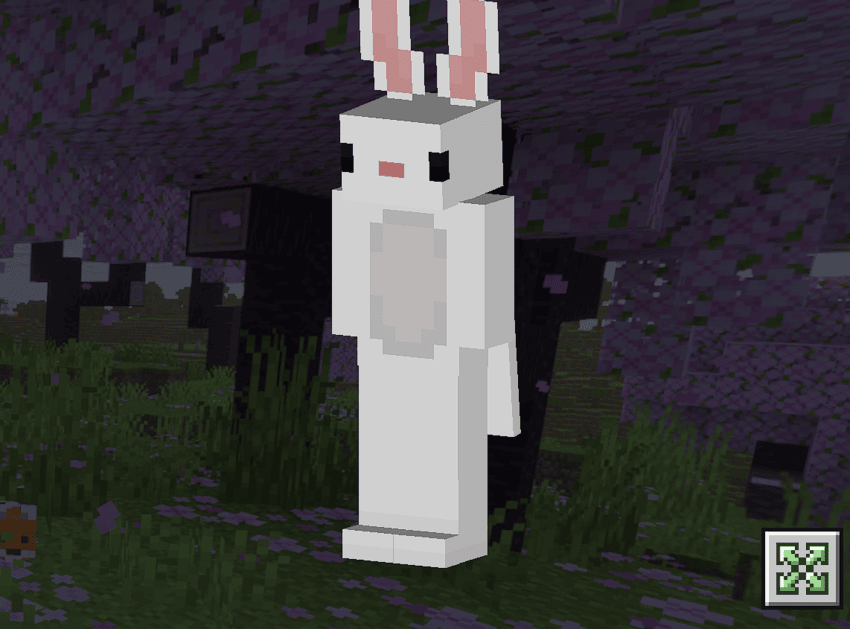
How To Download:
Note: You Must Follow These Steps Or The Skinpack Will Not Load! And Make Sure You Have The Crafty Costumes Skinpack.
Windows 11
- Download The Spring 4D (iOS+PC).mcpack Skinpack
- Rename the file from Spring 4D (iOS+PC).mcpack To Spring 4D (iOS+PC).zip
- Unzip The File
- Press Windows Key + R To Open The Run Dialog
- Paste This File Directory Into The Run Box: %AppData%\Minecraft Bedrock\premium_cache\skin_packs
- Delete Everything Inside The skin_packs Folder
- Put The Spring 4D File Into The skin_packs Folder
- Restart Minecraft You're Good To Go! 🌼
For iOS
- Download The Spring 4D (iOS+PC).mcpack File
- Rename The File From Spring 4D (iOS+PC).mcpack To Spring 4D (iOS+PC).zip
- Unzip The File
- Go to On My iPad (Or On My iPhone)/Minecraft/internal/premium_cache/skin_packs And Delete Everything Inside The skin_packs Folder
- Go To Your Downloads And Hold Down On The Unzipped File And Press Move
- Move It To On My iPad (Or On My iPhone)/Minecraft/internal/premium_cache/skin_packs And Press Move
- Restart Minecraft And You're Good To Go! 🌹
For Android
- Download Spring 4D (ANDROID).mcpack File
- Rename The File From Spring 4D (ANDROID).mcpack To Spring 4D (ANDROID).zip
- Unzip it
- Watch the video how to install it https://youtu.be/QiWm9PL4Lgg?si=rZuVOBBgq32p3hXu
🐰
Quick facts
- Edition: Minecraft Bedrock
- File type: .mcpack
- Minecraft versions listed: 26.0.02, 26.0, 26.3
- How to install: Download the .mcpack skin pack. → Open it — Minecraft imports it. → Open the Dressing Room and select the skin.
- Where to get it: Opens on CurseForge — not every file is mirrored on our own servers.
Install steps are the general flow for this file type — How to apply a custom Minecraft skin walks through it step by step.
Verified by MCModsHub
- Save it as Spring 4D (ANDROID).mcaddon before opening — it downloads as .mcpack, but it is a .mcaddon pack
- Manifest requires Minecraft 1.19.0 or newer
- Complete pack — everything it depends on is inside the file
- Download size: 14 KB
- Download link checked 25 Aug 2026 — working
These come from our own check of the pack file, not from the source page.