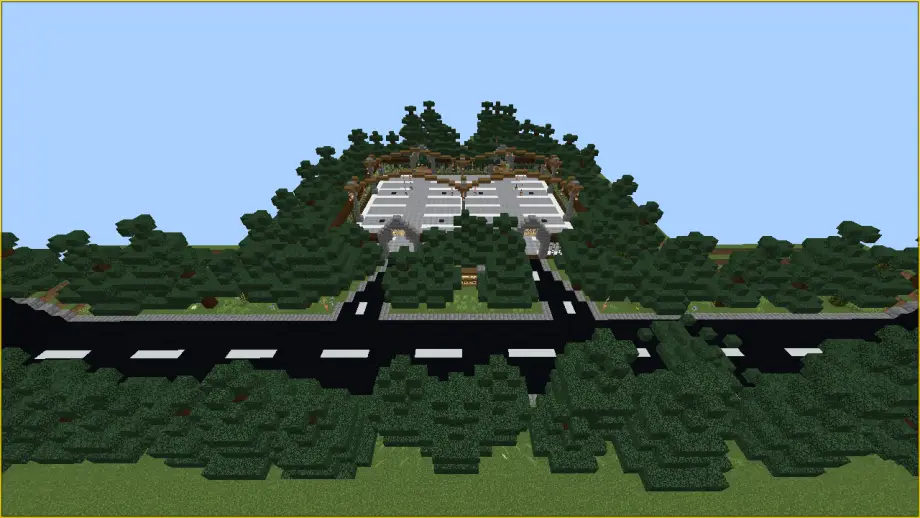
Kai Camp Map for Minecraft
A camping-themed Minecraft map by Ekkerrmanz for creators — features spawners, a starter book, and restart/cleanup mechanics.
⬇ Download
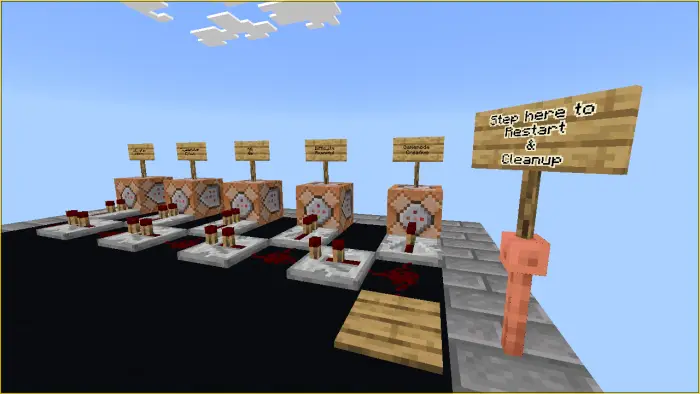
About Kai Camp
Hello there Everyone!
Here's one of the maps I use on my videos — Kai Camp. It's a camping-themed custom Adventure/Survival map by Ekkerrmanz designed for content creators, with spawners, a starter book, and restart/cleanup mechanics.
Overview
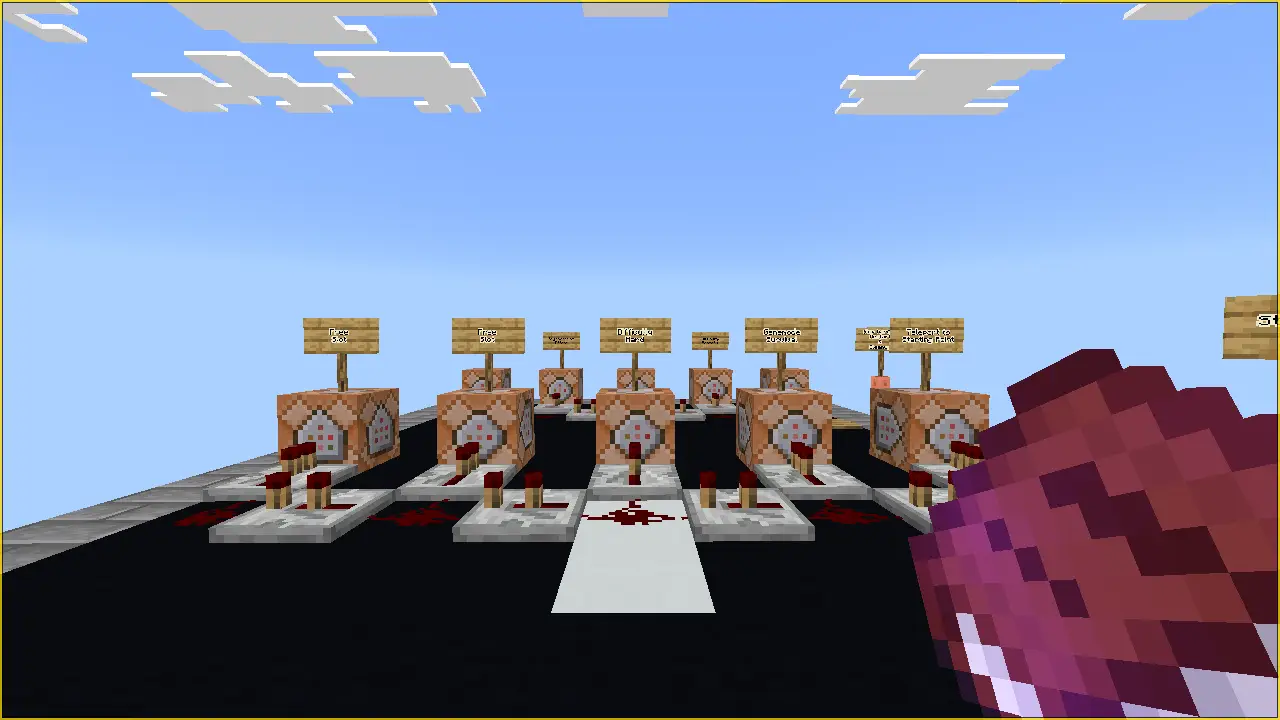
Upon spawning, you'll have a book equipped (recommended to read). The map is flexible — you can change spawners and modify the layout to suit your content.
Features
- Starter book equipped on spawn.
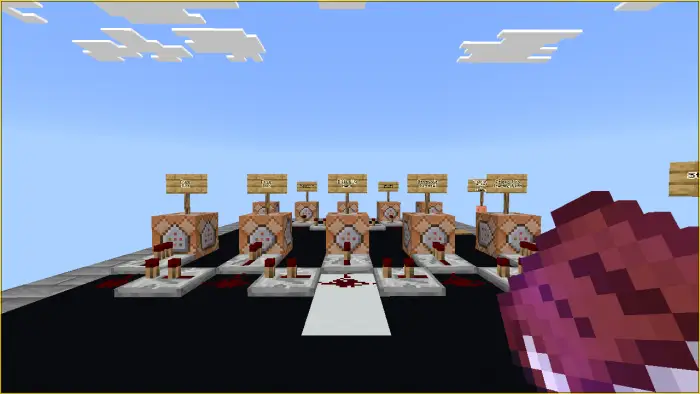
- Editable spawners in the parking lot (default: pillager spawn eggs).
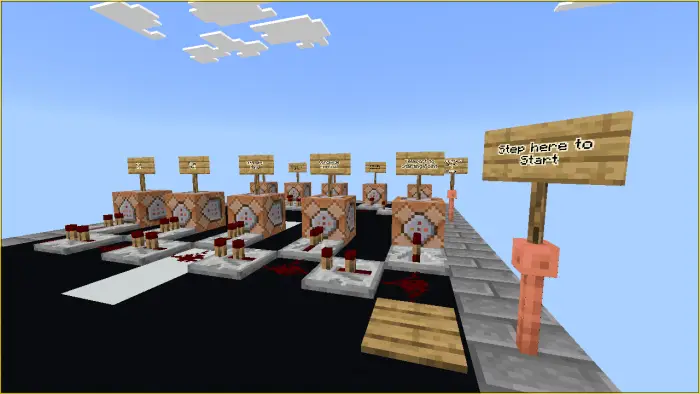
- Start pressure plate: teleports players to the starting point, sets Survival gamemode and Hard difficulty, and grants a high-level Resistance effect.
- Restart & Cleanup pressure plate: switches to Creative and Peaceful, clears entities, and grants short Regeneration and Saturation effects.
- Repeating
/killcommand block setup to reduce lag by clearing leftover entities.
Spawners
There are spawners in the parking lot (exact number varies). They are configured as pillager spawn eggs by default, but are fully editable so you can replace them with other mobs or items to suit your video or gameplay.
Start Pressure Plate
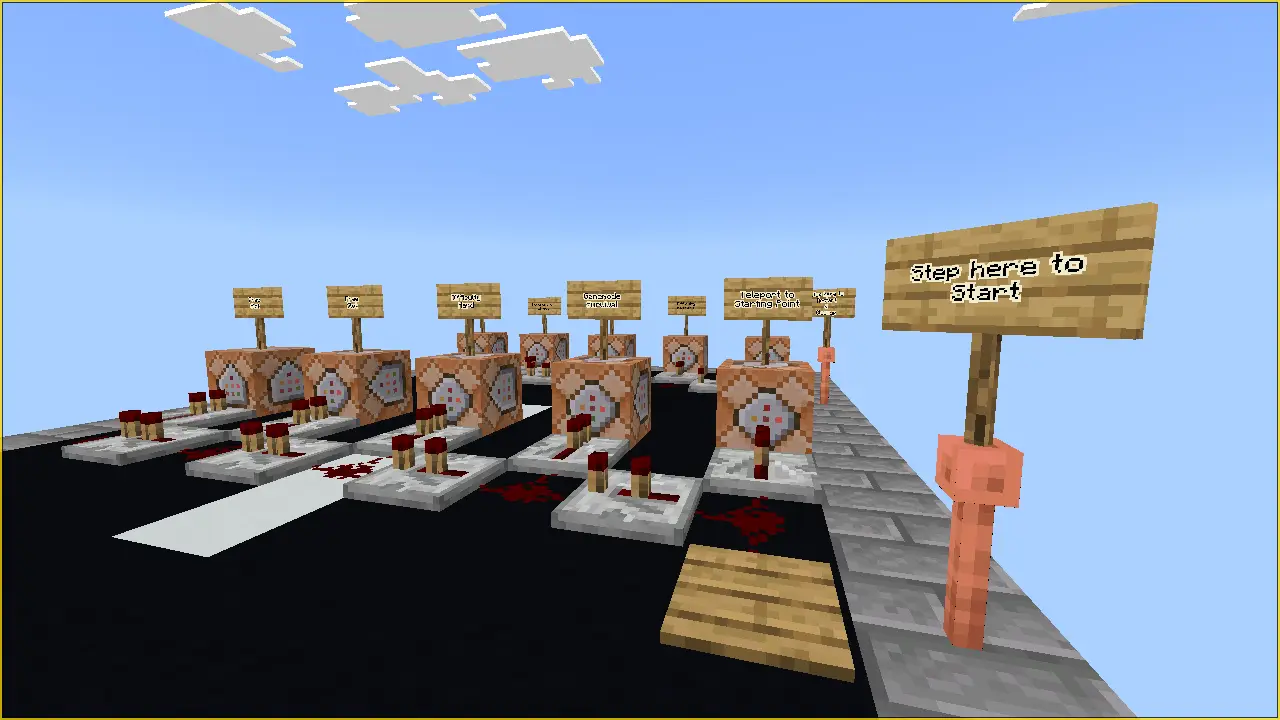
When you press the "Start" pressure plate, it performs the following actions:
- Teleport to starting point
- Switch to Survival gamemode
- Switch to Hard difficulty
- Gives Resistance effect — infinite duration, amplifier 200
- Free slot available (for adding more effects or commands)
Restart and Cleanup Pressure Plate
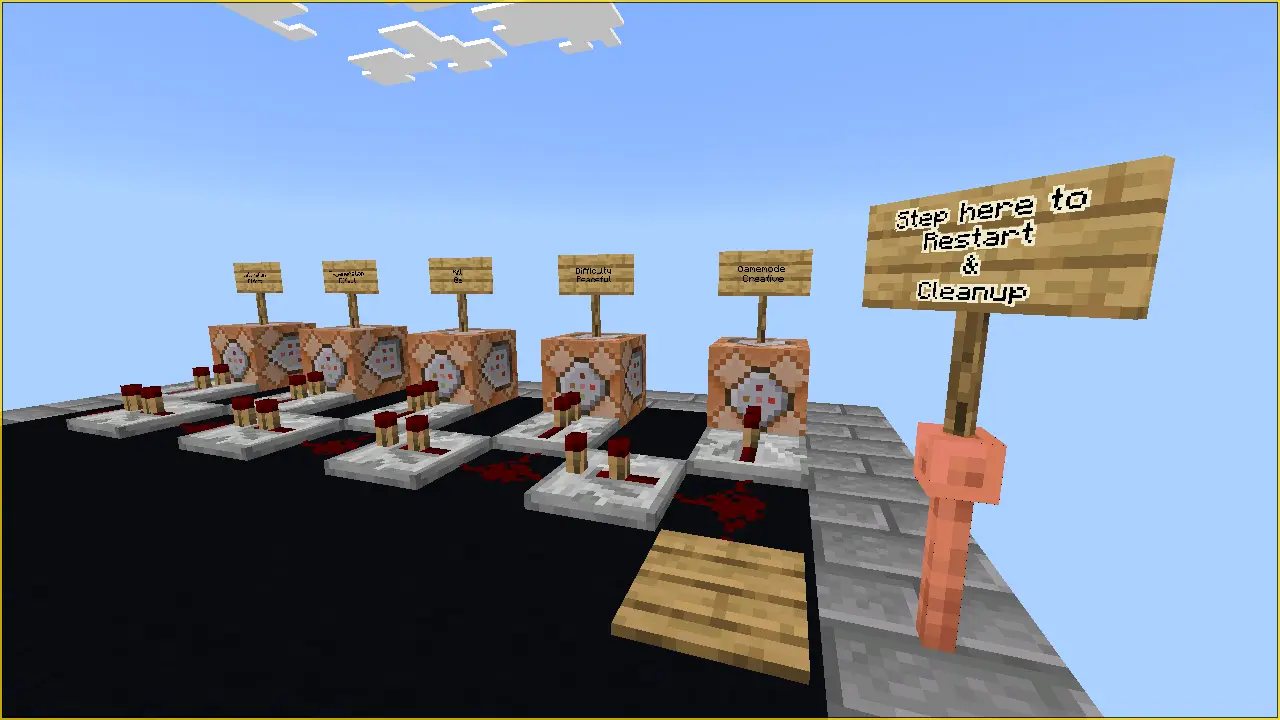
The "Restart and Cleanup" pressure plate performs these actions:
- Switch to Creative gamemode
- Switch to Peaceful difficulty
- Execute
/kill @ecommand (clears entities) - Gives Regeneration effect — 5 seconds, amplifier 5
- Gives Saturation effect — 5 seconds, amplifier 5
Extra: There's a repeating /kill command block setup to help reduce lag by clearing leftover entities.
Notes & Credits
Please credit Ekkerrmanz when using this map.
For more information and a demonstration, see the YouTube video where this map was used.
- Edition: Minecraft Bedrock
- File type: .mcworld
- How to install: Download the .mcworld file. → Open it — Minecraft imports it as a new world. → Find it in your Worlds list and play.
- Where to get it: In MCModsHub, or directly above on this page.
Install steps are the general flow for this file type — How to install Minecraft Bedrock maps walks through it step by step.
- Pack type: .mcworld — a ready-made world
- Download link checked 18 Jun 2026 — working
- Mirrored on our own servers — the download does not depend on the original host
These come from our own check of the pack file, not from the source page.